

YouMind Skills Gallery
Skills is your best partner for learning and creating in YouMind, assisting you in reading and thinking.

Turn your skill into rewards
Publish your skill, set your price, and earn rewards on every install. Redeem for credits or rewards.
View detailEditor's pick
See all
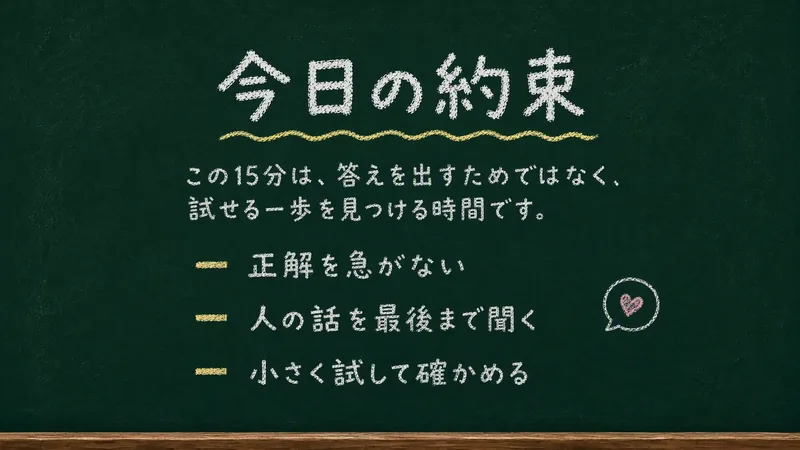
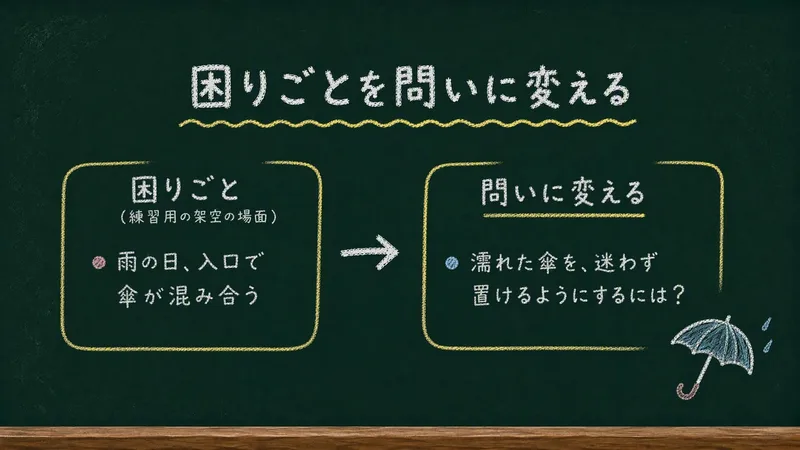
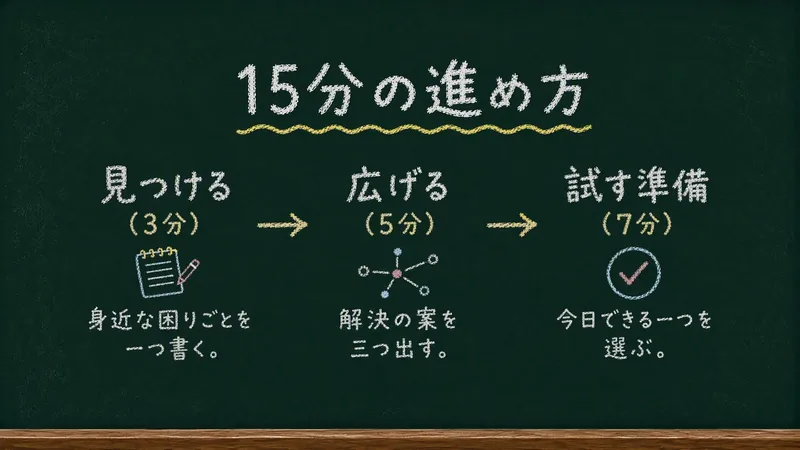
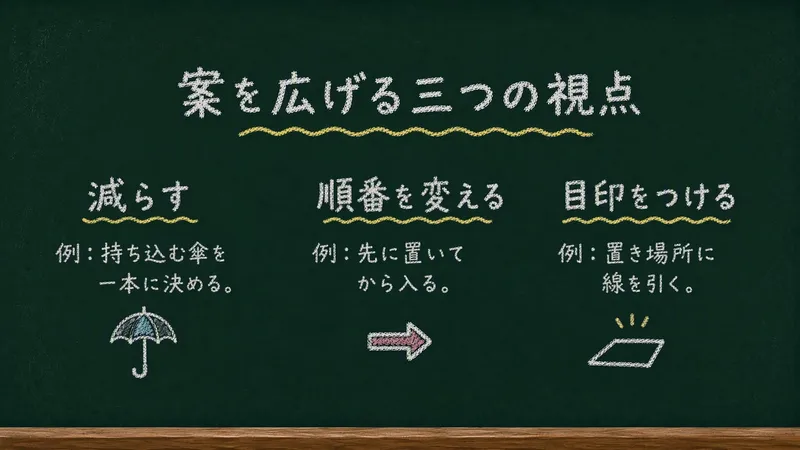
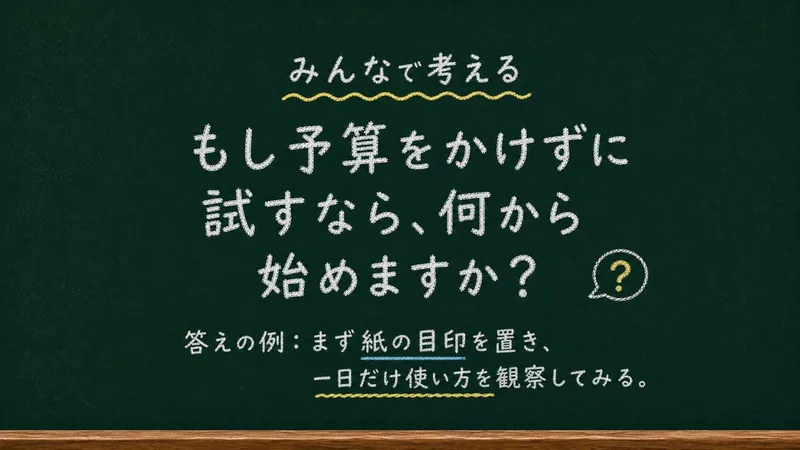
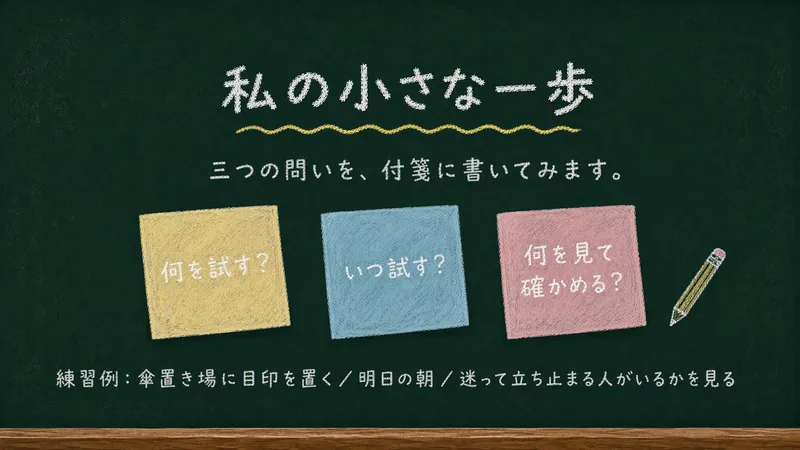
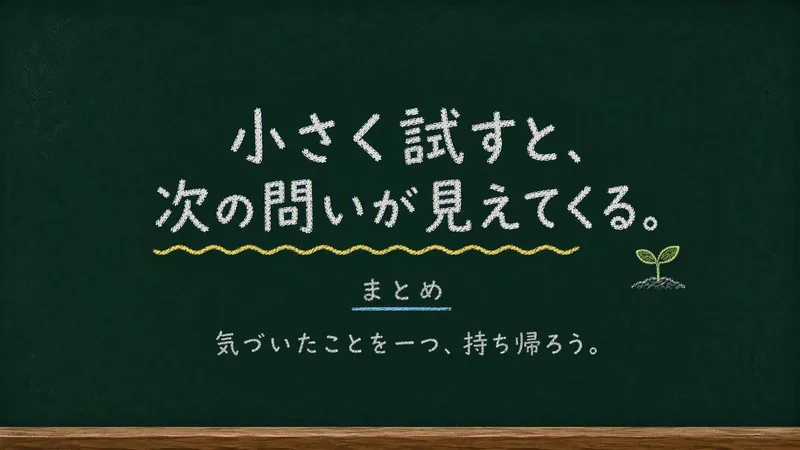
Chalkboard Chalk Presentation
Creates static 16:9 slides on a deep green chalkboard, with rounded chalk lettering and simple doodles. Suitable for casual lessons, internal presentations, workshops, and learning showcases.
Textured Particle Science Animation
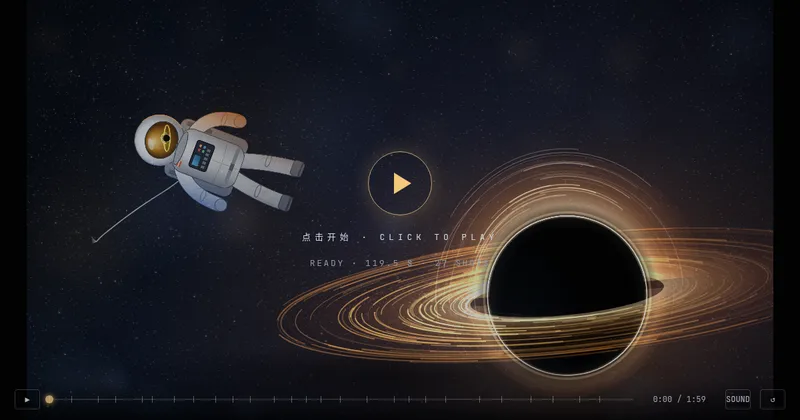
Enter a scientific concept. I’ll research it online and write a storyboard script for your approval, then gather licensed real photos and build a particle-and-vector Canvas educational animation webpage lasting about 2 minutes (customizable). The style combines a premium science documentary with museum-grade scientific visualization: six-layer parallax composition, full-frame layouts without clutter, finely rendered vector subjects with clear lighting, global bloom and film grain, plus gold-and-white starburst particles, large text, and semantic color coding. On-screen text is optimized for small phone screens, keeping only a few large Chinese key labels and clear subtitles. It includes a validated text-particle engine, consistent coordinate rules, a single-track BGM soundtrack, and shot-by-shot screenshot review. The result can be played and exported as a video with sound.
 Research
Weekly Philosophy Frontiers
First, enter the philosophy fields, optional subtopics, key figures, and keywords you want to follow. The Skill then searches for new English-language philosophical publications and academic events from the past seven days, checks your existing materials to remove duplicates, ranks the results by relevance, and produces a Chinese or multilingual weekly briefing based on your language. The briefing is saved as a document, and you are then asked whether to set up a weekly scheduled task.
 Write
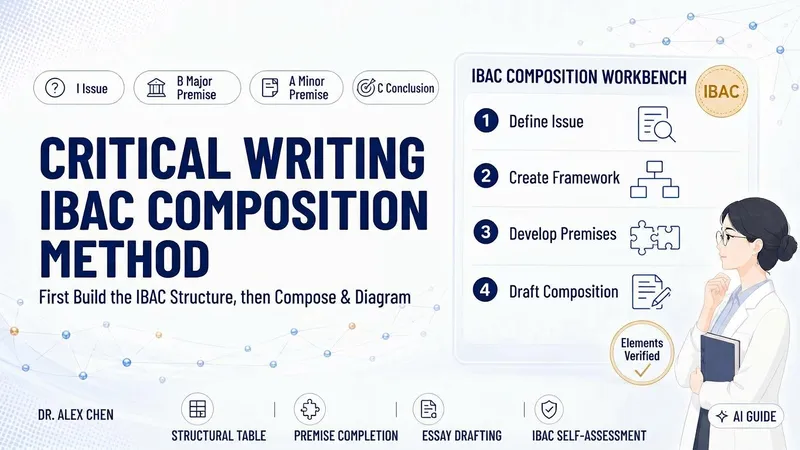
WriteCritical Writing · IBAC
Many articles lack depth not because of the writing, but because the author has not fully clarified what question they are answering or why their conclusion follows. This skill uses Tian Hongyun’s critical writing structure, IBAC— I: Issue, B: major premise (hidden assumptions and beliefs), A: minor premise (facts and evidence), and C: Conclusion—to first narrow a topic into an arguable question, then create an IBAC argument map and pause for your confirmation. Once confirmed, it turns the framework into a complete argumentative essay, along with a hand-drawn marker-style structure diagram and an IBAC self-checklist that identifies, point by point, where premises remain weak and where evidence is missing. It does not embellish or fabricate: wherever evidence is insufficient, it writes “evidence needed” rather than glossing over the gap with rhetoric. Suitable for academic writing, science communication, workplace writing, and independent media, with flexible use across contexts.
 Video
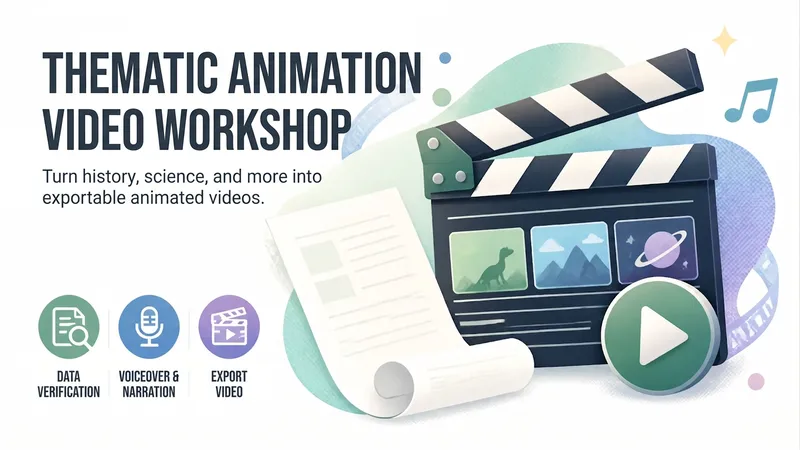
VideoAnimated Video Studio
Enter any topic and choose from 16 animation styles. It automatically handles fact-checking, scene-by-scene scripting, voiceover narration, visual assets, and an animated web page to create a 3–10 minute animated video with subtitles and music. It also includes “Export MP4” for direct downloads. Optimized for Opus 5.5.
Weekly top
 Write
WriteYouTube Video to Article
Turn a long video into an article you can actually finish. Just paste a YouTube link. If you don’t have one, tell me the person, show, or topic you want to explore, and I’ll help you find a few videos to choose from. The article explains the video’s ideas and context, preserves memorable quotes, and can include images when it’s finished.
Create videos with Opus 5.5
Turn an idea, message, or creative brief into a polished motion video with a distinctive visual identity. This skill helps you shape the concept, key visuals, typography, color palette, composition, pacing, and transitions so every design choice supports the story you want to tell. It can create a wide range of video experiences, from expressive title sequences and promotional pieces to presentations, social content, and other visual storytelling projects. Your explicit requirements remain central, while the overall direction is developed with the judgment of a creative director and motion designer to produce engaging visual moments and smooth continuity from shot to shot. The result is a finished, browser-based video experience with carefully coordinated motion and design, checked for technical issues before delivery. Start with a clear prompt describing what you want to communicate, the tone or style you have in mind, and any must-have content or constraints.
Textured Particle Science Animation
Enter a scientific concept. I’ll research it online and write a storyboard script for your approval, then gather licensed real photos and build a particle-and-vector Canvas educational animation webpage lasting about 2 minutes (customizable). The style combines a premium science documentary with museum-grade scientific visualization: six-layer parallax composition, full-frame layouts without clutter, finely rendered vector subjects with clear lighting, global bloom and film grain, plus gold-and-white starburst particles, large text, and semantic color coding. On-screen text is optimized for small phone screens, keeping only a few large Chinese key labels and clear subtitles. It includes a validated text-particle engine, consistent coordinate rules, a single-track BGM soundtrack, and shot-by-shot screenshot review. The result can be played and exported as a video with sound.
 Image
ImageReal × Cute Creature Photos
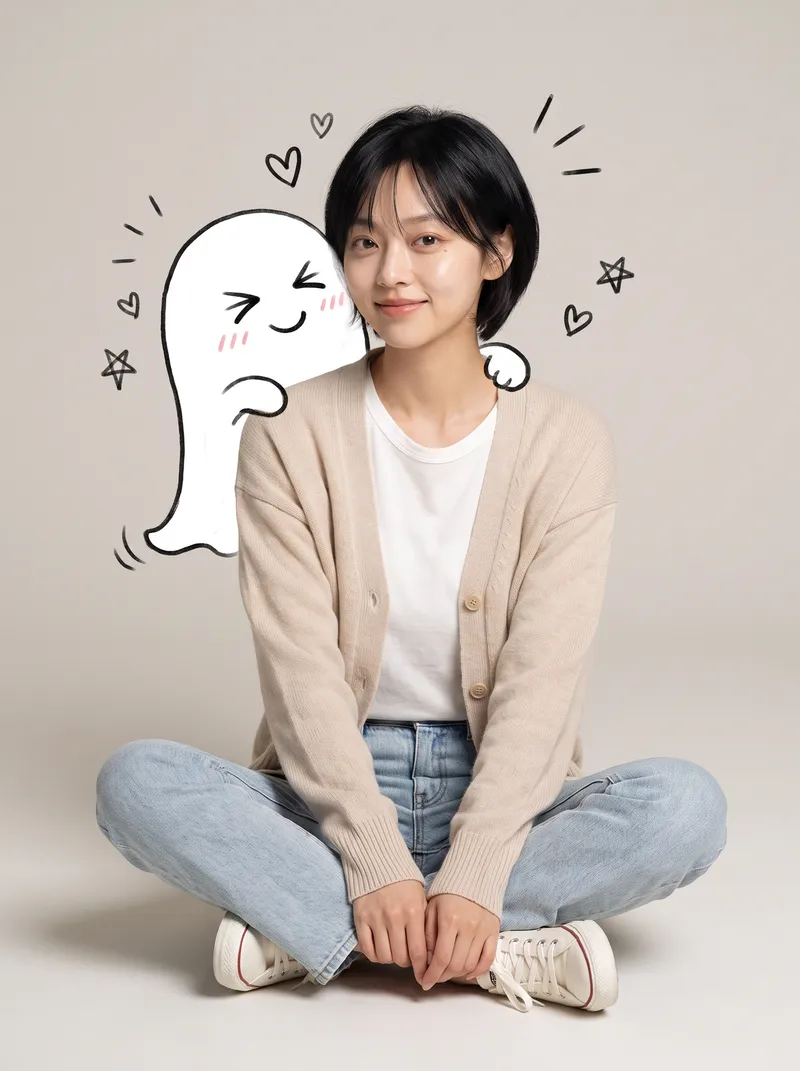
Still posting the same old selfies? Upload your photo, and AI will automatically create a heartwarming feature photo of you embracing a hand-drawn cute creature: a small white creature with black outlines peeks out from behind you, gently cupping your face with its little paws and resting them on your shoulder, surrounded by tiny hearts and sparkles. ✨ Keeps your face recognizable—no identity swaps or distortion ✨ Automatically matches the outfit to your vibe, so you don't have to style it yourself ✨ Multiple poses work beautifully: sitting, standing, crouching, or leaning ✨ A different cute creature every time: a dumpling, puppy, teddy bear, baby, and more—random surprises included ✨ Default 3:4 portrait format, ideal for Xiaohongshu and Moments; the aspect ratio is customizable One photo, one minute, and it's ready to collect likes.
 Image
ImageOne-Click Snapshot Collage
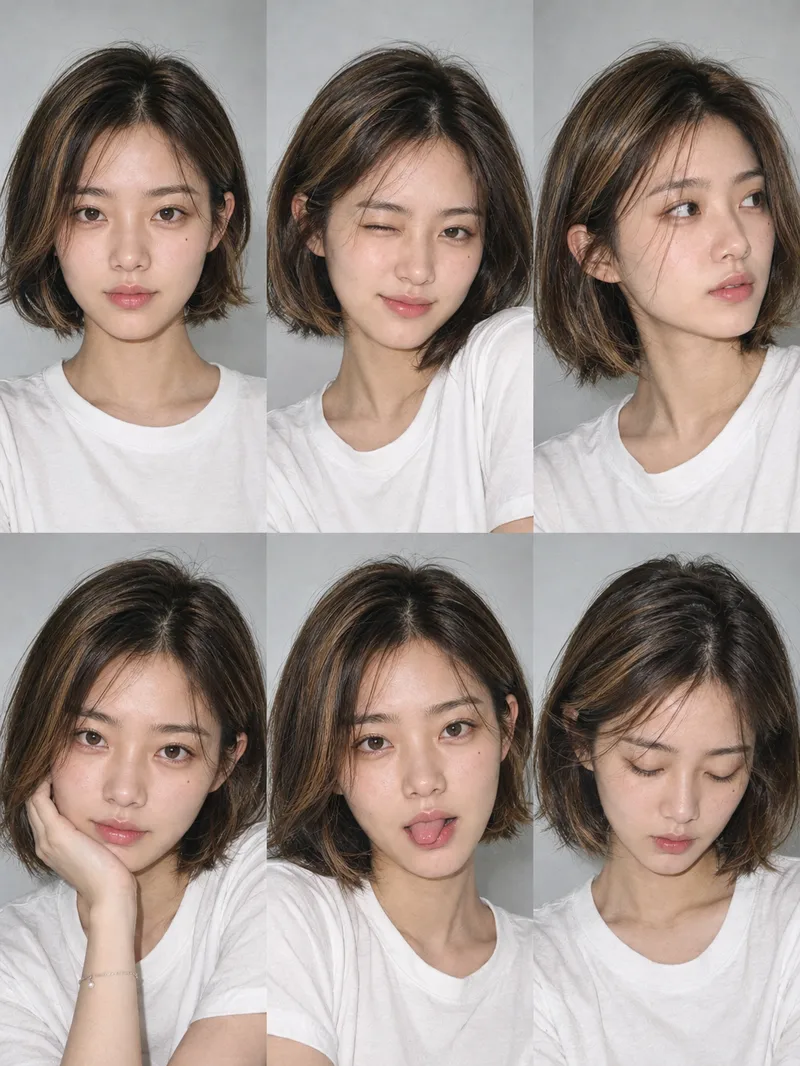
Using the user-uploaded photo as the sole identity reference, generate a realistic multi-panel portrait collage of the same person, with a default 3×2 layout. It features a range of expressions and poses with the feel of an Instagram candid snapshot collection. By default, the best image-generation model is used to create the image directly, along with the complete prompt used for the final result.
 Image
ImageCity Culture Poster Maker
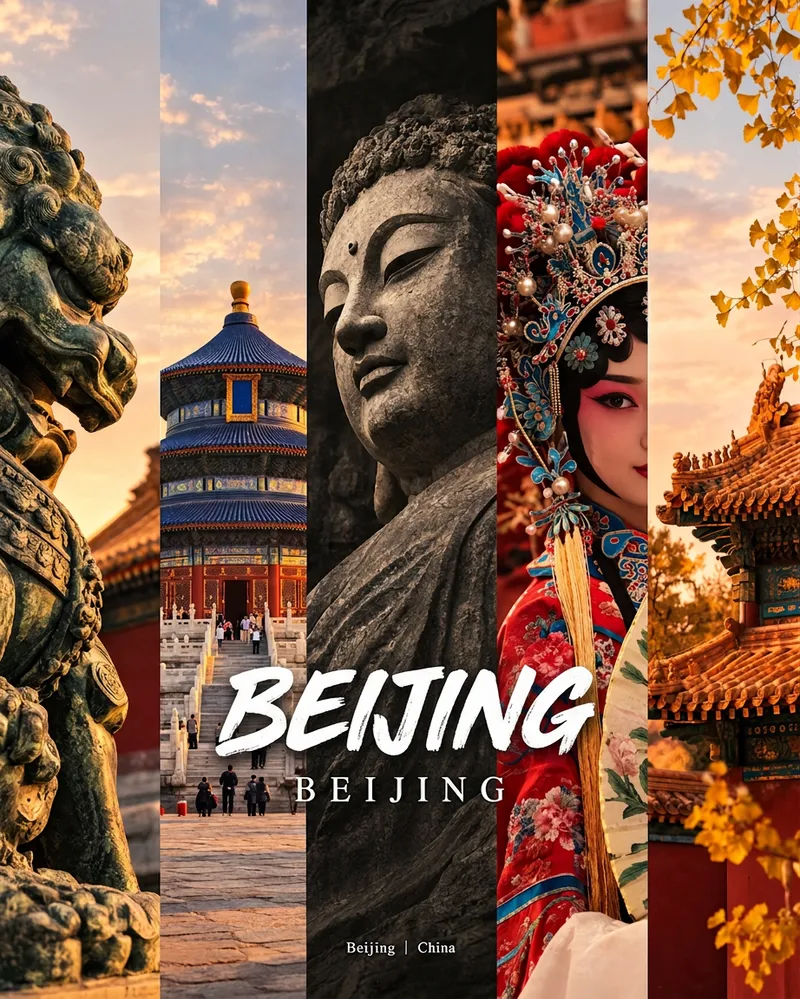
Enter a place name to instantly create a polished city identity poster in a five-panel vertical-strip format. The design seamlessly combines five equal-width vertical strips: close-ups of cultural artifacts and nature on the outer panels, an architectural landmark in the second panel, local customs and cultural life in the fourth, and the city’s most soulful cultural symbol in the center. The overall look uses warm golden-hour light and cinematic color grading. The center panel is darkened and desaturated to create a "warm—cool—warm" visual rhythm. A large white calligraphic place name, its English serif name, and the small text "Administrative Region | Country" are layered below the center panel. Two ways to use it: · Upload 5 photos you took yourself and enter a place name: the system automatically sorts them by content, crops them vertically, applies consistent color grading, and combines them into a poster in the same style · Enter only a place name: the system automatically selects 5 of the area’s most representative real-world elements and faithfully generates the poster Ideal for travel blogger covers, city tourism promotion, Xiaohongshu/Instagram carousel cover images, city identity cards, and album covers.
 Image
ImageMini me
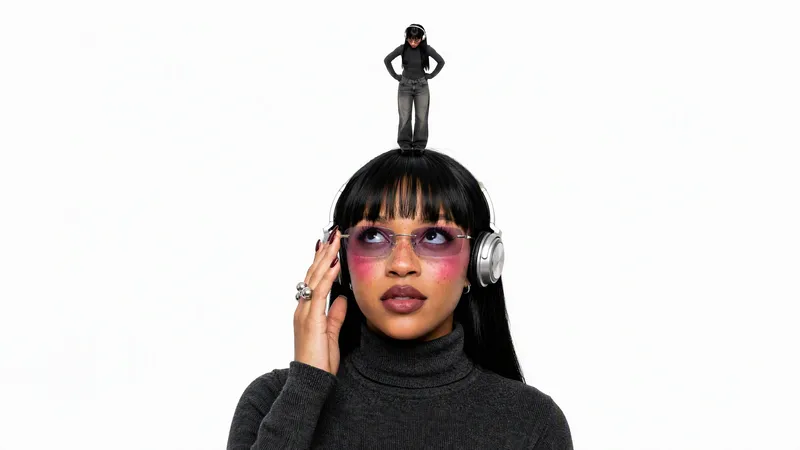
Turns an uploaded portrait photo into a finished studio shot of a giant subject interacting with a miniature version of themselves on a pure white background. It keeps the same person's face, hair, outfit, and accessories consistent across both scales, and supports contact or non-contact poses such as palm, fingertip, shoulder, top of the head, hair, or ground performance.
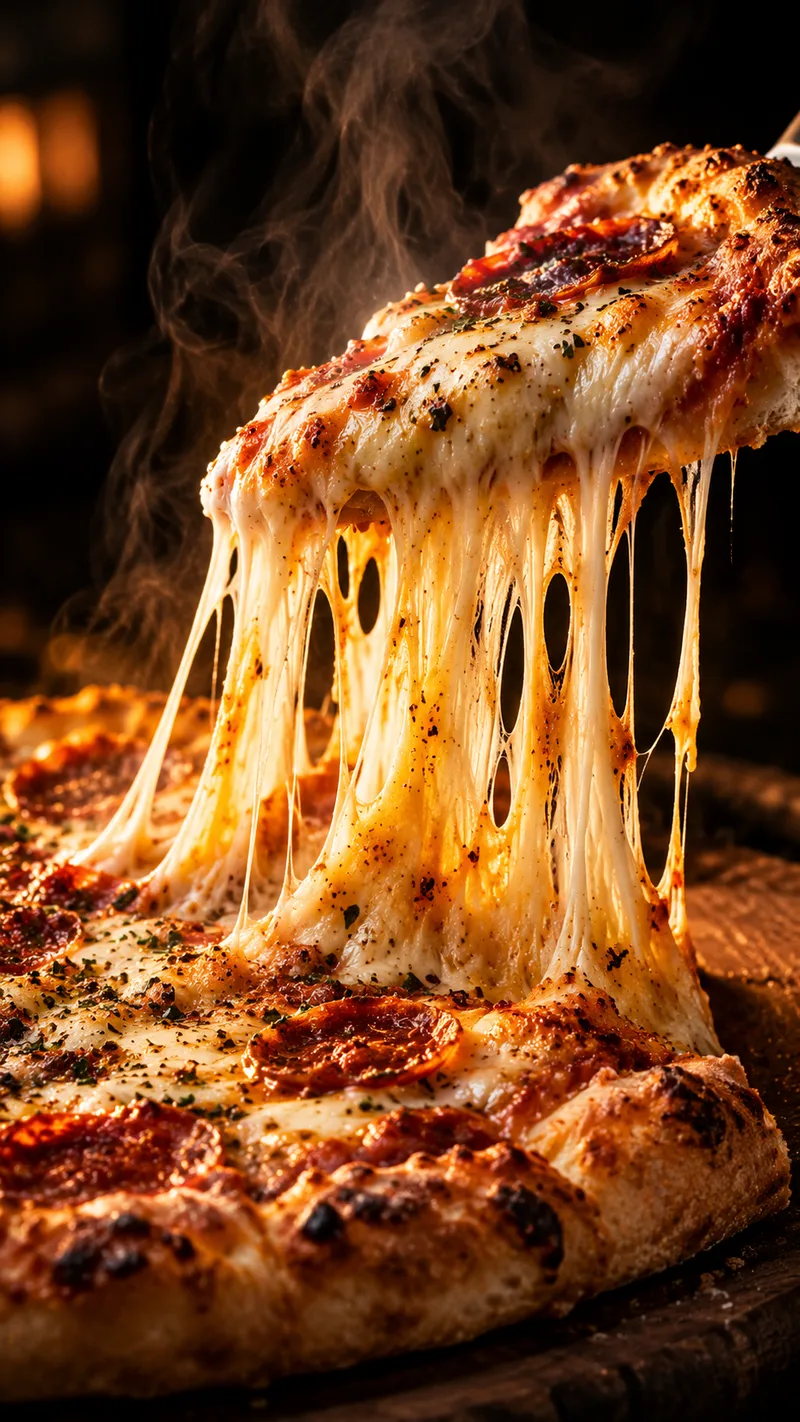
Satisfying Macro Food Video Director
Give it a dish and get a ready-to-generate satisfying food video plan. You get a 6-shot storyboard, a copy-paste prompt for every shot (macro lens, slow motion, glossy textures, warm lighting), ASMR sound cues, and a short caption with hashtags for Reels, TikTok, and Shorts. Works for desserts, street food, cheese pulls, chocolate pours, and cutting or slicing scenes. Want ready-made storyboards? Get the Satisfying Food Video Prompt Kit: 8 complete storyboards, 48 shot prompts. [https://payhip.com/b/1M0uT]
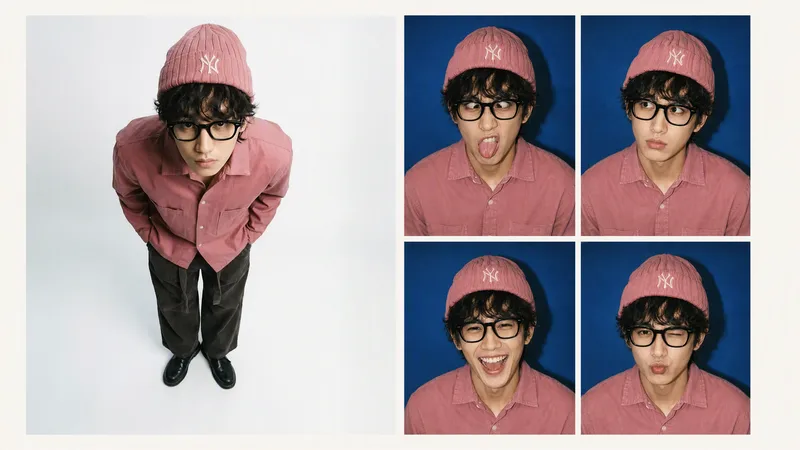 Image
ImageRetro Photo Booth
Turn one clear front-facing portrait into a single 2×2 retro hard-flash photo-booth print, keeping the person's identity and styling consistent while showing four distinct expressions: a goofy face, puzzled, big laugh, and a pouty wink.
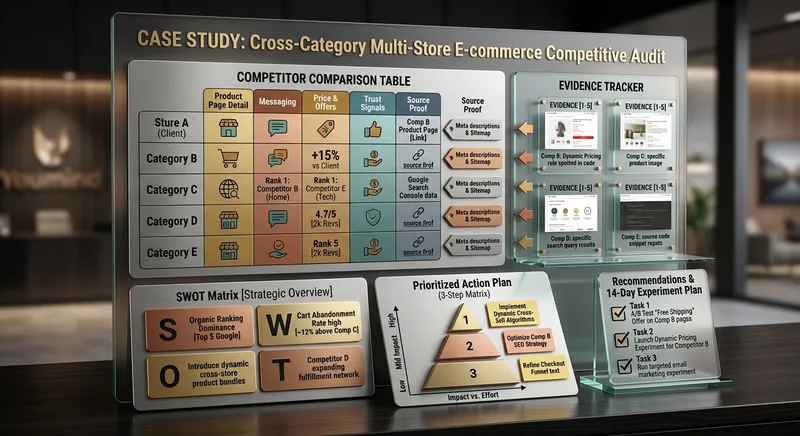
Competitor Store Opportunity Analyzer
Compare online stores using available evidence about product pages, messaging, offers, visible pricing, trust signals, and customer experience. Discover competitive strengths, identify improvement opportunities, and build a prioritized action plan. Ideal for e-commerce owners, online sellers, and digital marketing consultants.
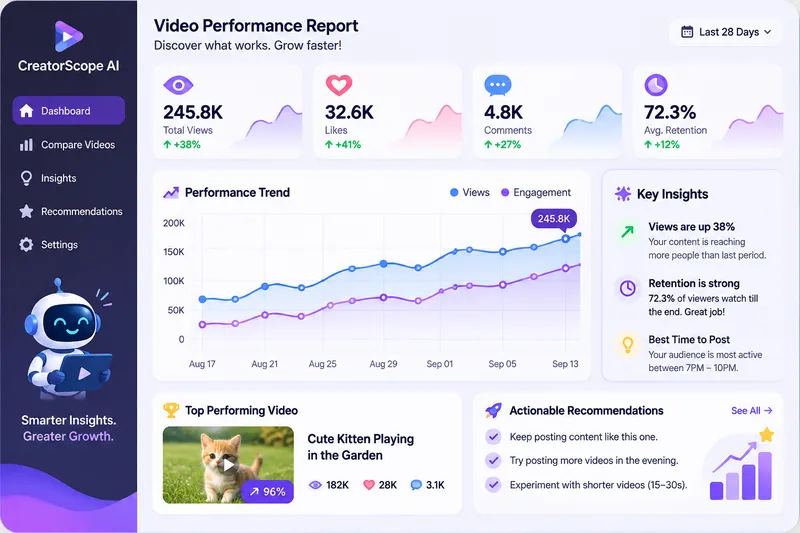
CreatorScope AI
CreatorScope AI helps content creators analyze video performance across Facebook, Instagram, TikTok, and YouTube Shorts. It examines available metrics, compares videos, identifies potential performance and monetization issues, and provides practical, data-driven recommendations to improve reach, audience retention, and revenue. Users can submit public video or channel URLs, analytics screenshots, or manually entered metrics. The skill distinguishes verified facts from hypotheses, never invents data, and clearly explains when additional information is needed. It only analyzes information it can actually access and does not claim access to private analytics through URLs alone.
WP Theme & CSS Customizer
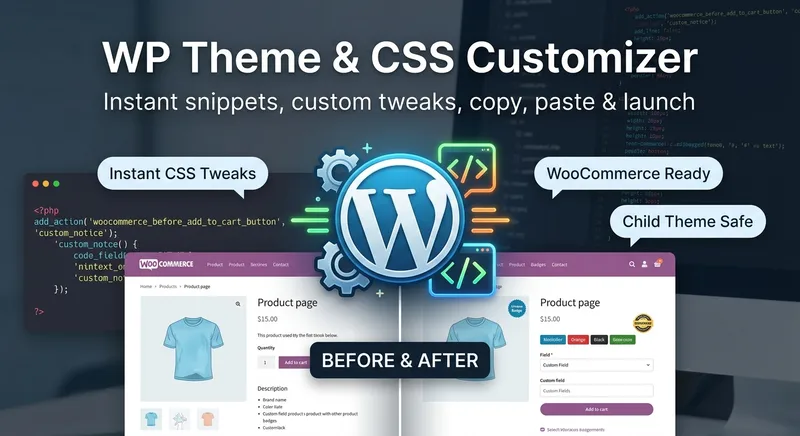
Get targeted WordPress theme customizations with practical, ready-to-use CSS, PHP, and JavaScript snippets. This skill helps you adjust theme styling, modify WooCommerce layouts and features, add custom fields or badges, control sidebars and page elements, and load scripts only where they are needed. Share your goal along with your theme or child theme, relevant plugins and page builders, the target page or area, and any constraints such as RTL support or avoiding functions.php. The guidance is tailored to setups including Astra, Storefront, custom themes, Elementor, and WooCommerce, so you can make focused changes without applying unnecessary site-wide edits. Each response explains the approach, provides clearly labeled code, and tells you where to add it. PHP changes that could potentially affect site stability come with an appropriate safety warning, making this useful for both small visual tweaks and more involved WordPress theme customization work.

Local Business Website Growth Auditor
Analyze local business websites and turn available evidence into a practical growth plan. Identify issues affecting clarity, trust, service presentation, usability, and customer inquiries. Get prioritized recommendations, an actionable improvement checklist, and suggested performance metrics. Designed for local service businesses, website owners, and small marketing agencies.
B2B Lead Research & Outreach Planner
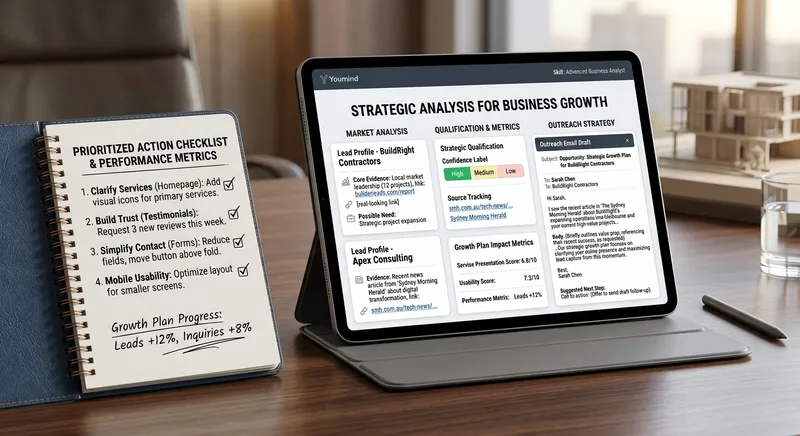
Research potential B2B customers, identify relevant business opportunities from available evidence, qualify prospects, and create personalized outreach drafts. Includes source tracking, confidence labels, and professional follow-up suggestions. Designed for freelancers, consultants, sales teams, and small agencies.
Proposal & Scope-of-Work Builder
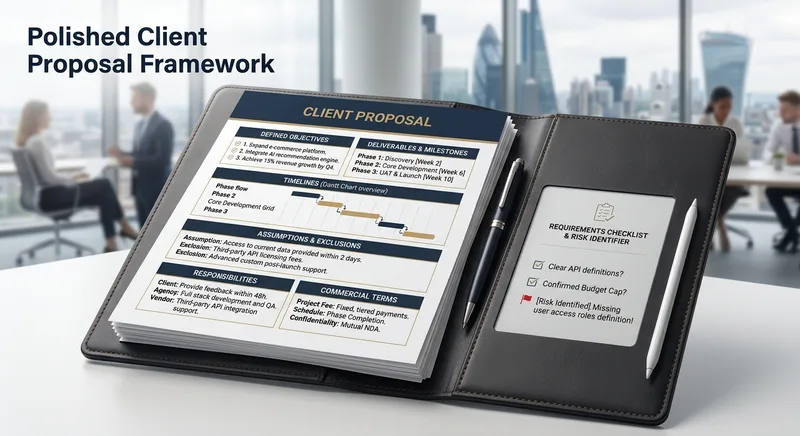
Create polished client proposals with defined objectives, deliverables, timelines, assumptions, exclusions, responsibilities, and commercial terms. Identify missing requirements before they become project risks. Suitable for freelancers, consultants, software developers, and service agencies.
Monthly top
 Webpage
Punch Hole Photo Studio
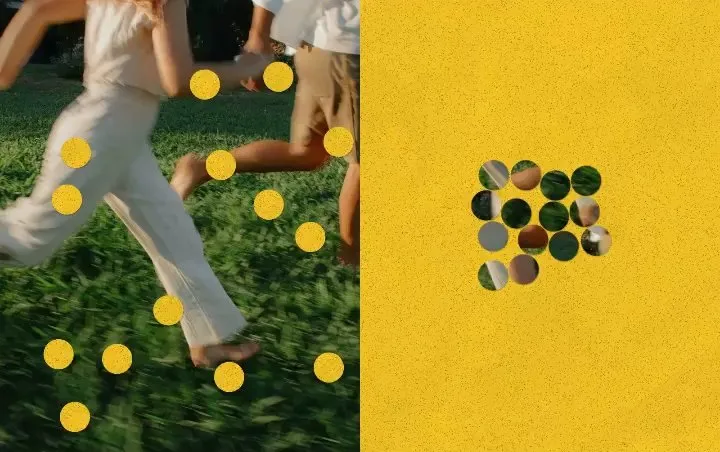
A photo punch studio to swap cutouts between your photo and paper, then export images or animations.
WriteYouTube Video to Article
Turn a long video into an article you can actually finish. Just paste a YouTube link. If you don’t have one, tell me the person, show, or topic you want to explore, and I’ll help you find a few videos to choose from. The article explains the video’s ideas and context, preserves memorable quotes, and can include images when it’s finished.
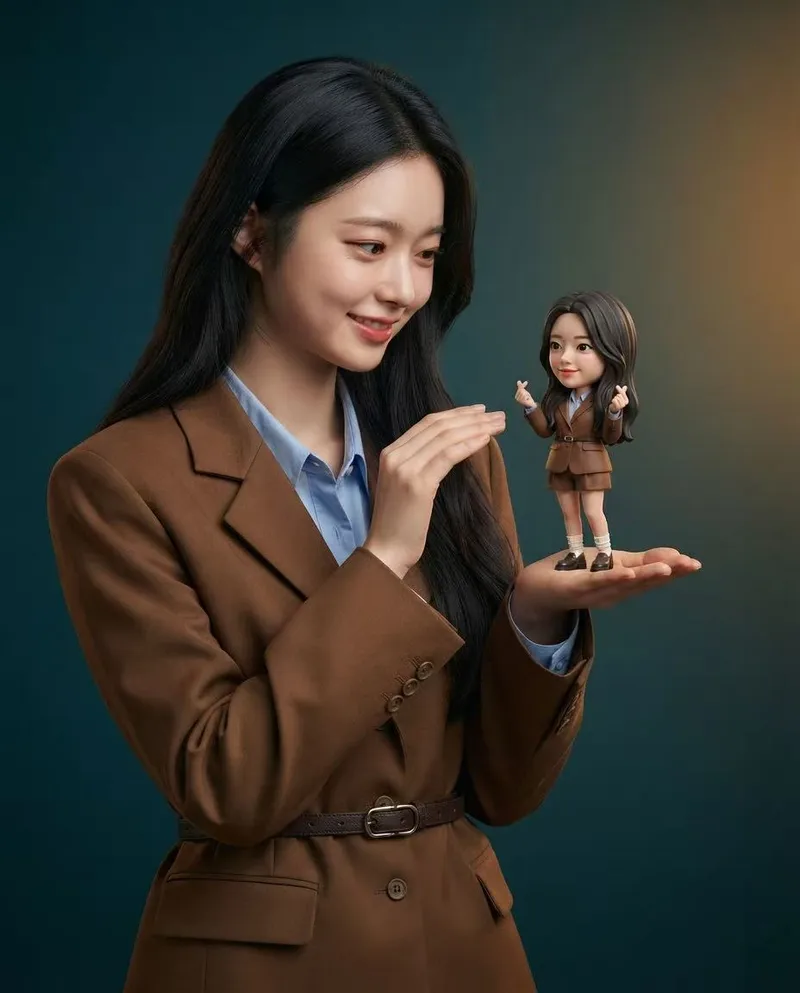
Mini Chibi Alter-Ego Poster
Upload a portrait photo to generate a hyper-realistic, cinematic commercial poster: the person interacts with a mini chibi 3D “alter ego” on their palm, while closely preserving their identity, hairstyle, accessories, and clothing. The skill automatically selects a varied combination from six poses and eight background color schemes, prioritizing contrast between the background and clothing. The result is a single vertical poster, defaulting to a 3:4 aspect ratio.
Create videos with Opus 5.5
Turn an idea, message, or creative brief into a polished motion video with a distinctive visual identity. This skill helps you shape the concept, key visuals, typography, color palette, composition, pacing, and transitions so every design choice supports the story you want to tell. It can create a wide range of video experiences, from expressive title sequences and promotional pieces to presentations, social content, and other visual storytelling projects. Your explicit requirements remain central, while the overall direction is developed with the judgment of a creative director and motion designer to produce engaging visual moments and smooth continuity from shot to shot. The result is a finished, browser-based video experience with carefully coordinated motion and design, checked for technical issues before delivery. Start with a clear prompt describing what you want to communicate, the tone or style you have in mind, and any must-have content or constraints.
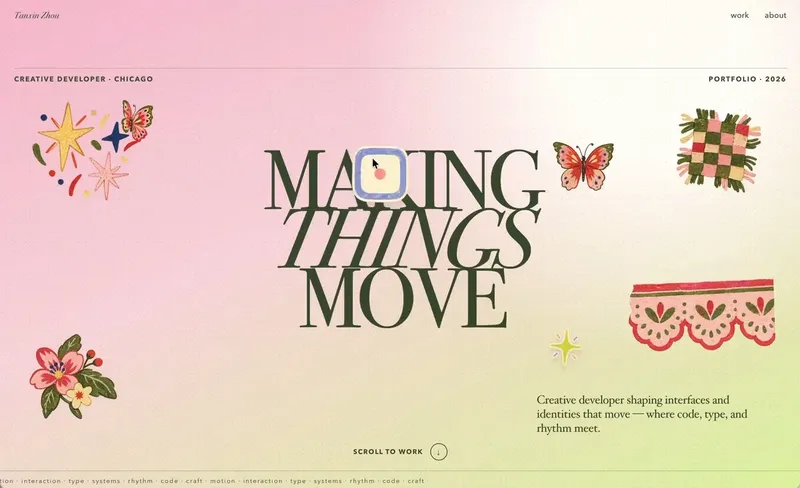 Webpage
Little Gravity Portfolio
Build an intimate one-page portfolio where real work leads, airy Riso fragments decorate the margins, and small objects fall gently into motion. Use for a creative professional's personal portfolio or selected-work page; keep factual claims user-supplied and generated imagery decorative.
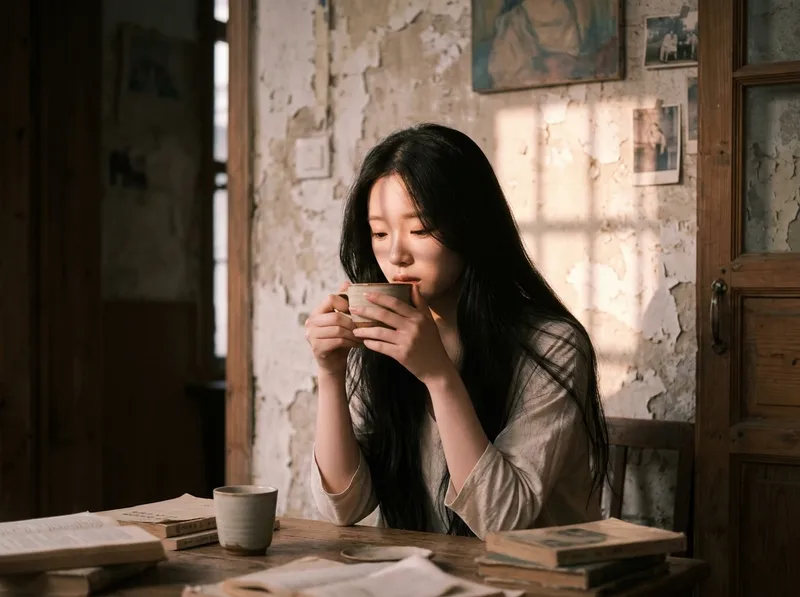
Cinematic Sunset Portraits
Upload a portrait to generate a hyper-realistic cinematic sunset portrait that closely preserves the subject’s facial features, hairstyle, and overall presence. Choose from multiple poses and color tones, or let them rotate automatically. The result is a vertical atmospheric portrait image, with the aspect ratio customizable.
Textured Particle Science Animation
Enter a scientific concept. I’ll research it online and write a storyboard script for your approval, then gather licensed real photos and build a particle-and-vector Canvas educational animation webpage lasting about 2 minutes (customizable). The style combines a premium science documentary with museum-grade scientific visualization: six-layer parallax composition, full-frame layouts without clutter, finely rendered vector subjects with clear lighting, global bloom and film grain, plus gold-and-white starburst particles, large text, and semantic color coding. On-screen text is optimized for small phone screens, keeping only a few large Chinese key labels and clear subtitles. It includes a validated text-particle engine, consistent coordinate rules, a single-track BGM soundtrack, and shot-by-shot screenshot review. The result can be played and exported as a video with sound.
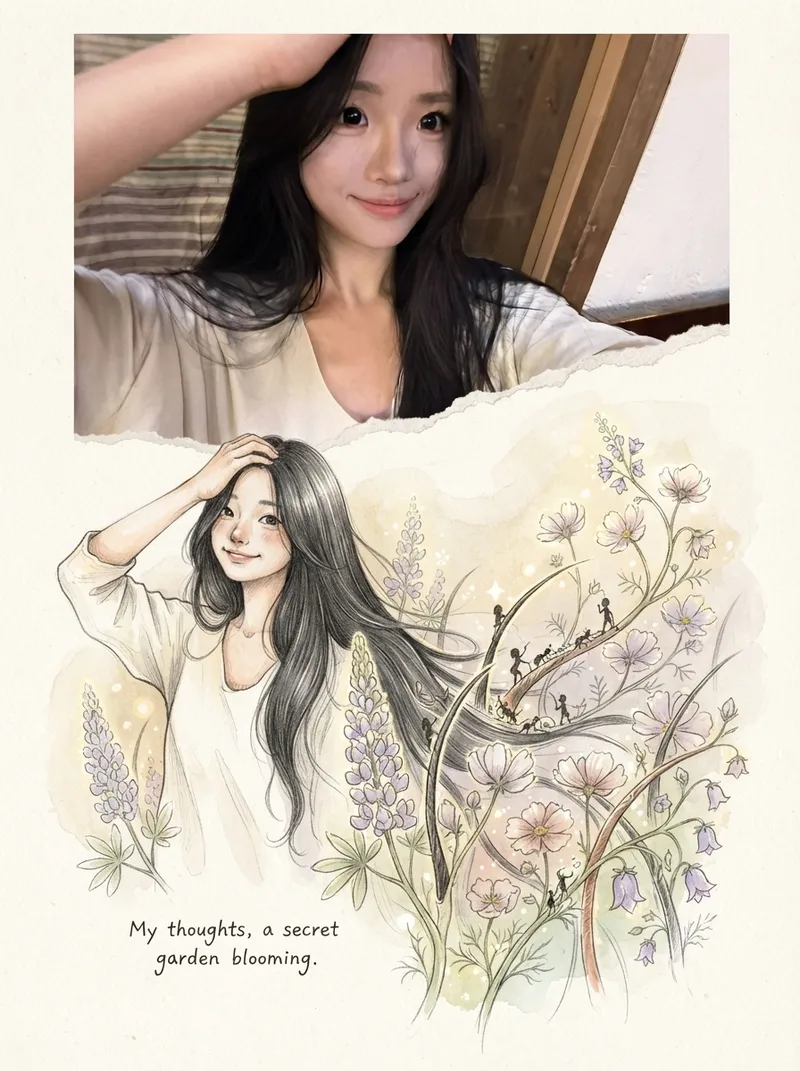
Photos into Storybooks
Using the uploaded photo as the sole reference, create a portrait-format (default 3:4) composite image with an editorial feel, combining the photo with a hand-drawn illustration: preserve the original photo in the upper half, naturally extend it into a hand-drawn storybook illustration in the lower half, and add a short handwritten-style caption in the blank space.
One-Click Editorial Poster
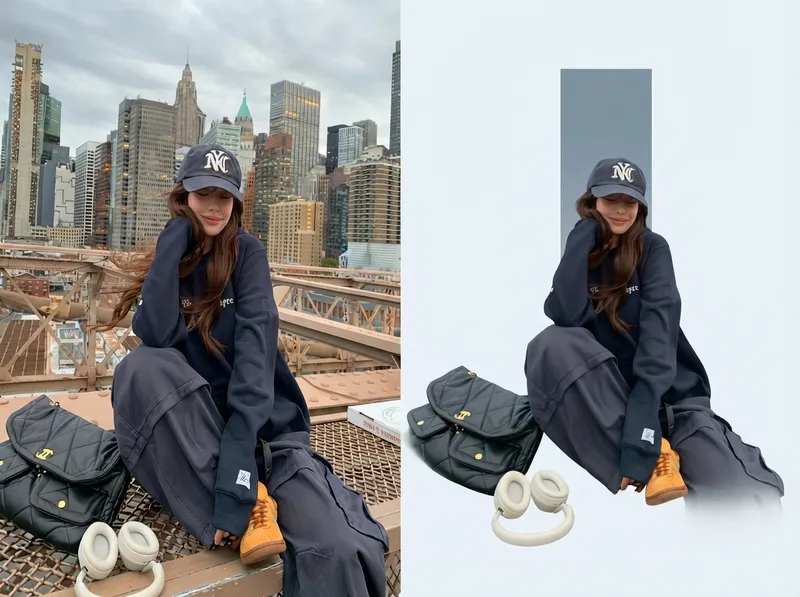
Upload one or more photos, and automatically generate a sophisticated editorial-style poster for each photo, with the left half showing the original image and the right half featuring a narrative reconstruction with a key color panel. By default, the poster uses a 4:3 landscape split-screen layout: the left side preserves the original photo, while the right distills its narrative subject and pairs it with a low-saturation geometric color panel extracted from the original image. The overall look is restrained, quiet, and spacious, with a magazine editorial style. You can switch to layouts such as 3:4, 1:1, or 9:16 as requested, with the two sections divided equally. Multiple photos are processed independently and are not combined.

Elite UI Design Studio
An elite UI design specialist for web, mobile, and desktop. It reviews and improves existing interfaces, builds executable UI code, produces compact design systems and specs, and generates visual concept mockups, all at a high level of craft, usability, and accessibility. Every output is designed to be distinctive rather than generic, with strong hierarchy, a coherent visual system, responsive layouts, and full state coverage. It enforces a strict token-economy discipline: it delivers the artifact directly with no preamble, no restating, and no filler. Output language follows the user's language.
Black-and-White Sticker Poster
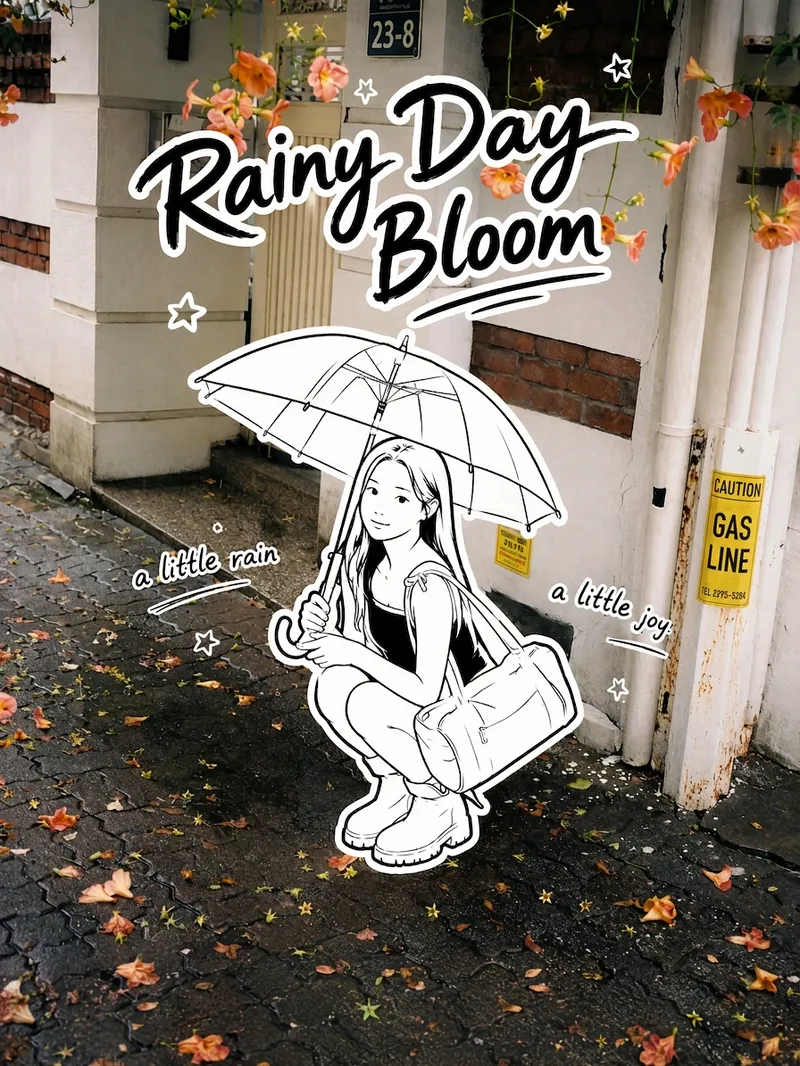
Transform your real-life portrait into a 3:4 vertical black-and-white sticker poster that combines a photographic atmosphere with the playful feel of an illustration: the color scene stays realistic, while the person, clothing, accessories, and handheld items appear as minimalist pure black-and-white hand-drawn stickers. Add an English handwritten title, short phrases, and a few decorative stars, suns, or wavy lines. Ideal for social media sharing, travel journals, and creating personal posters.
 Image
ImageVisual Scene Annotator
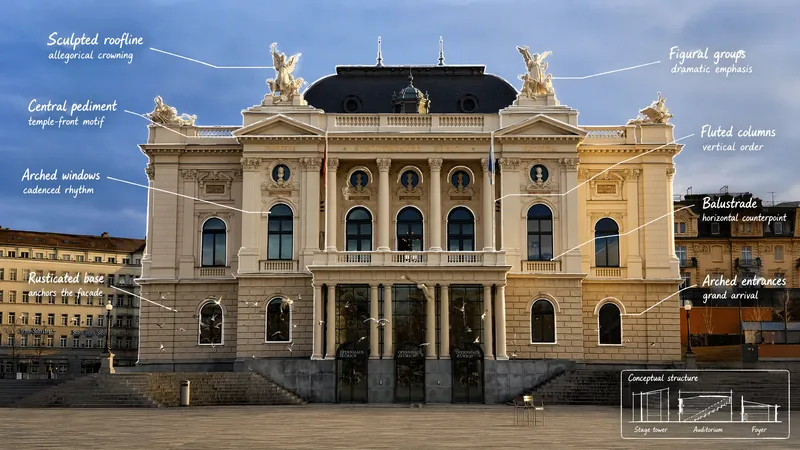
Turn a photo into a visual explanation of why its details matter. The Skill traces meaningful angles, shapes, joints, layers, and components on the original image, then explains their function, visual meaning, relevant background, and possible design influences. When useful, it adds a clearly labeled conceptual cutaway or exploded view beside the photo to show how the subject may be structured inside. Observed facts, verified context, and visual inference remain clearly separated.
YouTube & content creation
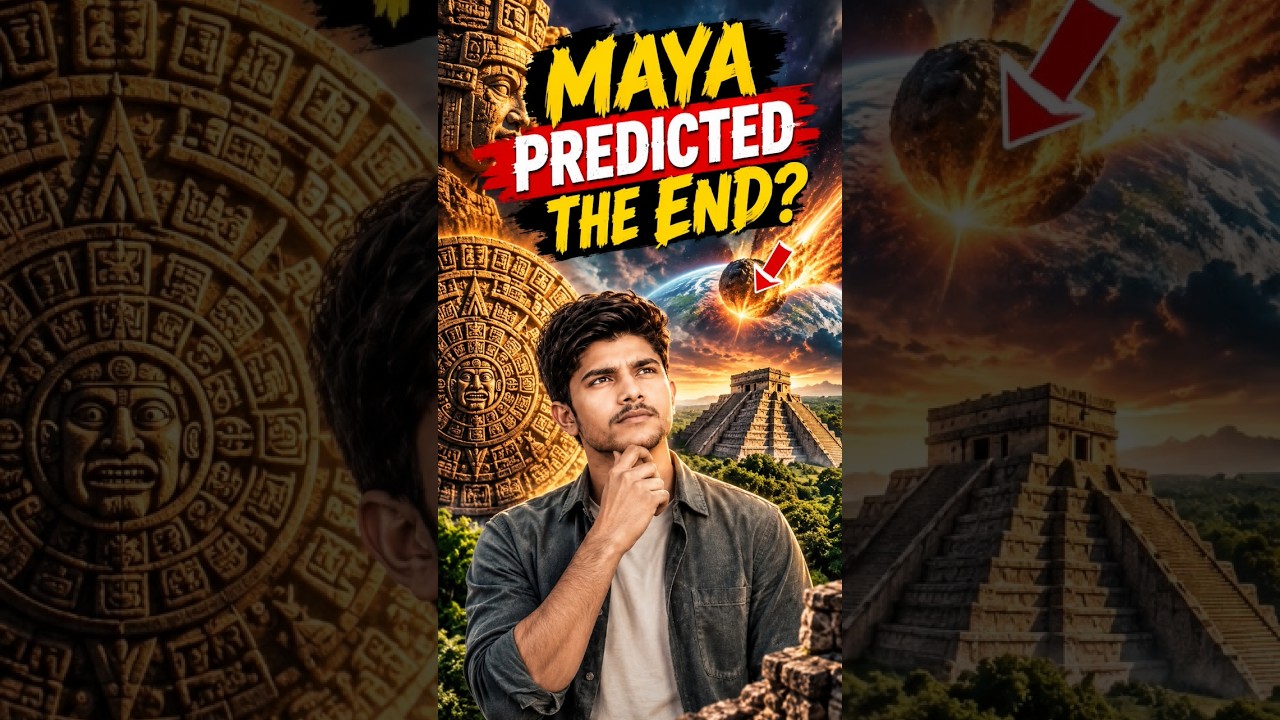
Turn a single topic into a complete day of YouTube content for faceless history, mystery, and education channels. You’ll receive an engaging long-form video script in an accessible Roman Urdu and English mix, with cinematic storytelling, factual context, hooks, talking points, and visual suggestions ready for production. The package also includes three short-form scripts built around different angles, plus a Roman Urdu community post and an audience poll to encourage engagement. This makes it easy to extend one research topic across your main video, YouTube Shorts, and community tab without starting from scratch. To support publishing, you’ll get five copy-ready AI image prompts for thumbnails and historically accurate video visuals, along with a complete SEO and thumbnail pack. Use the suggested thumbnail text, video titles, optimized description, tags, and hashtags to shape a consistent content release around topics such as Vikings, the Great Wall, Cleopatra, and other educational subjects. Enter one topic and receive reusable content assets for a full day of channel activity.
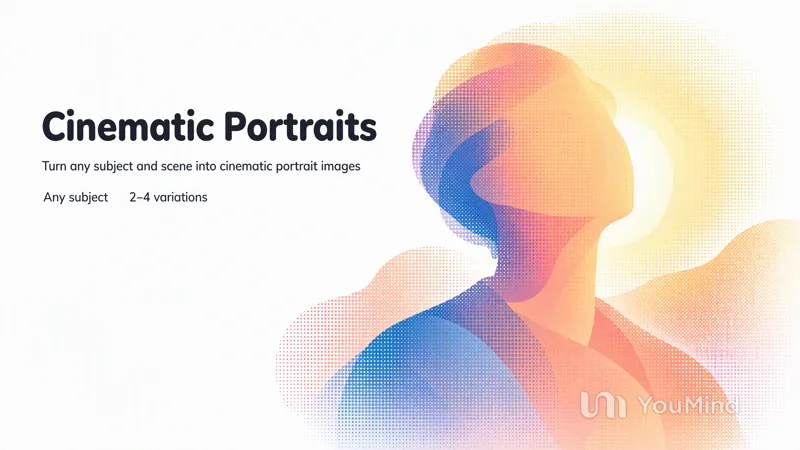
Create cinematic portraits
Describe a person and a scene — who they are, what they are wearing, where they stand, and the light or mood — and this skill composes the prompt and generates a set of cinematic, photorealistic portrait images. Any missing detail is filled with a tasteful, coherent default so a usable result always comes back. Works for any subject, culture, wardrobe, or environment.
ImageReal × Cute Creature Photos
Still posting the same old selfies? Upload your photo, and AI will automatically create a heartwarming feature photo of you embracing a hand-drawn cute creature: a small white creature with black outlines peeks out from behind you, gently cupping your face with its little paws and resting them on your shoulder, surrounded by tiny hearts and sparkles. ✨ Keeps your face recognizable—no identity swaps or distortion ✨ Automatically matches the outfit to your vibe, so you don't have to style it yourself ✨ Multiple poses work beautifully: sitting, standing, crouching, or leaning ✨ A different cute creature every time: a dumpling, puppy, teddy bear, baby, and more—random surprises included ✨ Default 3:4 portrait format, ideal for Xiaohongshu and Moments; the aspect ratio is customizable One photo, one minute, and it's ready to collect likes.
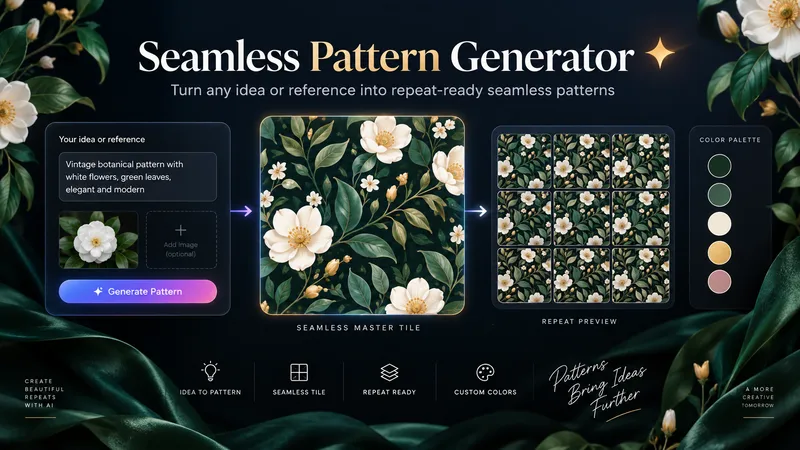
Seamless Pattern Generator
Turn any idea, motif, or reference image into a polished, repeat-ready seamless pattern. Seamless Pattern Generator works like an AI surface pattern designer. It transforms creative direction into visually balanced patterns for fabric, wallpaper, wrapping paper, packaging, stationery, home decor, digital paper, print-on-demand products, and more. No technical pattern-design knowledge is required. Describe what you want or upload a visual reference. The Skill plans motif hierarchy, scale, density, spacing, palette, orientation, repeat structure, visual rhythm, negative space, and edge-aware motif placement. It creates the master pattern tile and checks how the design behaves as a repeating surface, looking for visible seams, awkward edge cuts, empty channels, motif collisions, obvious grid effects, and repetitive clusters. When problems appear, it focuses on correcting the affected structure while preserving the creative direction. Start with a text idea, color palette, motifs, visual style, reference image, existing artwork, or intended application. The final result can include a clean master tile, repeat preview, and concise pattern specification. You can also create new colorways, change motif scale or density, adjust the background, or develop alternative versions while preserving the same visual identity. Example prompts: • “Create a dark botanical pattern with burgundy roses, antique-gold leaves, and a deep emerald background for premium wrapping paper.” • “Use this image as inspiration and create an original seamless pattern that preserves its color mood and botanical character.” • “Create a playful non-directional fabric pattern with foxes, mushrooms, leaves, and tiny stars.” • “Keep the same motifs, make the pattern less dense, enlarge the main flowers, and change the background to burgundy.” From creative idea to repeat-ready surface design — without the technical complexity.
ImageOne-Click Snapshot Collage
Using the user-uploaded photo as the sole identity reference, generate a realistic multi-panel portrait collage of the same person, with a default 3×2 layout. It features a range of expressions and poses with the feel of an Instagram candid snapshot collection. By default, the best image-generation model is used to create the image directly, along with the complete prompt used for the final result.
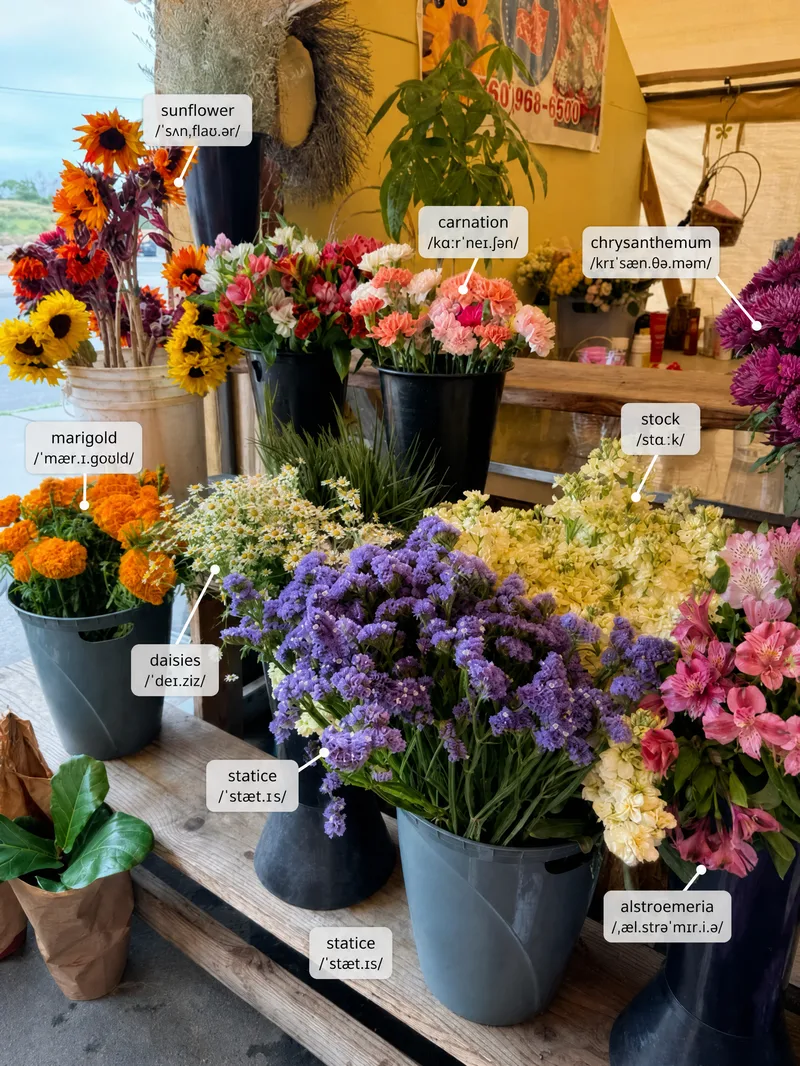 Image
ImageScene Vocabulary
Learn useful words from the world around you. Upload a photo of a room, street, shop, meal, workspace, trip, or everyday situation, and the Skill labels a small set of high-value items directly on the original image. It then gives pronunciation, meaning, natural phrases, scene-based example sentences, and one short practice prompt. English is the default target language, but the user can choose another language or level.
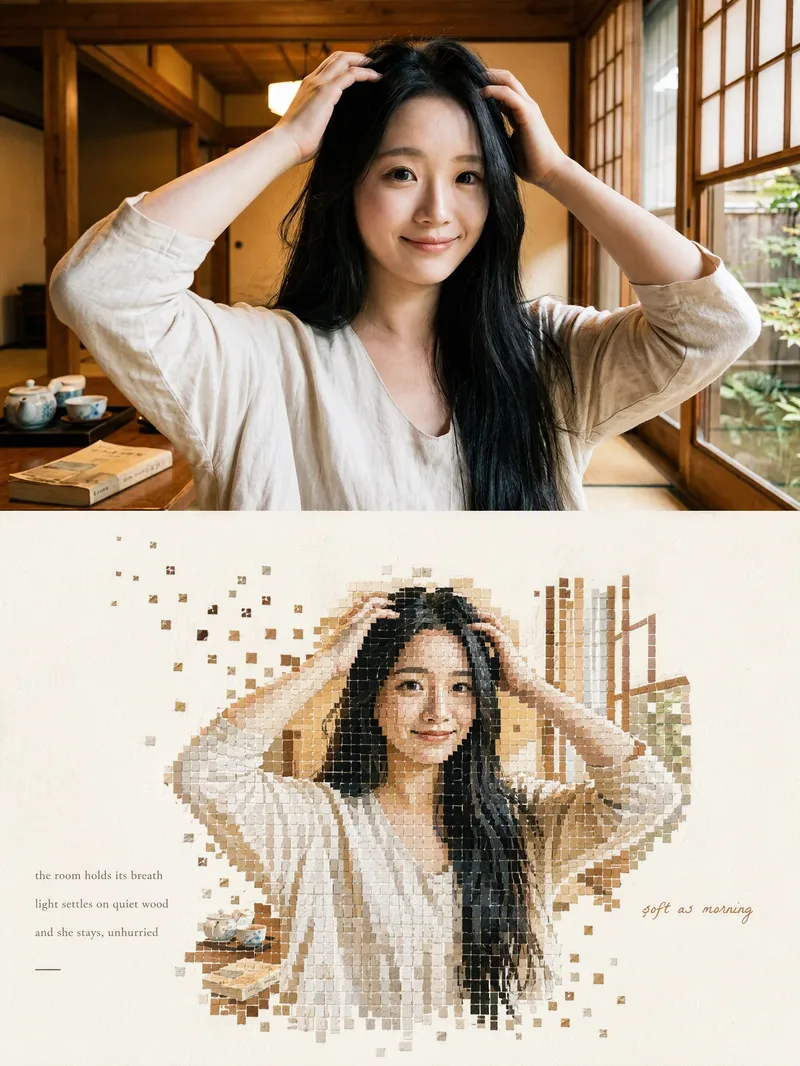 Image
ImageMosaic Everything
Upload any photo to automatically create a minimalist art poster with a live-action photo on top and a block mosaic on the bottom. The subject is formed from hundreds of small watercolor-textured blocks, with the edges drifting outward and fading away, plus a poetic short caption. One image becomes a magazine-style design piece.
ImageCity Culture Poster Maker
Enter a place name to instantly create a polished city identity poster in a five-panel vertical-strip format. The design seamlessly combines five equal-width vertical strips: close-ups of cultural artifacts and nature on the outer panels, an architectural landmark in the second panel, local customs and cultural life in the fourth, and the city’s most soulful cultural symbol in the center. The overall look uses warm golden-hour light and cinematic color grading. The center panel is darkened and desaturated to create a "warm—cool—warm" visual rhythm. A large white calligraphic place name, its English serif name, and the small text "Administrative Region | Country" are layered below the center panel. Two ways to use it: · Upload 5 photos you took yourself and enter a place name: the system automatically sorts them by content, crops them vertically, applies consistent color grading, and combines them into a poster in the same style · Enter only a place name: the system automatically selects 5 of the area’s most representative real-world elements and faithfully generates the poster Ideal for travel blogger covers, city tourism promotion, Xiaohongshu/Instagram carousel cover images, city identity cards, and album covers.
Rising stars
 Write
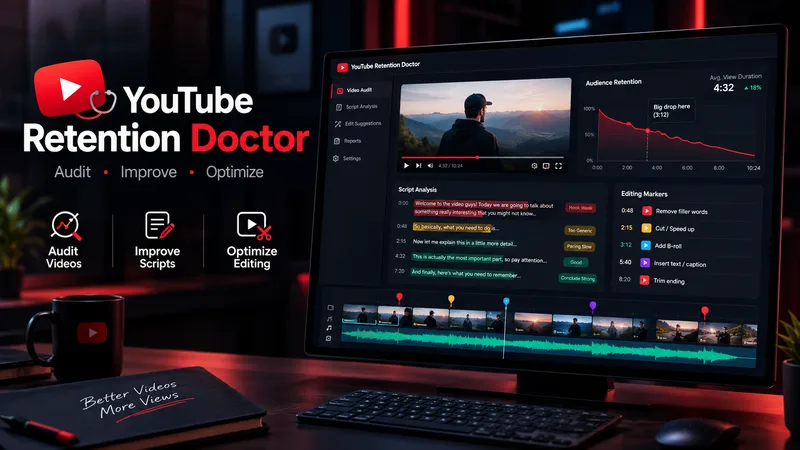
WriteYouTube Retention Doctor
YouTube Retention Doctor is an all-in-one video improvement assistant for YouTube creators. It audits scripts and transcripts, identifies weak hooks, repetitive sections, pacing issues, unclear explanations, and potential viewer-retention risks. It then creates a detailed audit report, rewrites weak sections while preserving the creator's voice, and provides practical editing instructions for cuts, B-roll, captions, zooms, sound effects, and visual changes. Designed for Shorts, long-form videos, faceless channels, educational content, documentaries, commentary, storytelling, and entertainment. Unlike a basic script generator, it follows a three-step workflow: diagnose the problem, repair the content, and guide the edit. It distinguishes evidence from assumptions and never claims to know actual audience retention without supporting analytics. Results depend on the quality of the supplied material.
CreatorScope AI
CreatorScope AI helps content creators analyze video performance across Facebook, Instagram, TikTok, and YouTube Shorts. It examines available metrics, compares videos, identifies potential performance and monetization issues, and provides practical, data-driven recommendations to improve reach, audience retention, and revenue. Users can submit public video or channel URLs, analytics screenshots, or manually entered metrics. The skill distinguishes verified facts from hypotheses, never invents data, and clearly explains when additional information is needed. It only analyzes information it can actually access and does not claim access to private analytics through URLs alone.
Competitor Store Opportunity Analyzer
Compare online stores using available evidence about product pages, messaging, offers, visible pricing, trust signals, and customer experience. Discover competitive strengths, identify improvement opportunities, and build a prioritized action plan. Ideal for e-commerce owners, online sellers, and digital marketing consultants.
B2B Lead Research & Outreach Planner
Research potential B2B customers, identify relevant business opportunities from available evidence, qualify prospects, and create personalized outreach drafts. Includes source tracking, confidence labels, and professional follow-up suggestions. Designed for freelancers, consultants, sales teams, and small agencies.
Local Business Website Growth Auditor
Analyze local business websites and turn available evidence into a practical growth plan. Identify issues affecting clarity, trust, service presentation, usability, and customer inquiries. Get prioritized recommendations, an actionable improvement checklist, and suggested performance metrics. Designed for local service businesses, website owners, and small marketing agencies.
WP Theme & CSS Customizer
Get targeted WordPress theme customizations with practical, ready-to-use CSS, PHP, and JavaScript snippets. This skill helps you adjust theme styling, modify WooCommerce layouts and features, add custom fields or badges, control sidebars and page elements, and load scripts only where they are needed. Share your goal along with your theme or child theme, relevant plugins and page builders, the target page or area, and any constraints such as RTL support or avoiding functions.php. The guidance is tailored to setups including Astra, Storefront, custom themes, Elementor, and WooCommerce, so you can make focused changes without applying unnecessary site-wide edits. Each response explains the approach, provides clearly labeled code, and tells you where to add it. PHP changes that could potentially affect site stability come with an appropriate safety warning, making this useful for both small visual tweaks and more involved WordPress theme customization work.
Satisfying Macro Food Video Director
Give it a dish and get a ready-to-generate satisfying food video plan. You get a 6-shot storyboard, a copy-paste prompt for every shot (macro lens, slow motion, glossy textures, warm lighting), ASMR sound cues, and a short caption with hashtags for Reels, TikTok, and Shorts. Works for desserts, street food, cheese pulls, chocolate pours, and cutting or slicing scenes. Want ready-made storyboards? Get the Satisfying Food Video Prompt Kit: 8 complete storyboards, 48 shot prompts. [https://payhip.com/b/1M0uT]
Create cinematic portraits
Describe a person and a scene — who they are, what they are wearing, where they stand, and the light or mood — and this skill composes the prompt and generates a set of cinematic, photorealistic portrait images. Any missing detail is filled with a tasteful, coherent default so a usable result always comes back. Works for any subject, culture, wardrobe, or environment.
Islamic Thought Lab – Deep Reflections
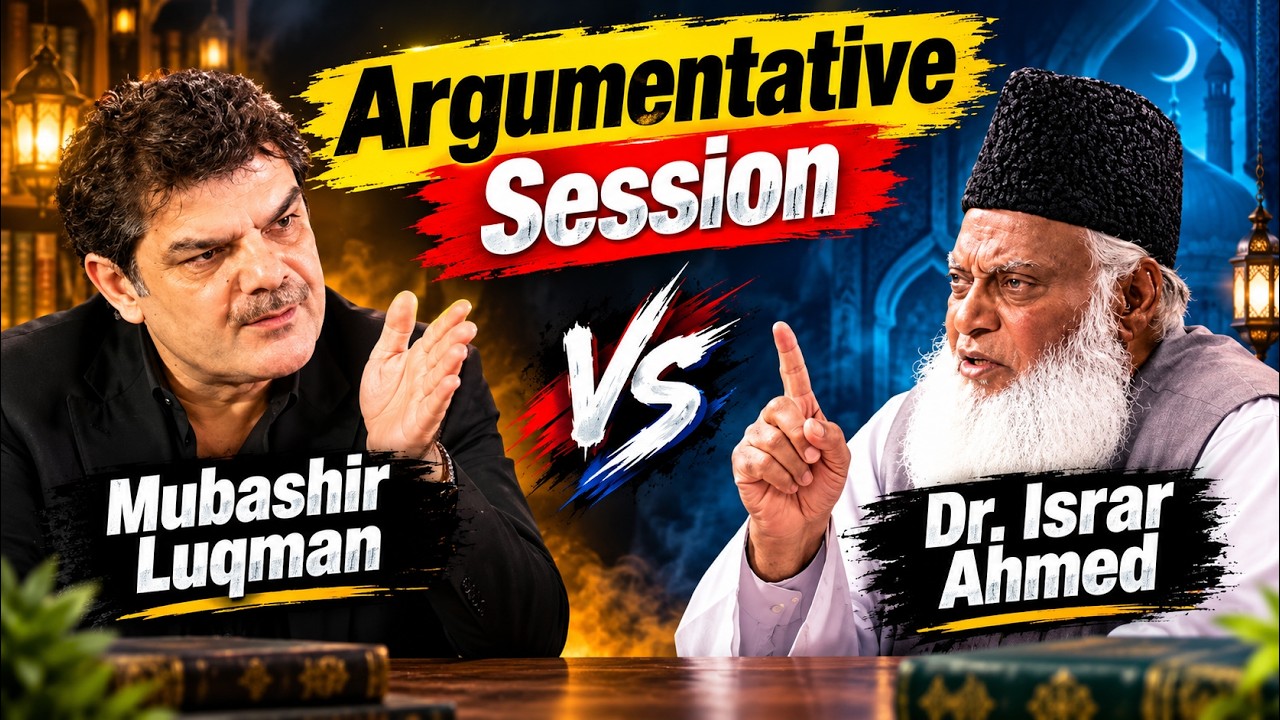
Turn an Islamic topic into a thoughtful, research-informed reflection for audiences exploring faith, doubt, meaning, and modern life. Islamic Thought Lab brings together Quranic insight with tafsir context, authentic Hadith, moments from the Seerah and early Islamic history, and relevant perspectives from modern psychology or contemporary life. Each reflection is written in calm, poetic English and shaped around a compelling question, deeper interpretation, historical perspective, and connections to experiences such as anxiety, social media, overthinking, and hustle culture. It also includes prompts for personal tadabbur and a practical dua or dhikr, helping readers move from contemplation toward sincere self-examination. The result is suited to Islamic education content, YouTube scripts, podcast discussions, study circles, and personal reflection—especially for English-speaking young adults seeking depth without judgment or simplistic answers. It offers reflective guidance rather than religious rulings, with citations where available and a clear reminder to consult a trusted scholar for personal fiqh matters.
YouTube & content creation
Turn a single topic into a complete day of YouTube content for faceless history, mystery, and education channels. You’ll receive an engaging long-form video script in an accessible Roman Urdu and English mix, with cinematic storytelling, factual context, hooks, talking points, and visual suggestions ready for production. The package also includes three short-form scripts built around different angles, plus a Roman Urdu community post and an audience poll to encourage engagement. This makes it easy to extend one research topic across your main video, YouTube Shorts, and community tab without starting from scratch. To support publishing, you’ll get five copy-ready AI image prompts for thumbnails and historically accurate video visuals, along with a complete SEO and thumbnail pack. Use the suggested thumbnail text, video titles, optimized description, tags, and hashtags to shape a consistent content release around topics such as Vikings, the Great Wall, Cleopatra, and other educational subjects. Enter one topic and receive reusable content assets for a full day of channel activity.

Mini Chibi Alter-Ego Poster
Upload a portrait photo to generate a hyper-realistic, cinematic commercial poster: the person interacts with a mini chibi 3D “alter ego” on their palm, while closely preserving their identity, hairstyle, accessories, and clothing. The skill automatically selects a varied combination from six poses and eight background color schemes, prioritizing contrast between the background and clothing. The result is a single vertical poster, defaulting to a 3:4 aspect ratio.
Seamless Pattern Generator
Turn any idea, motif, or reference image into a polished, repeat-ready seamless pattern. Seamless Pattern Generator works like an AI surface pattern designer. It transforms creative direction into visually balanced patterns for fabric, wallpaper, wrapping paper, packaging, stationery, home decor, digital paper, print-on-demand products, and more. No technical pattern-design knowledge is required. Describe what you want or upload a visual reference. The Skill plans motif hierarchy, scale, density, spacing, palette, orientation, repeat structure, visual rhythm, negative space, and edge-aware motif placement. It creates the master pattern tile and checks how the design behaves as a repeating surface, looking for visible seams, awkward edge cuts, empty channels, motif collisions, obvious grid effects, and repetitive clusters. When problems appear, it focuses on correcting the affected structure while preserving the creative direction. Start with a text idea, color palette, motifs, visual style, reference image, existing artwork, or intended application. The final result can include a clean master tile, repeat preview, and concise pattern specification. You can also create new colorways, change motif scale or density, adjust the background, or develop alternative versions while preserving the same visual identity. Example prompts: • “Create a dark botanical pattern with burgundy roses, antique-gold leaves, and a deep emerald background for premium wrapping paper.” • “Use this image as inspiration and create an original seamless pattern that preserves its color mood and botanical character.” • “Create a playful non-directional fabric pattern with foxes, mushrooms, leaves, and tiny stars.” • “Keep the same motifs, make the pattern less dense, enlarge the main flowers, and change the background to burgundy.” From creative idea to repeat-ready surface design — without the technical complexity.
Photos into Storybooks
Using the uploaded photo as the sole reference, create a portrait-format (default 3:4) composite image with an editorial feel, combining the photo with a hand-drawn illustration: preserve the original photo in the upper half, naturally extend it into a hand-drawn storybook illustration in the lower half, and add a short handwritten-style caption in the blank space.

SwiftUI Expert Companion
An elite engineering companion for SwiftUI developers. It covers the full range of day-to-day SwiftUI work: analyzing and debugging issues, making architectural decisions, designing view composition and state management, building new features, reviewing and optimizing existing code, and applying modern SwiftUI best practices (Swift 6 concurrency, the Observation framework, NavigationStack), performance, accessibility, and Apple Human Interface Guidelines. It adapts its depth to the task: a concise fix for small problems, and a full engineering report (diagnosis, architectural rationale, code, trade-offs, self-check) for complex ones. It always aims to return compiling, up-to-date, production-ready SwiftUI code, and responds in the user's language.
Elite UI Design Studio
An elite UI design specialist for web, mobile, and desktop. It reviews and improves existing interfaces, builds executable UI code, produces compact design systems and specs, and generates visual concept mockups, all at a high level of craft, usability, and accessibility. Every output is designed to be distinctive rather than generic, with strong hierarchy, a coherent visual system, responsive layouts, and full state coverage. It enforces a strict token-economy discipline: it delivers the artifact directly with no preamble, no restating, and no filler. Output language follows the user's language.
Cinematic Sunset Portraits
Upload a portrait to generate a hyper-realistic cinematic sunset portrait that closely preserves the subject’s facial features, hairstyle, and overall presence. Choose from multiple poses and color tones, or let them rotate automatically. The result is a vertical atmospheric portrait image, with the aspect ratio customizable.
Dalí-Style Surreal Art
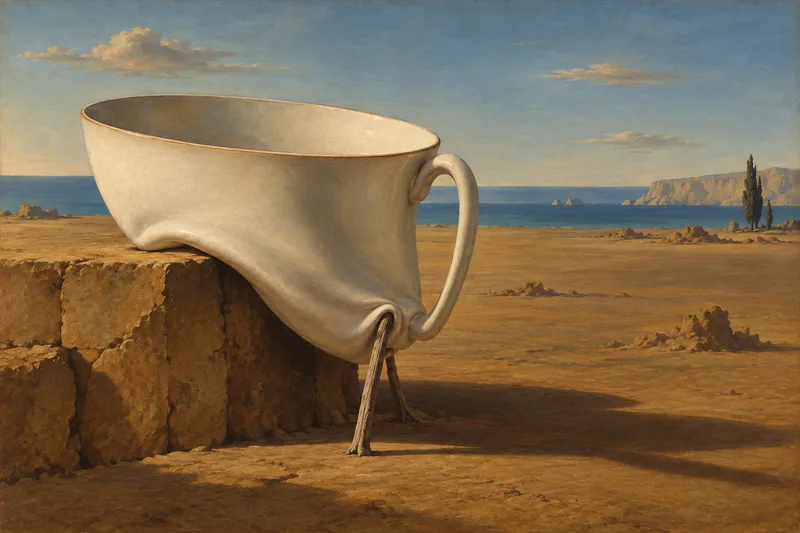
Turn a theme into a precise, eerie, and recognizable Dalí-style surreal painting, giving familiar objects new meaning through impossible connections, proportions, and supports. The work draws on the hallucinatory oil-painting language of the 1930s, combining clear contours, sculptural light and shadow, deliberately warped forms, and selectively refined details to create a vast, silent, and unsettling space. Whether creating a wordless image from a brief concept, preserving specified objects from a detailed description, or transforming a photo into a surreal scene, the visual relationships can be chosen around soft-hard reversals, shape transformations, double images, or mismatched scale. When appropriate, recognizable Dalí motifs—such as soft watches, fragile supports, or slender animals carrying architecture—can be integrated into the composition and narrative rather than left as decoration. The identities of people in photos, product structures, architectural features, and explicitly requested elements are also respected. You will receive a finished image suited to the subject and aspect ratio, along with the creative prompt actually used. You can also request only a prompt, visual analysis, or a critique of the finished image. For posters, clear, readable text design that responds to the forms in the image can be added; by default, the artwork includes no title, signature, or caption.
-
Audience: Beginners familiar with submitting prompts; no technical background required.
-
Goal: Produce a stronger, fact-preserving draft using a shared rubric, separate AI reviews, targeted revisions, and a defensible human acceptance decision.
-
Narrative mode: Tutorial.
-
Slide count range: 15 slides proposed.
Suggested session: 35–45 minutes including practice; instructional estimate, not a verified five-minute method.
Running example: A fictional operations manager announcing a move into workflow consulting on LinkedIn.
Companion handout: Detailed tutorial and teaching guide. Full prompts, scoring anchors, checkpoints, and implementation checklist stay in the handout.
Source: My Simple But (WEIRD) Way of Getting Better ChatGPT Results, full available transcript, 0:00–8:38. Visuals were not independently inspected. All exercises and operational rubric definitions are course additions.
1) Improve the draft—not just its score
Turn one career-change announcement into a draft you can defend with evidence. Promise a repeatable review method, not guaranteed results or a perfect score. Introduce the presenter's “force prompting” as the source concept; teach explicit criteria and human oversight. Finish with a baseline, reviewed revision, and a brief acceptance rationale.
2) A confident self-rating can hide generic writing
-
Contrast the presenter's reported 9/10 self-rating with his objections to “safety net” and “tectonic shift.”
-
Ask what those phrases actually tell the reader about this person's decision.
-
Separate an enthusiastic rating from evidence that the brief was met.
-
Anchor to 1:05–2:35; frame the example as presenter-reported, not a model benchmark.
3) Follow the learning path from brief to decision
-
Define the audience and preserve a baseline.
-
Set standards and obtain separate, evidence-based reviews.
-
Revise, investigate disagreement, and compare versions.
-
Accept the draft only when a human can justify the result.
YouTube to Course Slides
Turn YouTube videos or transcripts into a detailed tutorial, an approved course outline, and course slides with a three-slide preview. Defaults to spacious blue (#0965FF), grayscale imagery, and editorial typography.
Featured packs
For better writing
Fun for life
Design studio
Hand-drawn masterpiece
Pinned for you
Explore skills
WriteYouTube Retention Doctor
YouTube Retention Doctor is an all-in-one video improvement assistant for YouTube creators. It audits scripts and transcripts, identifies weak hooks, repetitive sections, pacing issues, unclear explanations, and potential viewer-retention risks. It then creates a detailed audit report, rewrites weak sections while preserving the creator's voice, and provides practical editing instructions for cuts, B-roll, captions, zooms, sound effects, and visual changes. Designed for Shorts, long-form videos, faceless channels, educational content, documentaries, commentary, storytelling, and entertainment. Unlike a basic script generator, it follows a three-step workflow: diagnose the problem, repair the content, and guide the edit. It distinguishes evidence from assumptions and never claims to know actual audience retention without supporting analytics. Results depend on the quality of the supplied material.
 Image
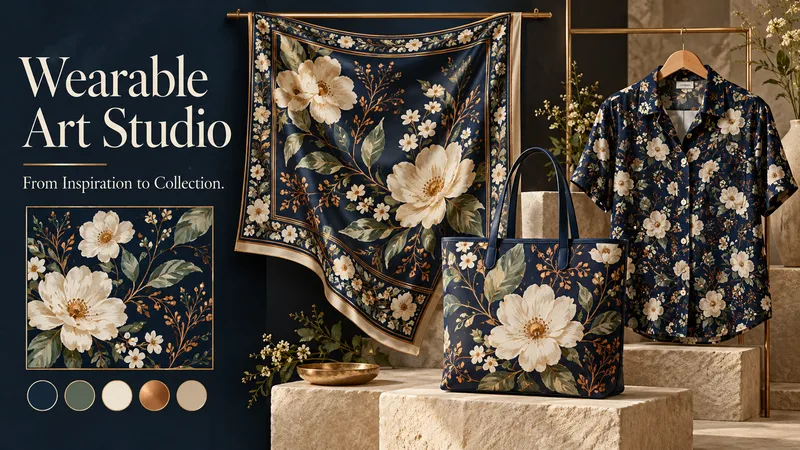
ImageWearable Art Studio
A midnight garden. A geometric rhythm. A watercolor dream. Turn your inspiration into art you can wear. Wearable Art Studio transforms a theme, pattern, or reference image into a coordinated collection for scarves, bags, and garments. ONE VISION. THREE CREATIVE DIRECTIONS. Explore three distinct collection presentations, each featuring artwork, a color palette, and applications on your selected products. Compare different artistic interpretations before developing your favorite. DESIGNED FOR EACH SURFACE A scarf can frame its artwork with expressive borders. A bag can showcase a striking focal motif. A garment can carry flowing patterns or carefully placed accents. Each application responds to the product’s shape while sharing the collection’s visual identity. START WITH WHAT INSPIRES YOU Bring a word, a mood, a palette, or an existing pattern. Explore botanical, geometric, abstract, painterly, or your own creative direction. Choose one product category, combine several, or build a complete collection. DEVELOP THE DESIGN YOU LOVE Select a concept to create separate flat artwork and individual product visuals. The chosen presentation guides the next stage, helping maintain its motifs, palette, and character. EXPLORE NEW COLORS Request additional colorways while keeping the approved artwork and product forms consistent—from quiet neutrals to expressive contrasts. A SIMPLE, GUIDED FLOW Share your inspiration → choose your products → explore three collections → select and develop → optionally add color variations. The conversation follows your language, with room for both clear direction and creative discovery. Created for concept exploration, surface-design inspiration, and collection presentations. Product visuals are mockups; manufacturing files and seamless-repeat verification require separate checks. Give your ideas a collection of their own.
 Image
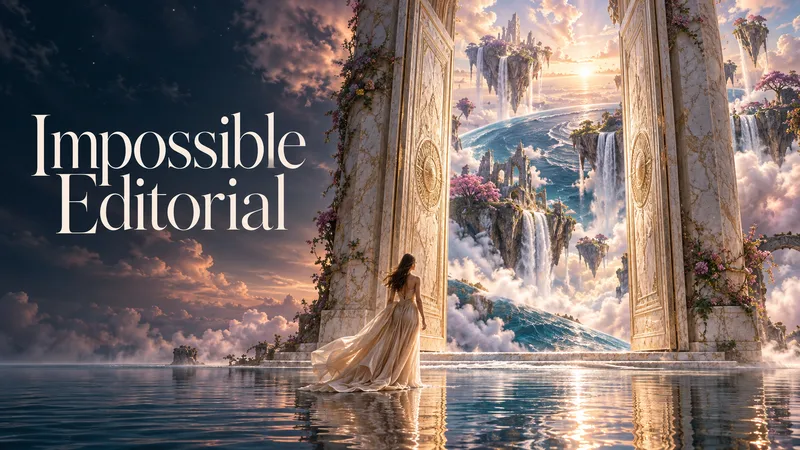
ImageImpossible Editorial
Some images show you the world. Others make you wish it existed. Impossible Editorial turns objects, emotions, and everyday ideas into mesmerizing surreal worlds with the convincing beauty of photography. Start with a few words or describe an entire scene. No prompt-writing experience needed. The studio develops three distinct creative directions, designing the atmosphere, setting, light, materials, and composition together. WHAT CAN YOU ENTER? An ordinary subject: “A bookstore.” An emotion: “The feeling of missing a place that never existed.” An impossible moment: “A baker preparing tomorrow’s sunrise.” A detailed scene: “A woman weaving rain in an old atelier. Let the rain transform the room and the city beyond its windows. Poetic, luminous, and photorealistic.” Or give the studio creative freedom: “Surprise me with three extraordinary dream worlds. Make each feel emotionally different and convincingly photographed.” You can also attach a reference image and explain what you want to preserve or transform. IMAGINATION ACROSS THE ENTIRE FRAME Discover scenes where the environment is part of the wonder. Architecture, nature, human gestures, and impossible transformations come together in a coherent visual story—from intimate poetic moments to breathtaking dreamscapes. PREVIEW FIRST. APPROVE. THEN CREATE. Review each scene’s explanation and complete image-generation prompt before production. Approve one, several, or all three proposed images. Every new generation stage—including revisions and variations—requires your approval. KEEP EXPLORING Choose a favorite and develop its atmosphere, composition, or viewpoint using the selected image as a reference. The conversation follows your language. Production prompts are provided in English by default. Bring a small idea. Discover a world you have never seen.
 Image
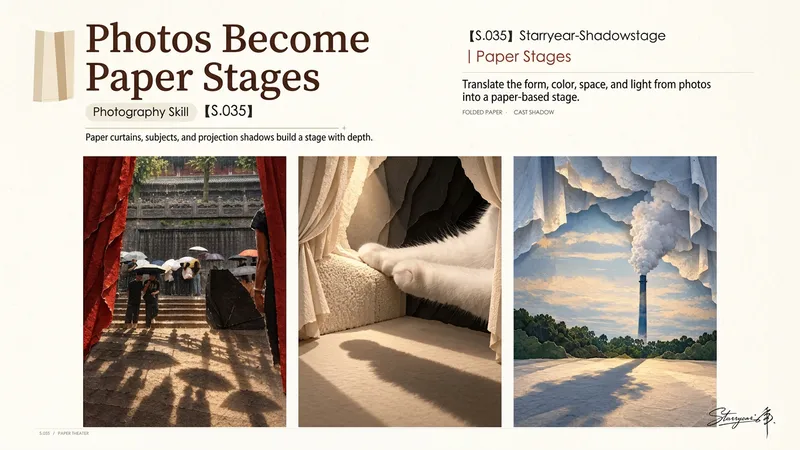
ImageS.035 Year Stage · Starryear
Turn a photograph into a vertical paper-art stage poster with a projection of the subject integrated into the scene. People, plants, buildings, patterns, or other key forms from the photo naturally extend across paper curtains, a paper floor, and layered scenery to create a visually deep world. The work uses the original subject, colors, composition, spatial relationships, and lighting to generate an organically growing paper stage structure, rather than simply applying a photo frame or collage-card layout. The paper curtains, background, and stage floor connect with one another, while the folds, thickness, and occlusion of handmade paper create a convincing sense of depth. The projection derived from the photo becomes a key focal point, using side or backlighting to create dramatic light and shadow. It stretches across the paper floor and scene edges, reinforcing the sense of scale and stage atmosphere. Ideal for transforming documentary photography, travel photos, portraits, nature imagery, or scenes with distinctive textures into photographic posters with a paper-art texture and narrative quality. The default output is one complete vertical 3:4 poster that preserves the original subject’s identity and key visual facts, and typically adds no text, watermark, or decorative elements without a source in the image.
 Image
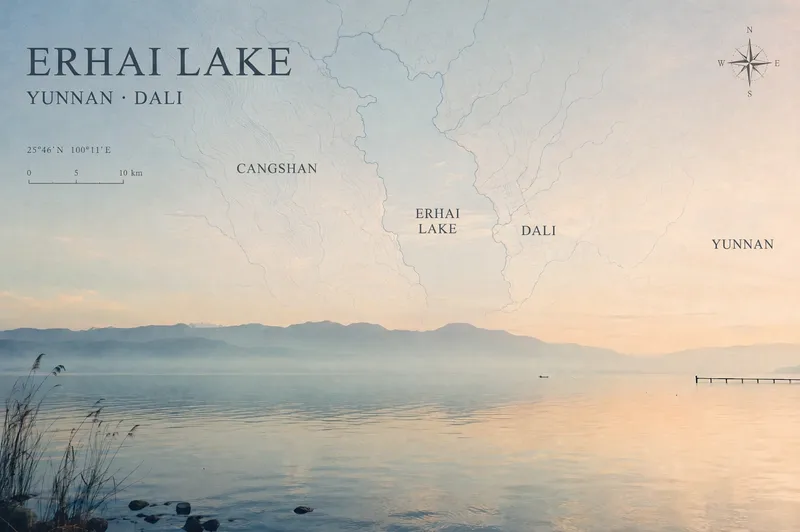
ImageTravel Photo Map Poster
Turn a travel photo into a map poster with geographic information and an independent magazine sensibility, while preserving the original subject, colors, lighting, composition, and aspect ratio. Simply provide a photo and shooting location, and the poster will use real local terrain to select map elements such as coastlines, lake shorelines and waterways, urban streets and lanes, or mountain-ridge contours. These elements are layered into negative space such as the sky, sea, or walls to avoid covering the main subject. The poster includes a title, subtitle, and a small number of real place names in the local official language, along with a refined compass rose, scale bar, and a small red dot marking the approximate shooting area. When location information is unreliable, precise coordinates are not fabricated. The overall design uses low-saturation, light-colored linework, natural fade-outs, and a subtle paper-print texture for a restrained, clean Travel Map Poster / Travel Zine style. It is suitable for preserving travel memories, creating destination keepsake posters, or adding map-based storytelling to landscape, architectural, and urban photography. After generation, you can further fine-tune the map’s opacity, scale, title placement, and font style as needed.
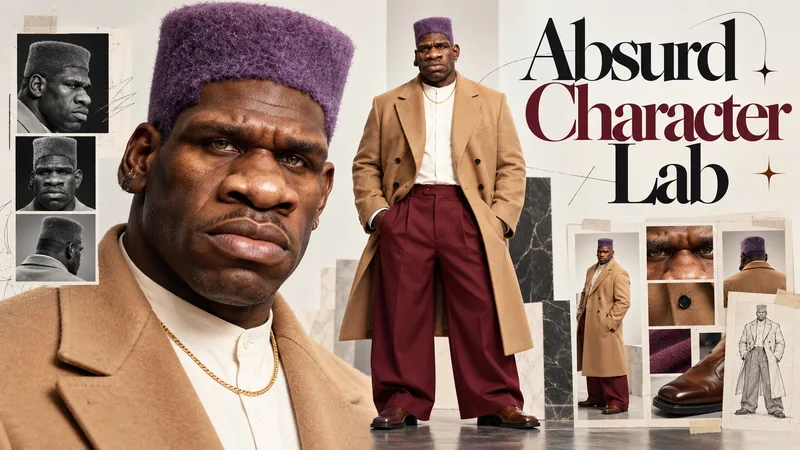
Absurd Character Lab
Ordinary Faces Are Forgotten. Extraordinary Characters Go Viral. Meet Absurd Character Lab — your creative studio for designing unforgettable, photorealistic AI characters that are strange, stylish, expressive, and impossible to ignore. From eccentric fashion icons and intimidating gentle giants to bizarrely elegant personalities, transform your imagination into original characters with distinctive faces, unexpected proportions, and unmistakable visual identities. YOUR CHARACTER. YOUR RULES. Take control of every detail through an intuitive, guided selection experience: Face & Identity: Sculpt unforgettable facial features, unusual proportions, expressive eyes, distinctive noses, and iconic hairstyles. Body & Silhouette: Explore towering figures, elongated limbs, powerful builds, unconventional proportions, and striking physical presence. Fashion & Styling: Combine avant-garde outfits, oversized tailoring, streetwear, retro fashion, unexpected accessories, and bold color palettes. Personality & Absurdity: From subtly eccentric to wonderfully bizarre, define the character's attitude and visual impact. Or simply let AI take the creative lead. THREE CHARACTERS. ENDLESS POSSIBILITIES. Generate 3 distinct character concepts, each presented in its own professional 16:9 character identity board, featuring: ✓ A detailed facial close-up ✓ A matching full-body portrait ✓ Consistent identity across both views ✓ Photorealistic skin, anatomy, fabrics, and lighting ✓ Original, memorable character design Choose your favorite and refine its identity, expression, proportions, or styling. BUILT FOR THE NEXT GENERATION OF AI CONTENT Perfect for AI influencers, viral dance transformations, motion-transfer videos, cinematic characters, comedy, fashion experiments, and original digital personalities. Don't just create another AI face. Create a character nobody forgets.
 Image
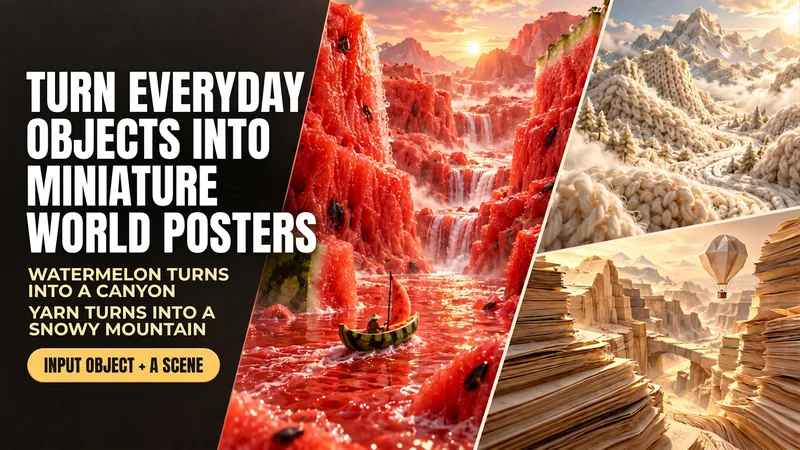
ImageEveryday Items to Mini Worlds
Enter “boating through a watermelon canyon” to generate a realistic poster made of flesh-colored mountain ranges, a juice river, and a watermelon-rind boat. This Skill transforms everyday objects such as food, yarn, and paper into miniature worlds you can explore. Simply describe “what object+what scene,” and it uses the object's real textures to arrange the terrain, lighting, and composition, then generates the image directly. Here are some ways to use it: Boating through a watermelon canyon: the flesh becomes mountains, and the rind becomes a small boat. Camping on yarn-covered snowy mountains: knitted textures form the mountain ranges, with a small campsite set up on the slopes. Hiking through coffee dunes: coffee grounds form the dunes, and coffee beans become giant boulders. Traveling through a book-page canyon: layered pages form the cliffs, while a paper hot-air balloon passes through the valley. You can start by naming just one object, and the Skill will automatically pair it with a scene. You can also upload a reference image and carry over its colors and textures. People, props, titles, and aspect ratios can all be adjusted as needed. By default, each generation produces one 3:4 portrait, text-free poster, suitable for creative visuals, social media covers, themed posters, and brand-visual inspiration. After generation, it checks the materials, composition, and unwanted elements, then makes corrections as needed. An environment that supports image generation is required; actual usage is subject to the platform's rules. The displayed images are AI-generated examples.
 Image
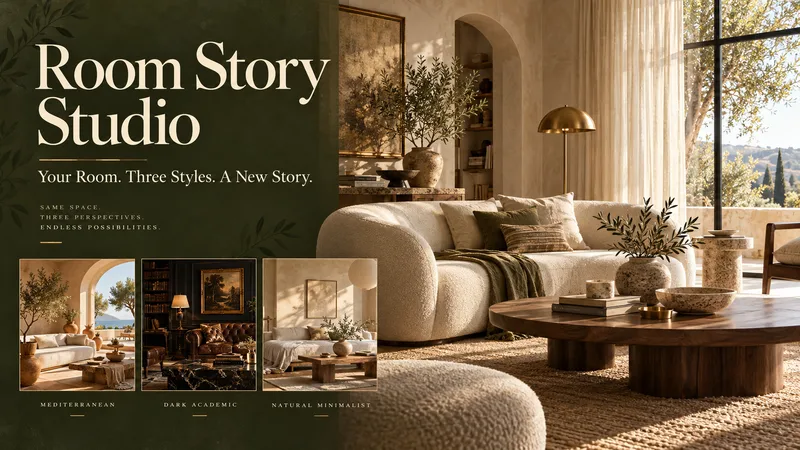
ImageRoom Story Studio
See what your room could become—before changing a thing. Room Story Studio turns a photograph of your space into three distinct interior design concepts. Explore different moods, materials, and furnishings, then develop the direction you love. ONE ROOM. THREE NEW POSSIBILITIES. Discover three thoughtfully styled interpretations of your room. Each offers a different visual story, with your original photo guiding the architecture, proportions, and viewpoint so the designs are easier to compare. CHOOSE HOW MUCH TO CHANGE • Small Touches — Refresh rugs, curtains, cushions, artwork, plants, and accessories while keeping your main furniture. • Redecoration — Explore new furniture, arrangements, colors, and lighting while retaining the room's architecture. • Comprehensive Concept — Reimagine finishes, flooring, wall treatments, and built-in furniture as part of a broader visual concept. KEEP WHAT MATTERS Love your sofa? Need to retain a dining table? Tell the studio which pieces should stay, and make them part of the creative brief. DESIGN BEYOND PRESETS Warm Mediterranean, dark academia, natural minimalism—or something uniquely yours. The directions respond to your room and preferences, rather than forcing every space into the same three styles. REFINE YOUR FAVORITE Choose a design and shape its details. Change the rug, soften the palette, warm the lighting, or try different curtains. Your selected image becomes the reference for further revisions. A SIMPLE, GUIDED EXPERIENCE Upload your room → choose the scope → explore three designs → select and refine. The conversation follows your language. Optional color and material boards help you explore your chosen direction further. Created for visual inspiration and decoration planning. Images are design concepts, not measured plans or construction specifications. Give your room its next chapter.