肥猫
 Image
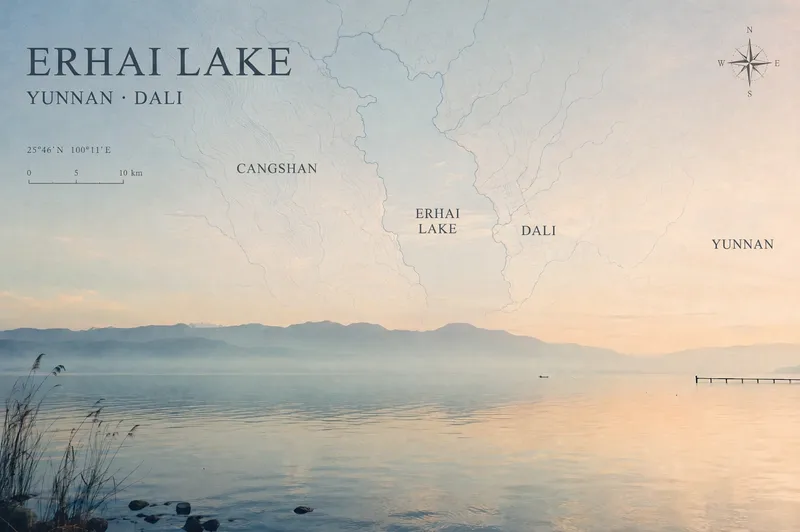
ImageTravel Photo Map Poster
Turn a travel photo into a map poster with geographic information and an independent magazine sensibility, while preserving the original subject, colors, lighting, composition, and aspect ratio. Simply provide a photo and shooting location, and the poster will use real local terrain to select map elements such as coastlines, lake shorelines and waterways, urban streets and lanes, or mountain-ridge contours. These elements are layered into negative space such as the sky, sea, or walls to avoid covering the main subject. The poster includes a title, subtitle, and a small number of real place names in the local official language, along with a refined compass rose, scale bar, and a small red dot marking the approximate shooting area. When location information is unreliable, precise coordinates are not fabricated. The overall design uses low-saturation, light-colored linework, natural fade-outs, and a subtle paper-print texture for a restrained, clean Travel Map Poster / Travel Zine style. It is suitable for preserving travel memories, creating destination keepsake posters, or adding map-based storytelling to landscape, architectural, and urban photography. After generation, you can further fine-tune the map’s opacity, scale, title placement, and font style as needed.
 Image
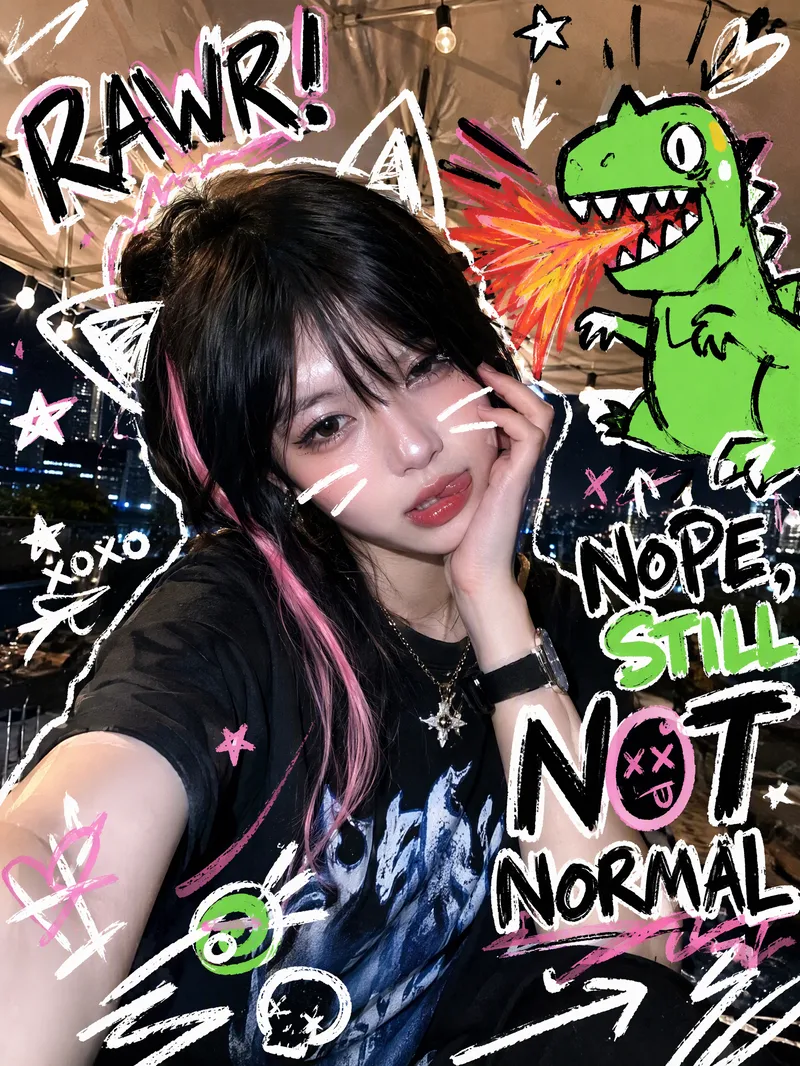
ImageTrending Doodle Photo
Turn your photo into a distinctive Y2K hand-drawn doodle illustration while preserving the subject’s identity, facial features, and original setting. After you upload a photo, sticker-like doodle graphics are layered over the original image, such as stars, arrows, scribbled lines, hearts, lightning bolts, bubbles, or cute cartoon animals. Bold handwritten doodle text surrounds the subject, creating a lively, playful, and spontaneous social media sticker-art style. Each generation randomly creates a new visual combination based on the same compositional relationship. The cartoon figures, doodle objects, short phrases, positions, quantities, angles, and color palettes vary, without mechanically repeating the same template. The text may feature English slang, onomatopoeia, or lighthearted teasing phrases, while maintaining clear, precise sticker-like outlines. Ideal for creating Instagram and WeChat Moments profile photos, photo stickers, and personalized shareable images. The result is a ready-to-use doodle photo, along with a brief description of the graphic and text elements added.
 Image
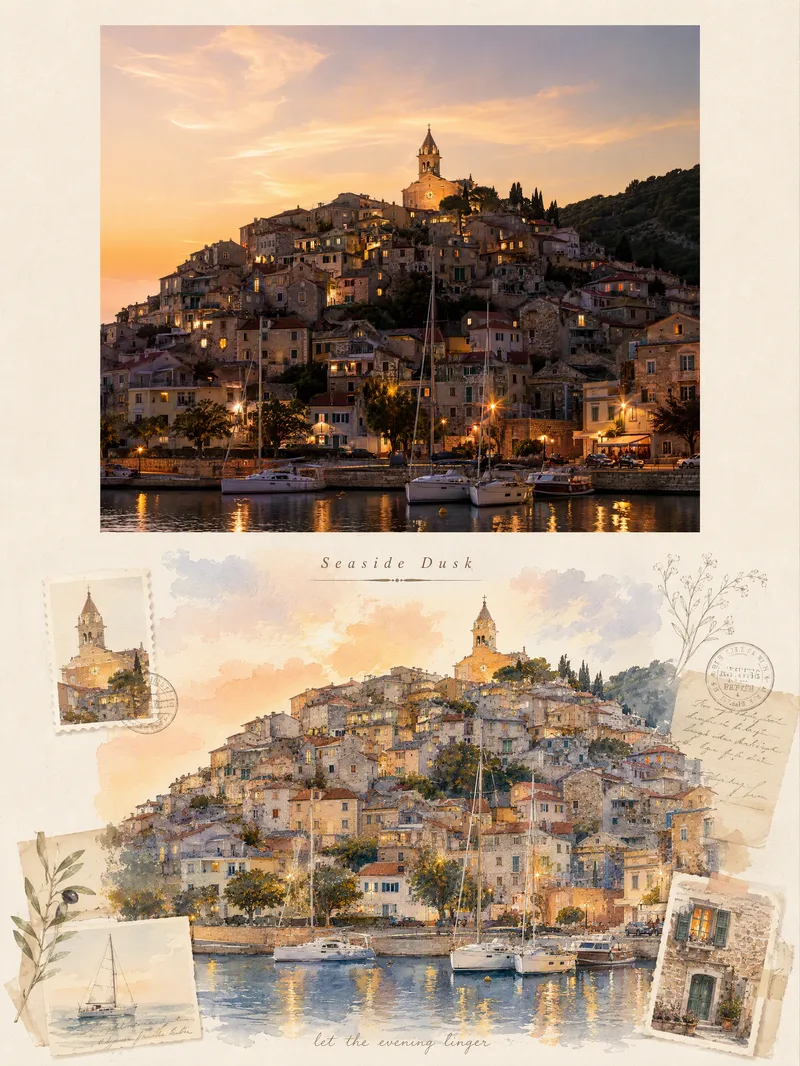
ImageViral Travel Journal Poster
Turn a single travel photo into a 3:4 vertical romantic travel journal poster that combines a sense of memory with an illustrated aesthetic. The upper half preserves the original photo’s subject, composition, colors, lighting, and shadows, framed with a natural warm-white paper border. The lower half reimagines the scenery and spatial relationships from the original photo as a full-bleed horizontal gouache-and-watercolor collage, giving the same journey a more artistic second expression. The design extracts distinctive architectural, botanical, transportation, or scenic elements from the photo and combines them with hand-drawn stickers, landscape stamps, stationery, postmarks, and delicate botanical lines, layered with soft warm light, paper texture, and restrained decoration. Based on the scene, it automatically creates an elegant English serif title and short handwritten English text, making the poster feel like a carefully crafted travel journal page rather than a standard photo layout. It suits photos of seaside towns, city walks, natural landscapes, cafés, travel sunsets, and more. You can also guide the creation with a specific scene mood, color preference, or title copy. When no photo is provided, it can first generate a realistic travel photography base image from your scene description, then create the complete poster.
 Image
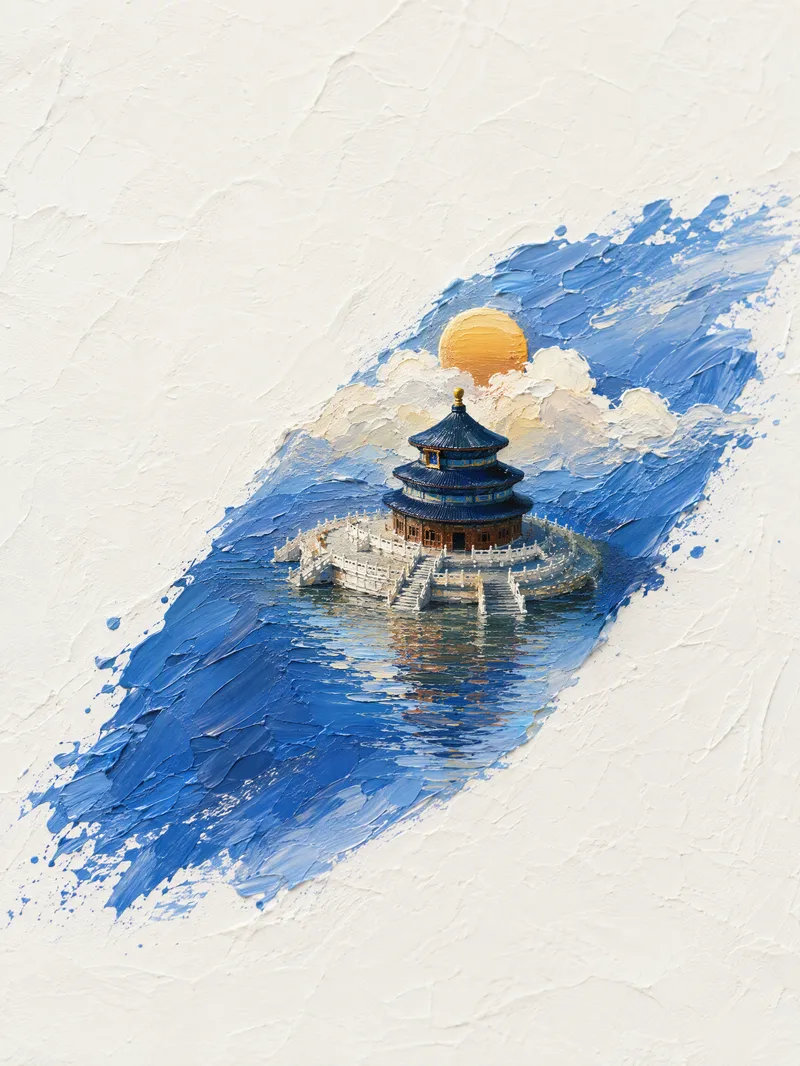
ImageLandmark Oil-Painting Miniatures
Transform one or more landmark buildings into oil-painting-style 3D miniature landscapes with a distinct sense of place. Whether it’s the Temple of Heaven in Beijing, the Eiffel Tower, the Taj Mahal, or another famous structure, each scene is designed around the building’s materials, historical style, and signature colors, with a custom central diagonal brushstroke that brings the architecture to life in three dimensions. The composition uses a minimalist top-down view, thick impasto texture, and a white textured paper background, with generous negative space and clouds, sunlight, surrounding scenery, and water reflections that complement the building’s character. Chinese classical, ancient Roman, modern harbor, and Mughal architecture each receive their own fitting sky and landscape treatment instead of a uniform color scheme. When multiple buildings are provided, each one generates its own vertical 3:4 image, accompanied by a brief explanation in Chinese of the brushstroke colors and stylistic matches. The artwork remains a pure artistic presentation, without text, branding, slogans, or unrelated elements. If no building name has been provided, you’ll first be asked to specify a landmark.
 Image
ImageViral Info Atlas Maker
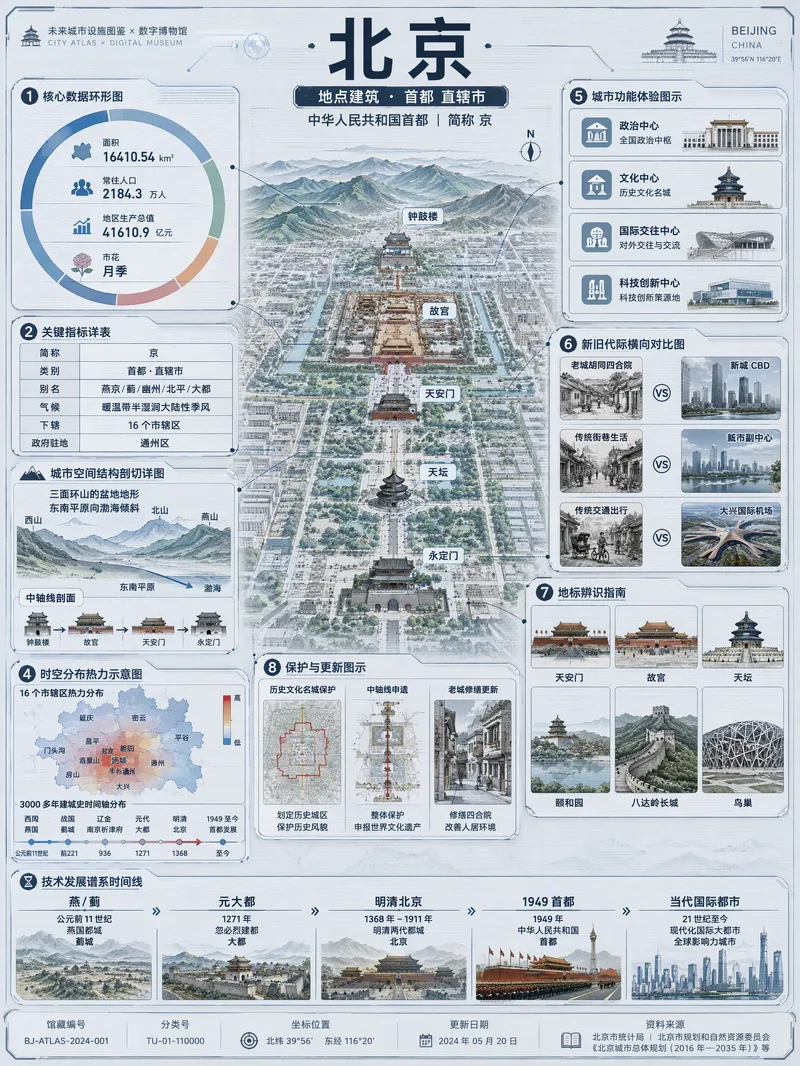
Quickly turn any subject name into a technology-inspired natural history atlas poster that combines rich information with strong visual appeal. Whether it’s a living thing, mineral or material, man-made object, place or building, cultural concept, or historical figure, the Skill organizes content for display and sharing based on your audience, focus, and language requirements. The Skill first uses real-time web research to verify definitions, key data, structure and composition, distribution, applications, evolution, identifying features, and more. It then arranges the content into a 3:4 vertical infographic. The poster centers on a specimen-style subject, surrounded by nine adaptive information modules covering core metrics, structural analysis, spatial and temporal distribution, context and use cases, comparisons, identification points, conservation or maintenance tips, and a development timeline. Module themes and information priorities are adjusted to fit the type of subject. The finished piece uses light gray-blue technical cardstock, precise linework, low-saturation cyan and blue washes, and a semi-transparent scanned texture. The result combines the visual style of a future-city infrastructure atlas with a digital museum display panel, while retaining the subject label at the top and a collection records area at the bottom. For obscure subjects or when information is limited, speculative content is distinguished with visual prompts. It is suitable for science education, exhibition introductions, knowledge sharing, and social media publishing.
 Image
ImageViral Photo Torn-Paper Collage
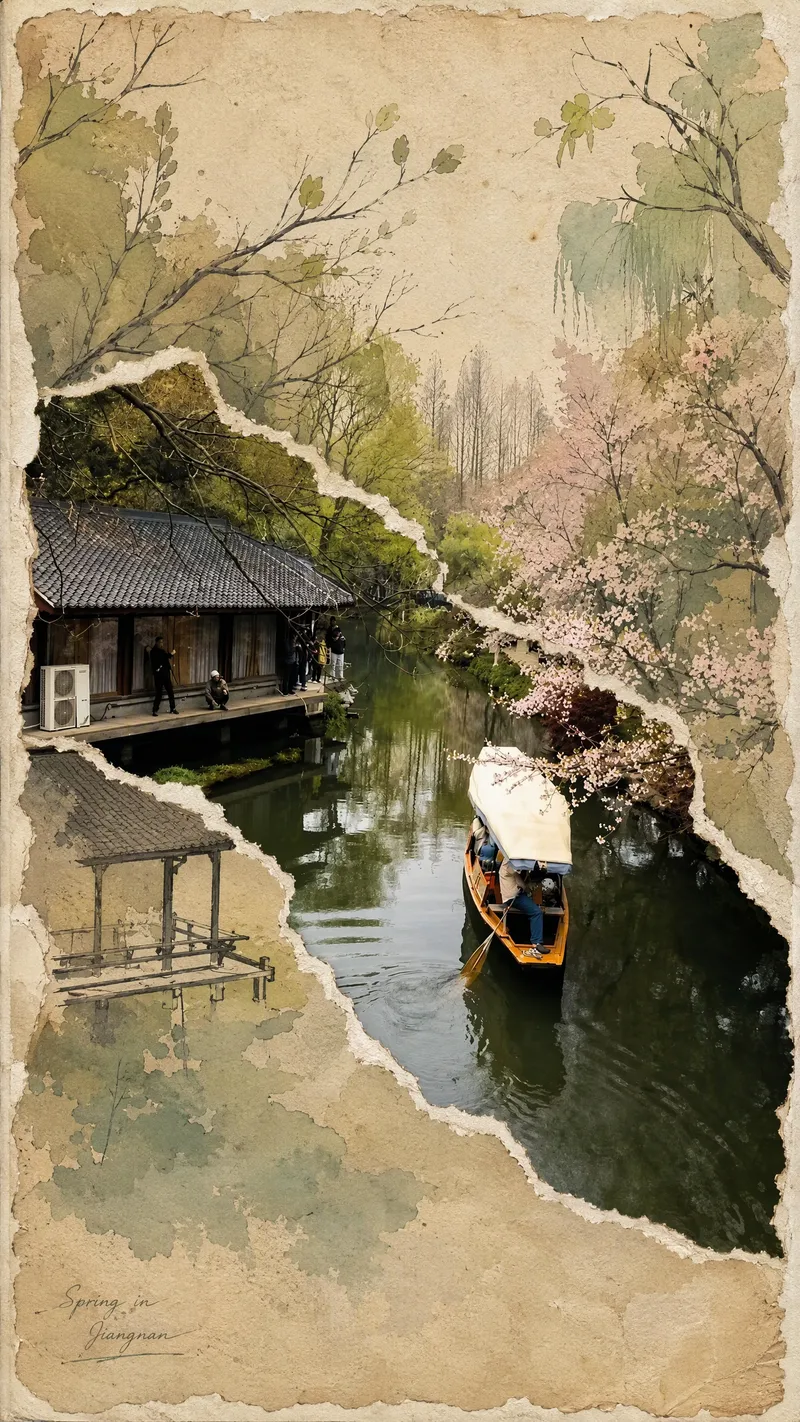
Turn a real-world photo into a vintage torn-paper collage with the tactile feel of physical paper, while preserving the true colors and recognizability of important subjects. The image follows the original photo's proportions, naturally emerging through torn edges in old beige paper. Around it, minimalist painted elements, hand-drawn outlines, and paper grain create a mixed-media collage where photography overlaps with illustration. The torn edges vary freely with the image content instead of using rigid straight cuts, while keeping the subject's contours, perspective, and horizon as coherent as possible across different layers. The overall look is vintage and low-saturation, but this treatment is not applied to the preserved real-world photo areas. Beige paper extends beyond the photo to enhance the feel of a handmade collage. You can add corner text, keywords, or layout preferences, and the result will prioritize clear requirements. When no preferences are specified, it uses a natural collage composition with a small amount of concise text. Suitable for transforming travel scenes, architecture, street views, and everyday-life photos into artistic images that combine realism with a sense of narrative.
 Image
ImageViral Comic Selfie
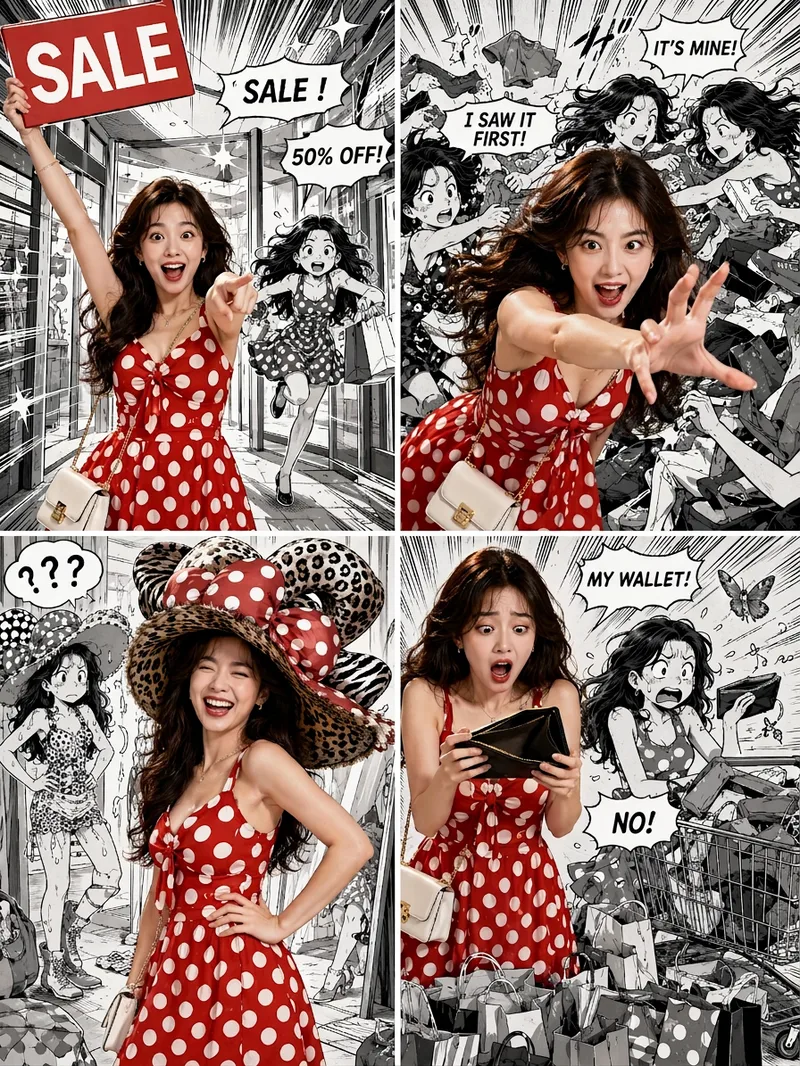
Turn a photo of a person into a story-driven four-panel pop comic: preserve the character’s facial features, hairstyle, skin tone, body type, and overall presence, with the same protagonist appearing across four connected scenes. The finished image uses a 3:4 portrait 2×2 collage layout, with each panel in a separate 3:4 frame and divided by thin white borders, creating a striking contrast between “realistic, colorful character × black-and-white comic storyboard backgrounds.” You can upload one or more photos and specify a theme, plot, four-panel beats, style, or text for speech bubbles and signs. The Skill organizes connected scenes from opening to climax, turning point, and ending, and aims to render the specified text accurately. If you upload only photos without additional instructions, it creates a fitting four-panel story based on the environment, lighting, occasion, and the person’s presence in the photos. Without a photo, it can also generate a consistent, realistic protagonist. The final deliverable is always one four-panel collage image rather than separate finished images, accompanied by a description of the theme and scene beats. You can continue refining the story theme, four-panel pacing, or text in the image, or recreate an enlarged version of a specific panel while preserving the character’s appearance.
 Image
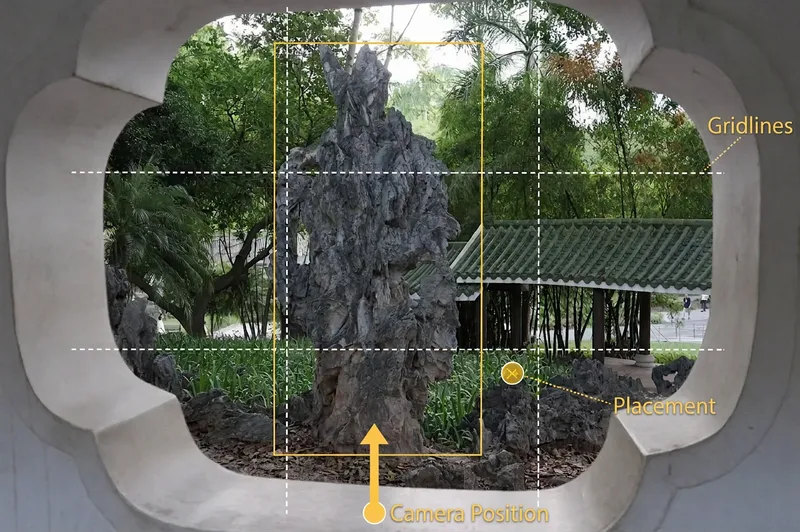
Image(Viral) Scenic Portrait Guide
Upload a landscape photo to get a scenic portrait shoot plan tailored to the environment. The person being photographed will know how to pose, while the photographer will know where to stand and how to compose the shot. With a phone or camera, you can more easily capture natural-looking, flattering travel portraits. Even without details about the number of people, style, or equipment, the Skill makes reasonable judgments from the image and provides phone settings by default. The Skill analyzes the lighting, colors, foreground, leading lines, and negative space in settings such as beaches, mountains, flower fields, forests, cities, and historic architecture. It then designs poses for individuals, couples, or groups, explaining body orientation, hand placement, gaze direction, and interaction with the surroundings, while also flagging stiff poses to avoid. For the photographer, it provides suggestions for camera height, shooting angle, composition, focal length, and shooting distance. Based on the lighting and equipment, the settings section provides adjustment ranges for aperture, shutter speed, ISO, white balance, and exposure compensation, along with the reasons they apply and ways to fine-tune them on location. In addition to written plans, it can generate previews showing people naturally placed in the original landscape, as well as camera-position diagrams marked with where to stand, shooting direction, and composition references—so you can follow the guidance directly while traveling.