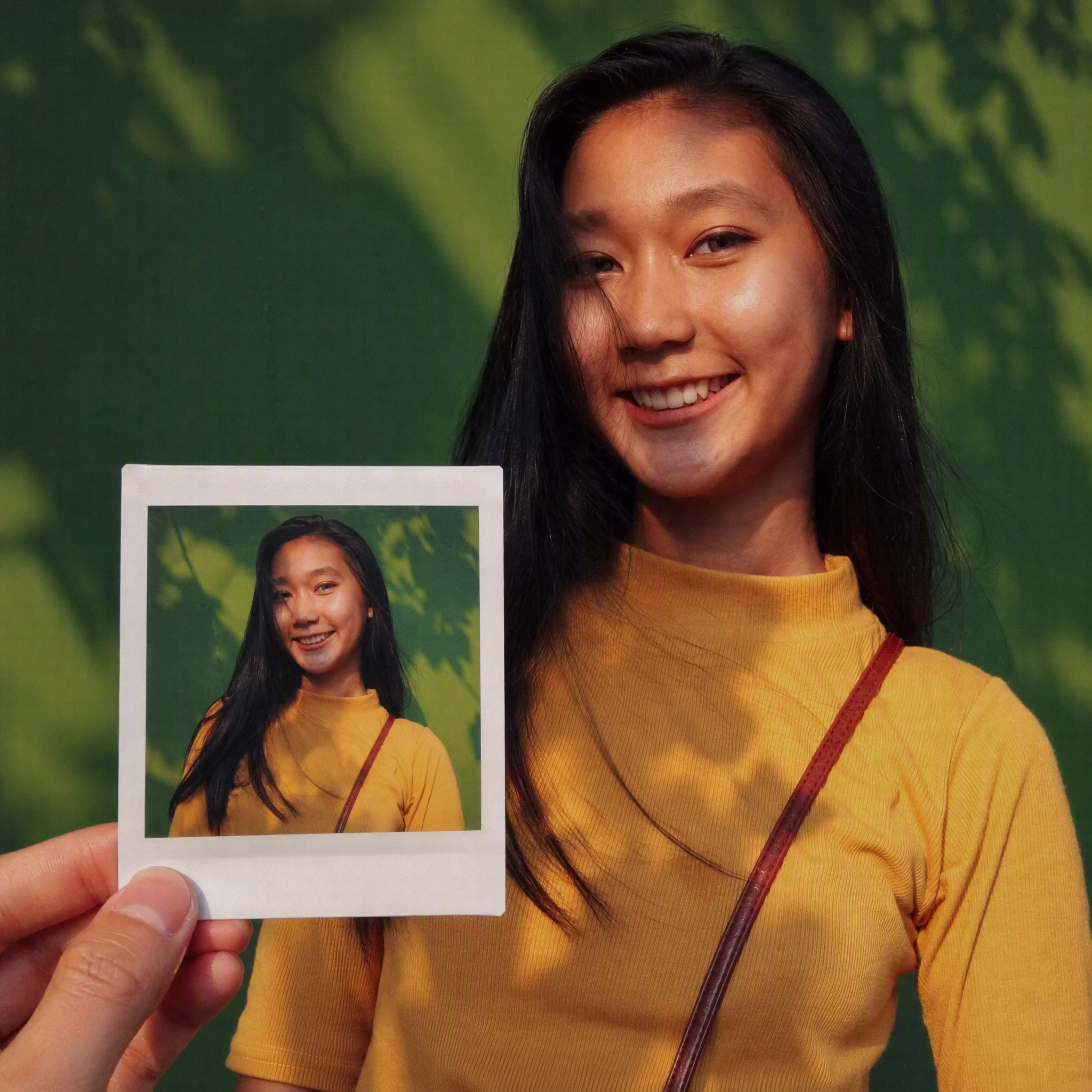
Same-Scene Instant Photo
Create same-scene handheld instant photos
Same-Scene Instant Photo
Create same-scene handheld instant photos
Showcase
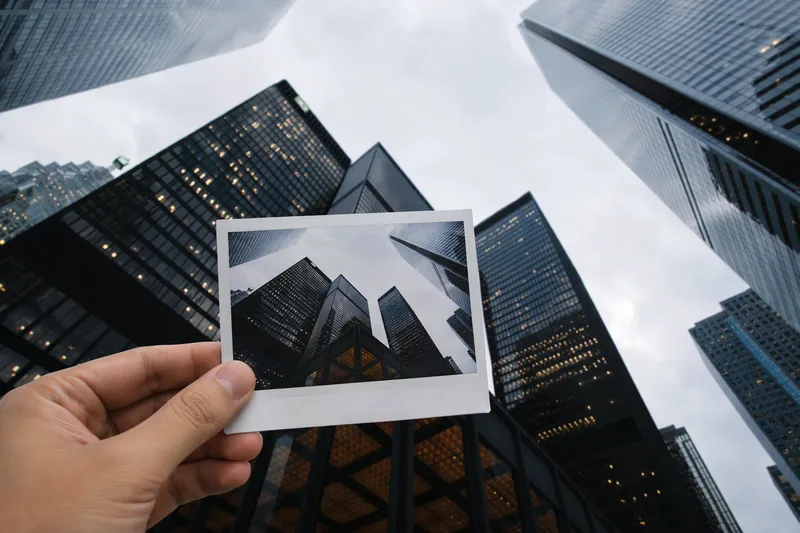
横屏手持照片生成
同景手持即时照片 · 城市摩天楼仰拍(原比例)
横屏手持照片生成
同景手持即时照片 · 城市摩天楼仰拍(原比例)
Description
Turn an image or natural-language scene description into a realistic, natural-looking handheld instant photo: a hand holds a physical white-bordered instant print in the foreground, while the real scene from the same place and moment appears in the background, creating a coherent picture-within-picture effect. Whether the subject is a landscape, urban architecture, person, animal, car, product, or everyday object, the image preserves its key appearance and places it in a plausible real-world setting—not simply pasted into a frame. The results emphasize authentic photographic qualities, including natural perspective, paper texture, contact shadows, hand details, moderate depth of field, and the casual feel of a phone snapshot. Mountains, buildings, people, animals, and other subjects in the instant photo correspond to the background, allowing viewers to directly compare the image inside the print with the real scene outside it. Unnatural elements such as floating cards, digital collages, design lines, and excess text are avoided. The composition automatically adapts to landscape, portrait, or square formats based on the original image or your specified aspect ratio, while keeping the instant photo in your hand aligned with the final image. You can also use natural language to adjust the photo’s position, tilt, size, background clarity, lighting, and overall style. It’s suitable for travel photography, life documentation, and scene images with a convincing realistic illusion.
Recommended by
Dancang
Why we love this skill
Transforms any image or text scene into a realistic moment where the real setting and a handheld instant photo appear together, with matching scene, perspective, and lighting.
Related Skills
View all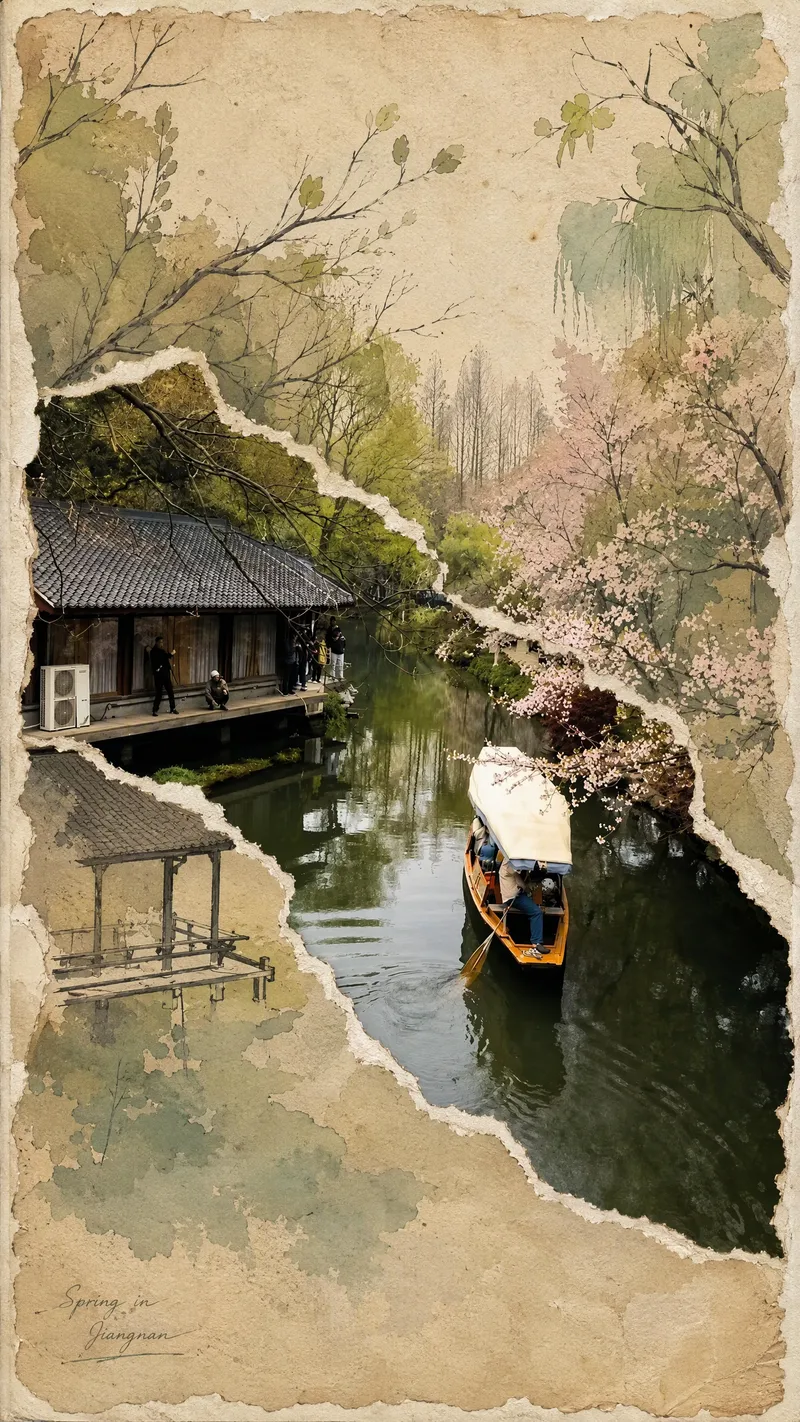 Image
ImageViral Photo Torn-Paper Collage
Turn a real-world photo into a vintage torn-paper collage with the tactile feel of physical paper, while preserving the true colors and recognizability of important subjects. The image follows the original photo's proportions, naturally emerging through torn edges in old beige paper. Around it, minimalist painted elements, hand-drawn outlines, and paper grain create a mixed-media collage where photography overlaps with illustration. The torn edges vary freely with the image content instead of using rigid straight cuts, while keeping the subject's contours, perspective, and horizon as coherent as possible across different layers. The overall look is vintage and low-saturation, but this treatment is not applied to the preserved real-world photo areas. Beige paper extends beyond the photo to enhance the feel of a handmade collage. You can add corner text, keywords, or layout preferences, and the result will prioritize clear requirements. When no preferences are specified, it uses a natural collage composition with a small amount of concise text. Suitable for transforming travel scenes, architecture, street views, and everyday-life photos into artistic images that combine realism with a sense of narrative.
 Image
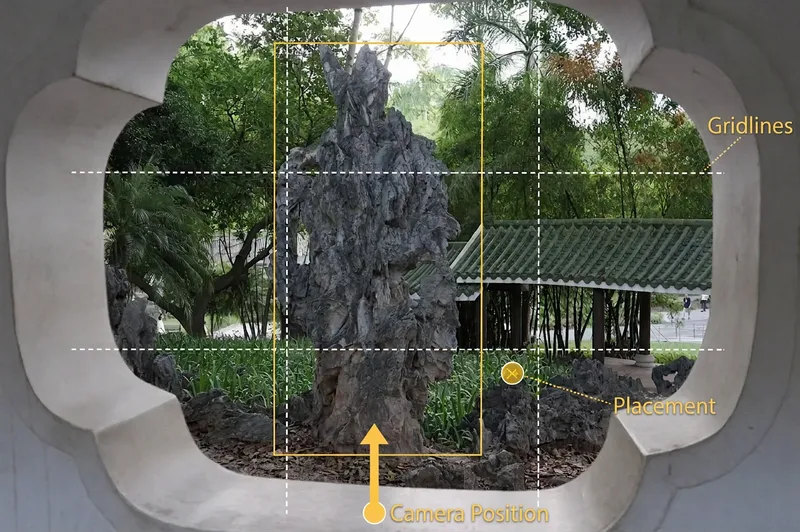
Image(Viral) Scenic Portrait Guide
Upload a landscape photo to get a scenic portrait shoot plan tailored to the environment. The person being photographed will know how to pose, while the photographer will know where to stand and how to compose the shot. With a phone or camera, you can more easily capture natural-looking, flattering travel portraits. Even without details about the number of people, style, or equipment, the Skill makes reasonable judgments from the image and provides phone settings by default. The Skill analyzes the lighting, colors, foreground, leading lines, and negative space in settings such as beaches, mountains, flower fields, forests, cities, and historic architecture. It then designs poses for individuals, couples, or groups, explaining body orientation, hand placement, gaze direction, and interaction with the surroundings, while also flagging stiff poses to avoid. For the photographer, it provides suggestions for camera height, shooting angle, composition, focal length, and shooting distance. Based on the lighting and equipment, the settings section provides adjustment ranges for aperture, shutter speed, ISO, white balance, and exposure compensation, along with the reasons they apply and ways to fine-tune them on location. In addition to written plans, it can generate previews showing people naturally placed in the original landscape, as well as camera-position diagrams marked with where to stand, shooting direction, and composition references—so you can follow the guidance directly while traveling.
 Image
ImageSeamless Photo–Illustration
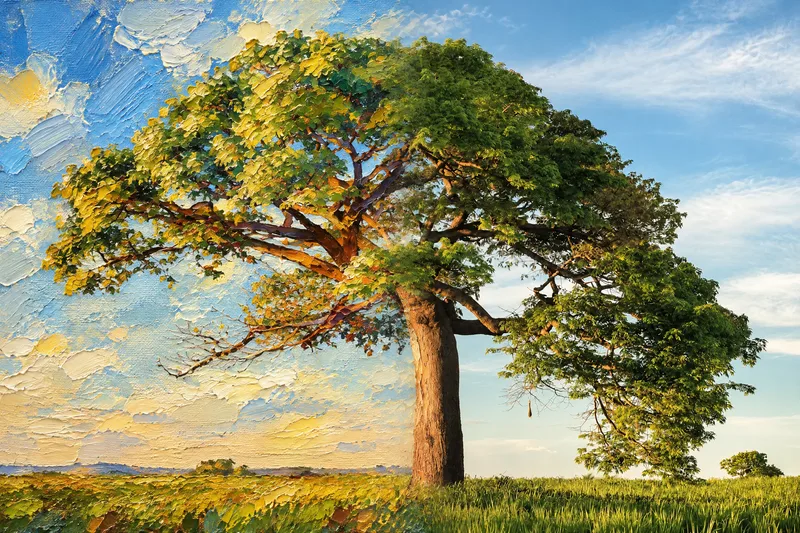
Transform photos of people, animals, pets, cars, buildings, products, food, plants, or scenes into dual-visual artwork featuring the same subject and composition in both realistic and illustrated form. One side preserves photographic texture, natural lighting, and material details, while the illustrated side clearly reflects a hand-drawn, anime, comic, watercolor, oil painting, clay, or vector illustration medium—not a simple filter effect. You can specify whether the visuals are arranged left and right or top and bottom, define where the realistic and illustrated areas appear, choose an illustration style, and set the aspect ratio. The subject’s pose, expression, facial features, structure, clothing, colors, and relationship to the scene remain coherent. People, animals, and objects transition according to their own visual centers, allowing both treatments to occur naturally within the subject rather than mechanically splitting the image. The final image emphasizes seamless integration: photographic texture gradually becomes lines, color blocks, or brushstrokes, while contours and lighting connect naturally. There are no dividing lines, hard edges, collage seams, torn-paper effects, or glowing boundaries. You’ll get a dual-visual image where the difference between the real world and the illustrated world is clear, yet no exact dividing point can be found.
Information
- Version
- v4
- Last updated
- Runtime credits
- Usage-based
- Models
- Auto
