
Split-Screen Science Pro
Compare one topic in a split-screen poster
Split-Screen Science Pro
Compare one topic in a split-screen poster
Showcase
Description
Enter a topic, existing materials, or two sets of items to automatically create an original split-screen comparison science poster: cool gray on the left and warm ivory on the right, with a fictional adult shown in a side-by-side half-body comparison at the center by default, paired points on both sides, and English annotations. It works well for comparisons in nutrition, lifestyle habits, material properties, technology solutions, environmental choices, and other educational topics. It includes fact-checking and source labeling, a precise list of English text for the image, original visual composition, and an item-by-item visual review after generation. Titles, food or item names, and annotations in the image default to English.
Recommended by
Dancang
Why we love this skill
Turns complex topics into clear split-screen science posters with English annotations, consistent comparisons, verified sources, original layouts, and detailed post-generation review.
Best for
Ideal for content creators, educators, and research editors who need clear comparison science posters.
How to use this Skill
Provide your input
Provide a topic, existing materials, or two sets of items to compare. You may also add the audience, aspect ratio, number of points, central subject, and visual references.
Run the Skill
The system organizes comparison dimensions and source material, structures paired explanations, creates an original split-screen poster, and checks the in-image text, pairings, and necessary limitations.
Review your result
Get a comparison science poster, along with a copyable list of in-image text, a brief explanation, and the sources actually used.
Related Skills
View all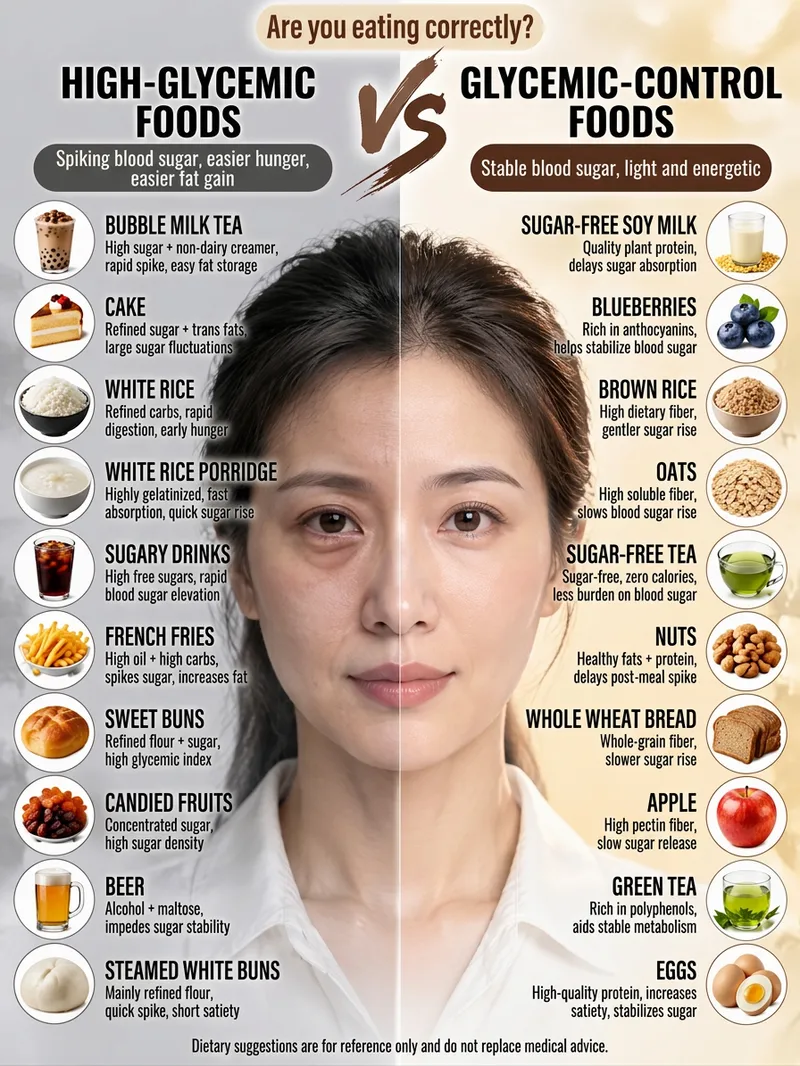 Image
ImageViral Comparison Infographics
Best for: Wellness, food therapy, and health education creators; beauty, skincare, haircare, and appearance-care creators; and weight loss, blood sugar control, and nutrition creators. How to monetize: Create “wellness comparison” series for Xiaohongshu, Douyin, and WeChat Channels using graphic posts and short-video carousels. Promote health supplements, food, haircare, and skincare products through product sales, storefront commissions, sponsored campaigns, and livestream traffic. Advantage: Change the keyword and get a new piece of content, with extremely low daily production costs. Just enter a topic keyword, such as “haircare,” “blood sugar control,” “slimming the face,” or “eye care.” The skill automatically analyzes the topic, names the pros and cons, determines the visual subject, writes the content, and consolidates image-generation prompts to create a viral educational infographic featuring a “split-screen layout + real-person half-face comparison + two-column checklist.”
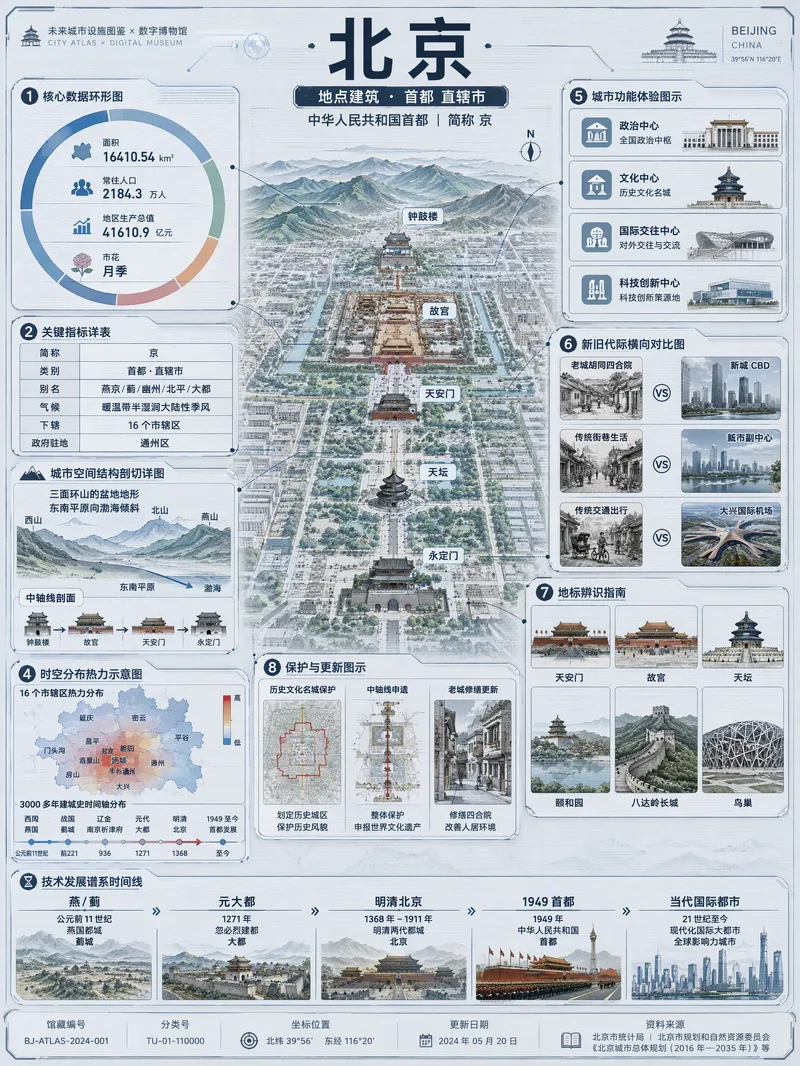 Image
ImageViral Info Atlas Maker
Quickly turn any subject name into a technology-inspired natural history atlas poster that combines rich information with strong visual appeal. Whether it’s a living thing, mineral or material, man-made object, place or building, cultural concept, or historical figure, the Skill organizes content for display and sharing based on your audience, focus, and language requirements. The Skill first uses real-time web research to verify definitions, key data, structure and composition, distribution, applications, evolution, identifying features, and more. It then arranges the content into a 3:4 vertical infographic. The poster centers on a specimen-style subject, surrounded by nine adaptive information modules covering core metrics, structural analysis, spatial and temporal distribution, context and use cases, comparisons, identification points, conservation or maintenance tips, and a development timeline. Module themes and information priorities are adjusted to fit the type of subject. The finished piece uses light gray-blue technical cardstock, precise linework, low-saturation cyan and blue washes, and a semi-transparent scanned texture. The result combines the visual style of a future-city infrastructure atlas with a digital museum display panel, while retaining the subject label at the top and a collection records area at the bottom. For obscure subjects or when information is limited, speculative content is distinguished with visual prompts. It is suitable for science education, exhibition introductions, knowledge sharing, and social media publishing.
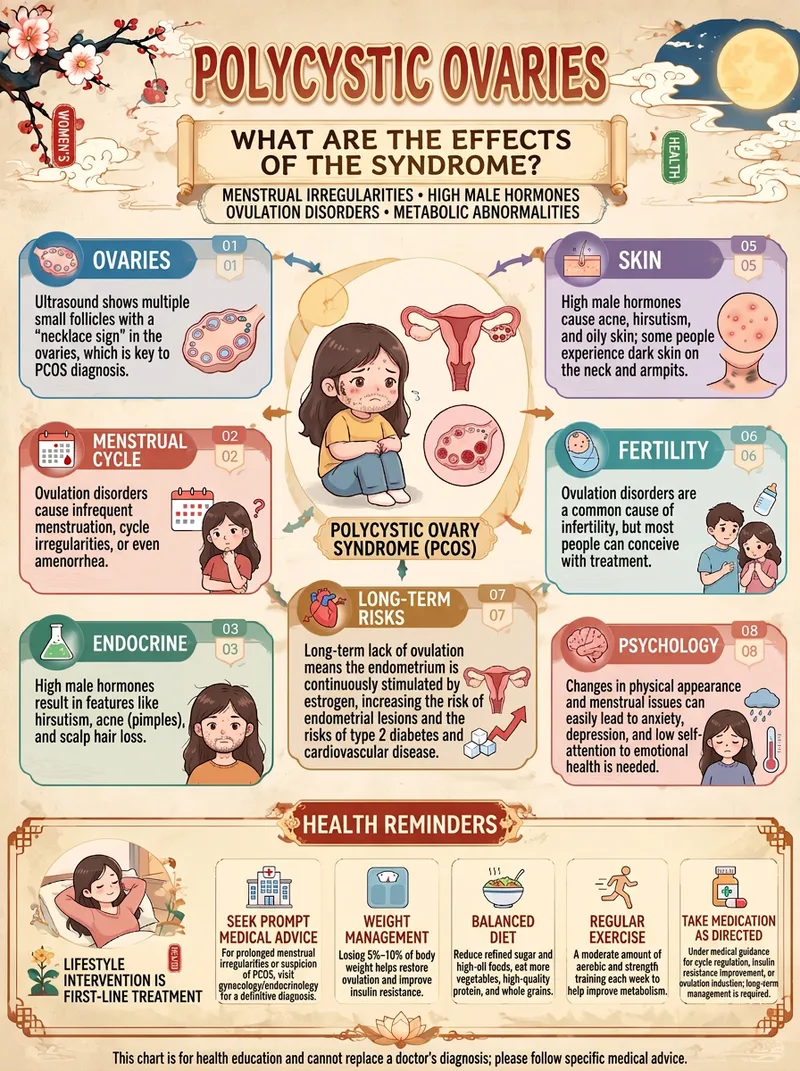
One-Click Health Infographic
Enter just one topic to transform complex health knowledge into an elegant Chinese-style educational infographic. You can use it to create: • Guides to the five internal organs, other body organs, and their physiological functions • Explainers on bodily changes caused by staying up late, insomnia, fatigue, and more • Guides to hydration, diet, nutrition, and healthy lifestyle habits • Everyday health knowledge about exercise, prolonged sitting, and weight management • Visual explainers on seasonal wellness, traditional Chinese medicine theories, and health culture Default: a distinctive modern Chinese visual style Rice-paper-inspired off-white backgrounds, traditional Chinese plaques, auspicious clouds, plum blossoms, seals, refined borders, cartoon organ illustrations, and modular knowledge cards create cohesive, polished visuals with a strong series identity. More than just attractive—the focus is also on knowledge quality It prioritizes the most representative knowledge from each topic and avoids piling on irrelevant information. Modern medical evidence is distinguished from traditional Chinese medicine theories, and health claims are not invented just to fill the layout. Flexible for different creative needs The default format is a 3:4 portrait layout. You can also specify 9:16, 4:5, 1:1, or 16:9, making it suitable for health education accounts, social media posts, short-video visuals, and series content. How to use it: Enter a topic → Extract key knowledge → Design the layout → Generate the image. No need to design from scratch—give every health topic its own visual guide. Note: Generated content is for health education and does not replace professional medical diagnosis or treatment advice. Medical content and text in images should still be verified before publication.
Information
- Version
- v4
- Last updated
- Runtime credits
- Usage-based
- Models
- Auto
- Use cases
- Writing & contentImages & designResearch & analysis
- What you get
- DocumentImage
- Visual styles
- MinimalistEditorialFlat
