QINGGUO MENG
 Image
ImageSplit-Screen Science Pro
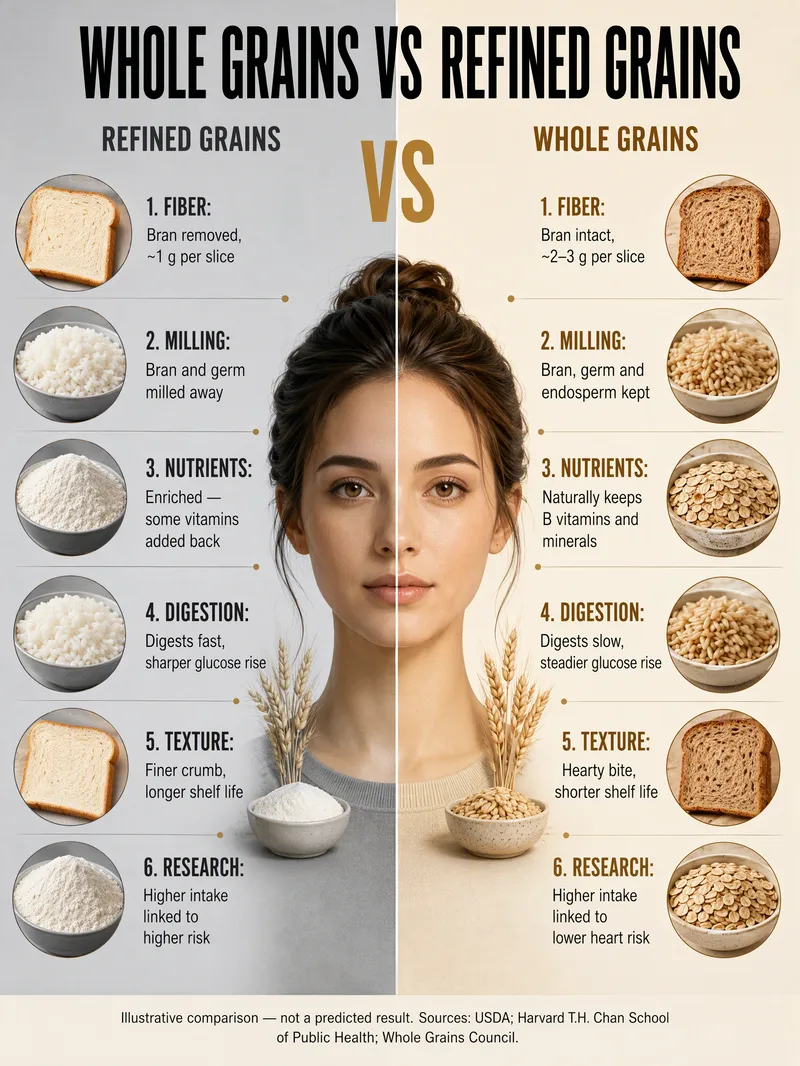
Enter a topic, existing materials, or two sets of items to automatically create an original split-screen comparison science poster: cool gray on the left and warm ivory on the right, with a fictional adult shown in a side-by-side half-body comparison at the center by default, paired points on both sides, and English annotations. It works well for comparisons in nutrition, lifestyle habits, material properties, technology solutions, environmental choices, and other educational topics. It includes fact-checking and source labeling, a precise list of English text for the image, original visual composition, and an item-by-item visual review after generation. Titles, food or item names, and annotations in the image default to English.
 Image
ImageCandid Highlights Pro
Your photo deserves a naturally occurring highlight moment. Upload a clear portrait, and Candid Highlights designs a street photography scene around your expression, outfit, and pose—capturing moments like brushing back your hair, glancing sideways while walking, or just beginning to smile as an original portrait with a realistic photographic feel. • Identity reference: Preserves recognizable facial features and a natural sense of age from the uploaded photo. • Scene customization: Choose directions such as city streets, tree shadows, the seaside, post-rain settings, and night scenes. • Motion control: Choose low, medium, or high motion to balance a clear subject with a dynamic background. • Outfit options: Keep the original outfit by default or specify a change. • Dual use: Create a portrait only or a cover poster with an original short line. • Series creation: Make multi-scene sets featuring the same person and request local revisions as needed. The default is one 3:4 image; you can specify the aspect ratio and number of images. Suitable for social profile pictures, personal content covers, and portrait creation. AI generation may produce identity or limb inaccuracies. Results depend on the reference photo and account capabilities and still require manual review. Installation and redemption cost 3,366 points; runs and additional generations are charged separately under platform rules. This does not represent a real visit or on-site photo shoot.
 Image
ImageUniversal Infographic Studio
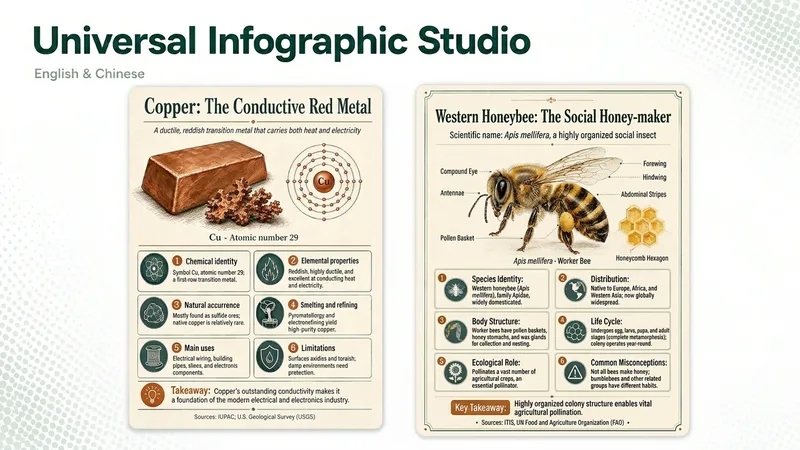
Universal Infographic Studio turns a topic—or material you supply—into one clear, structured knowledge infographic. Give it a subject, or paste a document, article, or image you want explained; it returns a finished infographic image, the exact on-image text in copyable form, and the sources it used. It works in English and Chinese, follows the language of your topic, and defaults to a museum field-guide look in a single 3:4 poster with four to six knowledge modules. Figures such as percentages and rankings appear with their context, and every point is checked before it is drawn. When image generation is unavailable, you receive a complete render prompt instead. Turn a topic—or an article, document, or image you provide—into one clear, structured knowledge infographic. Give it a subject or source material, and you’ll receive a finished infographic, the on-image text in copyable form, and the sources actually used. It supports English and Chinese, follows the topic’s language by default, and uses a Museum field-guide style in a single 3:4 image with four to six knowledge modules. Percentages, rankings, and other figures are labeled with their context, and every point is checked before drawing. If image generation is unavailable, it returns a complete render prompt. AI-generated text, data, and illustrations should be reviewed before publication. AI-generated text, data, and illustrations still require human review before publication.