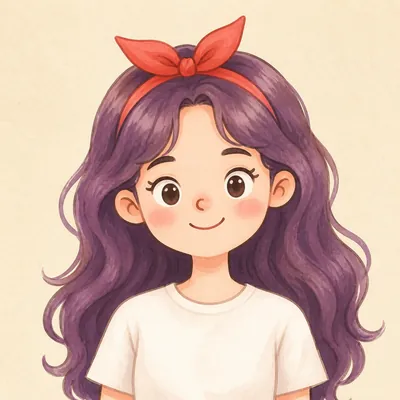
Your Custom Cartoon Avatar
Turn one photo into a reusable cartoon character
Your Custom Cartoon Avatar
Turn one photo into a reusable cartoon character
Showcase
Description
Turn a photo of a person into a custom hand-drawn cartoon character. Choose your favorite from 4 candidates with different poses and expressions, then finalize the design using one of 3 standard reference sets, each featuring three views and 6 commonly used expressions. You can download and save the reference images, or continue using them for article illustrations, Xiaohongshu posts, profile pictures, covers, sticker packs, nine-grid WeChat Moments posts, and custom scenes. Each task is linked to one character; when switching to a different person, we recommend creating a new task to avoid mixing up characters.
Recommended by
Dancang
Why we love this skill
Turn one photo into a downloadable, reusable cartoon character, with a structured process that helps maintain consistency across illustrations, covers, stickers, and custom scenes.
Related Skills
View all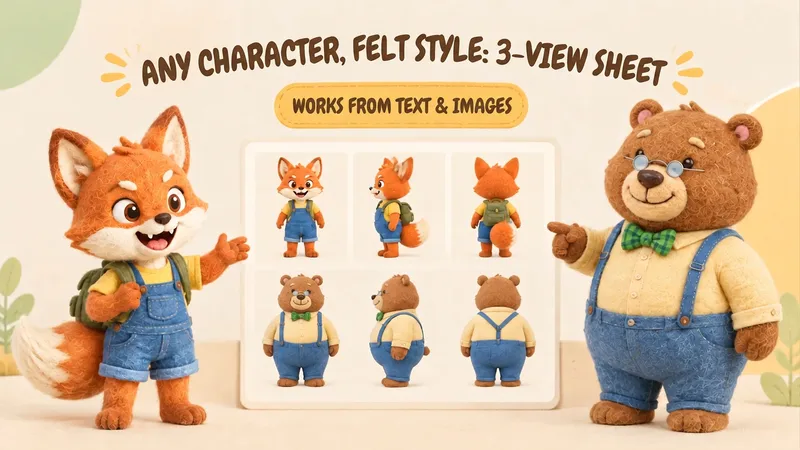 Image
ImageIP Character Felt Turnaround
Give your favorite character a soft, cozy felt texture with visible wool fibers. Upload a character image or write a one-line character description to create front, 90° side, and back views of the same character. Existing characters can retain their facial features, color palette, clothing, and signature accessories. With no reference image, you can also start from text. You’ll receive: • A complete felt-style front, side, and back character turnaround. • A clear visual description of the character’s appearance for future use. • Reusable generation prompts for further edits and expansions. The process first organizes the character’s traits, then designs the felt material, generates the three views, and checks consistency across angles, clothing, accessories, and distinctive structures. Visible discrepancies are corrected as needed. Details on the back that are not shown in the reference image are completed conservatively and clearly noted. Ideal for original IP characters, picture books and comics, short-form video development, and creators who want to turn a favorite character into a felt-style design. The generated reference sheet can support future image generation, storyboarding, and visual communication within a team. Leave the repeated work of refining material terms, viewpoint terms, and character constraints to this workflow, so you can focus on your character and story.
 Image
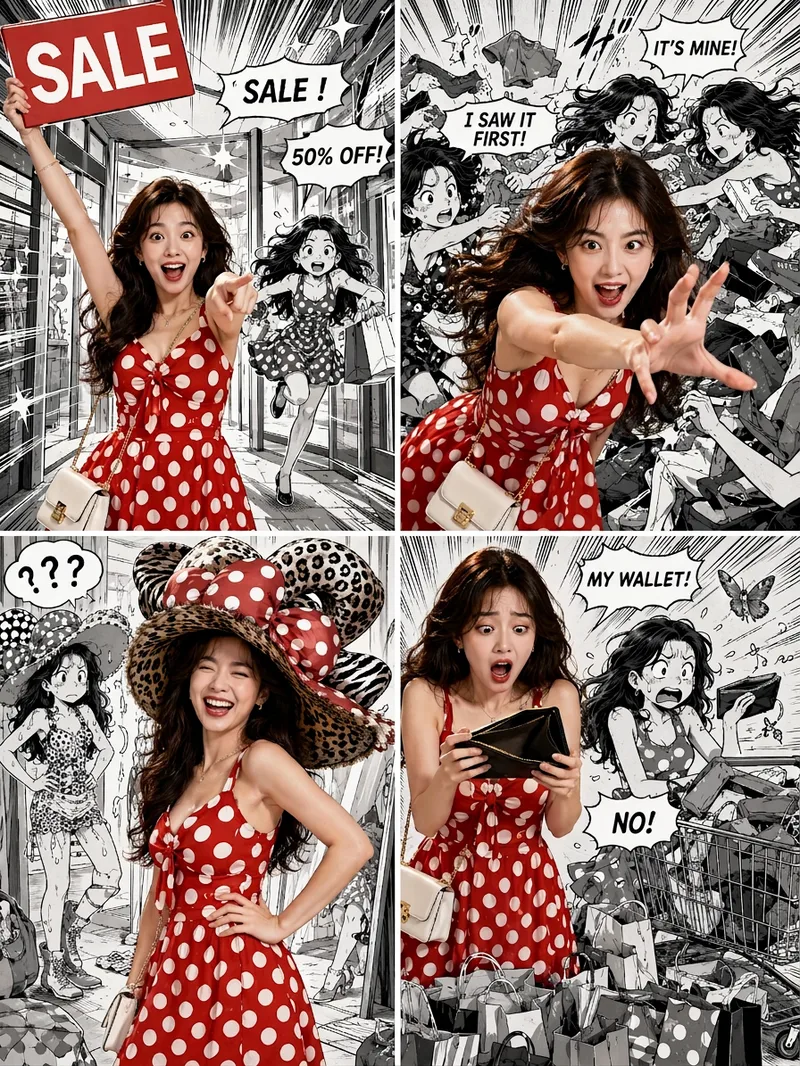
ImageViral Comic Selfie
Turn a photo of a person into a story-driven four-panel pop comic: preserve the character’s facial features, hairstyle, skin tone, body type, and overall presence, with the same protagonist appearing across four connected scenes. The finished image uses a 3:4 portrait 2×2 collage layout, with each panel in a separate 3:4 frame and divided by thin white borders, creating a striking contrast between “realistic, colorful character × black-and-white comic storyboard backgrounds.” You can upload one or more photos and specify a theme, plot, four-panel beats, style, or text for speech bubbles and signs. The Skill organizes connected scenes from opening to climax, turning point, and ending, and aims to render the specified text accurately. If you upload only photos without additional instructions, it creates a fitting four-panel story based on the environment, lighting, occasion, and the person’s presence in the photos. Without a photo, it can also generate a consistent, realistic protagonist. The final deliverable is always one four-panel collage image rather than separate finished images, accompanied by a description of the theme and scene beats. You can continue refining the story theme, four-panel pacing, or text in the image, or recreate an enlarged version of a specific panel while preserving the character’s appearance.
 Image
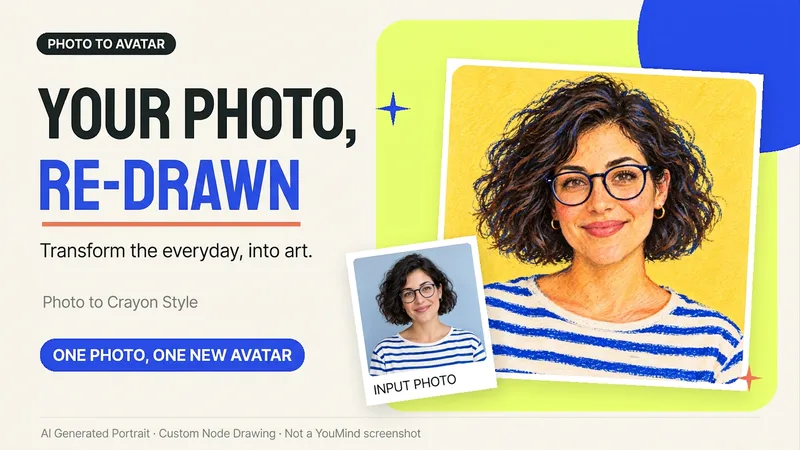
ImagePhoto to Hand-Drawn Avatar
Want a hand-drawn avatar while keeping your hairstyle, glasses, and distinctive expression? Upload a clear photo of one person, then choose a warm crayon or cool marker style to create a square avatar for WeChat, social accounts, and personal homepages. You can also start without choosing a style; warm crayon is used by default. You can get: ① One hand-drawn avatar: clean background, head-and-shoulders composition, and no text by default. ② Preserved features: focuses on the hairstyle, glasses, face shape, and noticeable accessories to reduce a generic look. ③ Avatar-friendly composition: designed for circular cropping and recognizability at small sizes; when supported by the tool, the thumbnail and circular preview are checked. ④ Targeted edits: when changing the background, expression, or accessories, the previously approved version is prioritized for continuity. Photo conversion is supported, as is creating fictional avatars from text descriptions. Delivery is one image by default; a full sticker pack is not generated automatically. The final image and edits depend on the image tools and usage limits available on the current platform, and exact consistency of personal features is not guaranteed. If an image cannot be generated, this will be stated clearly and a copyable conversion prompt will be provided; the prompt will not be presented as a finished avatar. Usage is calculated according to the platform's rules at the time.
Information
- Version
- v2
- Last updated
- Runtime credits
- Usage-based
- Models
- Auto
