vermilion
 Image
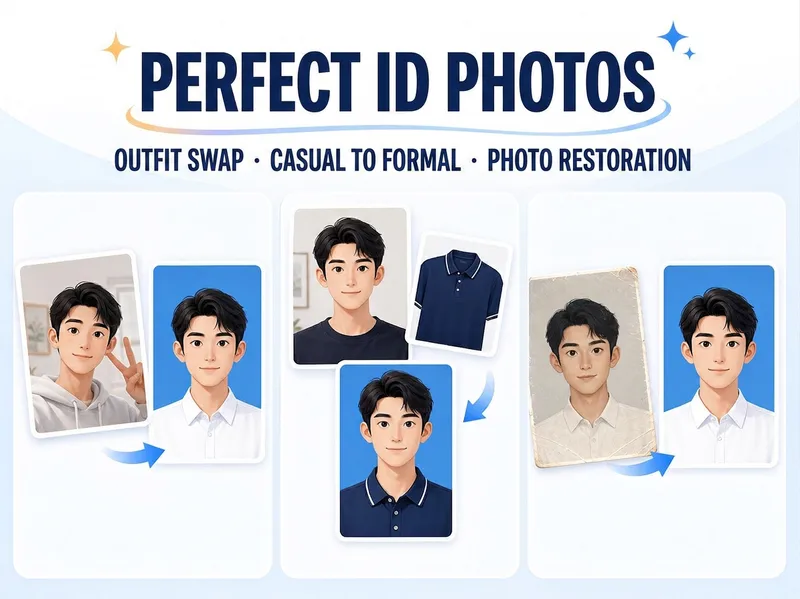
ImagePolished ID Photos
Just upload one clear photo—no need to specify a purpose or parameters first. Selfies and casual snapshots can be turned into formal one-inch photos with a blue background. You can also upload a separate clothing photo as an outfit reference, or adjust the background color, lighting, crop, and dimensions of an existing ID photo. Once you’re satisfied with the first image, create white-background, red-background, two-inch, specified-pixel, or six-inch print layouts as needed, avoiding a pile of images you don’t need.
 Image
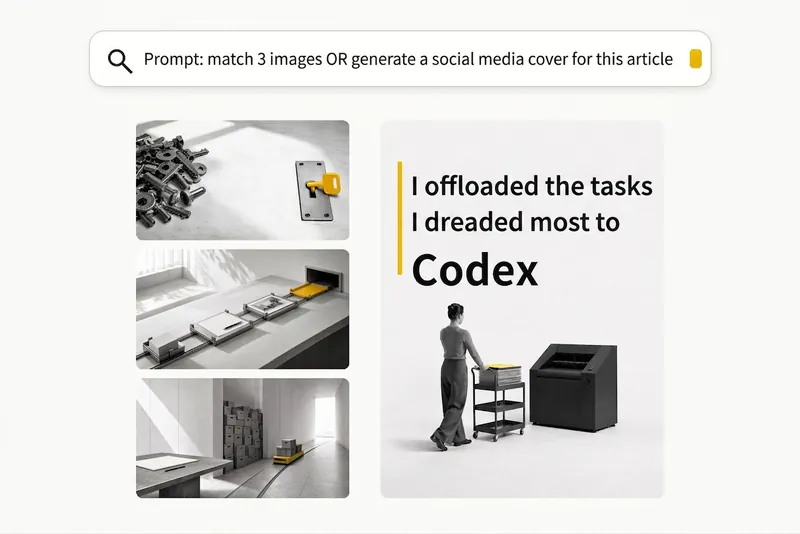
ImageBlack-and-White Visuals
Create black, white, and gray visuals with small accents of yellow for WeChat Official Accounts, Zhihu, Xiaohongshu, Moments, profile pictures, and other platforms. Choose your preferred dimensions and generate 1–3 separate images per request. Images are text-free by default, with support for text-based Xiaohongshu covers. You can use it to: - Create three 16:9 text-free images for the article below: [paste article] - Turn “independent, calm, with a touch of loneliness” into a 1:1 profile picture. - Use this photo as a reference to generate a 3:4 refined black-and-white visual. - Generate a 3:4 Xiaohongshu cover with text titled: “At What Age Did Children in Ancient China Start School?”
 Image
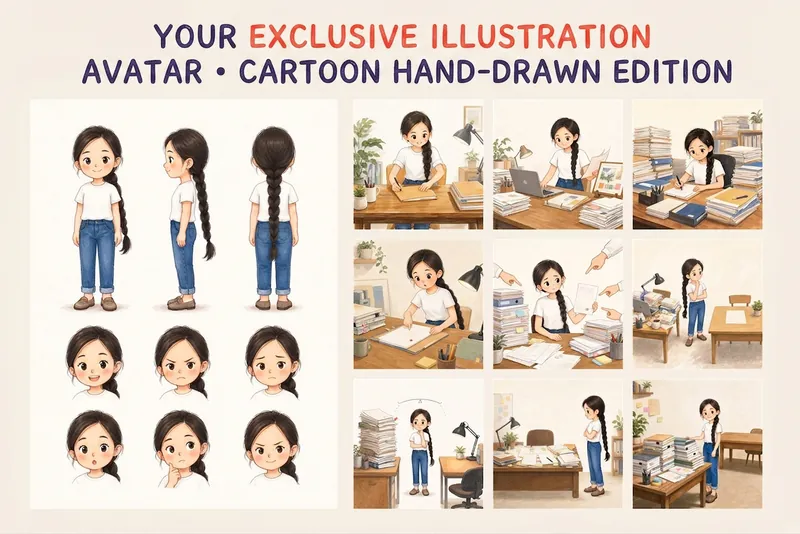
ImageYour Custom Cartoon Avatar
Turn a photo of a person into a custom hand-drawn cartoon character. Choose your favorite from 4 candidates with different poses and expressions, then finalize the design using one of 3 standard reference sets, each featuring three views and 6 commonly used expressions. You can download and save the reference images, or continue using them for article illustrations, Xiaohongshu posts, profile pictures, covers, sticker packs, nine-grid WeChat Moments posts, and custom scenes. Each task is linked to one character; when switching to a different person, we recommend creating a new task to avoid mixing up characters.
 Image
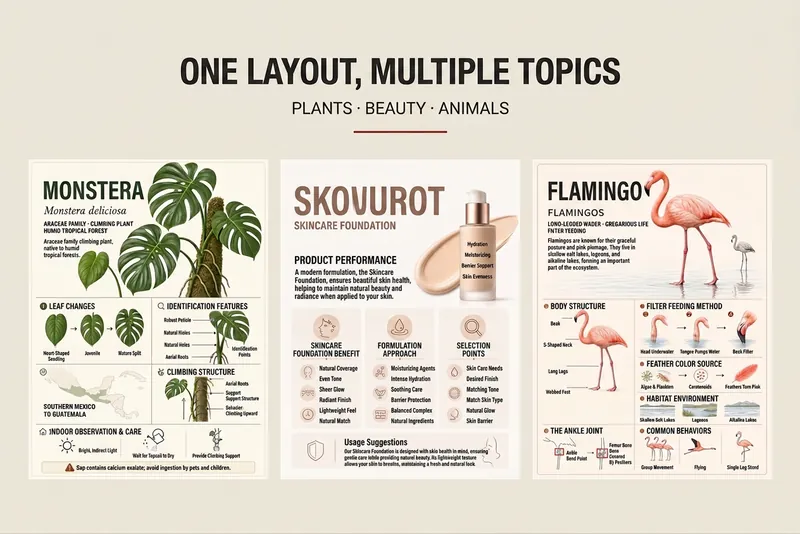
ImageMinimal Encyclopedia Card
Enter any topic you want to explain clearly, and the Skill will choose a suitable explanatory structure and information modules to create a minimal encyclopedia card that’s easy to understand and save. It works for people, concepts, architecture, products, events, works, plants and animals, food, and other knowledge topics. Supports 3:4 portrait and 16:9 landscape formats, and checks the aspect ratio, text distortion, clipped subjects, and information crowding. For the latest products, prices, or specifications, consider providing reliable sources.
 Image
ImageBlack-and-White Stick Figures
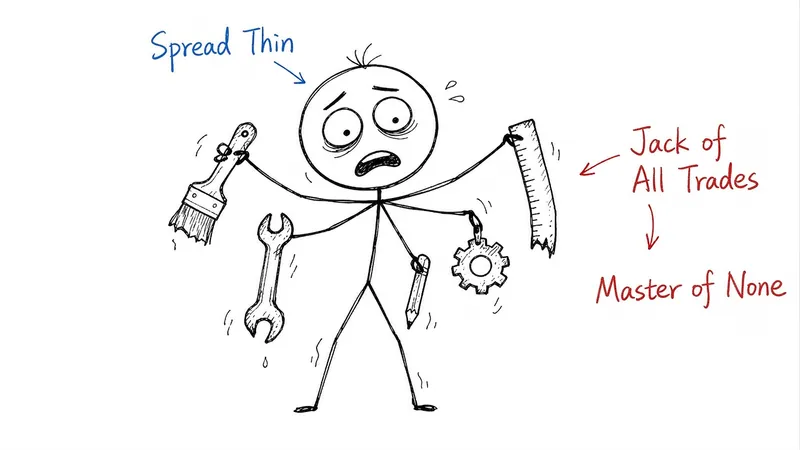
By default, it generates three 16:9 illustrations on a white background. If you only need an illustration plan or a different quantity, please specify.