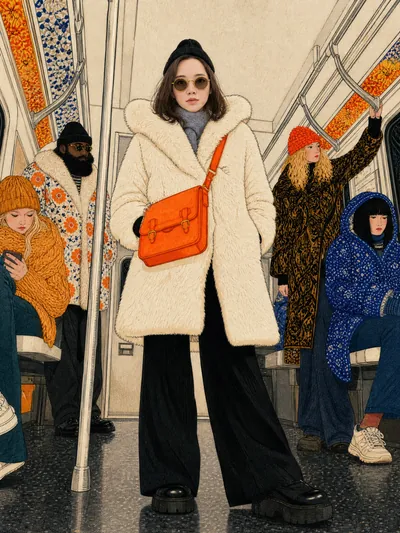
Stylized Realistic Portrait
Photo to fashion art & realistic subway video
Stylized Realistic Portrait
Photo to fashion art & realistic subway video
Showcase
Description
Encapsulates the complete workflow: 'your portrait → identity-preserving fashion editorial illustration → Seedance 2.5 realistic video'. It produces stylized image prompts that retain facial features (styling/viewpoint can vary while illustration quality stays consistent), realistic round-trip testing for validation, and an image-to-video approach that combines real face reference images with illustration anchors (viewpoint/style exactly matching the illustration, with equally realistic background characters) along with fine-tuning decisions. The final output is a realistic short film that 'looks like you'.
Recommended by
nene@YouMind
Why we love this skill
Turns your photo into print-quality fashion illustration, locks identity via realistic round-trip testing, then produces a subway video with consistent camera angles. The unique part: facial fidelity, medium texture, and video continuity all in one verifiable process.
Related Skills
View all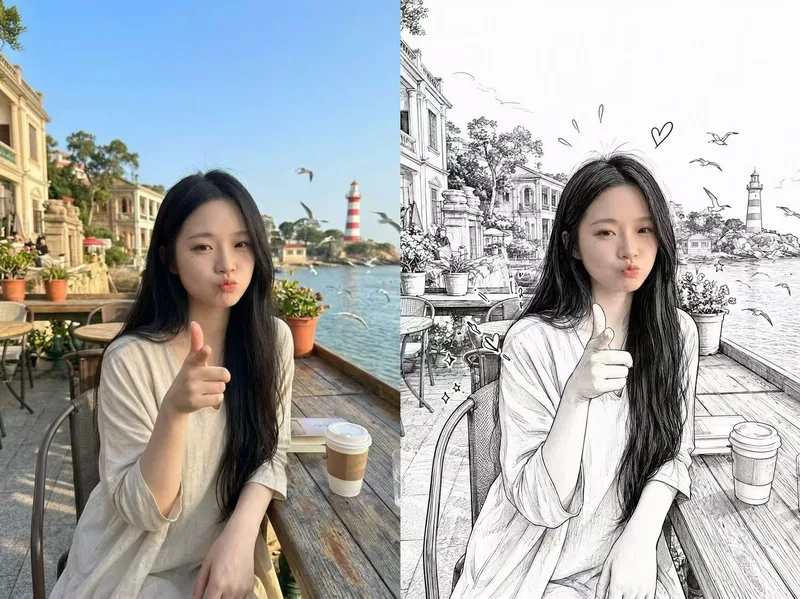 Image
ImagePhotorealistic Head, Drawn Body
Upload a real photo—no target image needed—to automatically create a finished mixed-style image with a photorealistic head and black-and-white hand-drawn illustration. The head retains photo-realistic texture and recognizable facial features (facial features stay the same, while the expression may be subtly adjusted). Everything else—including the hair and hairstyle, body and build, clothing, pose, background, and decorative elements such as hearts, stars, sparkles, and motion lines—is transformed into a black-and-white hand-drawn illustration. The body keeps realistic proportions, while the original hairstyle and pose are preserved. Ideal for turning a single photo of a person or pet into a creative image featuring a photorealistic head and hand-drawn elements in the same frame.
 Video
VideoRealistic Video Prompt Master
Used to create, rewrite, or review AI video generation prompts that produce visuals with a realistic live-action feel. Suitable for text-to-video and image-to-video prompt writing scenarios involving people, especially meeting user demands for realistic human feel, natural movements, reduced AI distortion, styles like Seedance / TikTok realistic style, believable character behavior, realistic skin texture, camera movement, lighting effects, natural interaction between people and environment, or writing negative prompts to avoid issues like plastic dolls, CG animation, and doll-like distorted images.
 Video
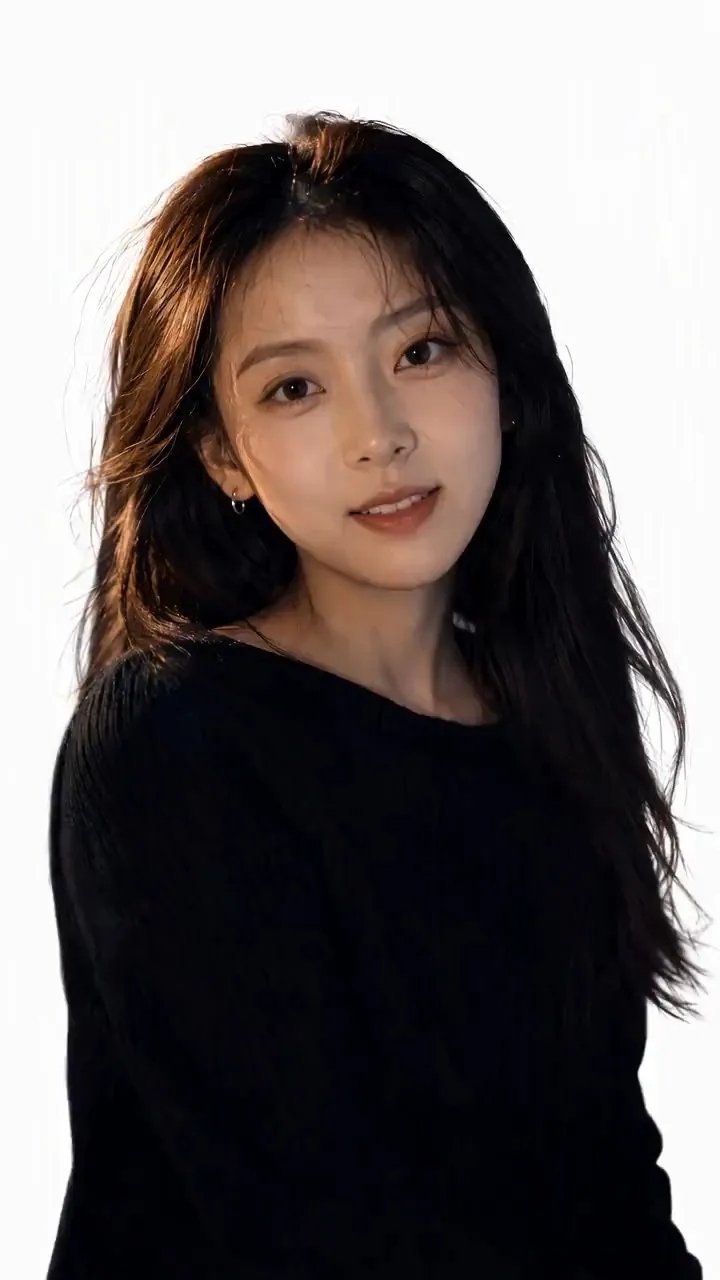
Video(Trending) Portrait to 3D Map
Turn one portrait and a city or place into a vertical portrait-to-3D-map short video with a memorable visual hook. The skill first arranges the person into a 9:16 opening frame with a white background, while preserving facial features, clothing, pose, and identity as closely as possible. If you specify that the original background, composition, or reference style should be retained, it will follow those requirements. If the photo or place is missing, it will ask you to confirm first. The finished video uses a rotating camera move for a natural transition: the person starts on a white background, then transitions into a 3D city map with dimensional buildings, illuminated road networks, and landmarks, ending on a clear location interface. The video can show English landmark labels, the place name in Chinese, its English name, and country and city information—ideal for travel sharing, personal introductions, city check-ins, and short-video openings. Before generating the video, it shows the required credit cost and waits for confirmation. The default output is an approximately 6-second, 9:16 vertical video. After completion, it checks character consistency, transition smoothness, map depth, and text clarity. When needed, it holds the ending on a readable location interface and saves the editable final video as “Place · Portrait 3D Map Transition.”
Information
- Version
- v10
- Last updated
- Runtime credits
- Usage-based
- Models
- Auto
