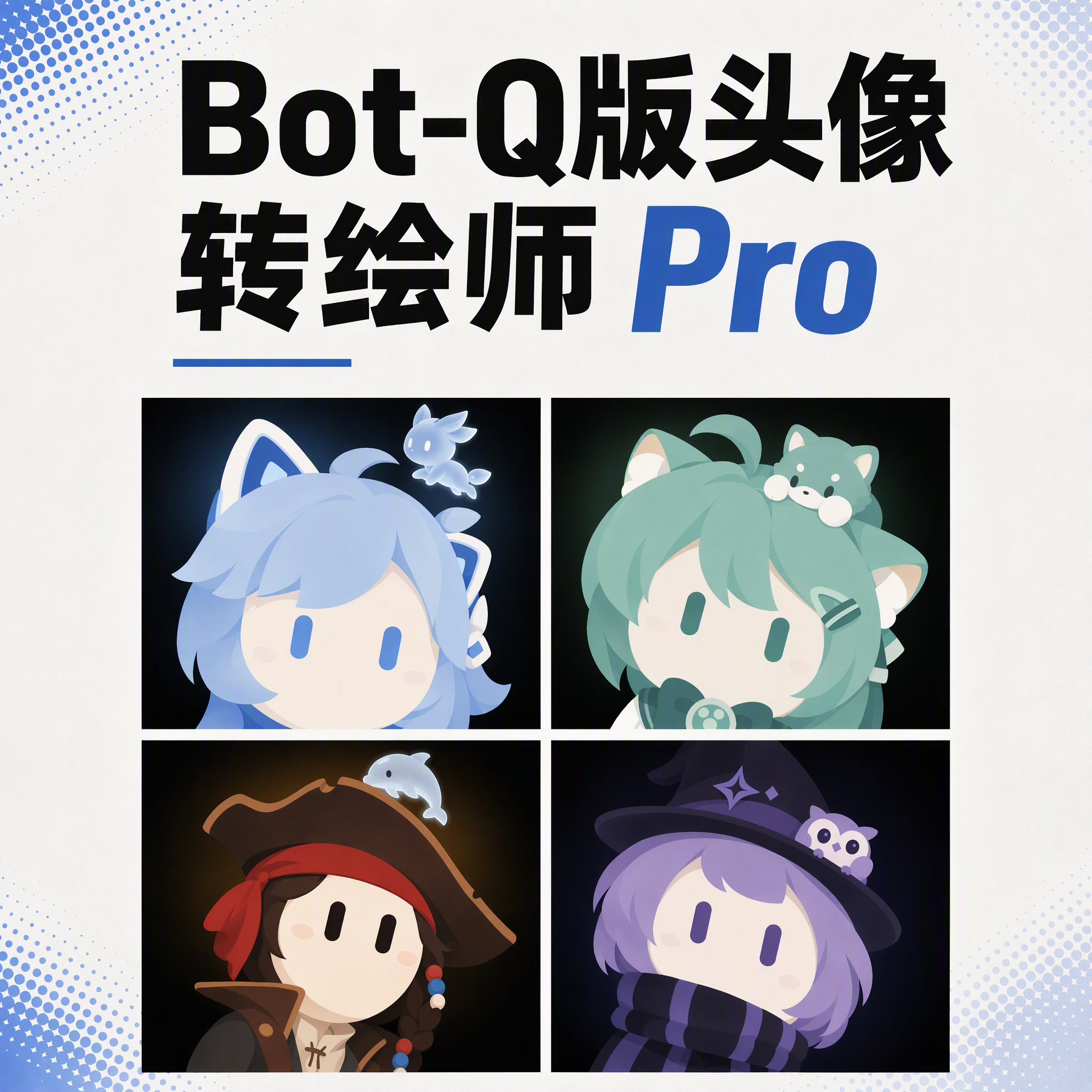
Bot Q-Style Avatar Pro
Turn photos into bot avatars with guardians
Bot Q-Style Avatar Pro
Turn photos into bot avatars with guardians
Showcase
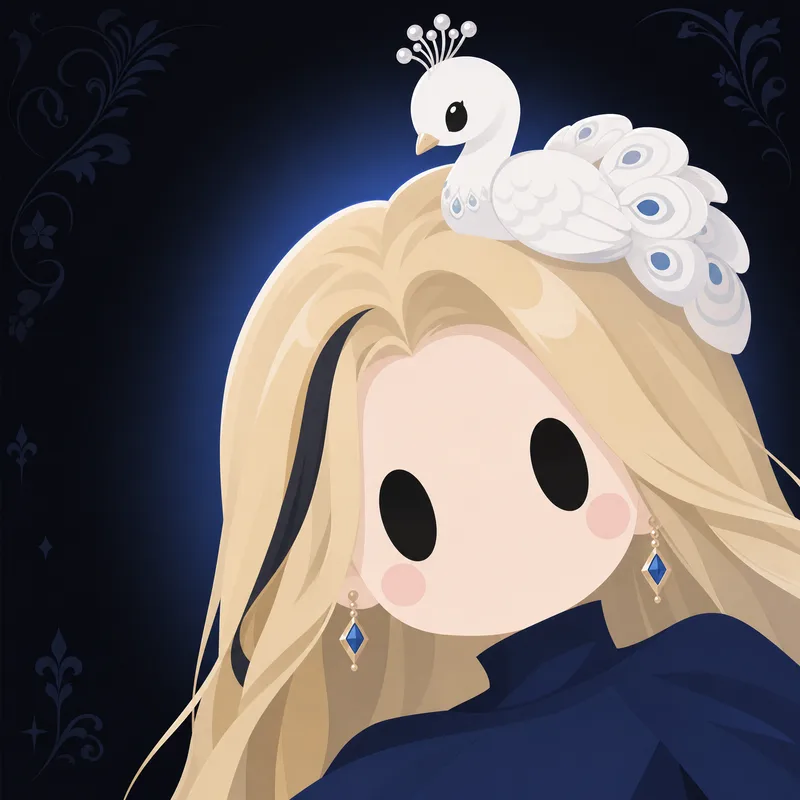
马尔福一家与实体守护神Q版画
Bot-Q头像·金发女士(胸像·黑瞳·白孔雀守护神)
马尔福一家与实体守护神Q版画
Bot-Q头像·金发女士(胸像·黑瞳·白孔雀守护神)
Description
Upload a photo, a character image, or simply describe it in one sentence, and turn it into a minimalist 2D “robot avatar” with a consistent style—no mouth or nose, large vertical oval eyes, a charcoal-black background, and soft theme-colored backlighting. You can also add a dedicated guardian that stays by its side. [What it can do] - Handles four input types: real-person photos, character or original IP art, pet photos, and text-only descriptions can all be transformed. - One style, a cohesive set: all avatars share the same minimalist robot visual language, creating a highly recognizable avatar wall without making everyone look alike. - Natural, realistic skin tones: skin color is captured from the original image for a clean, natural result—not a stark white mask. For real-person photos, the person’s actual skin tone is used. - Optional exclusive “Guardian” overlay: if the character has a signature pet, one is added automatically. You can also request one yourself and choose between a “glowing spirit” or a “physical cute companion.” - Switchable backgrounds: the main avatar uses a charcoal-black background with theme-colored backlighting. For displays or covers, you can also switch to a full theme-pattern background. - Delivered as a set: in addition to the main avatar, you can add guardian stickers, dual-form comparison versions, and sticker packs. [What you’ll receive] One 1:1 minimalist robot avatar, with guardian stickers, dual-form comparison versions, and sticker packs available as add-ons for a complete set. [Who it’s for] - Individuals who want a highly recognizable avatar that doesn’t look like everyone else; - Social media creators and managers who need a consistent avatar wall or visual identity; - Bloggers and brands that want to humanize and develop their original IP, pets, or brand mascots into a series. [Note] This Skill is a general-purpose style engine. You provide the source materials in the conversation; it does not include or replicate any specific artwork or trademarked character. Make sure you have the rights to use any photos or images you provide. The finished work is AI-generated content.
Recommended by
Dancang
Why we love this skill
Transforms photos or character art into distinctive minimalist robot avatars while preserving skin tone, hairstyle, and signature accessories, with optional guardian spirits and coordinated deliverables.
Related Skills
View all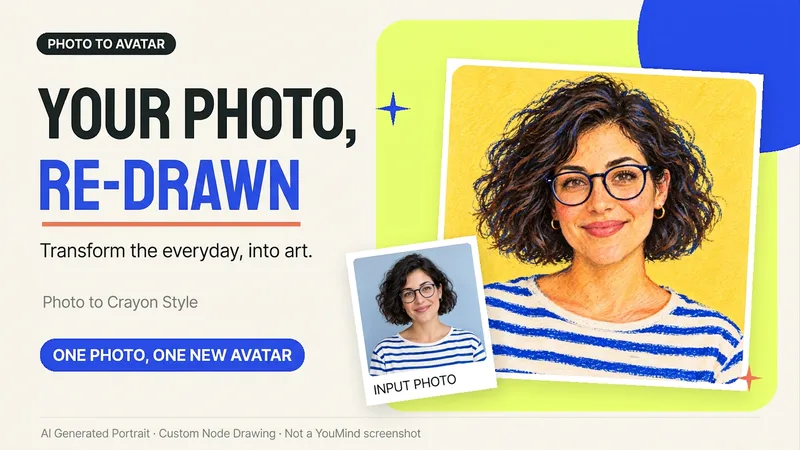 Image
ImagePhoto to Hand-Drawn Avatar
Want a hand-drawn avatar while keeping your hairstyle, glasses, and distinctive expression? Upload a clear photo of one person, then choose a warm crayon or cool marker style to create a square avatar for WeChat, social accounts, and personal homepages. You can also start without choosing a style; warm crayon is used by default. You can get: ① One hand-drawn avatar: clean background, head-and-shoulders composition, and no text by default. ② Preserved features: focuses on the hairstyle, glasses, face shape, and noticeable accessories to reduce a generic look. ③ Avatar-friendly composition: designed for circular cropping and recognizability at small sizes; when supported by the tool, the thumbnail and circular preview are checked. ④ Targeted edits: when changing the background, expression, or accessories, the previously approved version is prioritized for continuity. Photo conversion is supported, as is creating fictional avatars from text descriptions. Delivery is one image by default; a full sticker pack is not generated automatically. The final image and edits depend on the image tools and usage limits available on the current platform, and exact consistency of personal features is not guaranteed. If an image cannot be generated, this will be stated clearly and a copyable conversion prompt will be provided; the prompt will not be presented as a finished avatar. Usage is calculated according to the platform's rules at the time.
 Image
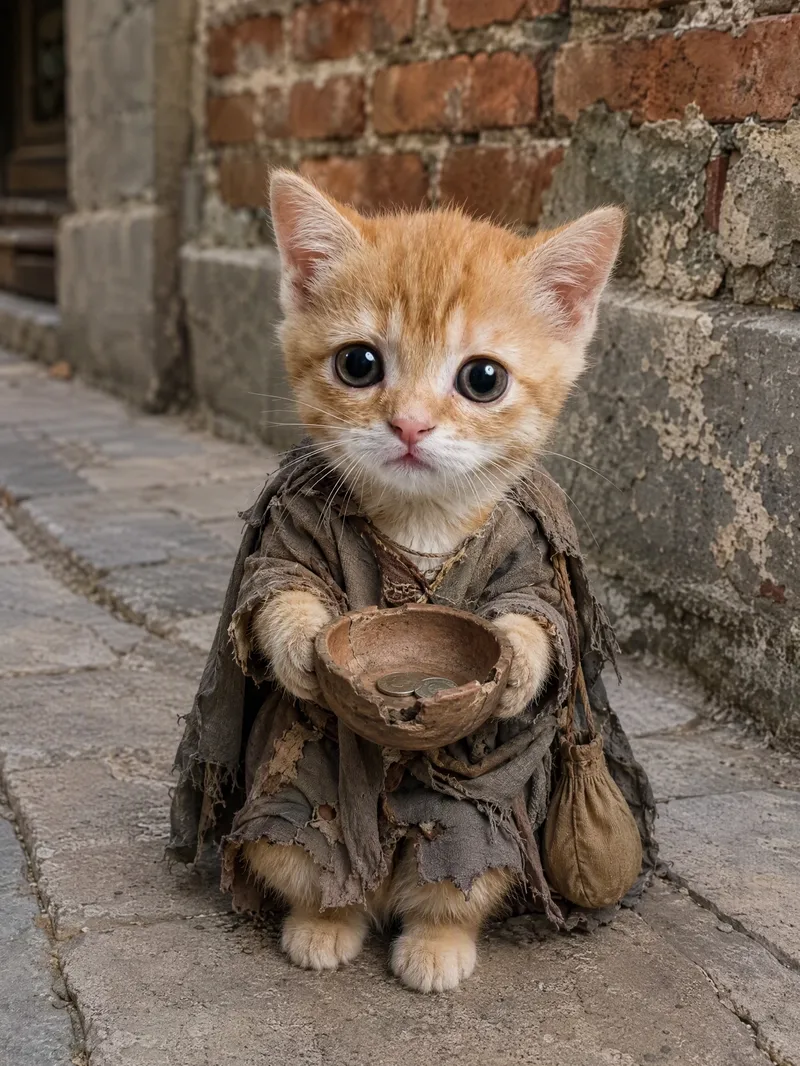
ImageViral Pet Life Photo Maker
Turn your pet into the star of a life lived like a human, creating realistic, humorous, and shareable anthropomorphic lifestyle photos. After you upload a pet photo, the image will preserve its breed, coat color, facial features, expression, and overall personality as closely as possible, so the result truly looks like “this pet” experiencing a new life. Without a photo, you can also create a completely new character based on an animal breed and text description. Specify your pet’s expression and activities, such as lounging on the sofa watching a movie, drinking coffee in sunglasses, enjoying a sauna in a bathrobe, traveling in a sun hat, working out, camping, working, dining, or relaxing on the beach. Realistic fur texture, natural photographic lighting, everyday environments, portrait composition, and clothing or props such as sunglasses, hats, hoodies, coffee, pizza, and phones work together to enhance moods like cute, cool, awkward, content, or sleepy, while helping the pet blend naturally into everyday human scenes. Ideal for creating pet lifestyle photos, pet outfit content, and social-platform-style cute pet posts. Customize the setting, props, mood, and aspect ratio, with 3:4 images generated by default. You can also create multiple lifestyle scenes featuring the same pet. This Skill is not intended for owner-and-pet photos, cartoon avatars, reaction stickers, or standard pet beautification filters.
 Image
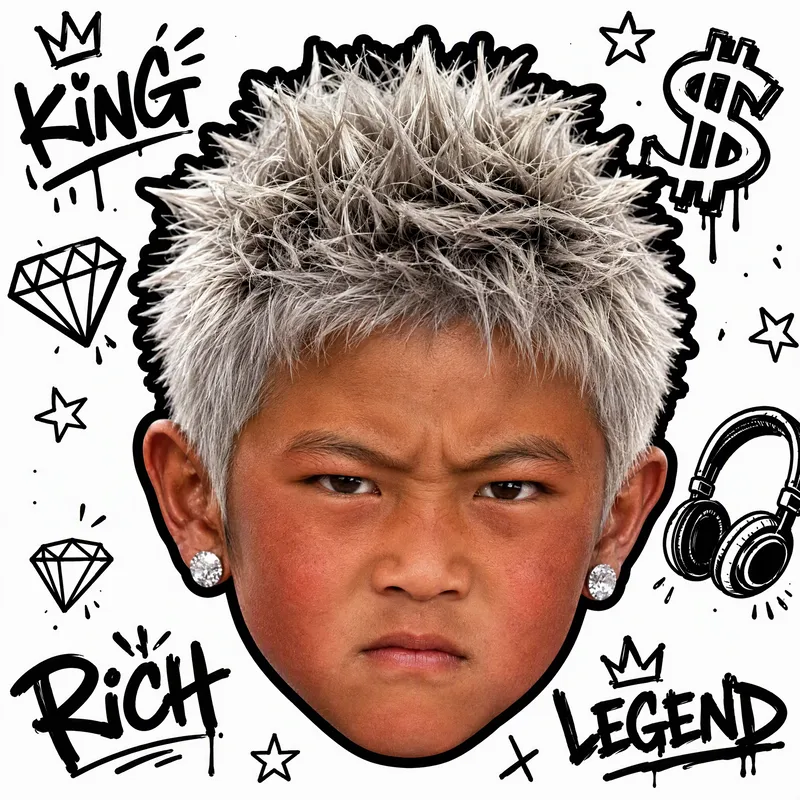
ImageWhite-Background Kid Portrait
Turn your childhood photos into a clean, eye-catching child portrait on a white background that closely resembles you. Upload one or more childhood photos, and the result will preserve the child’s facial features and recognizable identity in a realistic style, with a pure white background and a centered head-only composition—without the body, clothing, or original setting. It’s suitable for use as an avatar, sticker, or personal profile image. You can also specify visual directions such as hairstyle, hair color, hats, headscarves, earrings, glasses, expression, lighting, or street graffiti. The result will keep the same identity as the photo while following a clear visual style. If you have no specific requests, a trendy style will be selected for you, along with a brief explanation of the effect used. Each generation produces one square portrait, emphasizing realism, clarity, and a white-background look so the child in the photo is instantly recognizable.
Information
- Version
- v25
- Last updated
- Runtime credits
- Usage-based
- Models
- Auto
