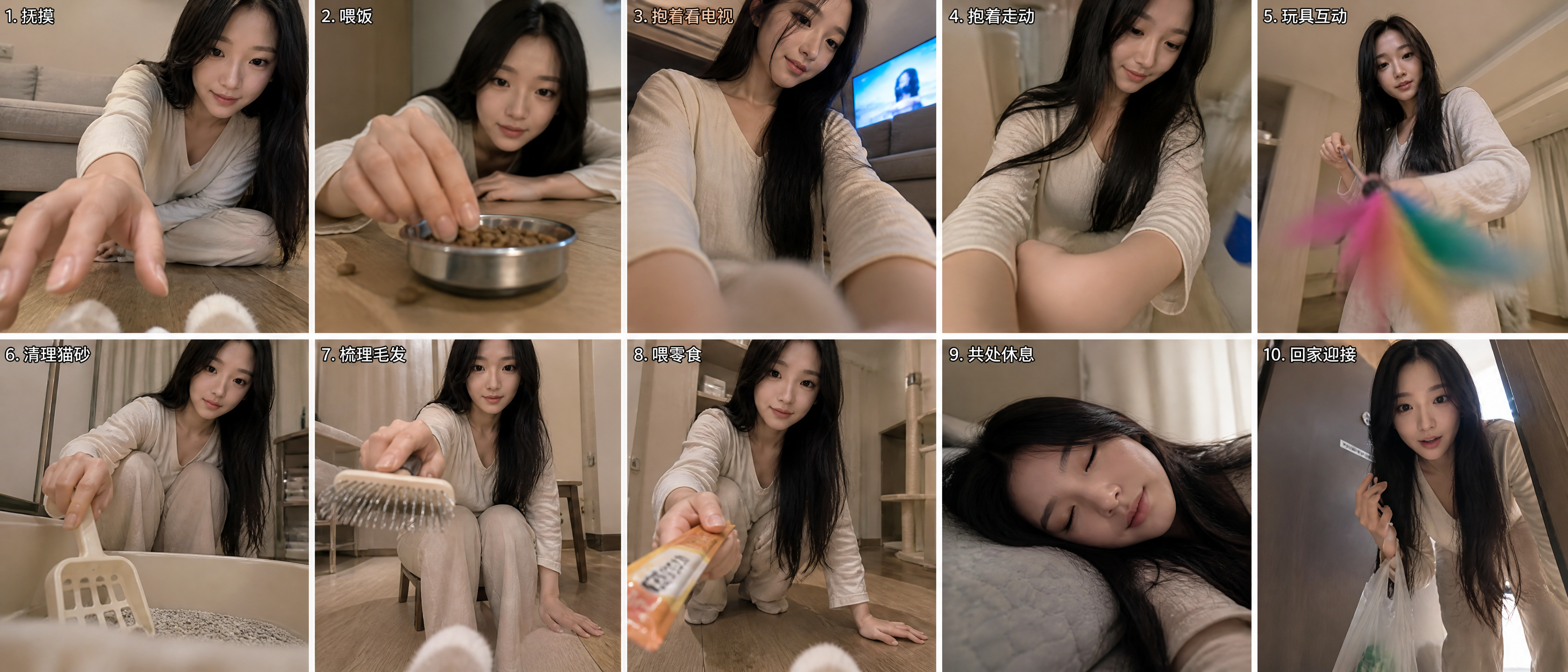
Cat's-Eye Interaction Photos
Upload a reference photo for cat-eye scenes
Cat's-Eye Interaction Photos
Upload a reference photo for cat-eye scenes
Showcase
Description
Using the uploaded reference photo, the tool uses the cat's eye level as the camera position to automatically combine ten different everyday human-cat interaction scenes while avoiding repetitive compositions, creating a set of human-cat interaction photos from a cat's perspective. By default, it outputs a composite image with two rows and five columns for a total of ten panels. You can also request a nine-panel grid or a single image.
Recommended by
Dancang
Why we love this skill
Transforms a person reference photo into a ten-panel collage from a cat’s perspective, preserving facial features and clothing while varying angles, actions, and props. Only natural-looking paws or fur appear in the foreground—never the cat’s head.
Best for
Ideal for anyone who wants to capture everyday interactions between people and cats from a unique feline perspective.
How to use this Skill
Provide your input
Upload a clear reference photo of a person. You may also specify the desired interaction habits and output format.
Run the Skill
After submission, the tool uses the reference photo to create everyday human-cat interaction scenes from a cat's first-person perspective.
Review your result
Receive a set of human-cat interaction photos from a cat's perspective, formatted as a composite, nine-panel grid, or single image.
Related Skills
View all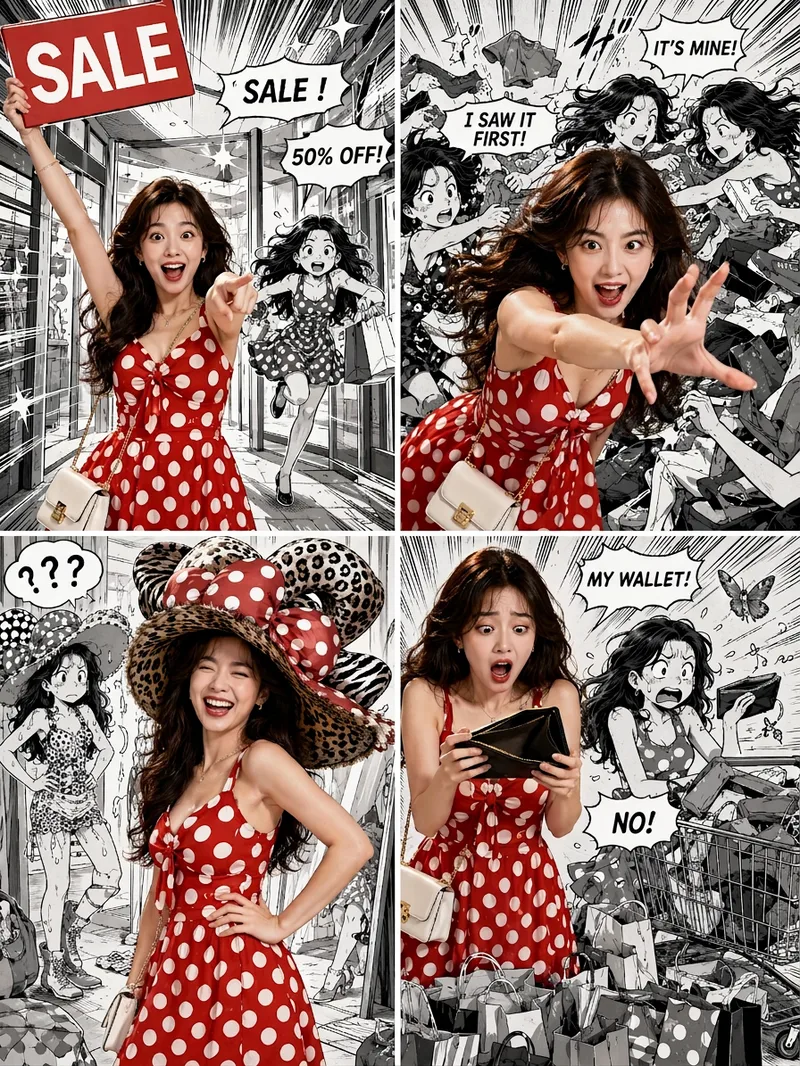 Image
ImageViral Comic Selfie
Turn a photo of a person into a story-driven four-panel pop comic: preserve the character’s facial features, hairstyle, skin tone, body type, and overall presence, with the same protagonist appearing across four connected scenes. The finished image uses a 3:4 portrait 2×2 collage layout, with each panel in a separate 3:4 frame and divided by thin white borders, creating a striking contrast between “realistic, colorful character × black-and-white comic storyboard backgrounds.” You can upload one or more photos and specify a theme, plot, four-panel beats, style, or text for speech bubbles and signs. The Skill organizes connected scenes from opening to climax, turning point, and ending, and aims to render the specified text accurately. If you upload only photos without additional instructions, it creates a fitting four-panel story based on the environment, lighting, occasion, and the person’s presence in the photos. Without a photo, it can also generate a consistent, realistic protagonist. The final deliverable is always one four-panel collage image rather than separate finished images, accompanied by a description of the theme and scene beats. You can continue refining the story theme, four-panel pacing, or text in the image, or recreate an enlarged version of a specific panel while preserving the character’s appearance.
 Image
ImageOne-Click Snapshot Collage
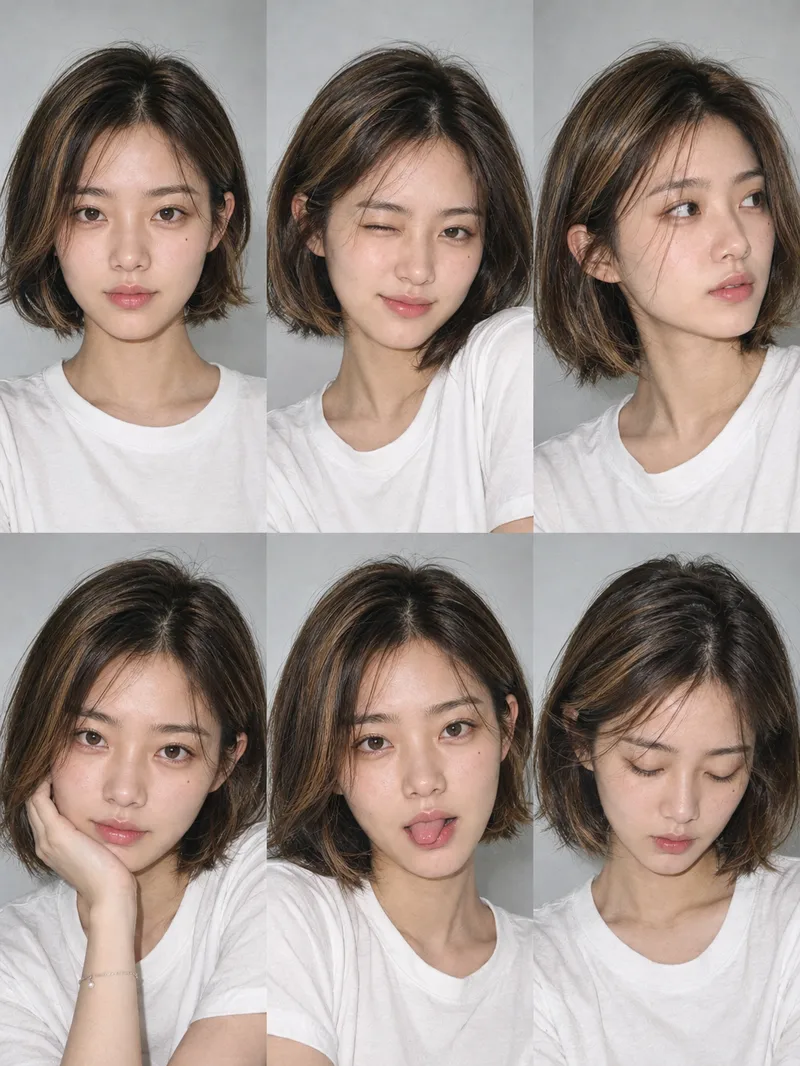
Using the user-uploaded photo as the sole identity reference, generate a realistic multi-panel portrait collage of the same person, with a default 3×2 layout. It features a range of expressions and poses with the feel of an Instagram candid snapshot collection. By default, the best image-generation model is used to create the image directly, along with the complete prompt used for the final result.
 Image
ImagePet-and-Owner Photo Maker
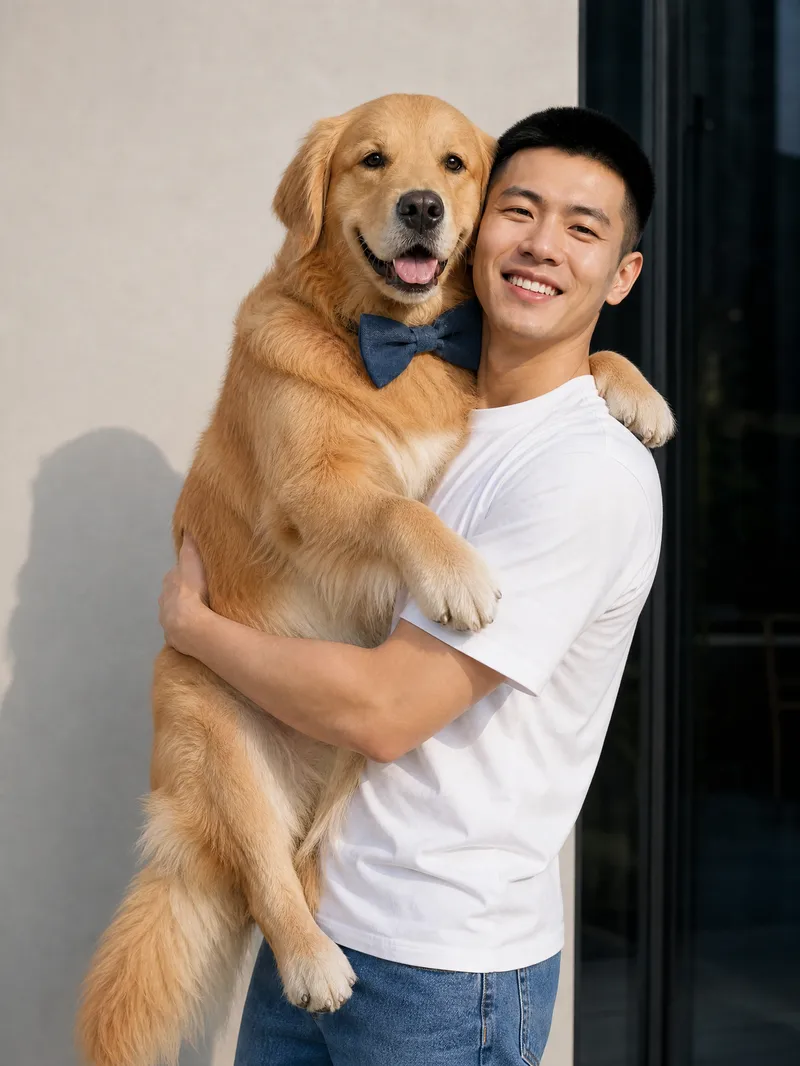
Turn real photos of you and your pet into natural, heartfelt everyday moments. Just provide one real photo of yourself and a complete pet profile to generate realistic, photography-style images of you together. The results aim to preserve your facial features, hairstyle, and body shape, while retaining your pet’s coat color, size, and accessory details, making each image feel like a genuine snapshot of time spent together. Choose from everyday scenes such as walking in the park, cuddling on the sofa, holding your pet, lounging in bed, feeding time, sunbathing by the window, watching TV together, keeping you company while you work, or playing outdoors. You can also describe the scene you want directly. The system arranges natural poses, lighting, and interactions based on the setting—for example, a dog wagging its tail to greet you or a cat snuggling and rubbing against you—to reduce the stiff feel of posed photos and capture a close, authentic sense of companionship. Single- or multiple-pet group photos are supported, with high-resolution portrait or landscape images suitable for sharing and saving. Whether you want to document everyday life, create a pet memorial photo, or preserve a warm moment with your beloved pet, you can get multiple realistic, story-filled photos of you and your pet together.
Information
- Version
- v3
- Last updated
- Runtime credits
- Usage-based
- Models
- Auto
- Use cases
- Images & designLifestyle & entertainment
- What you get
- Image
