krittanai chiangrang
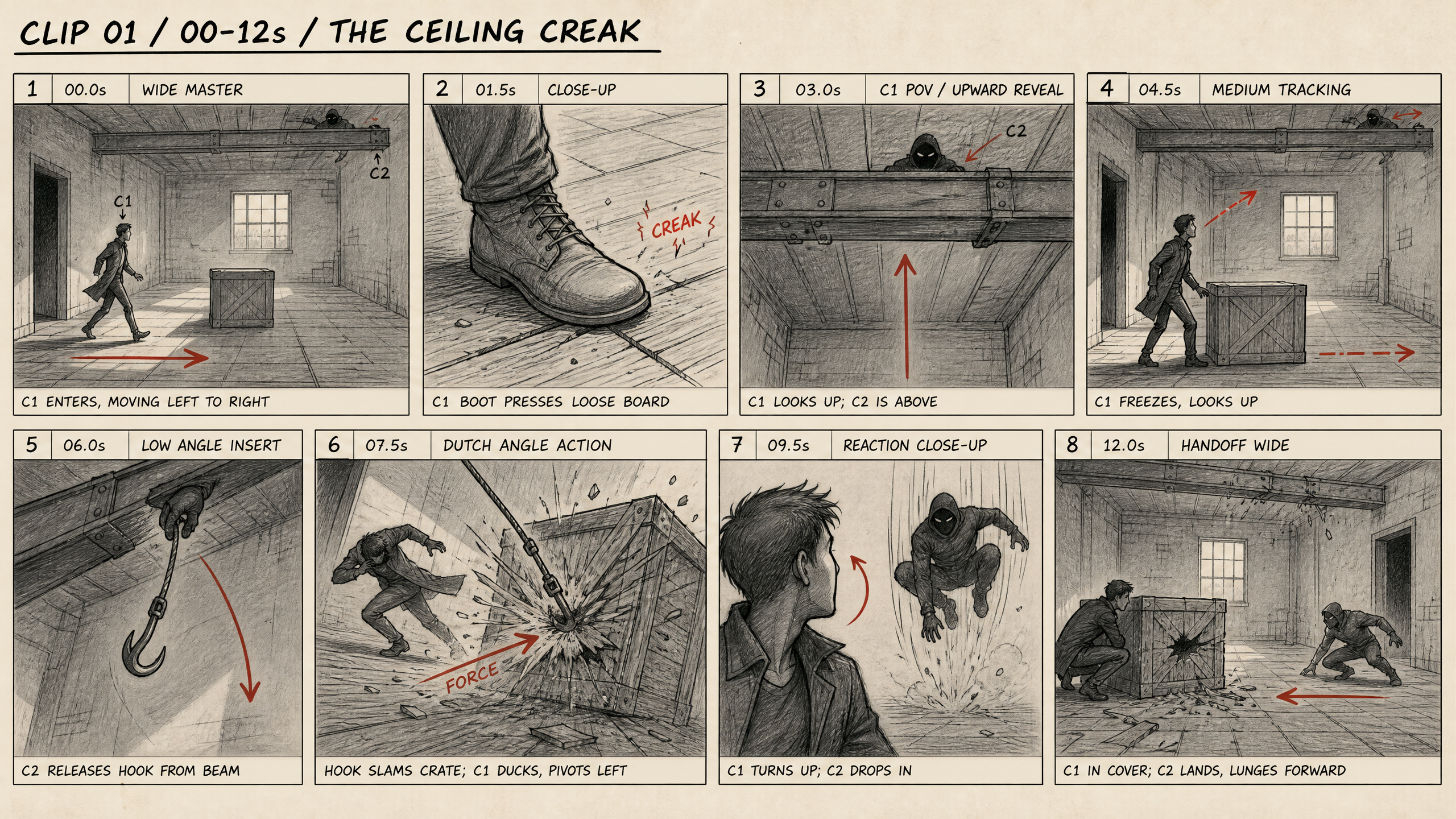
STORYBOARD DIRECTOR GPT
The key principle of this scene is not to use multiple camera angles merely for aesthetic purposes. Every change of angle must serve a function: to clarify the space, increase tension, accelerate the scene, show a reaction, or confirm the outcome of an action.
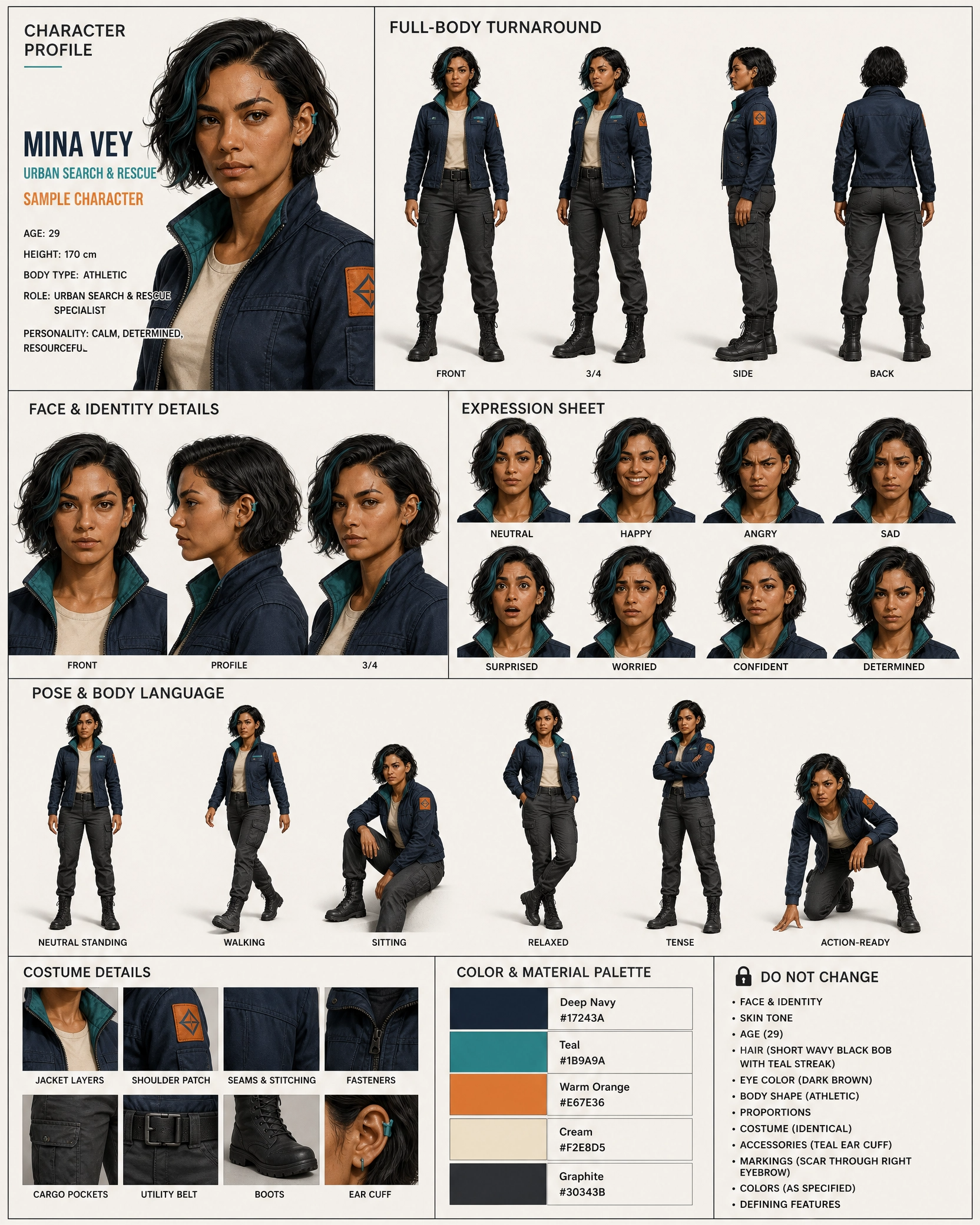
AI Video Production Sheet
Generates a comprehensive Character Reference Sheet for AI video production. Combines body turnarounds, expressions, poses, and outfits into one clean board to ensure strict character continuity across generated video scenes.
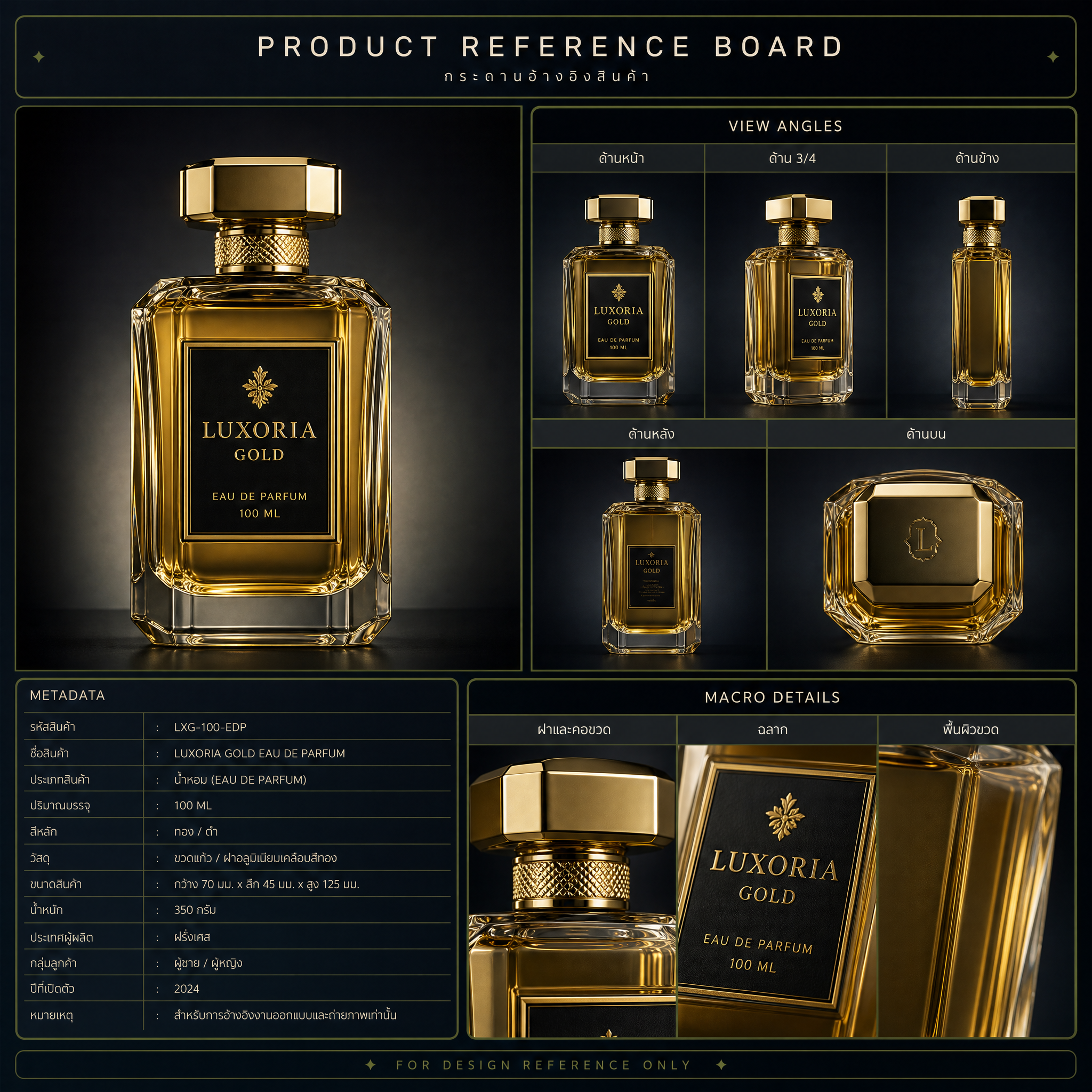
Product Reference Board
Generates a technical Product Reference Board showing multiple angles and macro material details. Strictly relies on a PRODUCT_TRUTH_SHEET to prevent AI hallucinations, perfect for accurate 3D modeling and production pipelines.
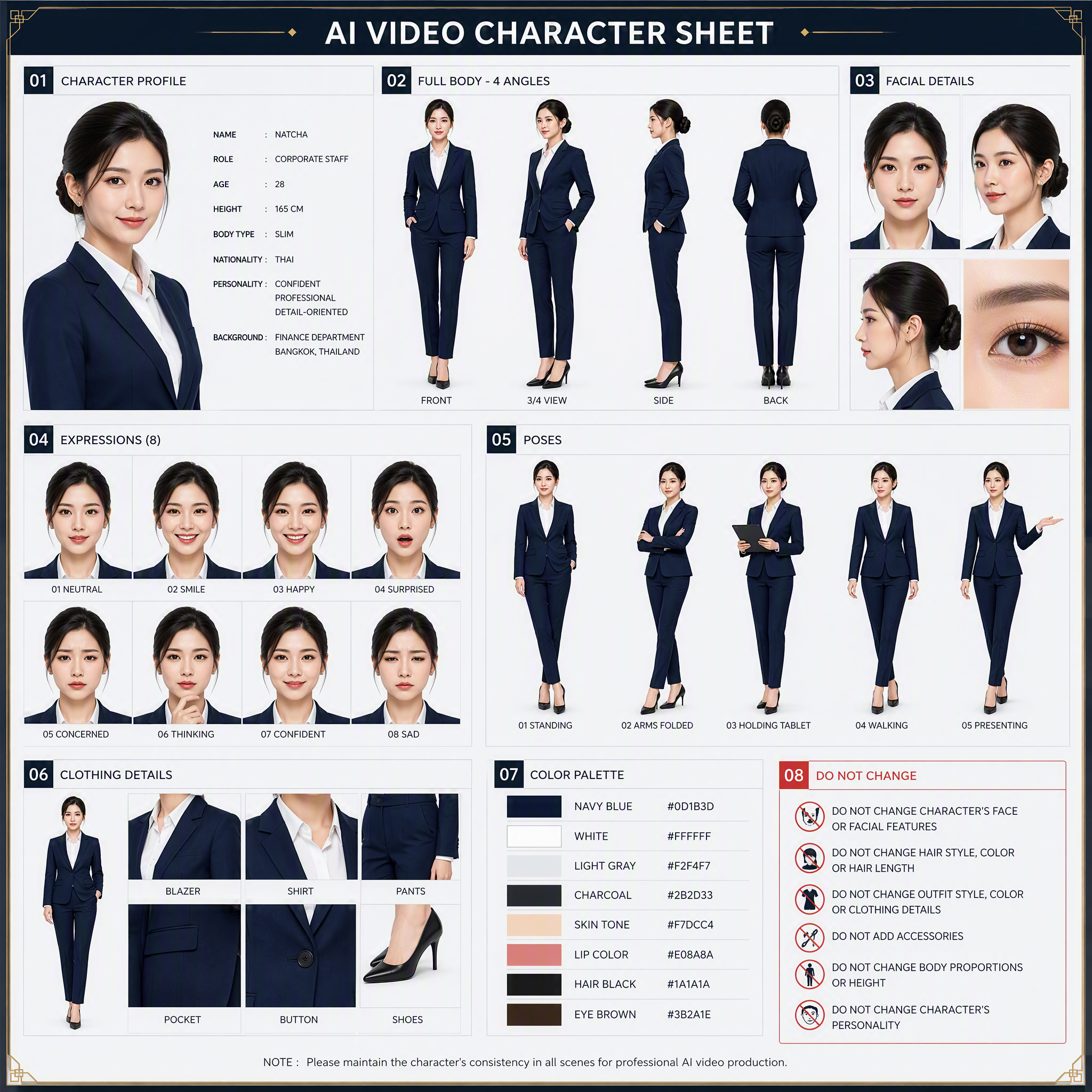
360 Face Reference AI
Generates a complete 4-angle full-body character turnaround reference sheet (front, 3/4, side, and back). Ideal for maintaining strict character consistency in 3D modeling, animation, and game development
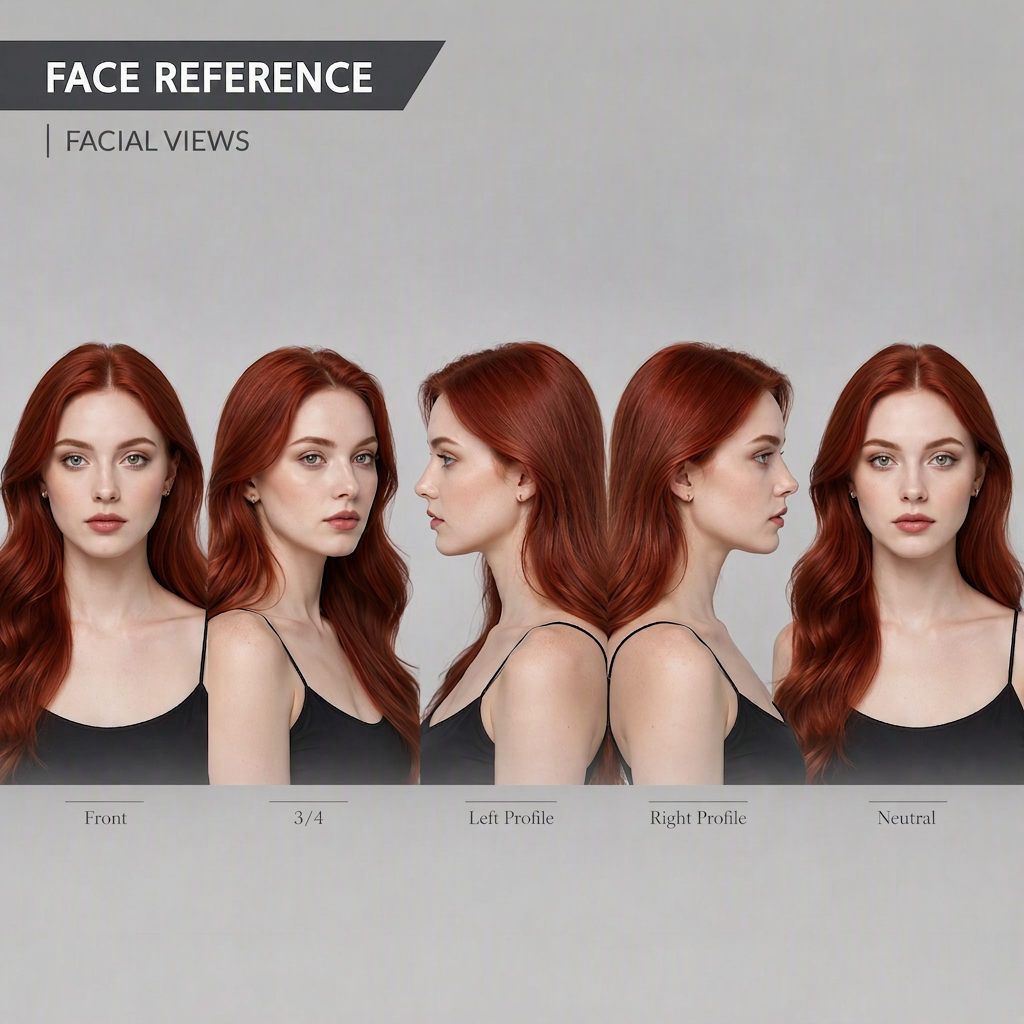
Face Detail Scanner
Tips for best results Use at least one reference image that shows the character as clearly as possible. If you have multiple images, choose ones that clearly show the face, clothing, and proportions from different angles. Avoid images with other people, dark scenes, or clothing that obscures too much of the character. For headless prompts, the most important instruction is to specify that the crop starts just below the base of the neck and reiterate: no head, no face, no hair, no neck-up content. Image models often try to add the head back in, so including these instructions in the Layout, Body Rules, and Negative Prompt sections can greatly reduce the problem. If you plan to use the result for a 3D model, use Front, Side, and Back images with the character in the same pose and the feet aligned at the same level. Three-quarter images can help check the depth of the character’s form and clothing components. For animation, create a Character Reference Sheet first, then create separate Expression Sheet and Pose Sheet sets. Avoid putting too many facial features, poses, and emotional expressions on the same sheet as the Turnaround, as this may make the character’s identity and proportions inconsistent.
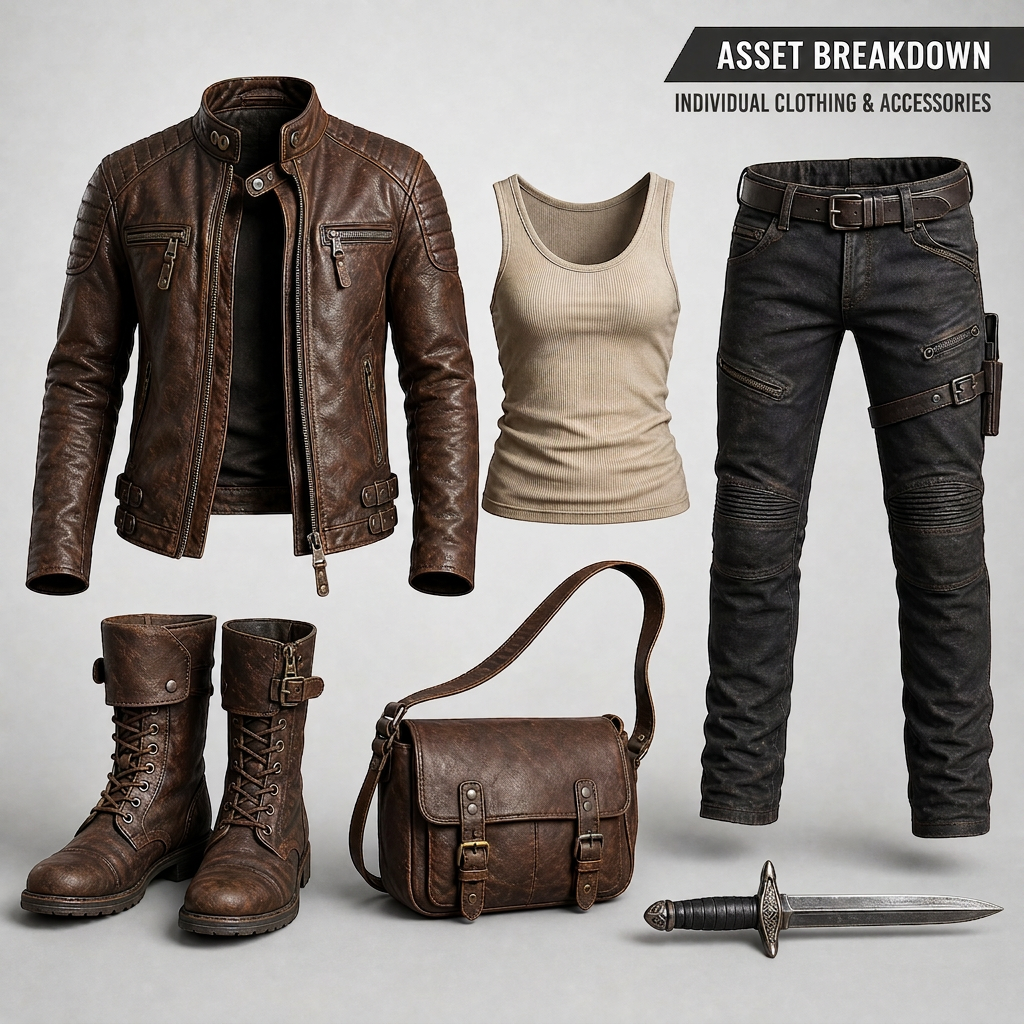
Outfit Asset Breakdown
Prompt to isolate a character’s outfit and accessories Use when you want to separate clothing, shoes, bags, weapons, or accessories from a character into standalone product or reference images.
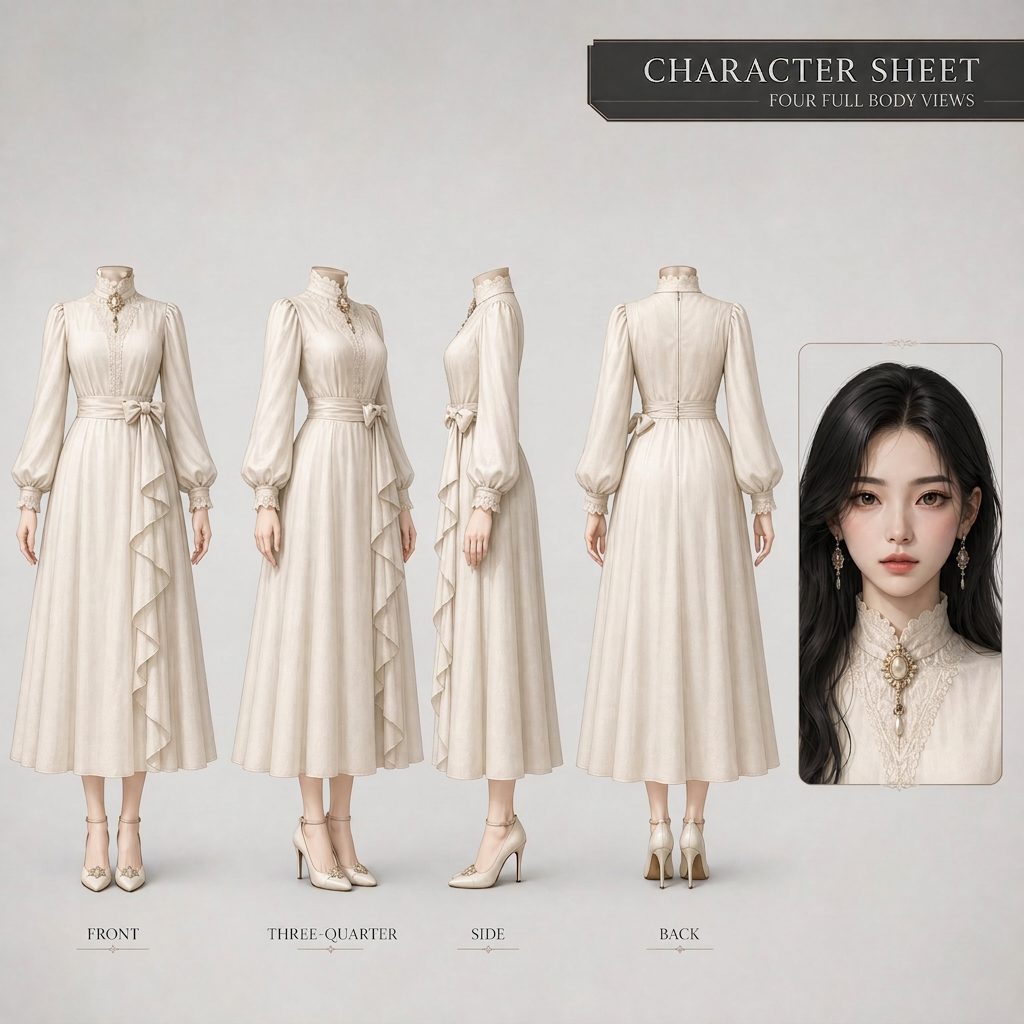
Character Reference Sheet
Use this to create a main character reference image, with the body shown headless and only one face displayed on the right.
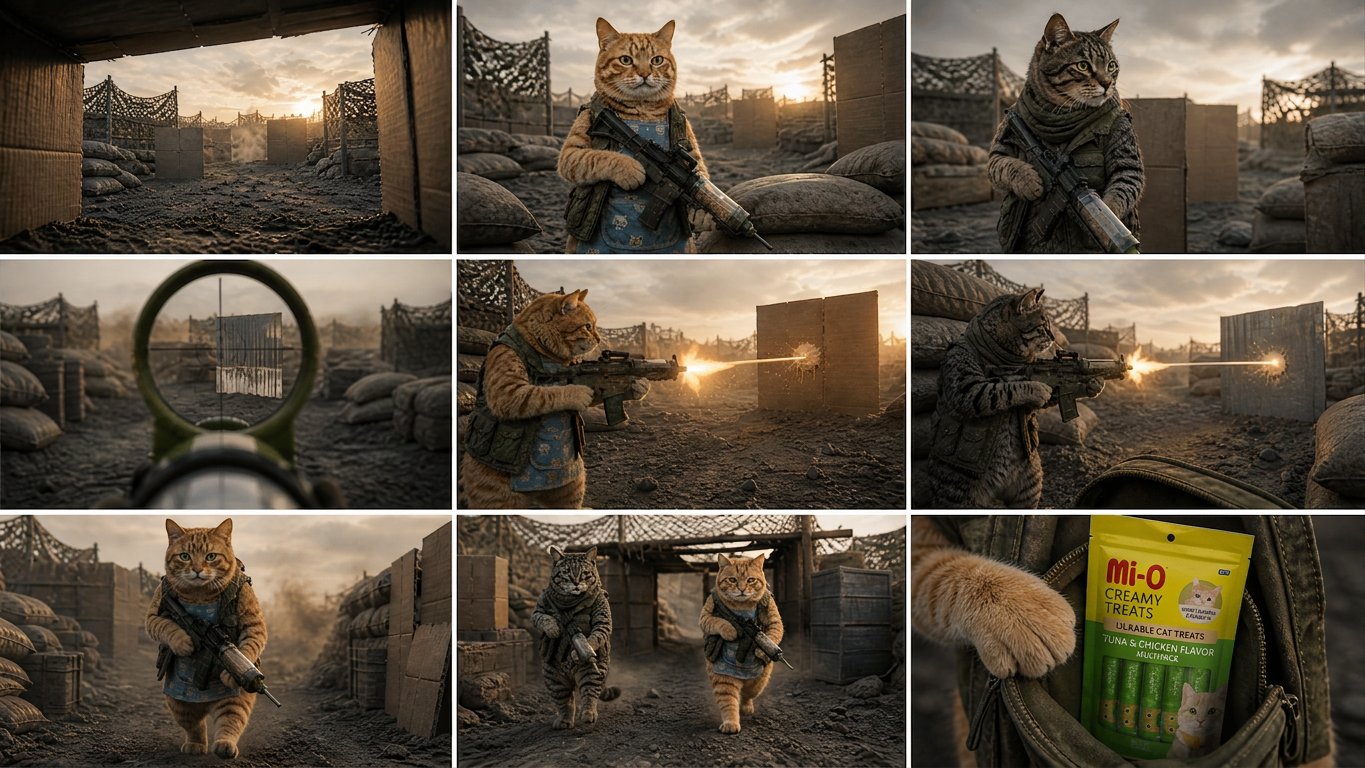
Seedance 2.5 Master Shot
Turn an idea or short plot into a video-ready package for Seedance 2.5—from identifying the core story, theme, narrative structure, and character arcs to creating a scene-by-scene script with connected events and clearly visible end states at each stage. Ideal for filmmakers, storytellers, and creators who want to systematically develop plots into visual work. You’ll receive ready-to-use Seedance 2.5 prompts in English that specify the subjects and actions, setting, visual style, shot size and camera movement, editing, sound, dialogue, and atmosphere in detail. The workflow also supports reference images, longer clips, clip extension, storyboards, and blockouts. With this information, the prompts help maintain continuity in characters, clothing, props, the number of people, and their positions in the scene. The output document is written in Thai for the analysis and explanations, with English prompts for each scene. It also includes the reasoning behind the script and visual language choices, so you can understand how each beat, camera movement, and emotional cue helps tell the story more clearly.

Mater Flow Tool Architect
Try free : https://labs.google/fx/tools/flow/shared/tool/c227cbfc-39da-4cb5-8fff-a547f87f358b Turn ideas, documents, URLs, code, Snapshots, images, or videos into practical Tool blueprints for Google Flow, complete with handoff documentation for Google Flow, ChatGPT, or Antigravity. Go beyond prompt generation, covering everything from goals, users, and inputs to UI, Actions, Processing, Output, State, CRUD, Approval, Version, Lineage, Recovery, and Export. Ideal for creating new Tools, analyzing existing Tools or code, reviewing results, planning fixes, and systematically restructuring systems. Outputs may include Feature Cards, Menu Maps, System Maps, ToolSpec, Workflows, Acceptance Tests, Assumptions, and next steps. Prompts for Google Flow are clearly separated from prompts for Antigravity, and work is organized by Path or Feature so you can review Previews and approve each part step by step. When working with images and videos, it organizes reference details such as characters, clothing, scenes, composition, lighting, camera, motion, style, text, and editable variables. It also structures Prompts, Ingredients, Start/End Frame, verifiable settings, and Manual Steps in Google Flow. Each item is classified as a fact, user-provided information, design recommendation, assumption, or unverified detail to avoid inventing APIs, capabilities, pricing, or unsupported outcomes. It also checks permissions, Consent, Privacy, and risks before sharing or exporting.