
Topic Animation Director Pro
Make explainers you can review and revise
Topic Animation Director Pro
Make explainers you can review and revise
Showcase
Description
Turn a topic or source material into an original narrated animation: first clarify requirements and check capabilities, then conduct research and develop the core narrative, script and storyboard, visual style, voice-over, captions, and timeline. Validate the result with a 20–30-second test clip before rendering the final video. Clearly distinguish between the finished video, animation preview, and production package, and deliver the storyboard, captions, and source notes. Supports targeted revisions by scene.
Best for
Content creators, educators, and researchers who need to turn a topic or source material into a clearly structured narrated animation with captions.
How to use this Skill
Provide your input
Provide a topic, article, notes, reference image, or existing script. You can also add the audience, duration, aspect ratio, style, voice tone, and key points.
Run the Skill
Turn the materials into an original narrated animation with research, scripting, storyboarding, visual direction, voice-over, captions, and a timeline, then validate it with a short test clip.
Review your result
Deliver a finished video, playable preview, or production package based on actual capabilities, with narration, storyboard, captions, and source notes. Supports scene-specific revisions.
Related Skills
View all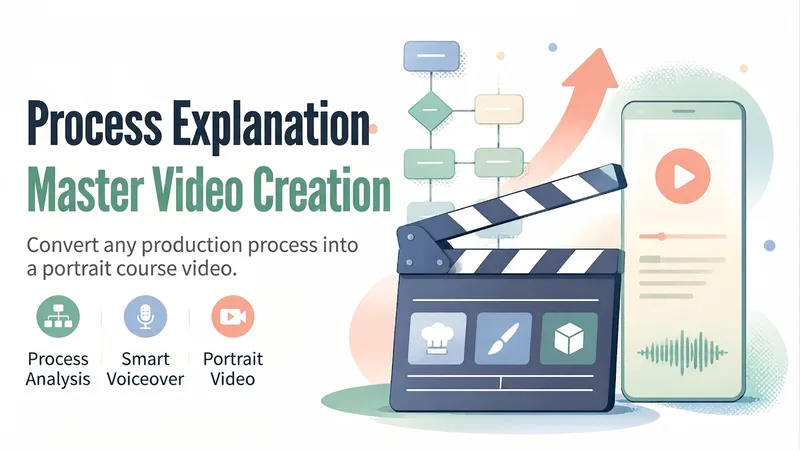
Process Explainer Video Maker
Turn a “making process”—cooking, crafts, painting, software操作, and more—into a 45–90-second vertical explainer course video. The Skill first analyzes the topic and creates a six-part storyboard script, then generates or uses a presenter character, animated visuals and subtitles for each segment, and finally records the voiceover, assembles the timeline, and performs quality checks before delivery. Uploaded user audio is preferred for the voiceover. If no audio is uploaded, the Skill automatically selects a suitable, natural-sounding voice and does not use any personal cloned voice. Suitable for process explainers, workflow training, tutorial shorts, and similar use cases.
 Video
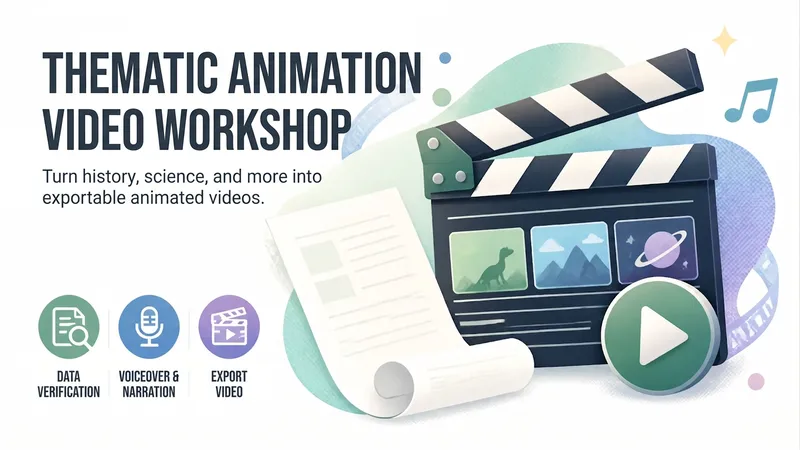
VideoAnimated Video Studio
Enter any topic and choose from 16 animation styles. It automatically handles fact-checking, scene-by-scene scripting, voiceover narration, visual assets, and an animated web page to create a 3–10 minute animated video with subtitles and music. It also includes “Export MP4” for direct downloads. Optimized for Opus 5.5.
 Video
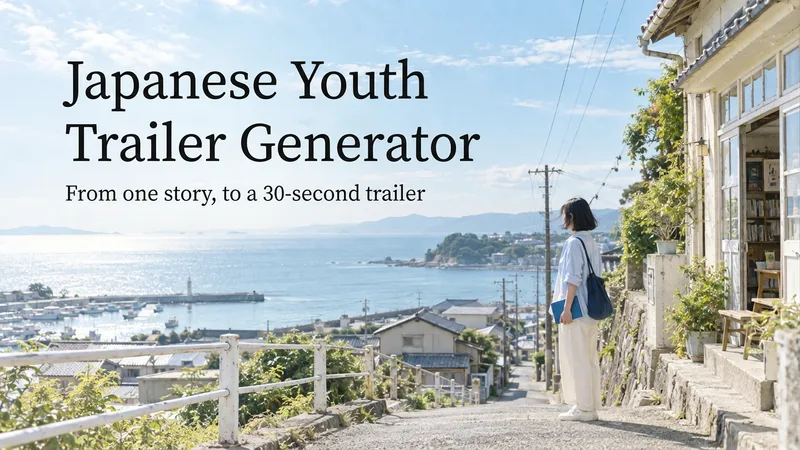
VideoJapanese Youth Trailer Maker
How can you turn a story idea into a suspenseful Japanese youth trailer? This Skill breaks production into a repeatable workflow: define the style, write the script, choose scenes, establish characters, assemble the storyboard, generate video shot by shot, then organize editing and sound. Provide a story or reference image, and it first locks in the composition, lighting, colors, and details that must remain consistent. It then uses a four-panel empty-scene grid to select visuals and creates facial, half-body, and full-body references for each character, giving the people, clothing, props, and environment a consistent basis across shots. Before batch generation, sample images are used to calibrate light direction, skin tones, highlights, and character states. The default is 30 seconds, 16:9, and 8 shots; duration, aspect ratio, number of characters, and mood can all be adjusted. You can also create only the script, reference images, or storyboard instead of completing the entire film at once. Deliverables • Consistent visual rules and a suspenseful script • Scene, character, prop, and storyboard materials • Separate image and video prompts for each shot • A shot-by-shot timing, in/out point, editing, and sound table • Generated files and review records, based on the capabilities of the available tools When the appropriate media tools are available, the Skill continues with actual generation and review. When tools are unavailable, it delivers complete production materials and explains where the process stops. Image, video, and music generation costs are billed separately and depend on the runtime environment. The featured example, “The Day I Returned the Book,” consists of AI-original still images and storyboards; it is not yet a completed video.
Information
- Version
- v3
- Last updated
- Runtime credits
- Usage-based
- Models
- Auto
- Use cases
- Writing & contentVideo & audioResearch & analysis
- What you get
- DocumentVideoScript
- Visual styles
- Hand-drawnCollagePaper art
