
Japanese Youth Trailer Maker
Turn a story idea into a suspenseful trailer
Japanese Youth Trailer Maker
Turn a story idea into a suspenseful trailer
Showcase
Description
How can you turn a story idea into a suspenseful Japanese youth trailer? This Skill breaks production into a repeatable workflow: define the style, write the script, choose scenes, establish characters, assemble the storyboard, generate video shot by shot, then organize editing and sound. Provide a story or reference image, and it first locks in the composition, lighting, colors, and details that must remain consistent. It then uses a four-panel empty-scene grid to select visuals and creates facial, half-body, and full-body references for each character, giving the people, clothing, props, and environment a consistent basis across shots. Before batch generation, sample images are used to calibrate light direction, skin tones, highlights, and character states. The default is 30 seconds, 16:9, and 8 shots; duration, aspect ratio, number of characters, and mood can all be adjusted. You can also create only the script, reference images, or storyboard instead of completing the entire film at once. Deliverables • Consistent visual rules and a suspenseful script • Scene, character, prop, and storyboard materials • Separate image and video prompts for each shot • A shot-by-shot timing, in/out point, editing, and sound table • Generated files and review records, based on the capabilities of the available tools When the appropriate media tools are available, the Skill continues with actual generation and review. When tools are unavailable, it delivers complete production materials and explains where the process stops. Image, video, and music generation costs are billed separately and depend on the runtime environment. The featured example, “The Day I Returned the Book,” consists of AI-original still images and storyboards; it is not yet a completed video.
Recommended by
Dancang
Why we love this skill
Turns a story idea into an executable Japanese youth trailer workflow, from visual calibration and setup to shot generation, editing, and review—while preserving continuity and suspense within the tools’ actual limits.
Best for
For content creators and video makers who want to develop a story idea into a Japanese youth suspense trailer concept or short-form video assets.
How to use this Skill
Provide your input
Provide a story idea, reference image, or existing assets, along with the duration, aspect ratio, characters, style, and deliverables. You can also request only a script, storyboard, or prompts.
Run the Skill
The tool sets visual rules, breaks down the story and shots, and organizes scenes, characters, props, shot prompts, and an editing and sound plan. With suitable media tools, it then generates and checks assets shot by shot.
Review your result
Receive production-ready materials for a Japanese youth suspense trailer, including the script, visual direction, storyboard, and prompts. When supported, you can also get storyboard images, video clips, or an edited final video.
Related Skills
View all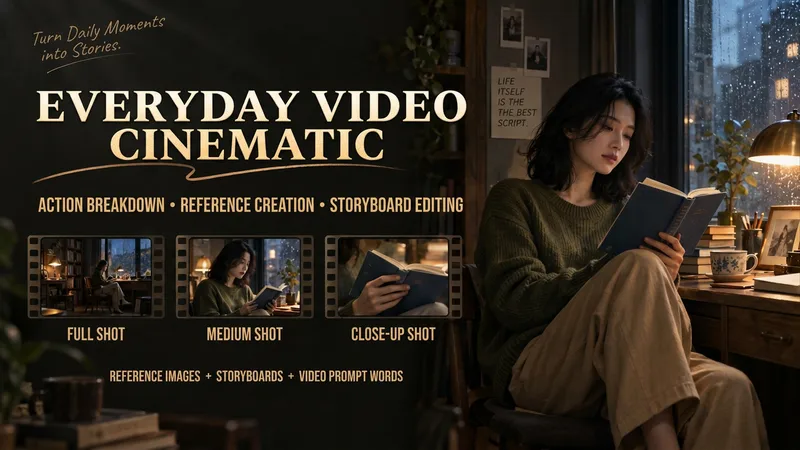
Make Everyday Video Cinematic
Provide everyday footage, ordered keyframes, or action descriptions, and tell it the mood you want. The basic deliverables are an event chain, cinematic storyboard, reference-material mapping, platform-neutral video-generation prompts, and review notes. Reading the original video, creating reference images, and generating the finished video continue according to the tools supported in the current environment. This version has not yet been fully tested with complete tasks in YouMind. The Skill first separates confirmed visual information, user-provided details, and unknown elements. It organizes the people, settings, and key objects, then redesigns the shots, pacing, lighting, and color. When it cannot read the footage, it guides you to provide keyframes and action descriptions. It focuses on checking whether people change appearance, whether extra props appear, whether action cause and effect is altered, and whether positions still connect after a cut. It is suited to everyday creators who want to give life moments, pet stories, and small shop stories a stronger narrative feel. When the environment supports image generation, it directly creates and checks reference images. When it supports a video-generation tool with the relevant reference inputs, it can continue to generate and review a short clip. Without the corresponding tools, it clearly delivers the completed plan and materials for external generation. Actual image and video generation capabilities, available parameters, and resource usage depend on the current environment.
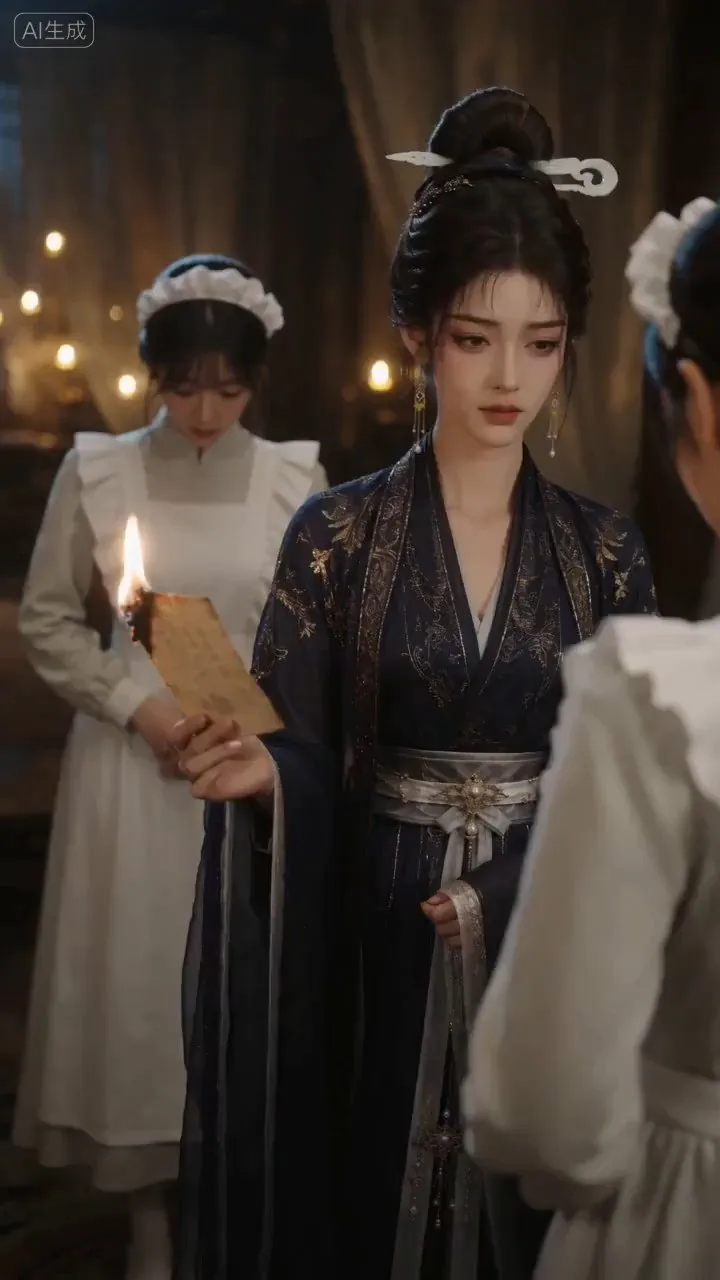
AI Video & Storyboard Prompts
Turn storylines, character profiles, or existing video prompts into professional storyboards and ready-to-use shot prompts for AI video generation. Whether the scene involves contemporary life, historical drama, mystery, romance, or high-payoff drama, the skill focuses on character relationships, pacing, and emotional hooks. It clearly defines shot scale, camera position, perspective, camera movement, composition, lighting, ambient sound, and dialogue, giving every shot a clear visual focus and actionable movement. The skill pays close attention to character consistency and scene continuity. It helps lock in each character’s appearance, clothing logic, identity and status, and defining details, reducing generation issues such as facial changes, visual drift, spatial confusion, and unclear actions. A character’s gaze, expressions, breathing, hand movements, and physical reactions are also translated into visible performance changes, strengthening conflict, tension, twists, and emotional progression. You can start with a complete storyline or provide existing character assets, storyboards, or prompts for targeted optimization. When you already have an established character profile, it can be reused directly to avoid redesigning it. The complete sequence can then be organized into clips of 15 seconds or less for generation with mainstream AI video models, while preserving visual, audio, and duration details for easy copying, use, and further editing.
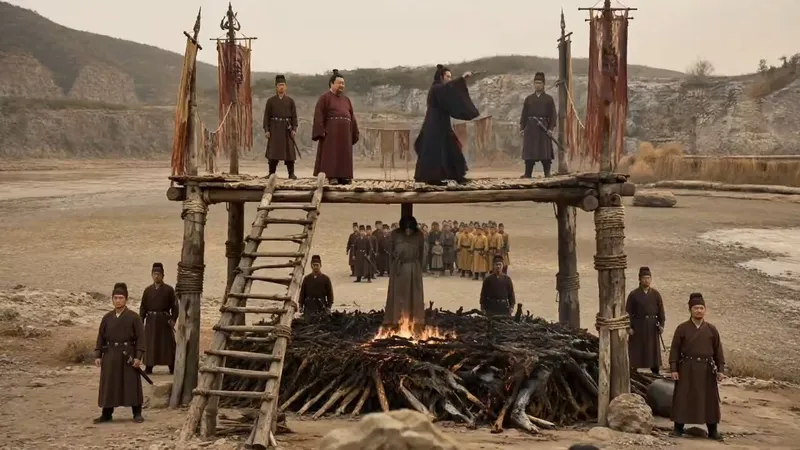 Video
VideoAI Short Drama Pipeline
【What it does】Built around a “storyboard artist” workflow, it moves a short drama through six automated steps: 1. Project setup and requirements: Understands your script, asks only about things you cannot determine from it, and creates three sample images of the same scene in different visual styles so you can choose a direction at a glance; 2. Final script + two tables: Adds filming instructions without changing a single line of dialogue, then creates a “segment table” and a “continuity table” to lock down the details most likely to cause continuity errors; 3. Asset design: Creates a three-view sheet and a distinctive identifying feature for each character, along with settings and a dedicated voice style, to keep the cast consistent throughout the video; 4. Storyboard prompts: Specifies the camera position, duration, performance, ambient sound, and constraints for every segment. Text in the frame is rendered precisely using “first and last frames”; 5. Generation and selection: Generates candidates segment by segment, filters them against hard criteria first—does it look right, is it correct, did it break?—then selects based on performance; 6. Assembly and self-review: Combines everything into an editable video timeline and fixes flash frames, continuity errors, and fake-looking text during editing. It only interrupts you at the three points where your decision is needed: choosing the visual style, approving the assets, and reviewing the footage. 【Who it’s for】 · Independent creators and social media creators who want to complete the entire AI short-drama workflow alone; · Screenwriters and web novel authors with a script or novel who want to adapt it for the screen quickly; · Producers and directors on short-drama and micro-drama teams who want to greatly improve efficiency and reduce costs; · Advertising, e-commerce, and knowledge-commerce teams that need to produce narrative content in volume at low cost; · People who understand storytelling but have no idea how to write prompts or edit video. 【Ways to monetize】 · Platform revenue sharing: Short-drama and mid-length video incentive programs on Douyin, Kuaishou, WeChat Channels, and Bilibili; · Custom commissioned projects: Branded short dramas, product story ads, and corporate promotional videos; · Paid short dramas: Paid episode unlocks in mini programs and revenue sharing from novel promotions; · Account networks and managed operations: Launching multiple accounts at scale and producing dramas for clients; · Copyright and IP: Licensing and adapting scripts and finished videos. 【What makes it different】 It does not just “teach” you how to make short dramas—it does the work directly. You do not need to write prompts or edit the video; you keep only the director’s judgment: deciding whether the scene works. The methodology is built into every step, so it can adapt when you change the genre, visual style, or platform.
Information
- Version
- v9
- Last updated
- Runtime credits
- Usage-based
- Models
- Auto
- Use cases
- Writing & contentImages & designVideo & audio
- What you get
- ImageVideoScript
- Visual styles
- CinematicPhotorealistic
