Lao Zi Wisdom Cards·All-in-One
Create Tao Te Ching quote cards from any text.
Description
Transform any text into Lao Zi Wisdom Cards. Bilingual: Chinese channel & English channel. - Matches the perfect quote from the built-in 81-chapter Tao Te Ching - AI commentary referencing Nan Huaijin's insights - Eight visual styles including ink wash, moonlit scenery, mountain mist, and more - Choose Chinese or English at startup—entire experience in your language After opening, select your language channel, enter any text, and say 'Continue' to start.
Related Skills
View all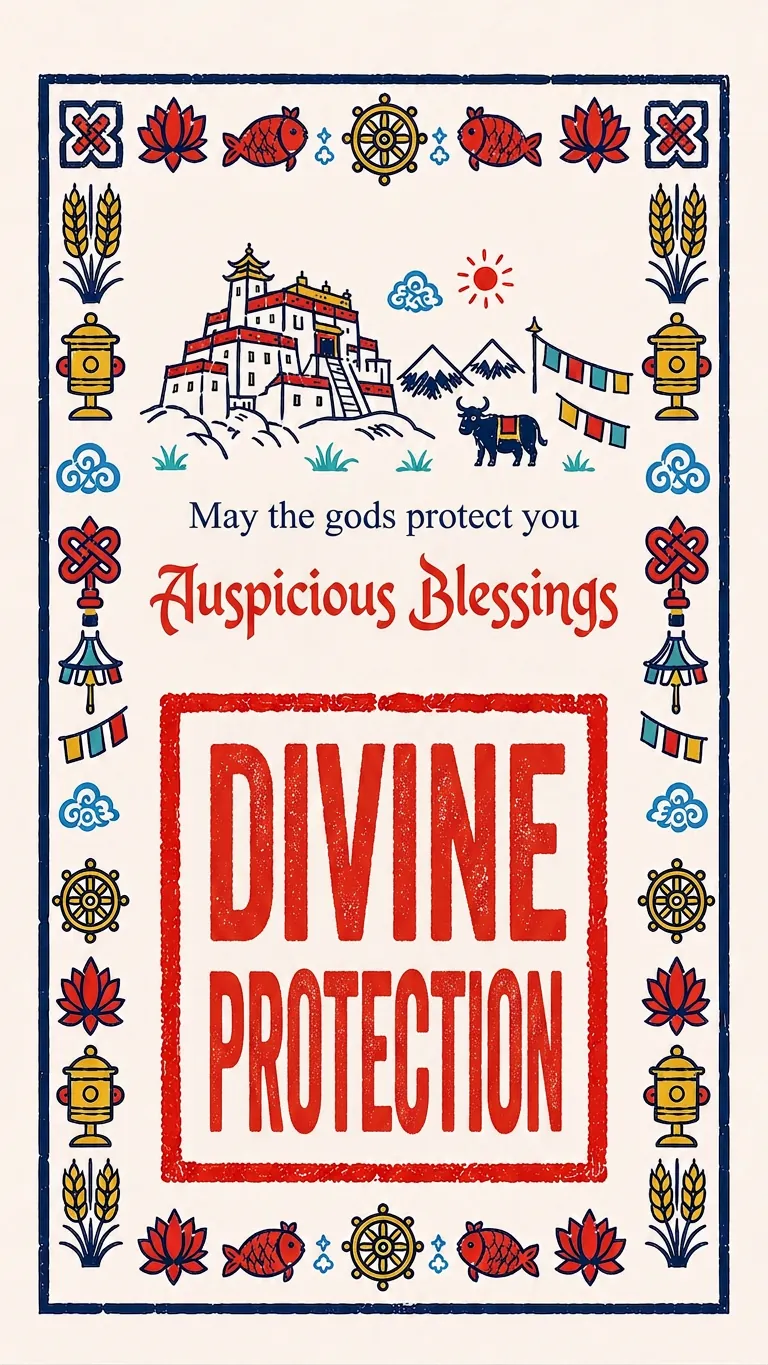 Image
ImageSnowland Tibetan Blessings
Enter a Chinese blessing message and choose a third language. Using a fixed style reference image, this Skill generates a 9:16 vertical Tibetan blessing card. Share auspicious wishes with friends around the world.
 Research
Knowledge Card Generator
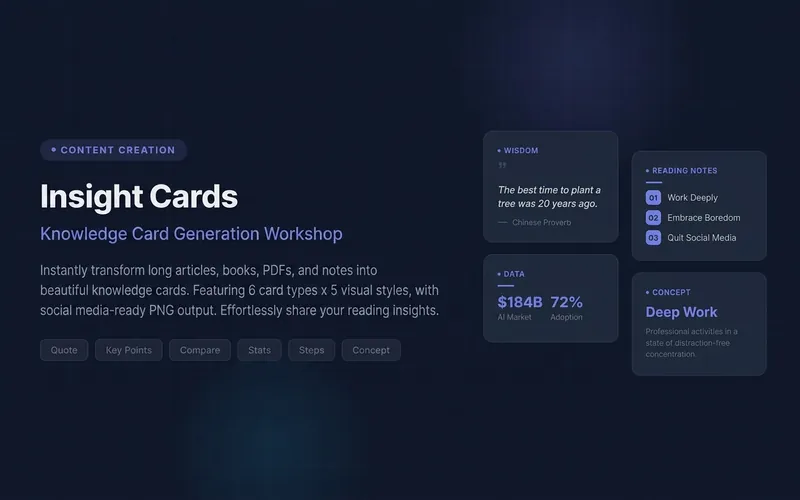
Turn your articles, notes, quotes, or any inspiration into beautiful knowledge cards to easily share your insights. Whether it's reading notes, course highlights, or daily thoughts, this tool intelligently identifies core content, automatically selects the most suitable card type, and presents it in a professional and visually appealing style. You can choose to generate a single eye-catching knowledge card or create multiple linked "card sets" with one click, perfect for publishable swipeable carousel content on social platforms like Xiaohongshu and Instagram. It automatically designs a cover for you, extracts key points for each page, and attaches the source, ensuring your sharing is both deep and shareable. We offer six card types: quotes, key points, comparisons, steps, data, and concepts, paired with five curated visual styles: academic blue, warm literature, dark tech, magazine red, and minimalist black and white, with full support for Chinese content. You can also customize your brand primary color and account signature, giving each card a personal touch, ensuring knowledge output is as high-quality as input. For companion use: For long-text infographics, check out 'Infographic Maker'; for finished drafts to publish on WeChat Official Account, check out '公众号排版器'.
 Image
ImagePoem Screen -Ancient Wallpaper
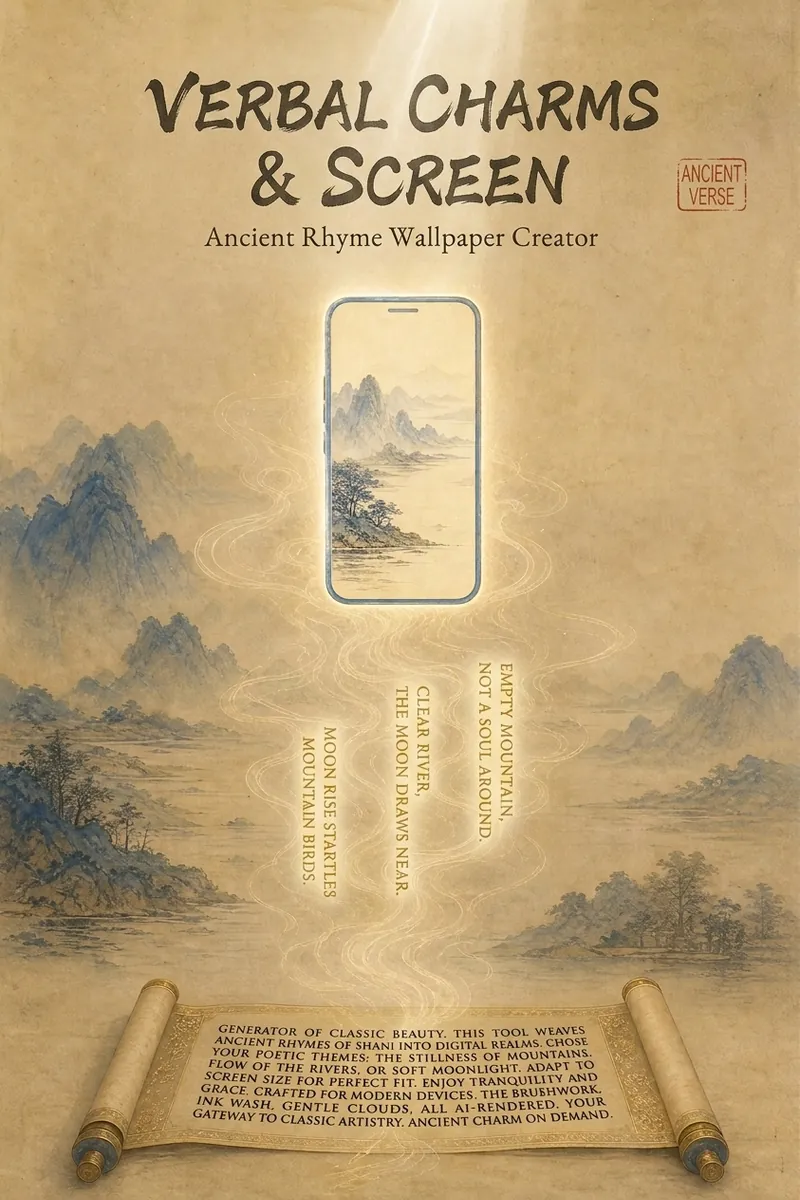
"Your poem, your words, your wallpaper." Transform poems into custom wallpapers. Conversational requirement gathering, outputs four versions of prompts (phone lock screen/home screen + computer lock screen/desktop) in Chinese and English, including safety zone guidelines. Supports ancient painting style library (Ode to the Goddess of the Luo River, A Thousand Li of Rivers and Mountains, Dwelling in the Fuchun Mountains, etc.). Provides image selection (seven-dimension evaluation), feedback analysis, modification iteration, and full installation guide service. Converts poems, mottos, to-do reminders into custom wallpapers. Supports four versions: phone lock screen, phone home screen, computer lock screen, computer desktop. Bilingual Chinese-English prompts, compatible with Doubao, Jimeng, Kling, Midjourney, Stable Diffusion. What can Poem Screen do? In one sentence: You tell me the poem name and what words to write, I provide four versions of prompts plus installation guide, you generate, screenshot, I revise until satisfied. What can you input? - Ancient poems (e.g., "Spring River in the Flower Moon Night") - Mottos (e.g., "A straw cloak, a bamboo staff, and a pair of sandals—through the rain, I stroll") - Work task reminders (e.g., "Today's work must be done today") - Scene descriptions (e.g., "Bamboo grove in the rain, a cup of tea") - Festivals and solar terms (e.g., "Mid-Autumn Moon") What will you get? - Four bilingual prompts (phone lock screen, phone home screen, computer lock screen, computer desktop) - Text embedding plan (what text to write, where to place it, color, font size, font suggestions) - Safety zone guide (where system time/icons are, where to place main elements and text) - Installation guide (step-by-step for iPhone, Android, Windows, Mac) - Feedback analysis (screenshot diagnosis for overlap issues, provide revised prompts, revise until satisfied) - Other formats (long scroll version, tablet version, image-only sharing version, print framing version available on demand) Core logic: poetic imagery → emotional color temperature → ancient painting school → style matching → text position recommendation → four prompts → installation guide → feedback analysis. You decide what to write, I handle the painting, the text, and after-sales. Text strategy note: 💡 Tip: AI tends to garble precise text, so we use a "reserve area + overlay" approach. The image will leave a clean space for you to add text later with system fonts or photo editing apps. Can't decide? Let me help! - "Landscape pastoral, want tranquility" → ink wash painting style, light ochre with negative space, text in seal stamp style at bottom right - "Nostalgic epic, want grandeur" → heavy blue-green, gold line drawing, text on scroll unfolding at the bottom - "Work task reminder" → minimalist dark, centered horizontal text at top, clear high contrast - "Not sure" → I'll recommend based on the poem's emotional color temperature: warm tones use heavy color, cold tones use ink wash, neutral use minimalist Now, tell me your poem and your words. I'll help turn them into a reflection on your screen.
Lao Zi Wisdom Cards·All-in-One
Create Tao Te Ching quote cards from any text.
Description
Transform any text into Lao Zi Wisdom Cards. Bilingual: Chinese channel & English channel. - Matches the perfect quote from the built-in 81-chapter Tao Te Ching - AI commentary referencing Nan Huaijin's insights - Eight visual styles including ink wash, moonlit scenery, mountain mist, and more - Choose Chinese or English at startup—entire experience in your language After opening, select your language channel, enter any text, and say 'Continue' to start.
Related Skills
View allImageSnowland Tibetan Blessings
Enter a Chinese blessing message and choose a third language. Using a fixed style reference image, this Skill generates a 9:16 vertical Tibetan blessing card. Share auspicious wishes with friends around the world.
ResearchKnowledge Card Generator
Turn your articles, notes, quotes, or any inspiration into beautiful knowledge cards to easily share your insights. Whether it's reading notes, course highlights, or daily thoughts, this tool intelligently identifies core content, automatically selects the most suitable card type, and presents it in a professional and visually appealing style. You can choose to generate a single eye-catching knowledge card or create multiple linked "card sets" with one click, perfect for publishable swipeable carousel content on social platforms like Xiaohongshu and Instagram. It automatically designs a cover for you, extracts key points for each page, and attaches the source, ensuring your sharing is both deep and shareable. We offer six card types: quotes, key points, comparisons, steps, data, and concepts, paired with five curated visual styles: academic blue, warm literature, dark tech, magazine red, and minimalist black and white, with full support for Chinese content. You can also customize your brand primary color and account signature, giving each card a personal touch, ensuring knowledge output is as high-quality as input. For companion use: For long-text infographics, check out 'Infographic Maker'; for finished drafts to publish on WeChat Official Account, check out '公众号排版器'.
ImagePoem Screen -Ancient Wallpaper
"Your poem, your words, your wallpaper." Transform poems into custom wallpapers. Conversational requirement gathering, outputs four versions of prompts (phone lock screen/home screen + computer lock screen/desktop) in Chinese and English, including safety zone guidelines. Supports ancient painting style library (Ode to the Goddess of the Luo River, A Thousand Li of Rivers and Mountains, Dwelling in the Fuchun Mountains, etc.). Provides image selection (seven-dimension evaluation), feedback analysis, modification iteration, and full installation guide service. Converts poems, mottos, to-do reminders into custom wallpapers. Supports four versions: phone lock screen, phone home screen, computer lock screen, computer desktop. Bilingual Chinese-English prompts, compatible with Doubao, Jimeng, Kling, Midjourney, Stable Diffusion. What can Poem Screen do? In one sentence: You tell me the poem name and what words to write, I provide four versions of prompts plus installation guide, you generate, screenshot, I revise until satisfied. What can you input? - Ancient poems (e.g., "Spring River in the Flower Moon Night") - Mottos (e.g., "A straw cloak, a bamboo staff, and a pair of sandals—through the rain, I stroll") - Work task reminders (e.g., "Today's work must be done today") - Scene descriptions (e.g., "Bamboo grove in the rain, a cup of tea") - Festivals and solar terms (e.g., "Mid-Autumn Moon") What will you get? - Four bilingual prompts (phone lock screen, phone home screen, computer lock screen, computer desktop) - Text embedding plan (what text to write, where to place it, color, font size, font suggestions) - Safety zone guide (where system time/icons are, where to place main elements and text) - Installation guide (step-by-step for iPhone, Android, Windows, Mac) - Feedback analysis (screenshot diagnosis for overlap issues, provide revised prompts, revise until satisfied) - Other formats (long scroll version, tablet version, image-only sharing version, print framing version available on demand) Core logic: poetic imagery → emotional color temperature → ancient painting school → style matching → text position recommendation → four prompts → installation guide → feedback analysis. You decide what to write, I handle the painting, the text, and after-sales. Text strategy note: 💡 Tip: AI tends to garble precise text, so we use a "reserve area + overlay" approach. The image will leave a clean space for you to add text later with system fonts or photo editing apps. Can't decide? Let me help! - "Landscape pastoral, want tranquility" → ink wash painting style, light ochre with negative space, text in seal stamp style at bottom right - "Nostalgic epic, want grandeur" → heavy blue-green, gold line drawing, text on scroll unfolding at the bottom - "Work task reminder" → minimalist dark, centered horizontal text at top, clear high contrast - "Not sure" → I'll recommend based on the poem's emotional color temperature: warm tones use heavy color, cold tones use ink wash, neutral use minimalist Now, tell me your poem and your words. I'll help turn them into a reflection on your screen.
Find your next favorite skill
Explore more curated AI skills for research, creation, and everyday work.