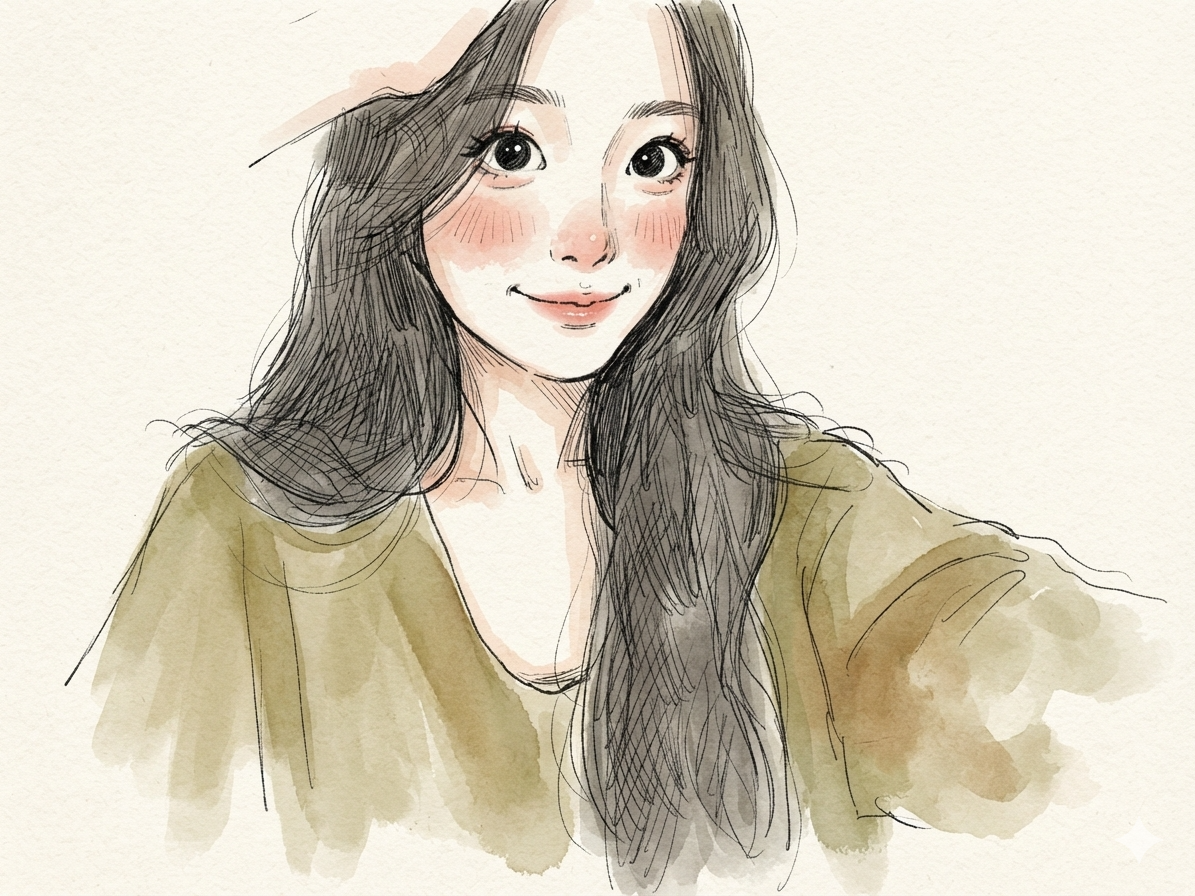
Watercolor Storybook Avatar
Turn a selfie into a custom avatar
Watercolor Storybook Avatar
Turn a selfie into a custom avatar
Showcase
Description
Turn an uploaded portrait into a hand-painted watercolor avatar in a children's storybook style. Preserve recognizable facial features while creating a warm, childlike illustration with a sketch-like feel.
Recommended by
Dancang
Why we love this skill
Turns selfies into warm, childlike watercolor storybook avatars while preserving distinctive facial features, hairstyles, accessories, and a cohesive hand-drawn style.
Best for
For users who want to turn personal photos into warm, hand-drawn children's storybook avatars.
How to use this Skill
Provide your input
Upload a clear selfie, and optionally include details you want to keep, such as glasses, a hat, or a hairstyle.
Run the Skill
Transform the photo into a warm, childlike watercolor storybook avatar, preserving key facial and hairstyle features with a simple paper-textured background.
Review your result
Generate a centered half-body or bust watercolor avatar with sketch-like lines, soft washes, and natural, low-saturation colors.
Related Skills
View all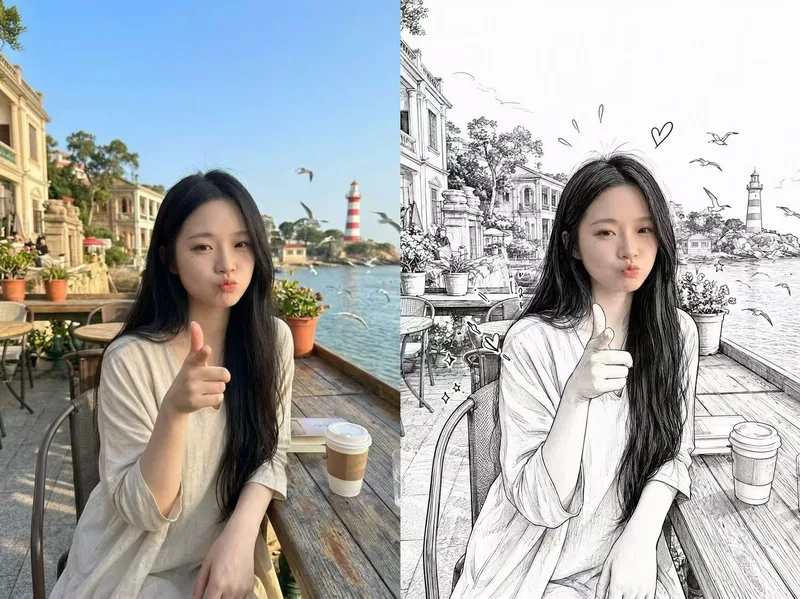 Image
ImagePhotorealistic Head, Drawn Body
Upload a real photo—no target image needed—to automatically create a finished mixed-style image with a photorealistic head and black-and-white hand-drawn illustration. The head retains photo-realistic texture and recognizable facial features (facial features stay the same, while the expression may be subtly adjusted). Everything else—including the hair and hairstyle, body and build, clothing, pose, background, and decorative elements such as hearts, stars, sparkles, and motion lines—is transformed into a black-and-white hand-drawn illustration. The body keeps realistic proportions, while the original hairstyle and pose are preserved. Ideal for turning a single photo of a person or pet into a creative image featuring a photorealistic head and hand-drawn elements in the same frame.
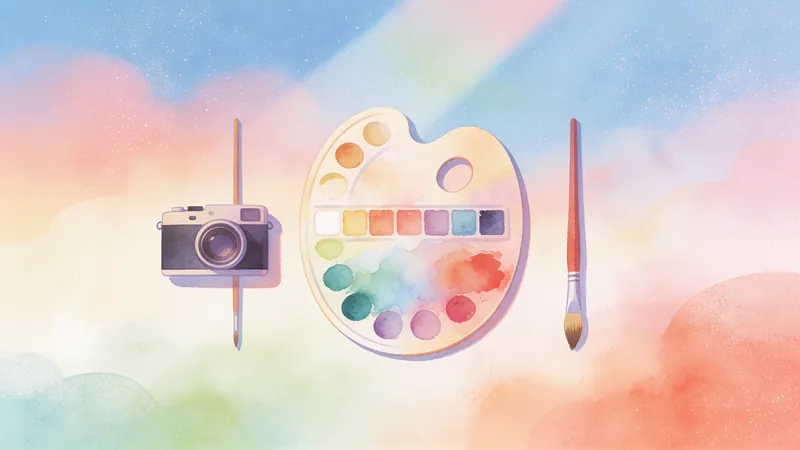
Photo to Watercolor Storybook
Analyze your photo and text requests, then automatically match them to one of three watercolor storybook styles. After you confirm the plan, generate a custom watercolor illustration that preserves the subject’s distinctive features.
 Image
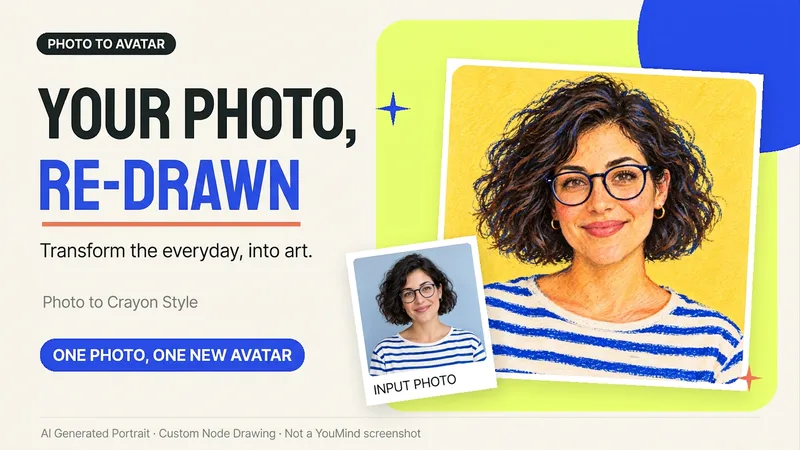
ImagePhoto to Hand-Drawn Avatar
Want a hand-drawn avatar while keeping your hairstyle, glasses, and distinctive expression? Upload a clear photo of one person, then choose a warm crayon or cool marker style to create a square avatar for WeChat, social accounts, and personal homepages. You can also start without choosing a style; warm crayon is used by default. You can get: ① One hand-drawn avatar: clean background, head-and-shoulders composition, and no text by default. ② Preserved features: focuses on the hairstyle, glasses, face shape, and noticeable accessories to reduce a generic look. ③ Avatar-friendly composition: designed for circular cropping and recognizability at small sizes; when supported by the tool, the thumbnail and circular preview are checked. ④ Targeted edits: when changing the background, expression, or accessories, the previously approved version is prioritized for continuity. Photo conversion is supported, as is creating fictional avatars from text descriptions. Delivery is one image by default; a full sticker pack is not generated automatically. The final image and edits depend on the image tools and usage limits available on the current platform, and exact consistency of personal features is not guaranteed. If an image cannot be generated, this will be stated clearly and a copyable conversion prompt will be provided; the prompt will not be presented as a finished avatar. Usage is calculated according to the platform's rules at the time.
Information
- Version
- v3
- Last updated
- Runtime credits
- Usage-based
- Models
- Auto
- Use cases
- Images & design
- What you get
- Image
- Visual styles
- Hand-drawnWatercolorPaper art
