Visual Artist - XHS/DY/PPT
Visual Artist - XHS/DY/PPT
Showcase
Description
Turn long text into a series of images suitable for Douyin and Xiaohongshu with one click. Just provide your article, notes, or script; it will confirm information density, number of images, publishing platform, visual style, and account attribution, then automatically break down the content, generate storyboard scripts, and first produce a sample of the first image for your confirmation. Built-in templates include paper cutting, new fauvism, technical blueprint, information map, monograph, isometric map, stop-motion frame, and more, to quickly maintain a consistent style across the entire set of images. Suitable for knowledge bloggers, product operators, social media teams, and content creators, turning complex ideas into easier-to-read and more visually appealing graphic cards. Finally, output a complete image set and compressed package, transforming content production from 'editing and layout' into a clear, stable automated process.
Recommended by
Nico@YouMind
Why we love this skill
This skill transforms your text into beautifully designed graphics for Xiaohongshu, Douyin, and PPT, offering multiple style templates to present information with optimal visual impact.
Related Skills
View all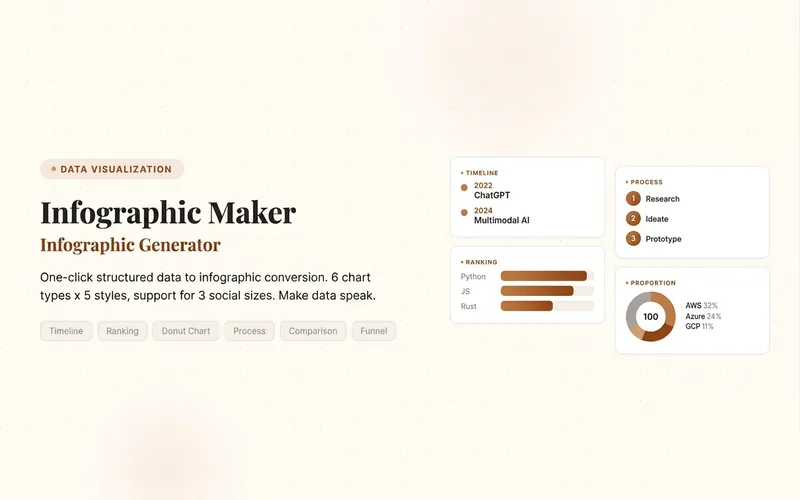 Image
ImageInfographic Maker
Easily turn any article, table, link, or casual note into a professional infographic, making your data and insights stand out. Whether it's a single poster or a multi-page carousel, this tool intelligently identifies content structure and automatically extracts key information—no manual formatting required. Choose from six chart types: timeline, flowchart, ranking, proportion, comparison, or funnel, and pair them with visual styles like Business Blue, Creative Color, Dark Tech, Elegant Warm, Minimalist Black & White, or Xiaohongshu-exclusive styles. We specially support Chinese content and brand colors to ensure visuals are both professional and aligned with your brand identity. Whether for annual reports, social media (e.g., Xiaohongshu, Instagram, X), or study notes, this tool generates high-resolution PNG images in multiple sizes, helping your information spread in the most appealing way. Say goodbye to tedious design work—create stunning infographics with one click, letting data speak and stories come alive. Companion tools: For final drafts to be published on WeChat Official Accounts, look for '公众号排版器'; for data tables needing publication-grade formatting, look for 'TableCraft'; for quote card sets, look for '知识卡片生成工坊'.
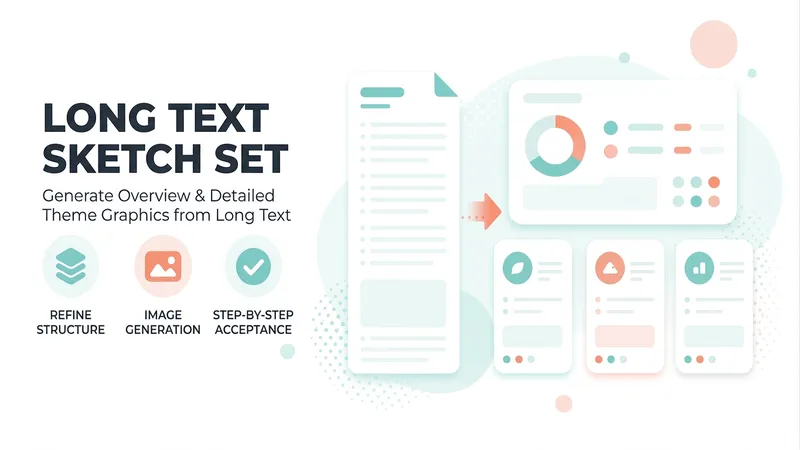
One Text, Many Sketches
A premium long-form visualization workflow for knowledge bloggers, teachers, consultants, and content creators. Submit an article, webpage, topic, or YouMind file, and it automatically assesses the content type, information density, and best composition, then matches it to one of four styles: minimalist line art, journal cards, retro high-density, or visual mind maps. It first generates one Chinese hand-drawn overview draft for approval, then produces N detailed topic illustrations in batches. Supports landscape graphics for WeChat Official Accounts, portrait graphics for Xiaohongshu, and general-purpose knowledge graphics. Copy is locked first, images are reviewed one by one, and issues receive localized revisions only—so the final hand-drawn knowledge set has the correct number of images, a consistent style, and is ready to use.
 Image
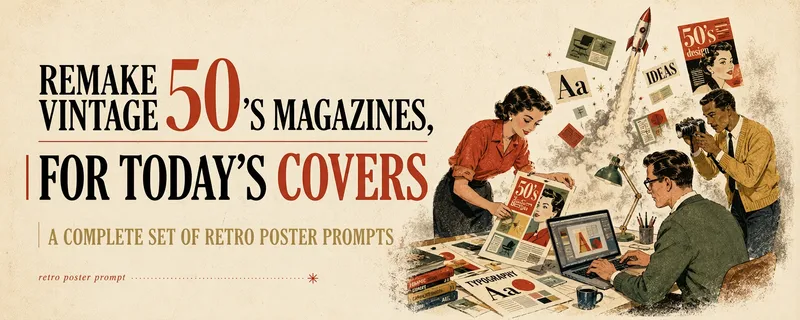
ImageMulti-Platform Cover Design
Turn articles, notes, topics, or long-form text into stylized covers ready for publishing and sharing, balancing title readability, content recognition, and memorable visual metaphors. Supports Xiaohongshu, WeChat Official Accounts, X, and custom aspect ratios. It works for single covers and can also create separate compositions for clearly specified multi-size requirements, avoiding simple cropping or stretching. The skill extracts the title, topic, visual subject, audience, emotion, and contextual background from your content. It then combines these insights with visual styles suited to covers or posters to generate a complete cover prompt ready for AI image generation. Title hierarchy, typography, color, materials, negative space, and the relationship between text and imagery are handled consistently around the selected style, making the result feel more like a designed editorial cover than a generic illustration or templated poster. If you have not provided a publishing platform or visual style, it first asks about the required dimensions and recommends three suitable styles based on your content. Once the details are clear, it continues with generation. You can choose to generate the cover directly or receive only a polished prompt, making it suitable for content creators, editors, and teams that need to adapt covers in batches for social platforms.
Information
- Version
- v3
- Last updated
- Runtime credits
- Usage-based
- Models
- Auto
