
Photo to GIF Emoji
Create animated GIFs from images
Photo to GIF Emoji
Create animated GIFs from images
Showcase
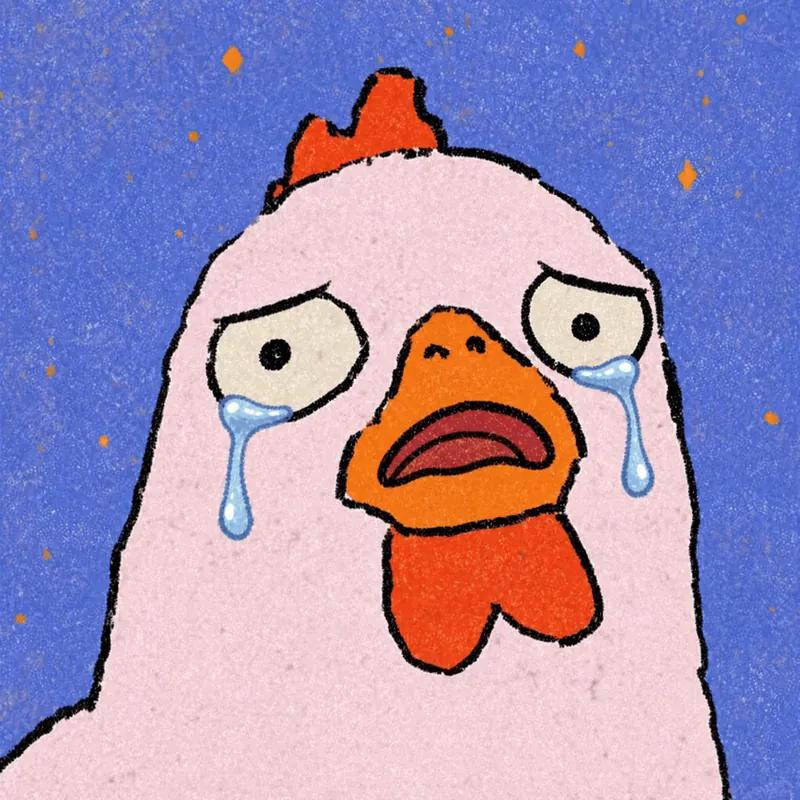
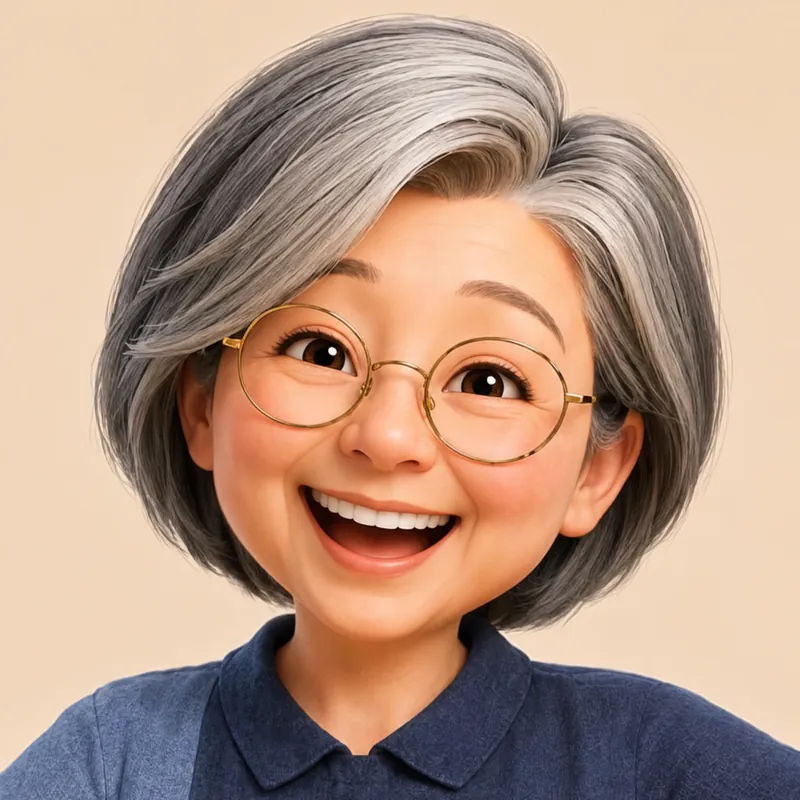
Description
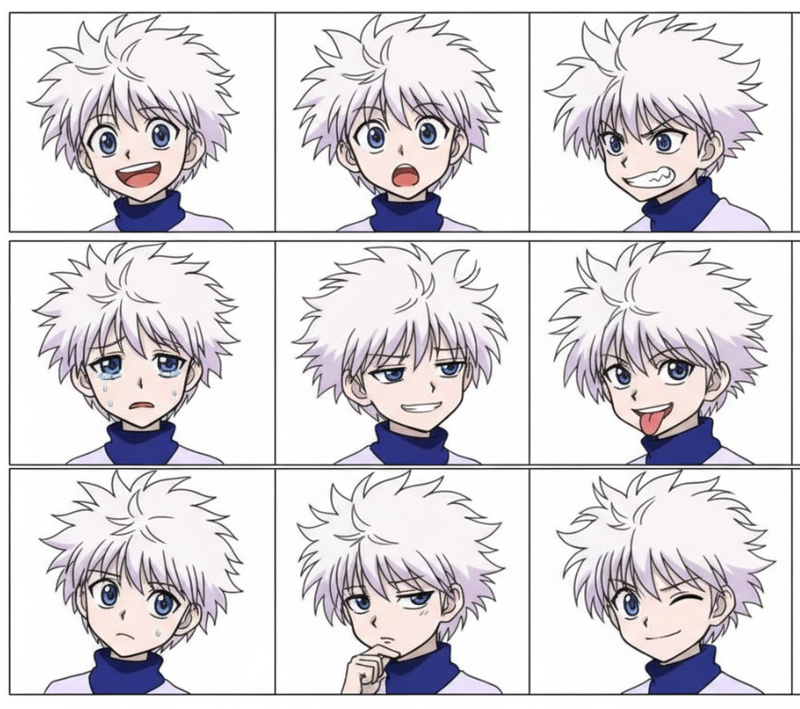
Turn an image or reference GIF into a natural, seamless GIF emoji or sticker. The number of key images depends on the complexity of the action. After you confirm the keyframe visuals, the skill uses the YouMind desktop app to compile the animated GIF. ⚠️ Requires the YouMind desktop app.
Recommended by
Dancang
Why we love this skill
More than image-to-GIF conversion, it works like a precise motion director—analyzing motion, stabilizing still areas, and delivering a natural loop after review and frame-by-frame quality checks.
Related Skills
View all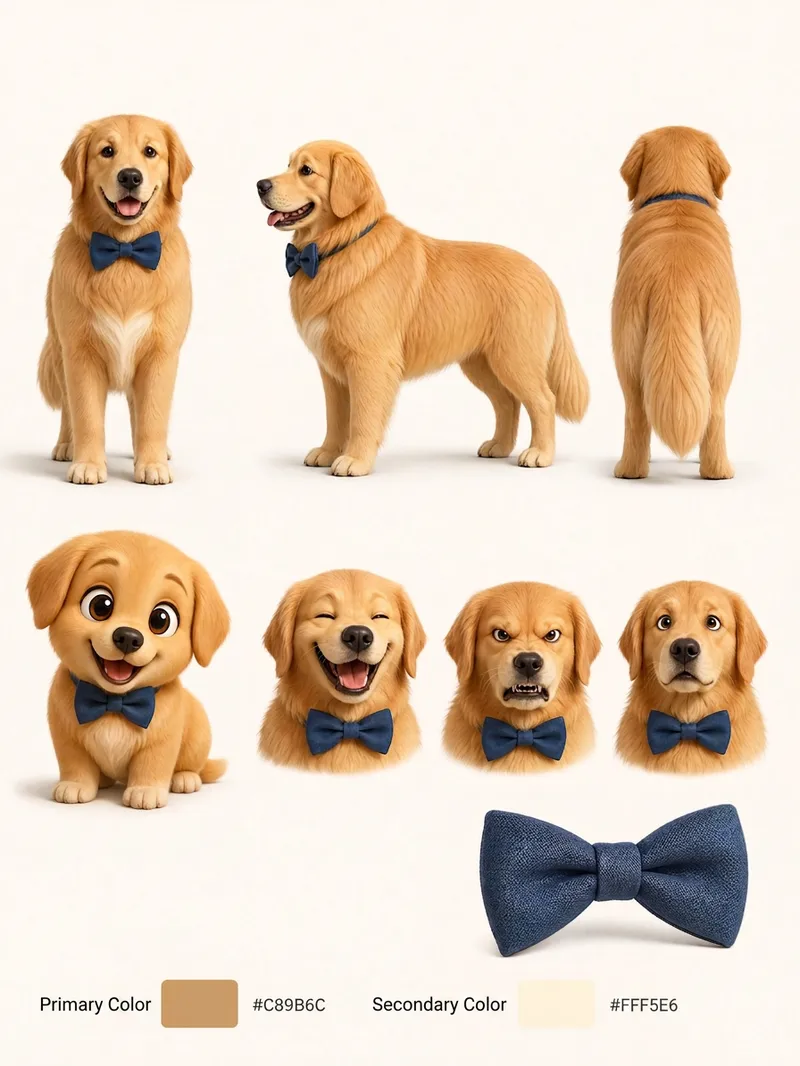 Image
ImagePet Cartoon Character Sheet
Turn an existing realistic depiction of your pet into a consistent, expandable cartoon character sheet. Use it as a stable visual reference for creating stickers, memes, comics, or animations. Before using this Skill, prepare a pet profile with realistic reference images, fur color, body type, distinctive features, accessories, and other details. The generated result will aim to preserve the character’s recognizability and maintain consistent details. The final result is a multi-view character sheet featuring front, side, and back views, a full-body chibi view, different emotional expressions, and signature accessories such as collars or tags. It also preserves the relationships between the primary and secondary colors. You can choose a 2D flat cartoon style, suitable for memes, stickers, and comics, or a 3D cartoon rendering style, suitable for animation, games, or 3D merchandise. If no style is specified, 2D is used by default. The generated cartoon character is also recorded in the pet profile, making it easier to maintain the same art style, fur colors, and accessory settings in future meme creation. This helps prevent character distortion or inconsistent styling from one creation to the next.
 Image
ImageCandid Highlights Pro
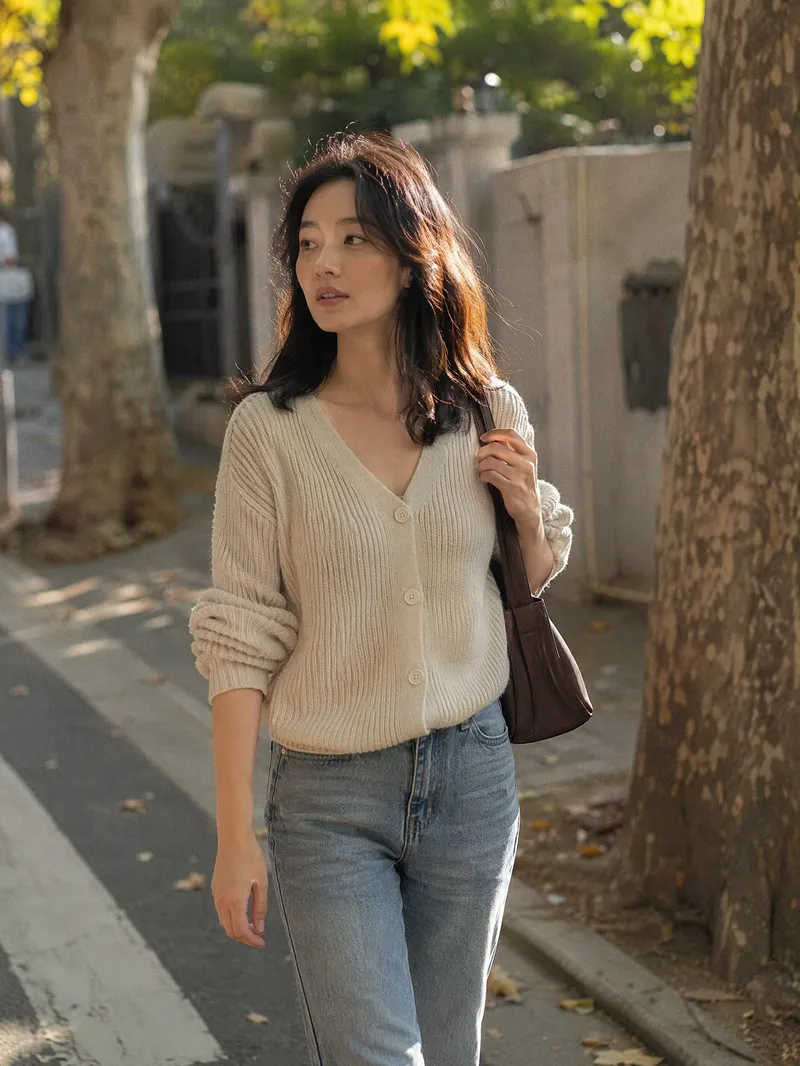
Your photo deserves a naturally occurring highlight moment. Upload a clear portrait, and Candid Highlights designs a street photography scene around your expression, outfit, and pose—capturing moments like brushing back your hair, glancing sideways while walking, or just beginning to smile as an original portrait with a realistic photographic feel. • Identity reference: Preserves recognizable facial features and a natural sense of age from the uploaded photo. • Scene customization: Choose directions such as city streets, tree shadows, the seaside, post-rain settings, and night scenes. • Motion control: Choose low, medium, or high motion to balance a clear subject with a dynamic background. • Outfit options: Keep the original outfit by default or specify a change. • Dual use: Create a portrait only or a cover poster with an original short line. • Series creation: Make multi-scene sets featuring the same person and request local revisions as needed. The default is one 3:4 image; you can specify the aspect ratio and number of images. Suitable for social profile pictures, personal content covers, and portrait creation. AI generation may produce identity or limb inaccuracies. Results depend on the reference photo and account capabilities and still require manual review. Installation and redemption cost 3,366 points; runs and additional generations are charged separately under platform rules. This does not represent a real visit or on-site photo shoot.
Information
- Version
- v34
- Last updated
- Runtime credits
- Usage-based
- Models
- Auto
