
Make Everyday Video Cinematic
Keep the story, give it a cinematic look.
Make Everyday Video Cinematic
Keep the story, give it a cinematic look.
Showcase
Description
Provide everyday footage, ordered keyframes, or action descriptions, and tell it the mood you want. The basic deliverables are an event chain, cinematic storyboard, reference-material mapping, platform-neutral video-generation prompts, and review notes. Reading the original video, creating reference images, and generating the finished video continue according to the tools supported in the current environment. This version has not yet been fully tested with complete tasks in YouMind. The Skill first separates confirmed visual information, user-provided details, and unknown elements. It organizes the people, settings, and key objects, then redesigns the shots, pacing, lighting, and color. When it cannot read the footage, it guides you to provide keyframes and action descriptions. It focuses on checking whether people change appearance, whether extra props appear, whether action cause and effect is altered, and whether positions still connect after a cut. It is suited to everyday creators who want to give life moments, pet stories, and small shop stories a stronger narrative feel. When the environment supports image generation, it directly creates and checks reference images. When it supports a video-generation tool with the relevant reference inputs, it can continue to generate and review a short clip. Without the corresponding tools, it clearly delivers the completed plan and materials for external generation. Actual image and video generation capabilities, available parameters, and resource usage depend on the current environment.
Best for
For everyday creators who want to give life moments, pet stories, or small shop stories a stronger narrative feel.
How to use this Skill
Provide your input
Provide a readable everyday video, or ordered keyframes with action descriptions, and specify your preferred mood, aspect ratio, or duration.
Run the Skill
The system organizes people, settings, props, and event cause-and-effect, redesigns the shots cinematically, and creates reference images or video based on the available tools.
Review your result
Receive an event chain, cinematic storyboard, source-material mapping, video-generation prompts, and review notes; reference images or a short clip may also be provided when supported.
Related Skills
View all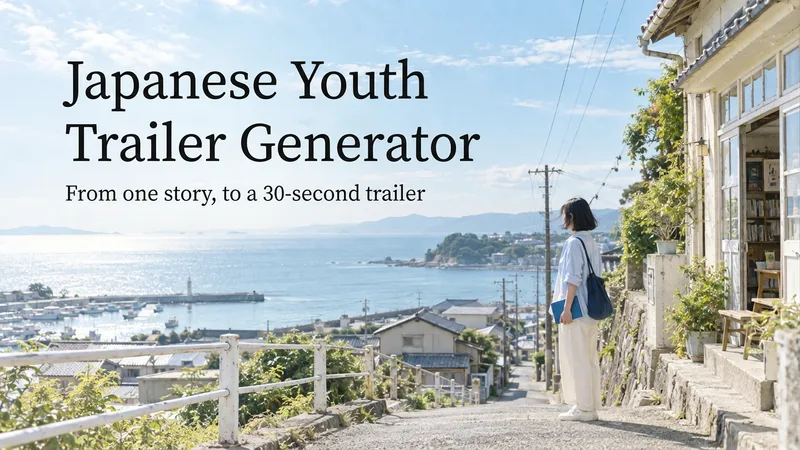 Video
VideoJapanese Youth Trailer Maker
How can you turn a story idea into a suspenseful Japanese youth trailer? This Skill breaks production into a repeatable workflow: define the style, write the script, choose scenes, establish characters, assemble the storyboard, generate video shot by shot, then organize editing and sound. Provide a story or reference image, and it first locks in the composition, lighting, colors, and details that must remain consistent. It then uses a four-panel empty-scene grid to select visuals and creates facial, half-body, and full-body references for each character, giving the people, clothing, props, and environment a consistent basis across shots. Before batch generation, sample images are used to calibrate light direction, skin tones, highlights, and character states. The default is 30 seconds, 16:9, and 8 shots; duration, aspect ratio, number of characters, and mood can all be adjusted. You can also create only the script, reference images, or storyboard instead of completing the entire film at once. Deliverables • Consistent visual rules and a suspenseful script • Scene, character, prop, and storyboard materials • Separate image and video prompts for each shot • A shot-by-shot timing, in/out point, editing, and sound table • Generated files and review records, based on the capabilities of the available tools When the appropriate media tools are available, the Skill continues with actual generation and review. When tools are unavailable, it delivers complete production materials and explains where the process stops. Image, video, and music generation costs are billed separately and depend on the runtime environment. The featured example, “The Day I Returned the Book,” consists of AI-original still images and storyboards; it is not yet a completed video.
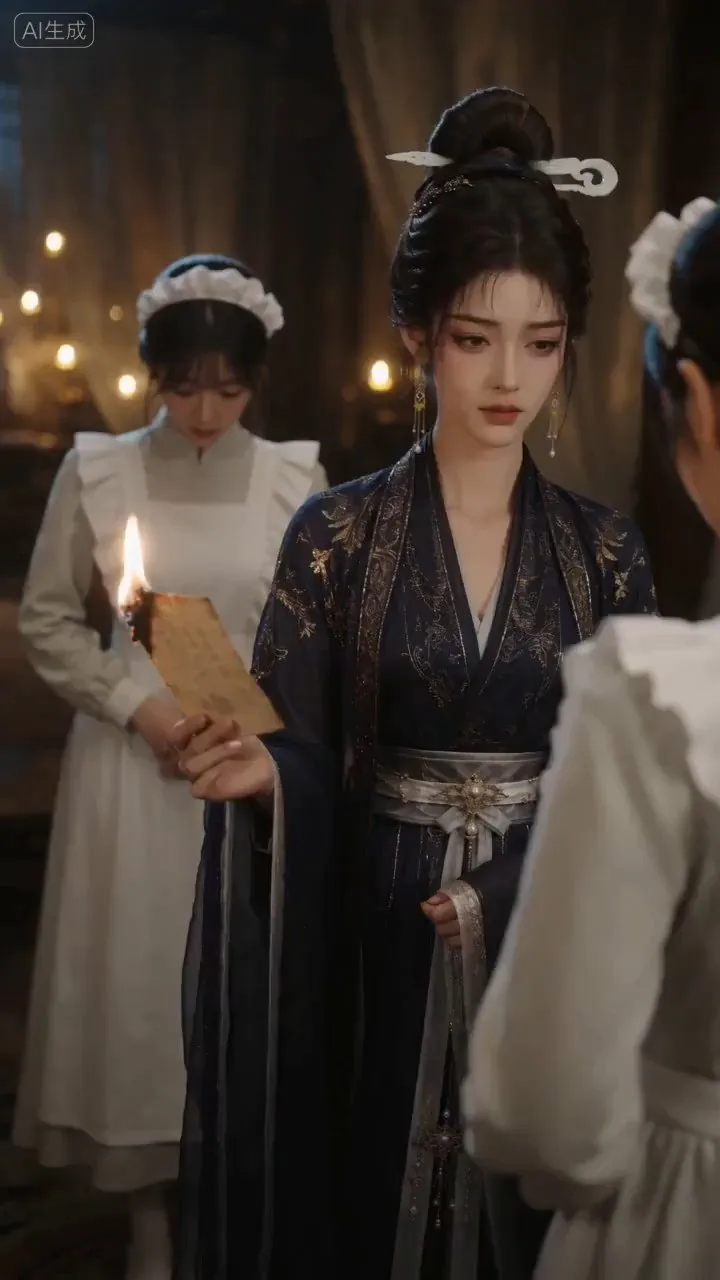
AI Video & Storyboard Prompts
Turn storylines, character profiles, or existing video prompts into professional storyboards and ready-to-use shot prompts for AI video generation. Whether the scene involves contemporary life, historical drama, mystery, romance, or high-payoff drama, the skill focuses on character relationships, pacing, and emotional hooks. It clearly defines shot scale, camera position, perspective, camera movement, composition, lighting, ambient sound, and dialogue, giving every shot a clear visual focus and actionable movement. The skill pays close attention to character consistency and scene continuity. It helps lock in each character’s appearance, clothing logic, identity and status, and defining details, reducing generation issues such as facial changes, visual drift, spatial confusion, and unclear actions. A character’s gaze, expressions, breathing, hand movements, and physical reactions are also translated into visible performance changes, strengthening conflict, tension, twists, and emotional progression. You can start with a complete storyline or provide existing character assets, storyboards, or prompts for targeted optimization. When you already have an established character profile, it can be reused directly to avoid redesigning it. The complete sequence can then be organized into clips of 15 seconds or less for generation with mainstream AI video models, while preserving visual, audio, and duration details for easy copying, use, and further editing.

MiniMax H3 Video Prompt Assistant
Give a complete reference video to a multimodal AI to automatically break down its real shots, timeline, visual changes, and audible sounds, then generate production-ready prompts for video creation. It is not limited to live-action, advertising, or film footage; it also supports product showcases, architecture and scenery, animals, food, sports actions, dance, 2D/3D animation, UI demos, screen recordings, infographics, visual effects, and abstract imagery. Based on the video’s information structure, the assistant can output complete text-to-video prompts, or generate shot-by-shot prompts for the reference image or first frame, continuous motion, necessary end frames, and shot-level stability constraints needed for image-to-video creation. When both the static image and temporal changes matter, it can provide both versions. The generated content preserves information that can be directly verified, including subjects, composition, camera movement, action causality, structural changes, text, dialogue, ambient sound, and music, while tracking each shot through its actual ending state. When text, sound, identity, location, or filming method cannot be clearly confirmed, the assistant avoids filling in details without evidence. It also distinguishes the intended scene from external elements such as player watermarks and control overlays, helping reduce content drift during generation. Suitable for creators and production teams who need to reverse-engineer text-to-video prompts or I2V shot prompts from reference videos, or organize source material for video reconstruction, style reproduction, and generative advertising.
Information
- Version
- v5
- Last updated
- Runtime credits
- Usage-based
- Models
- Auto
- Use cases
- Writing & contentImages & designVideo & audio
- What you get
- ImageVideoPrompt
- Visual styles
- CinematicPhotorealistic
