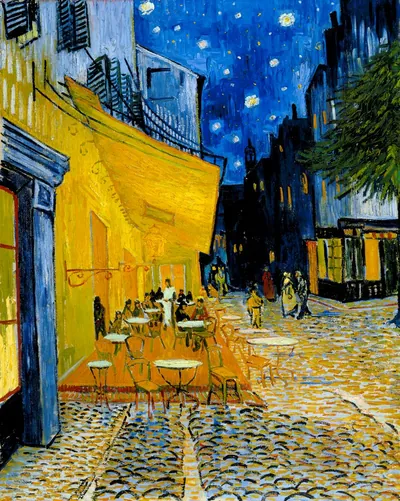
Step Into Masterpieces
Turn classic art into faithful FPV shorts
Step Into Masterpieces
Turn classic art into faithful FPV shorts
Showcase
Description
Upload any world-famous painting and automatically create an immersive, cinematic FPV walkthrough video (≤15 seconds, single shot, no line annotations). The Skill analyzes the artwork’s composition and character placement, plans a camera path faithful to the original, generates a hand-drawn path preview labeled 1/2/3/4 for confirmation, writes the prompt, and produces the video—all without requiring you to mark the path or write a prompt. Videos are generated with Seedance 2.5 by default.
Recommended by
nene@YouMind
Why we love this skill
Transforms people, spaces, and composition from a masterpiece into a faithful FPV shot, previews routes with numbered hand-drawn paths, gets user confirmation, then renders. Smartly plans shots by character or environment type and quality-checks for off-canvas content and style drift.
Best for
Content and visual creators who want to turn famous paintings into immersive short videos.
How to use this Skill
Provide your input
Upload a famous painting. Optionally specify the video length (up to 15 seconds) and preferred camera style.
Run the Skill
The system analyzes the painting’s composition and subjects, then generates a numbered preview of the hand-drawn camera path. After you confirm the path, it generates an immersive single-shot video.
Review your result
Get an immersive, cinematic FPV short video that stays true to the original painting’s subjects and style, with no path markings or text in the scene.
Related Skills
View all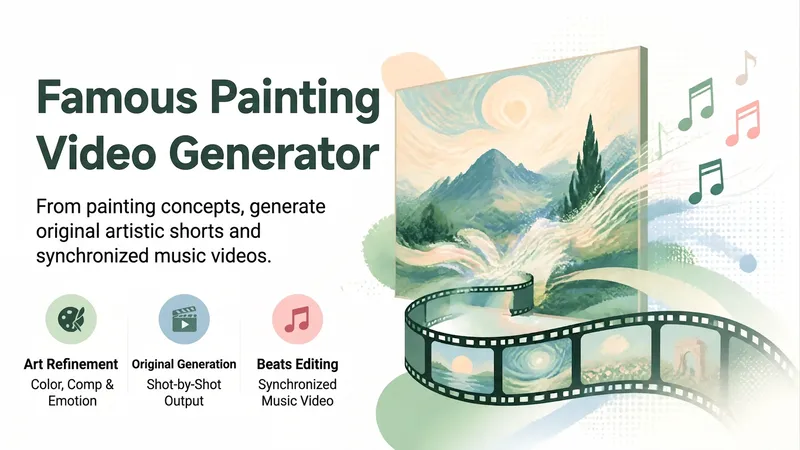 Video
VideoMasterpiece Video Maker
Turn world-famous paintings, murals, handscrolls, manuscripts, prints, ukiyo-e, frescoes, and other artworks into original AI videos or music videos (MVs). This is not simply enlarging or panning across a single image. Instead, it extracts visual motifs from the work’s colors, composition, materials, spatial perspective, and mood, then creates original shots, musical rhythms, and a resolved ending. The workflow covers well-documented artwork sources and rights research, visual DNA extraction, original art short concepts, storyboards and prompts, shot-by-shot generation with Seedance (each shot is generated independently, with the final two shots generated separately), beat-synced editing, final-cut quality checks, and AI-generated content labels plus licensing and source reminders. It is suitable for masterpiece-to-video projects, masterpiece MVs, beat-synced masterpiece videos, and fixing issues such as repeated shots, a static feel, or editing that does not follow the music.
 Video
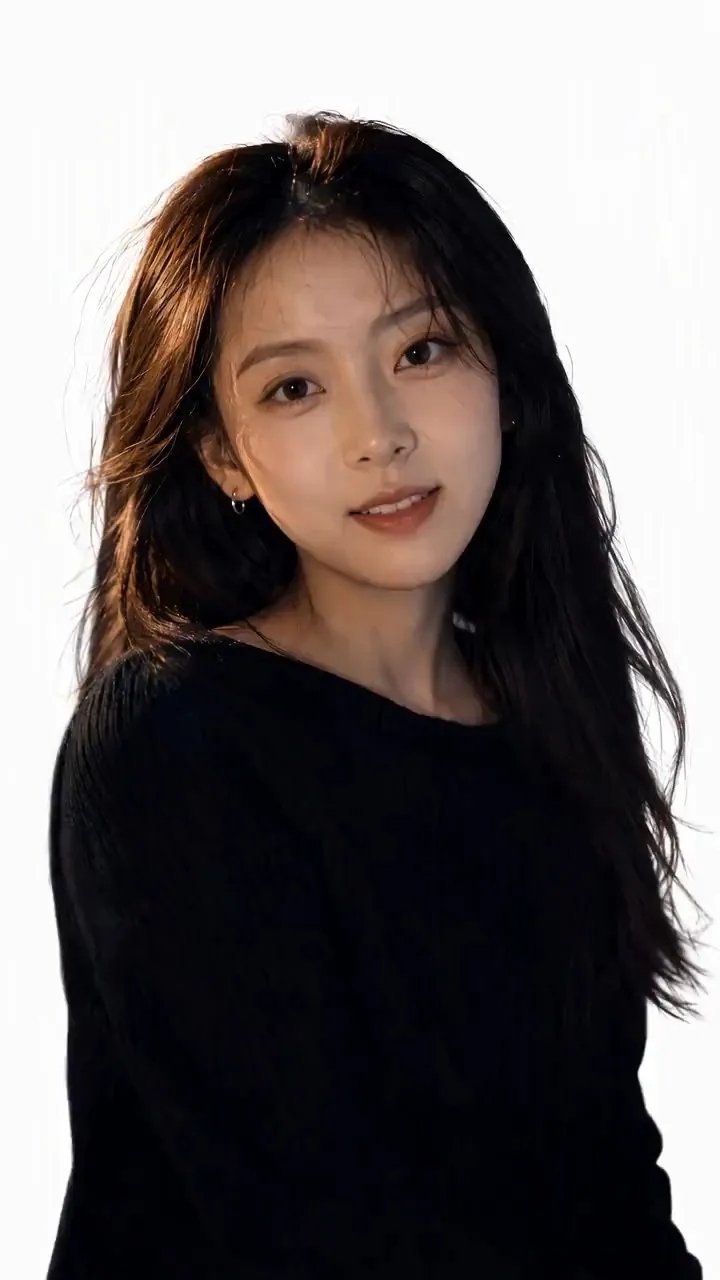
Video(Trending) Portrait to 3D Map
Turn one portrait and a city or place into a vertical portrait-to-3D-map short video with a memorable visual hook. The skill first arranges the person into a 9:16 opening frame with a white background, while preserving facial features, clothing, pose, and identity as closely as possible. If you specify that the original background, composition, or reference style should be retained, it will follow those requirements. If the photo or place is missing, it will ask you to confirm first. The finished video uses a rotating camera move for a natural transition: the person starts on a white background, then transitions into a 3D city map with dimensional buildings, illuminated road networks, and landmarks, ending on a clear location interface. The video can show English landmark labels, the place name in Chinese, its English name, and country and city information—ideal for travel sharing, personal introductions, city check-ins, and short-video openings. Before generating the video, it shows the required credit cost and waits for confirmation. The default output is an approximately 6-second, 9:16 vertical video. After completion, it checks character consistency, transition smoothness, map depth, and text clarity. When needed, it holds the ending on a readable location interface and saves the editable final video as “Place · Portrait 3D Map Transition.”
 Image
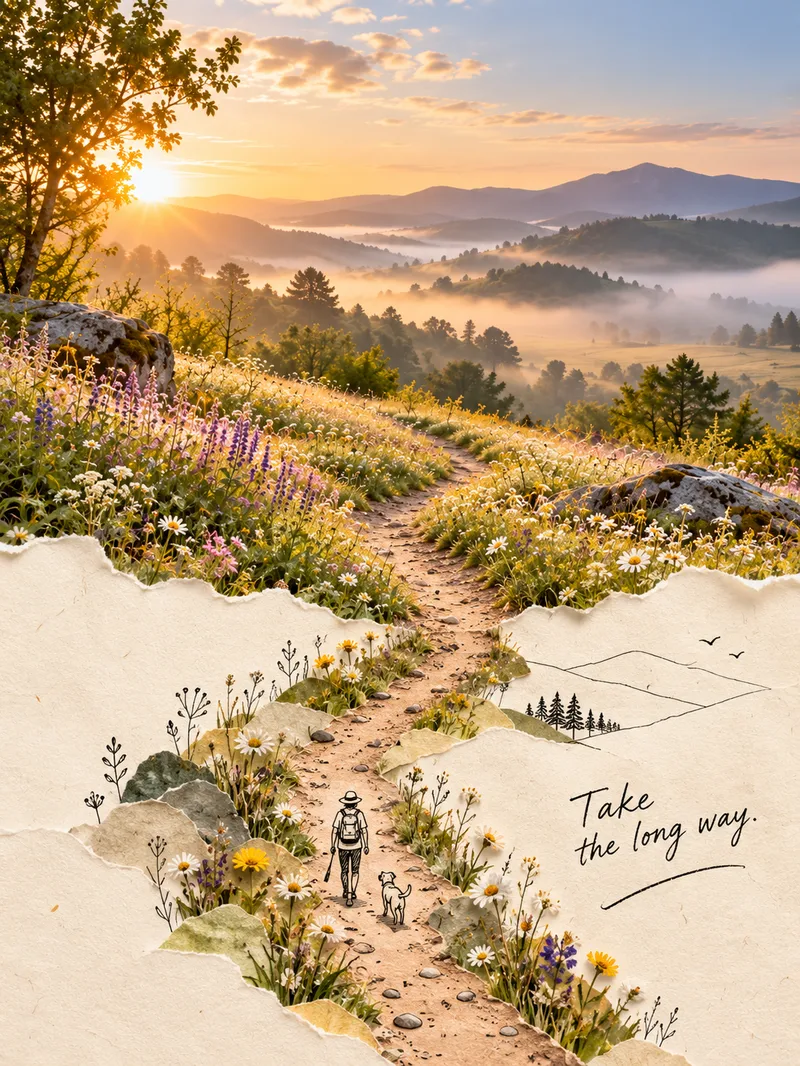
ImagePhoto Second World Posters
Upload an ordinary photo, and the skill will identify its most distinctive “physical visual structure”—not just the subject—then extend it into a second world. The real-photo area stays 100% faithful, preserving the original colors, lighting, and texture without recoloring or redrawing, and occupies the main part of the composition, about two-thirds of the image. The other section naturally grows from a warm cream paper background in soft watercolor or minimal black line art, creating an organic blend where the real and illustrated areas flow into each other rather than meeting at a clear dividing line. The poster also includes one minimal line-art figure interacting with the structure and a short handwritten note, resulting in a creative poster with the feel of an independent art magazine or photobook. It supports five approaches: torn-paper extension, watercolor second world, photo × minimal black lines, soft-edge blending, and turning objects into pictures. The workflow has two steps: review and confirm the creative concept first, then generate the image by feeding the real style anchor image into the image-generation model and checking each element. The skill includes five built-in style anchor images.
Information
- Version
- v4
- Last updated
- Runtime credits
- Usage-based
- Models
- Auto
- Use cases
- Images & designVideo & audio
- What you get
- Video
- Visual styles
- Cinematic
