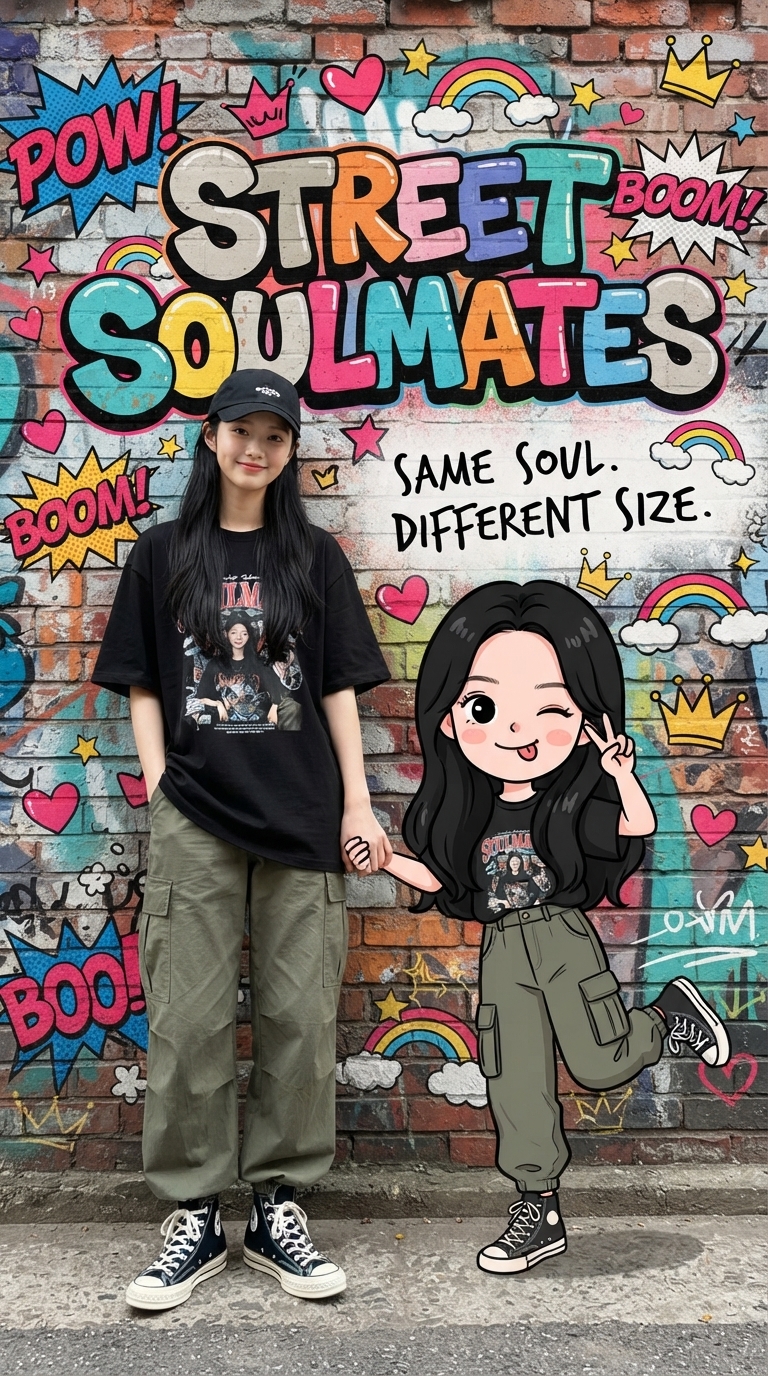
Create Parent-Child Posters
Custom street-graffiti portraits for social media
Create Parent-Child Posters
Custom street-graffiti portraits for social media
Showcase
Description
Upload a photo of a person to automatically recreate their real appearance in a street-graffiti-style portrait poster featuring the person and a Q-version cartoon child. Parent-child roles (father or mother), clothing style, and background wall are automatically adapted, with fresh variations generated each time.
Recommended by
Dancang
Why we love this skill
Blends a user’s recognizable likeness with a matching chibi parent-child character in a graffiti poster, using random outfits, backgrounds, and playful poses. Ideal for custom commissions and Xiaohongshu content.
Best for
For users creating personalized parent-child portrait posters, social media visuals, or custom promotional materials.
How to use this Skill
Provide your input
Upload a clear photo of a person. Optionally include poster text, aspect ratio, and clothing or background preferences.
Run the Skill
The system creates a street-graffiti-style poster featuring the person and a Q-version cartoon child in a matching outfit, with clothing and background automatically coordinated.
Review your result
Receive one vertical parent-child portrait poster. If you specify an aspect ratio, the poster will use it.
Related Skills
View all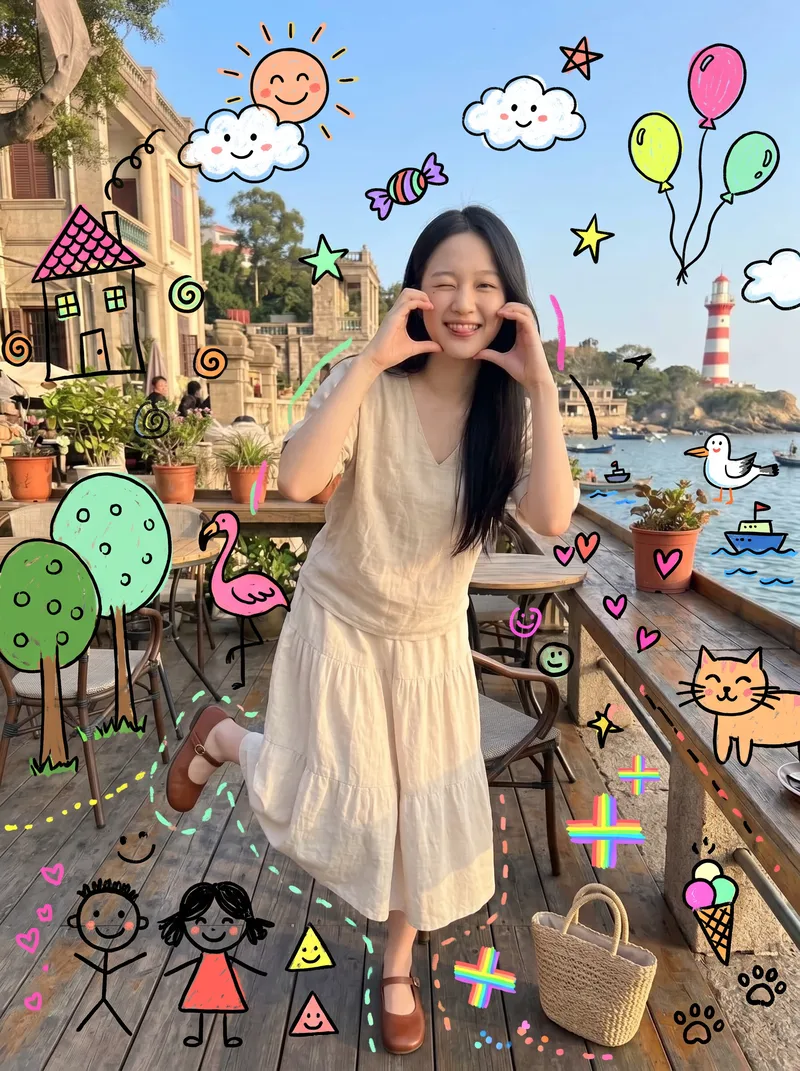 Image
ImageKids' Doodle Photo Magic
This skill is designed for content creators who want to generate "photo × children's doodles" images. Just upload a photo—family portraits, people, pets, street scenes, food, and landscapes all work. It automatically identifies the subject and areas of open space, then adds crooked suns, clouds, flamingos, cats, candy, wonky houses, little monsters, smiling faces, and more around the subject. The result looks like a child really drew directly on the photo, with authentic hand-drawn strokes. 【Use cases】 - Turn family portraits and photos of children into warm, playful keepsake posters - Turn pet photos into adorable images that look "covered in children's drawings" - Create creative covers and series graphics for Xiaohongshu, Douyin, and WeChat Moments - Give street and travel photos a childlike urban doodle style - Create visual assets for brand marketing, children's products, and parenting content
 Image
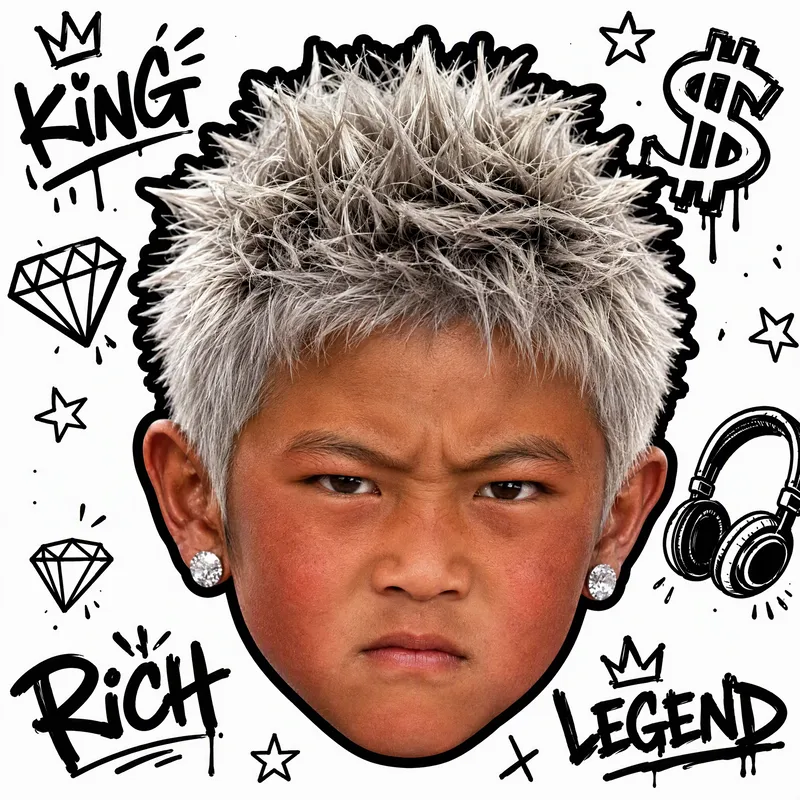
ImageWhite-Background Kid Portrait
Turn your childhood photos into a clean, eye-catching child portrait on a white background that closely resembles you. Upload one or more childhood photos, and the result will preserve the child’s facial features and recognizable identity in a realistic style, with a pure white background and a centered head-only composition—without the body, clothing, or original setting. It’s suitable for use as an avatar, sticker, or personal profile image. You can also specify visual directions such as hairstyle, hair color, hats, headscarves, earrings, glasses, expression, lighting, or street graffiti. The result will keep the same identity as the photo while following a clear visual style. If you have no specific requests, a trendy style will be selected for you, along with a brief explanation of the effect used. Each generation produces one square portrait, emphasizing realism, clarity, and a white-background look so the child in the photo is instantly recognizable.
 Image
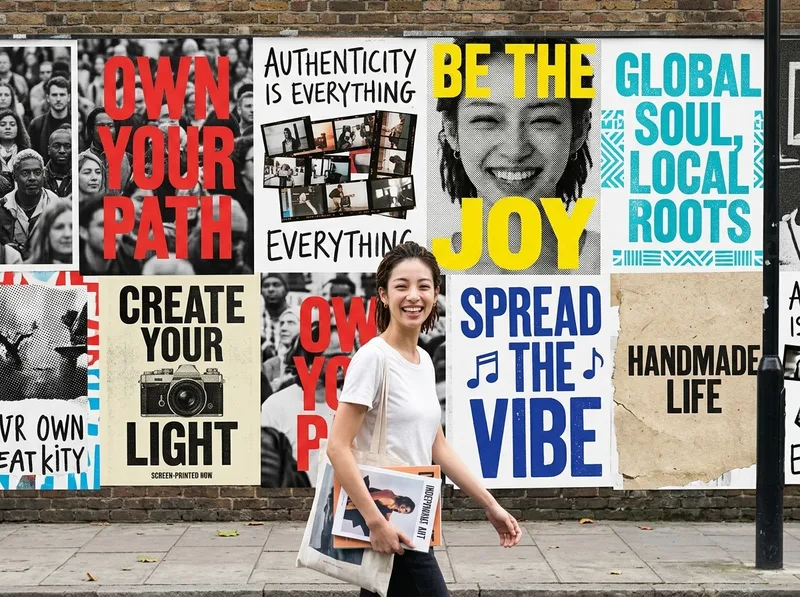
ImageOne-Click Street Ad Wall
Helps users transform an uploaded photo of a person or brand into a polished vertical advertising visual. The Skill first extracts the person’s or brand’s personality and tone from the photo, automatically selects the most fitting visual style and color direction, then depicts the person as a passerby walking through the street with an entire city ad wall covered in a series of posters behind them. It ultimately generates a single finished advertising image.
Information
- Version
- v3
- Last updated
- Runtime credits
- Usage-based
- Models
- Auto
- Use cases
- Images & designMarketing & growth
- What you get
- Image
- Visual styles
- CartoonPhotorealistic
