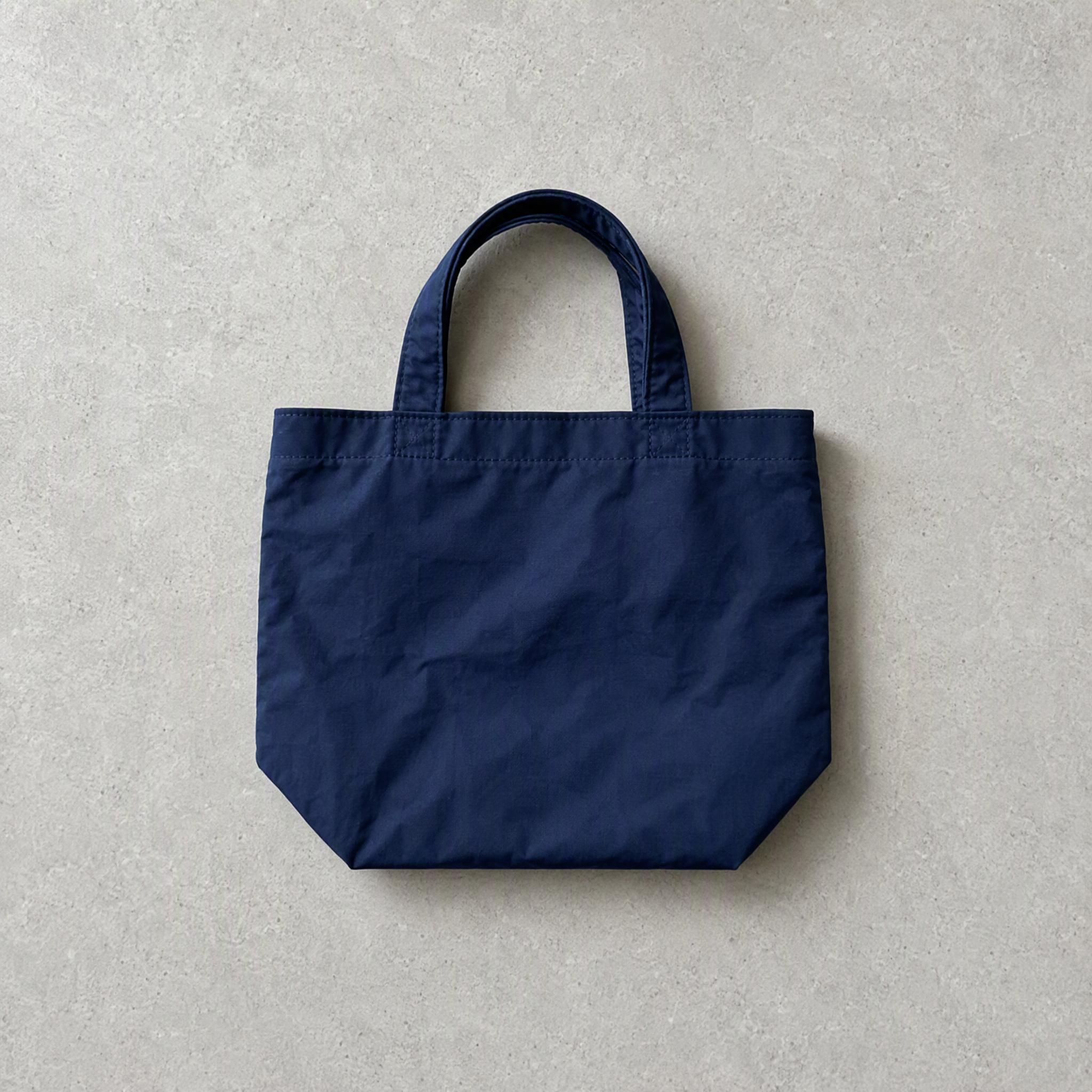
The Me in My Bag
Open the bag and see what they love.
The Me in My Bag
Open the bag and see what they love.
Showcase
Description
Open a bag, and you can glimpse its owner’s lifestyle and personal obsessions. From describing a scene such as “a library on a rainy day” or “the walk home after a movie,” to making inferences from a portrait or defining a specific character’s personality—we unravel the owner’s everyday life through three entry points, then turn everything from essentials to beloved accessories into a single editorial image viewed from directly overhead.
Recommended by
Shuting@YouMind
Why we love this skill
This editorial-style Skill turns a bag’s contents into one overhead image that reflects the owner’s tastes and habits. It separates faithful recreations from imagined examples, showing personality through choices and wear—not generic staple accessories.
Related Skills
View all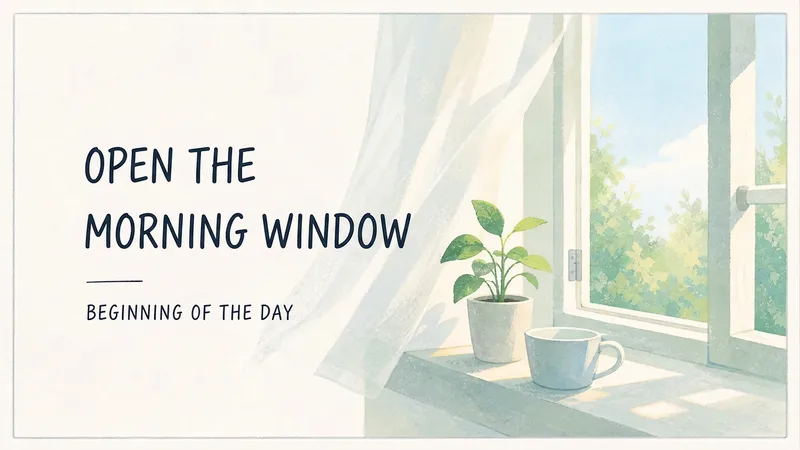 Image
ImageEveryday Life Essay Cover
Create a clean 16:9 essay cover using scenes of everyday life and handwritten lettering, without depicting people.
 Image
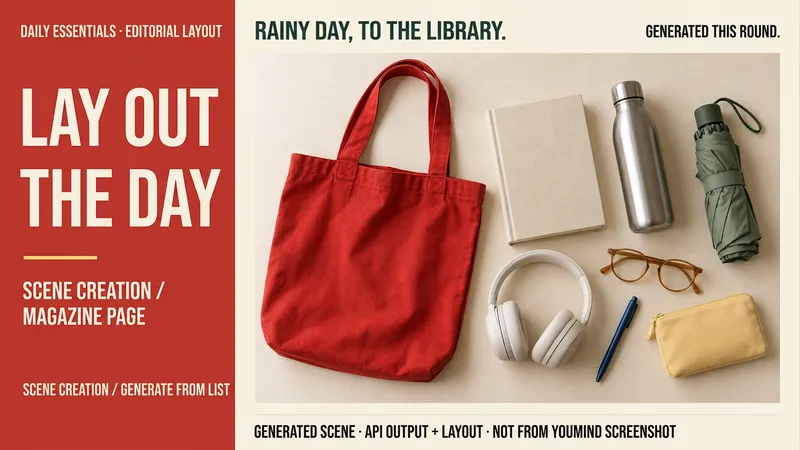
ImageLay Out Your Everyday
Rainy days at the library, weekend city walks, a short getaway… your everyday life can have a magazine-worthy look. Tell me a life scene, or share an item list and reference image, and I’ll create a story-driven overhead still-life image: a bag, book, headphones, and water bottle, each with its own place and texture. Here’s how you can use it: ① Scene creation: Start with one sentence and pair it with 6–8 fitting items, clearly labeled as a fictional scene. ② List-based arrangement: Generate an image using the items and quantities you provide, without adding props at random. ③ Visual design: Straight overhead view, natural light, and a balanced rhythm of density and open space. The default is text-free, vertical 3:4. ④ Targeted edits: Change items, background color, or aspect ratio while preserving as much of the approved image as possible. Great for lifestyle sharing, travel inspiration, and personal content images. One image is generated by default; you can request a landscape, square, or other visual style. Actual generation depends on the image tools and usage limits available on the current platform. Item counts, structure, logos, and small packaging text may vary, so product-level exact replication is not guaranteed. If the tool is unavailable, this will be stated clearly and a complete prompt will be provided. Usage is calculated according to the platform’s rules at the time.
 Image
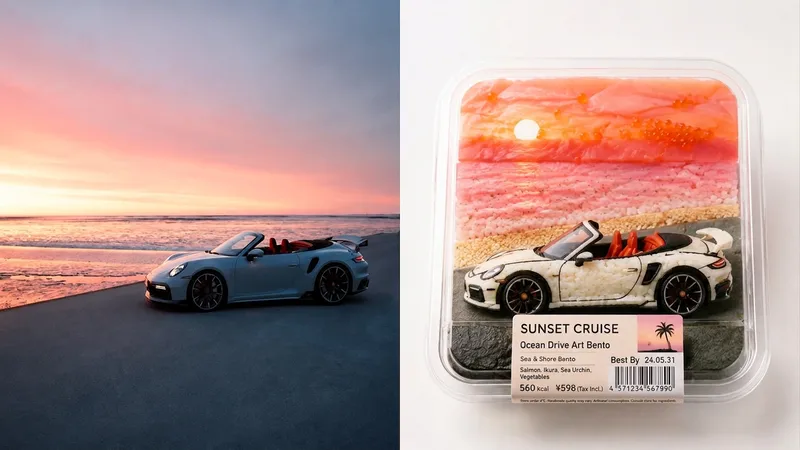
Imagexiaoxiaodong P147 Bento Pack
Suitable for personal photography organization, independent publishing, exhibition exercises, and lifestyle visual creation. Even when the original image has an ordinary composition, a cluttered background, or a small subject, its focus can be reestablished through reduction, reorganization, cropping, and changes in scale—not simply by applying a filter. The lower section extracts the most recognizable subjects, outlines, structures, poses, and narrative relationships from the photograph, then reconstructs them as a Bento-fication convenience-store prepared-food packaging visual. Do not copy each object from the original image literally. Instead, understand the core visual relationships and map the people, buildings, plants, sky, water, objects, or other elements to food meanings and material substitutions. Reorganize them using rice, vegetables, eggs, fruit, nori, cheese, sauces, jelly, fish roe, herbs, and other ingredients, so that viewers can still recognize the soul of the original image at first glance—only to discover on the second glance that everything is actually food.
Information
- Version
- v20
- Last updated
- Runtime credits
- Usage-based
- Models
- Auto
