Concise Xiaohongshu Promo Card
Instructions
Please help me generate Chinese infographics in a 3:4 ratio. Please specify the number of infographics you need, following the prompts. If it is not explicitly stated, please ask how many infographics you need.
Style requirements:
1. Overall color scheme:
Use light and soft Morandi colors (such as light blue, light purple, and other low-saturation main colors), with a light white background and text clearly displayed in dark gray/black; the first image can be multi-colored, while the subsequent images are mainly monochromatic.
2. Layout Structure:
- Top: Main title (large bold font) + subtitle/English supplementary description (small font);
- Middle section: Core content area (may include comparison charts/functional module icons), icons are in a simple line/color block style, text is accompanied by Chinese + English annotations;
- Bottom: Data statistics area (using a combination of numbers and explanatory text, such as "52 issues/year of in-depth articles published weekly");
3. Content Direction: [Replace this with your desired theme, such as "2026 Personal Growth Plan"], must include Chinese text, neat layout with ample white space, and a consistent, concise, and professional visual style.
4. If there are multiple images, the first image should contain summary information; the other images should contain details. If there is only one image, it should contain summary information.
Description
Transform complex concepts into Morandi color palette infographics. Professional layout with rich text and graphics helps you effortlessly communicate key information.
Related Skills
View all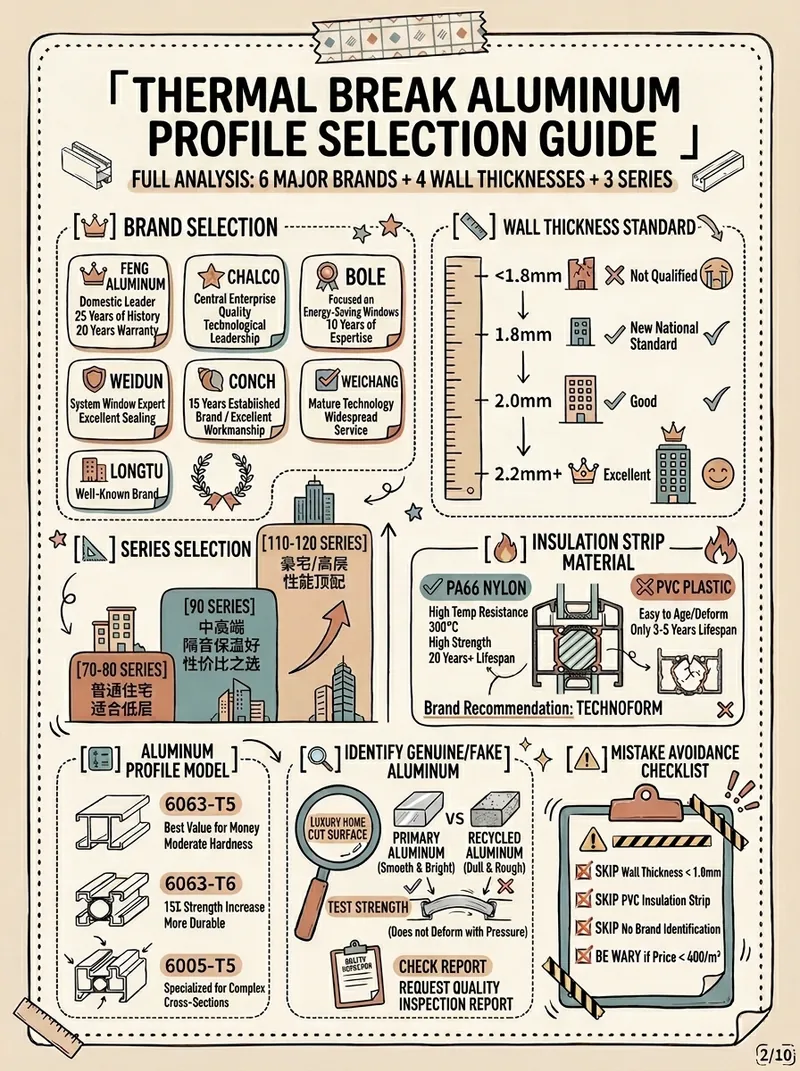 Image
ImageXiaohongshu Morandi Graphic
Input the topic and number of images you want to output, and it will automatically collect authoritative sources, extract key points, and generate Morandi color scheme images with high information density. (Skill workflow: Start inquiry → Search materials → Extract value → Smart split → Generate content → User confirmation → Auto generate images)
 Research
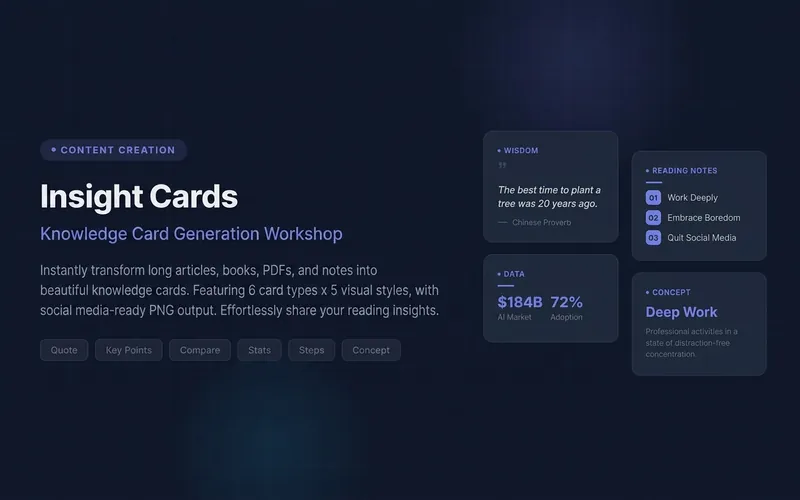
Knowledge Card Generator
Turn your articles, notes, quotes, or any inspiration into beautiful knowledge cards to easily share your insights. Whether it's reading notes, course highlights, or daily thoughts, this tool intelligently identifies core content, automatically selects the most suitable card type, and presents it in a professional and visually appealing style. You can choose to generate a single eye-catching knowledge card or create multiple linked "card sets" with one click, perfect for publishable swipeable carousel content on social platforms like Xiaohongshu and Instagram. It automatically designs a cover for you, extracts key points for each page, and attaches the source, ensuring your sharing is both deep and shareable. We offer six card types: quotes, key points, comparisons, steps, data, and concepts, paired with five curated visual styles: academic blue, warm literature, dark tech, magazine red, and minimalist black and white, with full support for Chinese content. You can also customize your brand primary color and account signature, giving each card a personal touch, ensuring knowledge output is as high-quality as input. For companion use: For long-text infographics, check out 'Infographic Maker'; for finished drafts to publish on WeChat Official Account, check out '公众号排版器'.
 Image
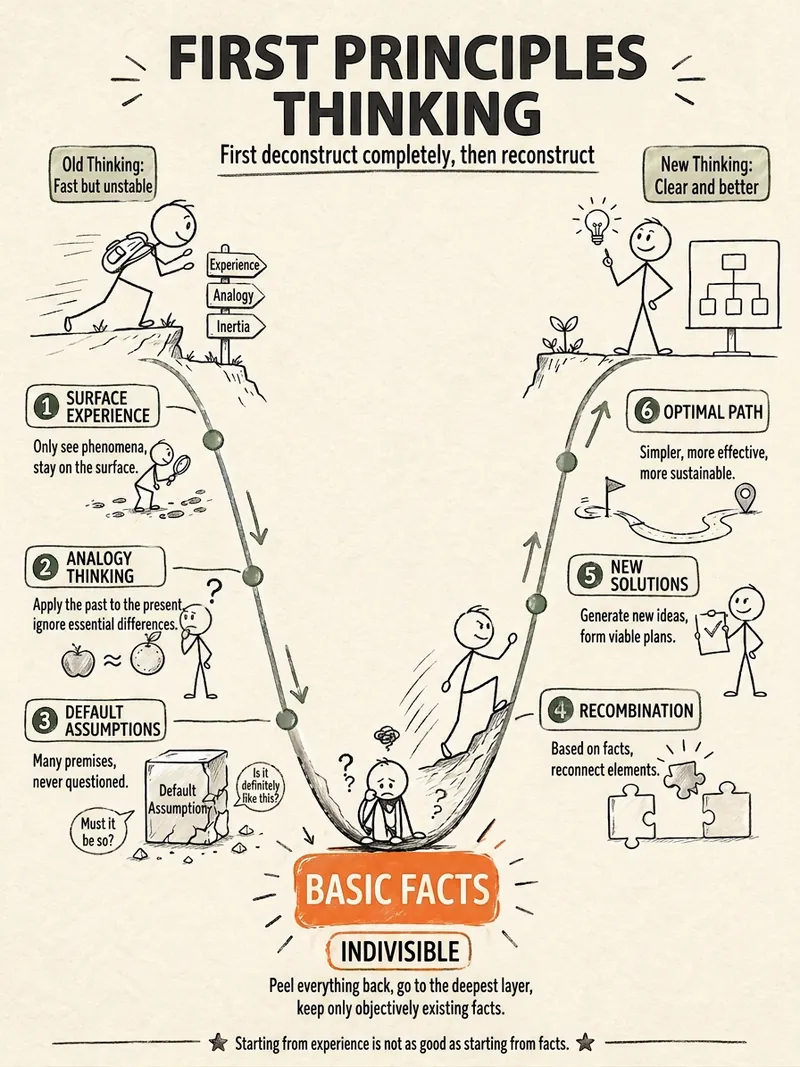
ImageStick Figure Explainer
Turn complex concepts, abstract theories, lengthy processes, notes, business analyses, or growth stories into prompts for vertical knowledge cards, infographics, and hand-drawn explainers optimized for GPT-Image 2. Whether you’re organizing a process, comparing before and after, analyzing causes, categorizing knowledge, or telling a story of growth from a low point to a breakthrough, it distills the key takeaway and matches it with a suitable composition, visual metaphor, and reading flow—making the content easier to understand and remember at a glance. You’ll receive a Chinese card structure guide and visual system recommendations covering composition, hand-drawn style, color philosophy, and typographic character, along with a ready-to-copy English image-generation Prompt. The default canvas is a 3:4 vertical format, suitable for knowledge cards, Xiaohongshu cards, vertical infographics, and posters. Depending on the topic, stick figures, simplified characters, or icons can be used to show states, actions, and emotions, while keeping the number of information modules under control to avoid crowded visuals, text that is too small, or scattered emphasis. It’s ideal for quickly turning reading notes, frameworks, workplace skills, psychology and personal growth topics, business insights, product workflows, and complex concepts into clear, narrative-driven, actionable visual content.
Concise Xiaohongshu Promo Card
Instructions
Please help me generate Chinese infographics in a 3:4 ratio. Please specify the number of infographics you need, following the prompts. If it is not explicitly stated, please ask how many infographics you need.
Style requirements:
1. Overall color scheme:
Use light and soft Morandi colors (such as light blue, light purple, and other low-saturation main colors), with a light white background and text clearly displayed in dark gray/black; the first image can be multi-colored, while the subsequent images are mainly monochromatic.
2. Layout Structure:
- Top: Main title (large bold font) + subtitle/English supplementary description (small font);
- Middle section: Core content area (may include comparison charts/functional module icons), icons are in a simple line/color block style, text is accompanied by Chinese + English annotations;
- Bottom: Data statistics area (using a combination of numbers and explanatory text, such as "52 issues/year of in-depth articles published weekly");
3. Content Direction: [Replace this with your desired theme, such as "2026 Personal Growth Plan"], must include Chinese text, neat layout with ample white space, and a consistent, concise, and professional visual style.
4. If there are multiple images, the first image should contain summary information; the other images should contain details. If there is only one image, it should contain summary information.
Description
Transform complex concepts into Morandi color palette infographics. Professional layout with rich text and graphics helps you effortlessly communicate key information.
Related Skills
View allImageXiaohongshu Morandi Graphic
Input the topic and number of images you want to output, and it will automatically collect authoritative sources, extract key points, and generate Morandi color scheme images with high information density. (Skill workflow: Start inquiry → Search materials → Extract value → Smart split → Generate content → User confirmation → Auto generate images)
ResearchKnowledge Card Generator
Turn your articles, notes, quotes, or any inspiration into beautiful knowledge cards to easily share your insights. Whether it's reading notes, course highlights, or daily thoughts, this tool intelligently identifies core content, automatically selects the most suitable card type, and presents it in a professional and visually appealing style. You can choose to generate a single eye-catching knowledge card or create multiple linked "card sets" with one click, perfect for publishable swipeable carousel content on social platforms like Xiaohongshu and Instagram. It automatically designs a cover for you, extracts key points for each page, and attaches the source, ensuring your sharing is both deep and shareable. We offer six card types: quotes, key points, comparisons, steps, data, and concepts, paired with five curated visual styles: academic blue, warm literature, dark tech, magazine red, and minimalist black and white, with full support for Chinese content. You can also customize your brand primary color and account signature, giving each card a personal touch, ensuring knowledge output is as high-quality as input. For companion use: For long-text infographics, check out 'Infographic Maker'; for finished drafts to publish on WeChat Official Account, check out '公众号排版器'.
ImageStick Figure Explainer
Turn complex concepts, abstract theories, lengthy processes, notes, business analyses, or growth stories into prompts for vertical knowledge cards, infographics, and hand-drawn explainers optimized for GPT-Image 2. Whether you’re organizing a process, comparing before and after, analyzing causes, categorizing knowledge, or telling a story of growth from a low point to a breakthrough, it distills the key takeaway and matches it with a suitable composition, visual metaphor, and reading flow—making the content easier to understand and remember at a glance. You’ll receive a Chinese card structure guide and visual system recommendations covering composition, hand-drawn style, color philosophy, and typographic character, along with a ready-to-copy English image-generation Prompt. The default canvas is a 3:4 vertical format, suitable for knowledge cards, Xiaohongshu cards, vertical infographics, and posters. Depending on the topic, stick figures, simplified characters, or icons can be used to show states, actions, and emotions, while keeping the number of information modules under control to avoid crowded visuals, text that is too small, or scattered emphasis. It’s ideal for quickly turning reading notes, frameworks, workplace skills, psychology and personal growth topics, business insights, product workflows, and complex concepts into clear, narrative-driven, actionable visual content.
Find your next favorite skill
Explore more curated AI skills for research, creation, and everyday work.