
IP-Style WeChat Long Read
Layout & IP-style art for WeChat long reads

Description
Why we love this skill
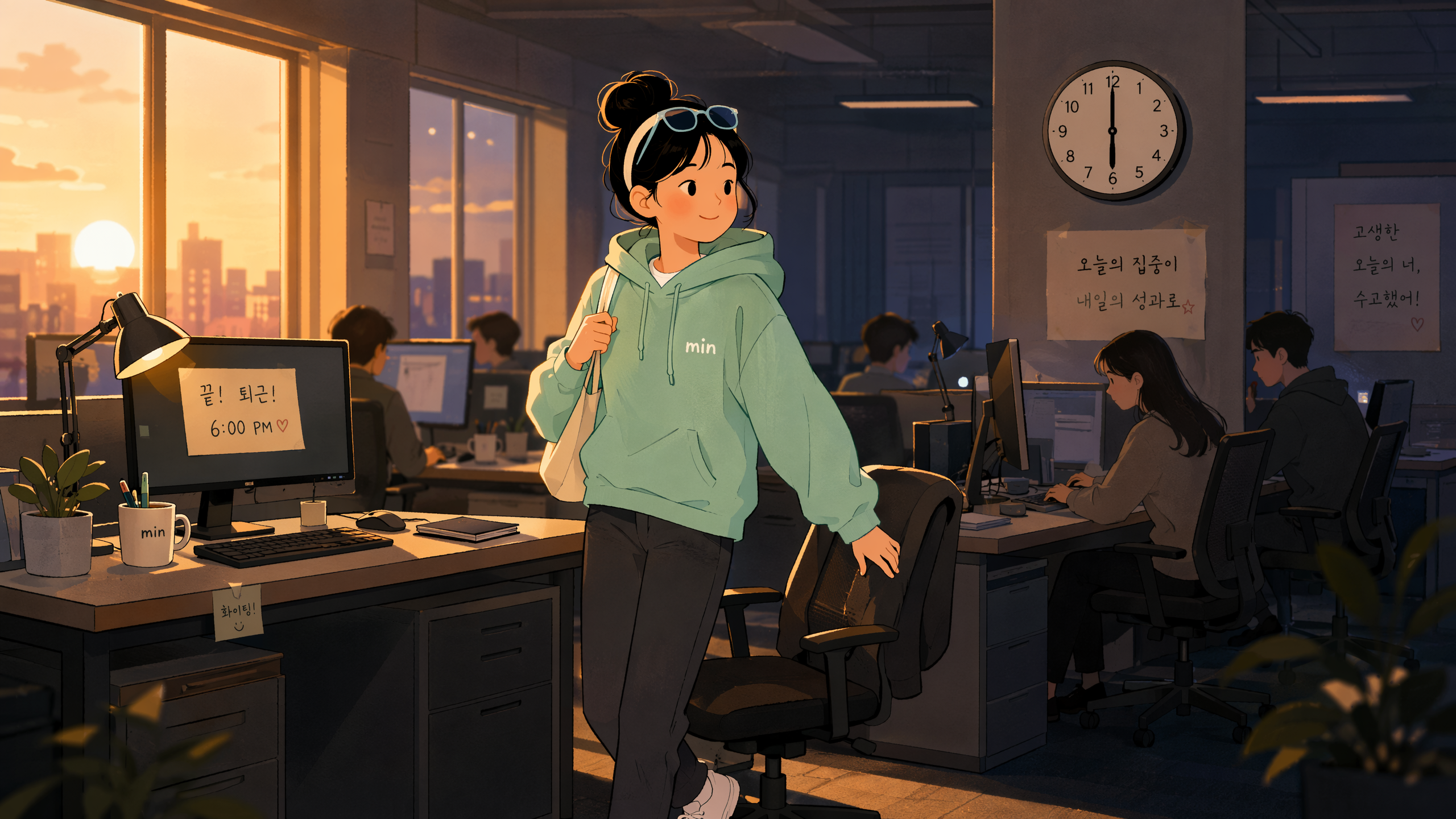
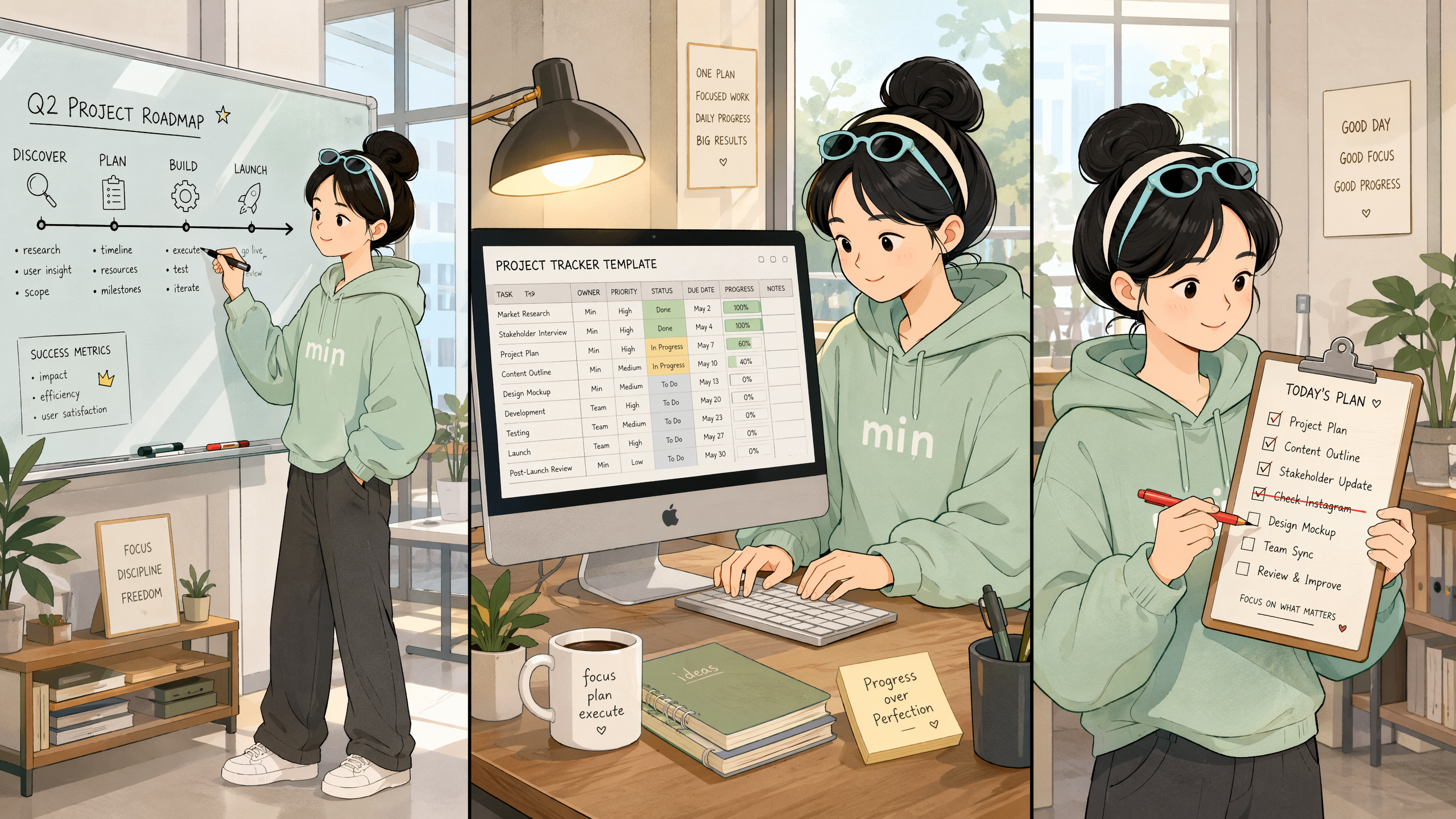
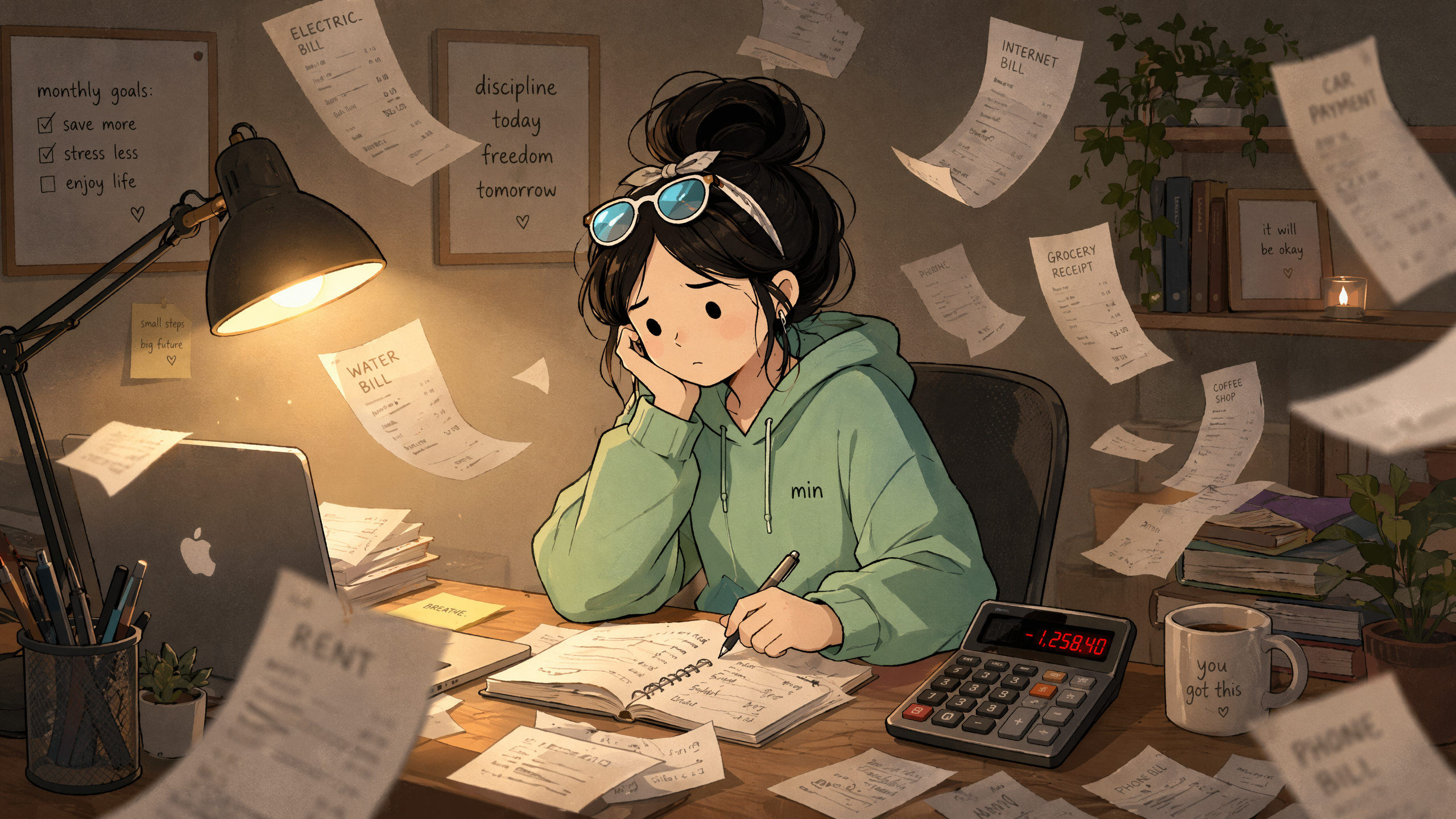
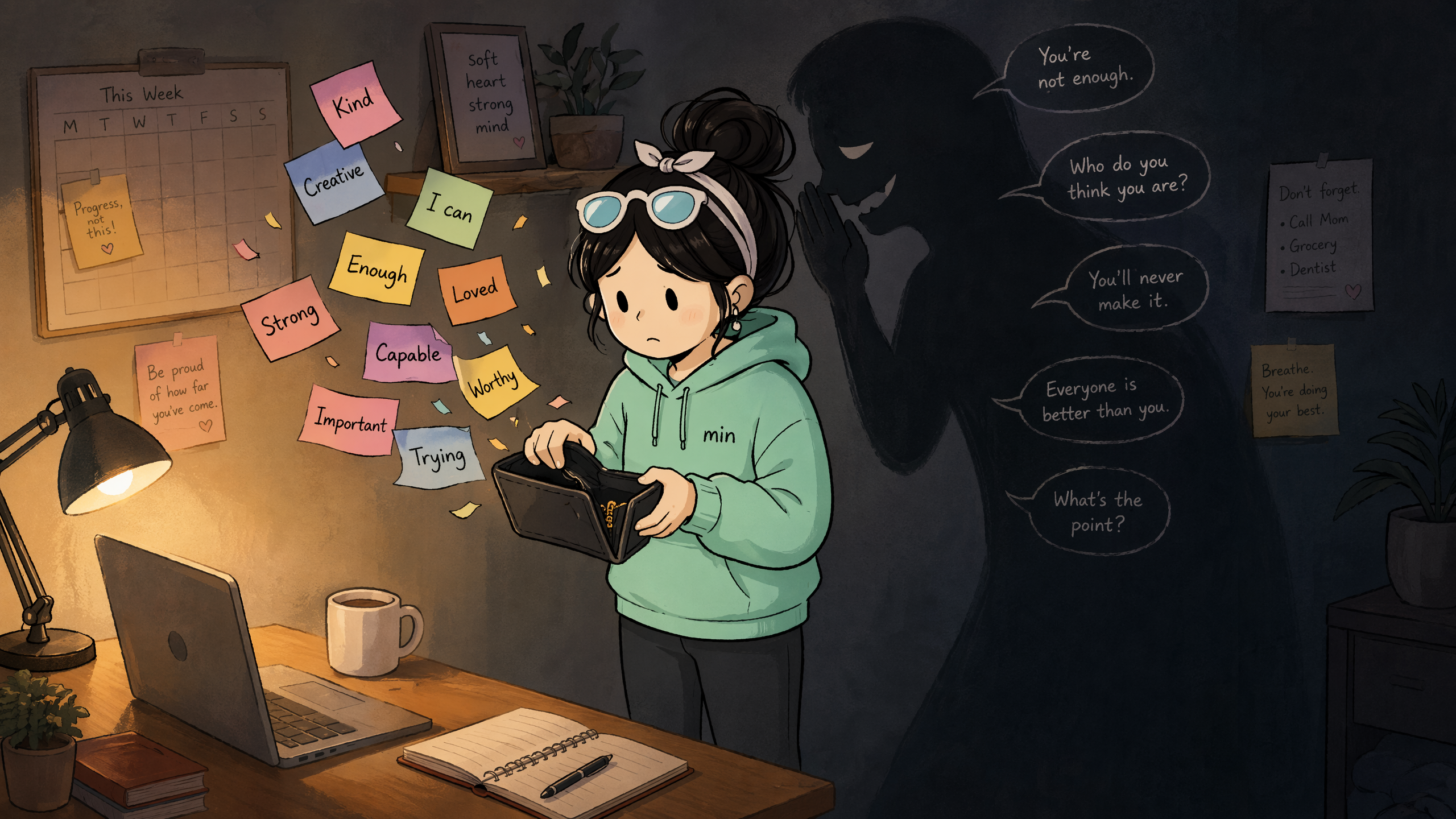
This skill professionally formats your WeChat long articles and customizes illustrations based on the content and your IP persona, making in-depth content more visually appealing and enhancing reading experience.
Converts user-provided articles into in-depth long reads with one click: intelligently identifies natural sections and auto-numbers them, bolds key sentences, marks technical terms, formats insight quotes, beautifies tables, and adds IP-style illustrations. Outputs formatted Markdown documents ready to publish on WeChat.
Related Skills
View all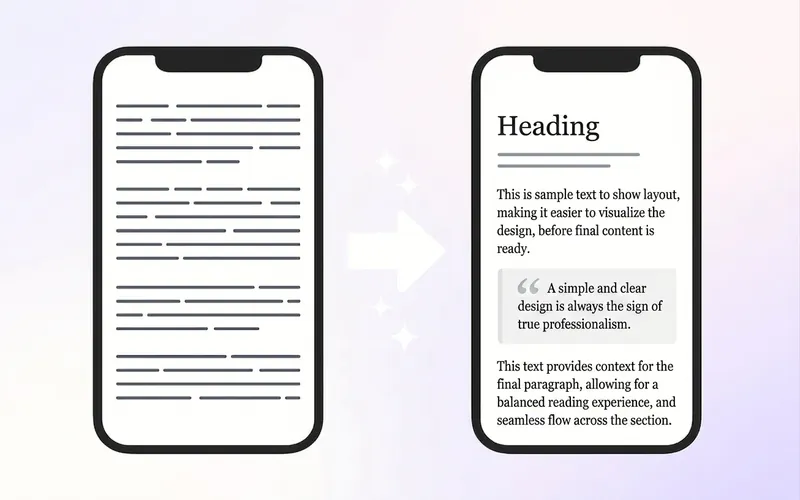
WeChat Post Formatter
Upload Markdown, plain text, or dictated drafts, and automatically deliver 3 ready-to-use outputs: ① HTML pasteable into WeChat Official Account, ② mobile long-image preview, ③ pre-publish check report. It doesn't just apply templates—it first restructures the reading hierarchy: separate subheadings, break long paragraphs, extract key quote cards, control bold density, then match a style from 6 professional bases. On first use, you can create a "Brand Style Profile" that records the Official Account name, primary and secondary colors, heading and quote styles, byline, and footer. Subsequent articles automatically reuse this to maintain visual consistency across the account. Before publishing, two rounds of checks are performed: first, check heading hierarchy, paragraphs, and content fidelity; second, check WeChat compatibility, including inline CSS, narrow screen overflow, garbled text, tables, images, and dangerous tags. Issues are fixed before delivery to reduce style loss and rework after pasting. Suitable for knowledge accounts, personal IP, industry analysis, reading notes, and branded content teams. Companion tools: For infographics in text, use "Infographic Maker"; to publish one article across multiple platforms, use "一鱼多吃 五平台分发器".
 Webpage
WeChat B&W Numbered Long-Read
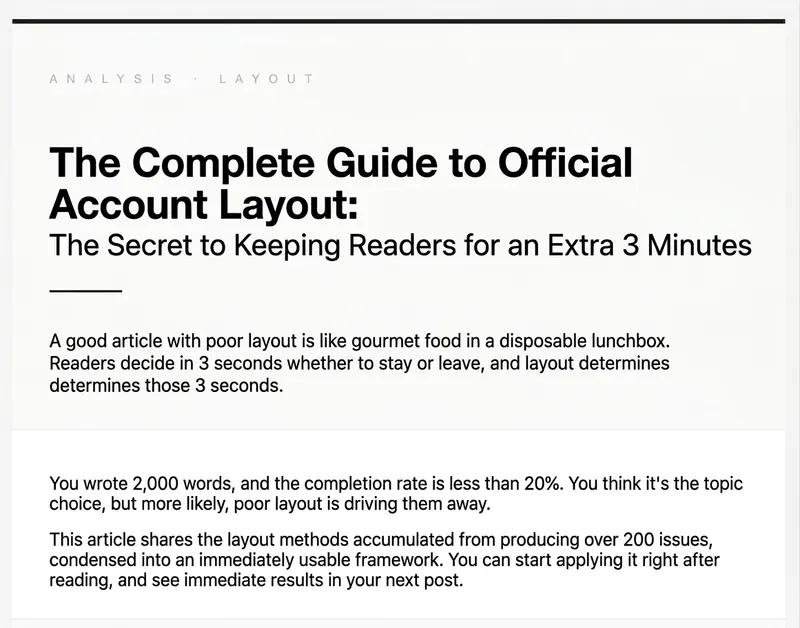
1. Automatically applies the article content to the themed WeChat Official Account formatting template, generating a preview page with a "Copy Rich Text" button. After copying, you can paste directly into the WeChat editor, and all formatting styles are fully preserved. However, due to limitations of the WeChat editor, images need to be added manually. 2. Different models produce varying quality. The example was generated by DeepSeek Pro.
WeChat Article Formatting
A formatting engine for WeChat Official Account articles that converts Markdown to HTML directly pasteable into the WeChat editor. Supports 6 curated themes + 17 extended themes, automatic chapter numbering, keyword underline marking, quote cards, table of contents navigation, code blocks, images/GIFs, and author signatures. Supports Markdown / Word / PDF / plain text input, as well as one-click auto-formatting. Also supports generating custom theme component libraries based on user descriptions or reference images. Trigger scenarios: (1) User mentions 'WeChat Official Account formatting', 'WeChat article', 'WeChat layout', or 'gzh'; (2) User wants to convert an article to WeChat HTML; (3) User says 'auto-format' or 'one-click formatting' for WeChat content; (4) User wants to 'generate a new theme/custom style' for WeChat formatting. Not for generating regular web pages, landing pages, or PPTs.
IP-Style WeChat Long Read
Layout & IP-style art for WeChat long reads
Description
Why we love this skill
This skill professionally formats your WeChat long articles and customizes illustrations based on the content and your IP persona, making in-depth content more visually appealing and enhancing reading experience.
Converts user-provided articles into in-depth long reads with one click: intelligently identifies natural sections and auto-numbers them, bolds key sentences, marks technical terms, formats insight quotes, beautifies tables, and adds IP-style illustrations. Outputs formatted Markdown documents ready to publish on WeChat.
Related Skills
View allWeChat Post Formatter
Upload Markdown, plain text, or dictated drafts, and automatically deliver 3 ready-to-use outputs: ① HTML pasteable into WeChat Official Account, ② mobile long-image preview, ③ pre-publish check report. It doesn't just apply templates—it first restructures the reading hierarchy: separate subheadings, break long paragraphs, extract key quote cards, control bold density, then match a style from 6 professional bases. On first use, you can create a "Brand Style Profile" that records the Official Account name, primary and secondary colors, heading and quote styles, byline, and footer. Subsequent articles automatically reuse this to maintain visual consistency across the account. Before publishing, two rounds of checks are performed: first, check heading hierarchy, paragraphs, and content fidelity; second, check WeChat compatibility, including inline CSS, narrow screen overflow, garbled text, tables, images, and dangerous tags. Issues are fixed before delivery to reduce style loss and rework after pasting. Suitable for knowledge accounts, personal IP, industry analysis, reading notes, and branded content teams. Companion tools: For infographics in text, use "Infographic Maker"; to publish one article across multiple platforms, use "一鱼多吃 五平台分发器".
WebpageWeChat B&W Numbered Long-Read
1. Automatically applies the article content to the themed WeChat Official Account formatting template, generating a preview page with a "Copy Rich Text" button. After copying, you can paste directly into the WeChat editor, and all formatting styles are fully preserved. However, due to limitations of the WeChat editor, images need to be added manually. 2. Different models produce varying quality. The example was generated by DeepSeek Pro.
WeChat Article Formatting
A formatting engine for WeChat Official Account articles that converts Markdown to HTML directly pasteable into the WeChat editor. Supports 6 curated themes + 17 extended themes, automatic chapter numbering, keyword underline marking, quote cards, table of contents navigation, code blocks, images/GIFs, and author signatures. Supports Markdown / Word / PDF / plain text input, as well as one-click auto-formatting. Also supports generating custom theme component libraries based on user descriptions or reference images. Trigger scenarios: (1) User mentions 'WeChat Official Account formatting', 'WeChat article', 'WeChat layout', or 'gzh'; (2) User wants to convert an article to WeChat HTML; (3) User says 'auto-format' or 'one-click formatting' for WeChat content; (4) User wants to 'generate a new theme/custom style' for WeChat formatting. Not for generating regular web pages, landing pages, or PPTs.
Find your next favorite skill
Explore more curated AI skills for research, creation, and everyday work.