WeChat Official Account Layout
Description
Complete the layout of the WeChat Official Account based on the article content and user feedback.
Related Skills
View all
WeChat Article Formatting
A formatting engine for WeChat Official Account articles that converts Markdown to HTML directly pasteable into the WeChat editor. Supports 6 curated themes + 17 extended themes, automatic chapter numbering, keyword underline marking, quote cards, table of contents navigation, code blocks, images/GIFs, and author signatures. Supports Markdown / Word / PDF / plain text input, as well as one-click auto-formatting. Also supports generating custom theme component libraries based on user descriptions or reference images. Trigger scenarios: (1) User mentions 'WeChat Official Account formatting', 'WeChat article', 'WeChat layout', or 'gzh'; (2) User wants to convert an article to WeChat HTML; (3) User says 'auto-format' or 'one-click formatting' for WeChat content; (4) User wants to 'generate a new theme/custom style' for WeChat formatting. Not for generating regular web pages, landing pages, or PPTs.
WeChat Article Formatter
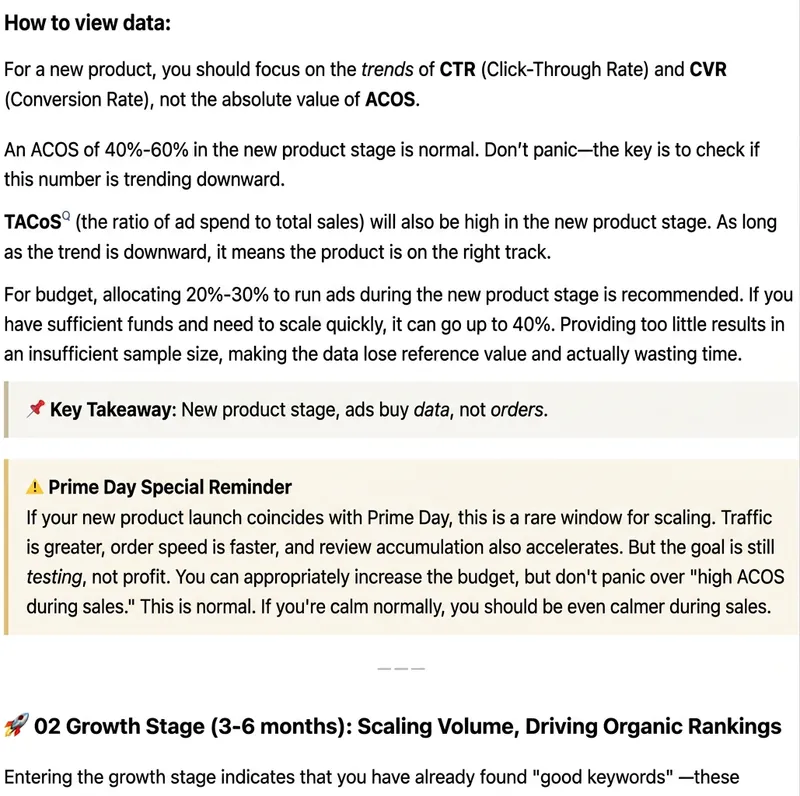
Paste plain text, Markdown, web body text, or existing HTML, and it will automatically recognize the article structure and generate beautiful formatting suitable for WeChat Official Accounts. Supports styles: Minimalist Reading, Knowledge Card, Business Professional, Warm Life, Tech Future, and New Media Magazine. You can either format the entire article in one click, or fine-tune headings, whitespace, key highlights, quotes, lists, and ending CTA while preserving the body. Output uses WeChat-compatible inline HTML, ideal for content operators, brand teams, knowledge bloggers, and corporate accounts.
 Webpage
Black-Gray Numbered Long Form
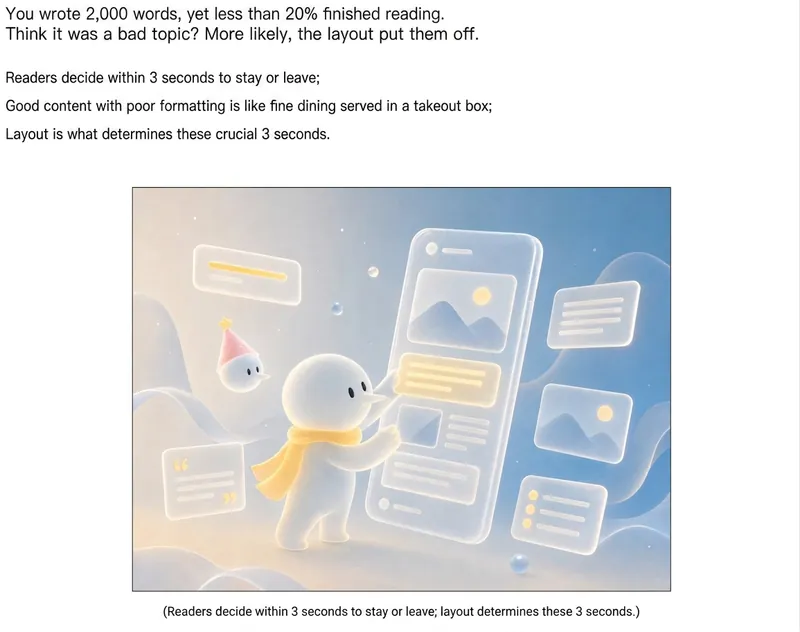
1. Automatically apply article content to the theme's WeChat official account formatting template, generating a preview webpage with a 'Copy Rich Text' button. After copying, the content can be pasted directly into the WeChat official account editor, preserving all formatting styles. Note: Due to WeChat editor limitations, images need to be added manually. 2. Different models may produce varying quality.
WeChat Official Account Layout
Description
Complete the layout of the WeChat Official Account based on the article content and user feedback.
Related Skills
View allWeChat Article Formatting
A formatting engine for WeChat Official Account articles that converts Markdown to HTML directly pasteable into the WeChat editor. Supports 6 curated themes + 17 extended themes, automatic chapter numbering, keyword underline marking, quote cards, table of contents navigation, code blocks, images/GIFs, and author signatures. Supports Markdown / Word / PDF / plain text input, as well as one-click auto-formatting. Also supports generating custom theme component libraries based on user descriptions or reference images. Trigger scenarios: (1) User mentions 'WeChat Official Account formatting', 'WeChat article', 'WeChat layout', or 'gzh'; (2) User wants to convert an article to WeChat HTML; (3) User says 'auto-format' or 'one-click formatting' for WeChat content; (4) User wants to 'generate a new theme/custom style' for WeChat formatting. Not for generating regular web pages, landing pages, or PPTs.
WeChat Article Formatter
Paste plain text, Markdown, web body text, or existing HTML, and it will automatically recognize the article structure and generate beautiful formatting suitable for WeChat Official Accounts. Supports styles: Minimalist Reading, Knowledge Card, Business Professional, Warm Life, Tech Future, and New Media Magazine. You can either format the entire article in one click, or fine-tune headings, whitespace, key highlights, quotes, lists, and ending CTA while preserving the body. Output uses WeChat-compatible inline HTML, ideal for content operators, brand teams, knowledge bloggers, and corporate accounts.
WebpageBlack-Gray Numbered Long Form
1. Automatically apply article content to the theme's WeChat official account formatting template, generating a preview webpage with a 'Copy Rich Text' button. After copying, the content can be pasted directly into the WeChat official account editor, preserving all formatting styles. Note: Due to WeChat editor limitations, images need to be added manually. 2. Different models may produce varying quality.
Find your next favorite skill
Explore more curated AI skills for research, creation, and everyday work.