Romantic Portrait Rendering
Description
Why we love this skill
Transforming portrait photos into a romantic scene under cherry blossom trees in a tranquil dusk, this skill is uniquely crafted. It intelligently merges multiple portrait photos and presents them in a 3D cartoon style, paired with cinematic backlit silhouettes and warm golden tones. Whether solo or group, you can instantly immerse yourself in a dreamlike cherry blossom wonderland.
Transform ordinary portrait photos into a romantic 3D cartoon style set beneath cherry blossom trees in a tranquil dusk. Supports single or multiple photos (multiple will merge all figures). Uses the Nano Banana 2 model to output 4K HD images, presenting a serene silhouette against backlight.
Related Skills
View all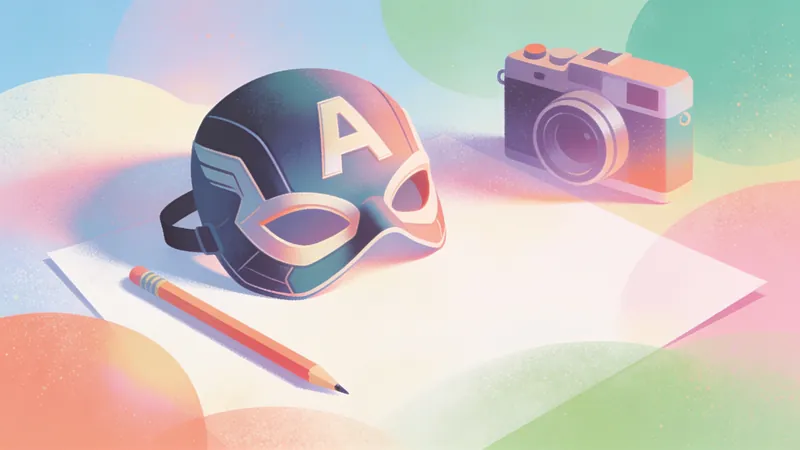 Image
ImageAmerican Comic Art Generator
Transform written ideas, portrait photos, or ordinary images into illustrations with a distinctive American comic-book style. Create profile images, character posters, scene concept art, and comic-inspired visuals. From superhero action and character portraits to atmospheric city scenes, the skill preserves the subject’s defining features and visual focus while adding the energy of American comics. Choose a classic, modern, or cartoon American comic style, or provide a favorite comic artist or work as a visual reference. If you have no specific preference, the system selects a suitable comic sub-style based on the subject, action, and mood. The composition can be adapted for profile images, character illustrations, banners, or posters, with visual elements such as bold black linework, halftone textures, dramatic lighting, motion lines, and a comic-panel feel. For portrait photos, the skill aims to preserve facial features, recognizability, and the subject’s overall appearance. For ordinary images or illustrations, it redraws the core content in an American comic style while keeping the main subject intact. After generation, it also considers subject consistency, stylistic expression, and compositional balance, and provides the finished comic-style image along with a brief explanation of the style and composition.
 Image
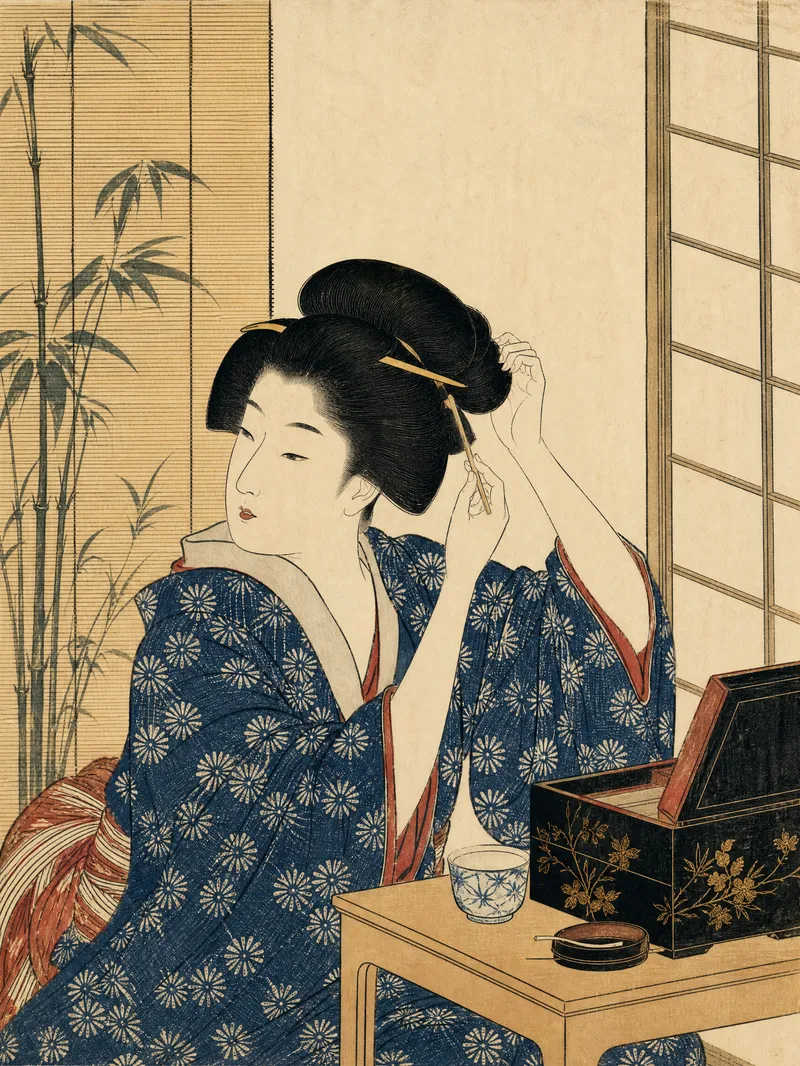
ImageJapanese Ukiyo-e Woodblock Art
Turn text descriptions or photos into images with the traditional character of Japanese ukiyo-e woodblock prints. Preserve a person’s core identity, posture, and relationship to the setting while translating poetry, stories, and the mood of nature into clear visual narratives. Whether you’re creating a portrait, landscape, seasonal scene, or vertical image for social media, the composition will use an appropriate aspect ratio and visual focus. The artwork emphasizes asymmetrical composition, layered foreground, middle ground, and background, generous negative space, diagonal visual guidance, and expressive moments of movement and emotion. Natural atmosphere—such as rain, snow, mist, wind and waves, moonlight, mountains and water, pine and bamboo, and cherry blossoms—is highlighted without meaninglessly piling on symbols like samurai, Mount Fuji, or shrines. Photo inputs receive a moderate simplification of realistic lighting while preserving recognizable facial features, age, body type, clothing, and posture. The final image features clear, flowing black outlines, flat color blocks, restrained traditional tones such as indigo and ochre, and the texture of paper fibers, woodblock impressions, and hand-printed registration. It avoids photorealism, modern anime, 3D rendering, cyberpunk, and heavy oil-paint effects. Unless explicitly requested, no text, titles, captions, or watermarks will be added.
 Image
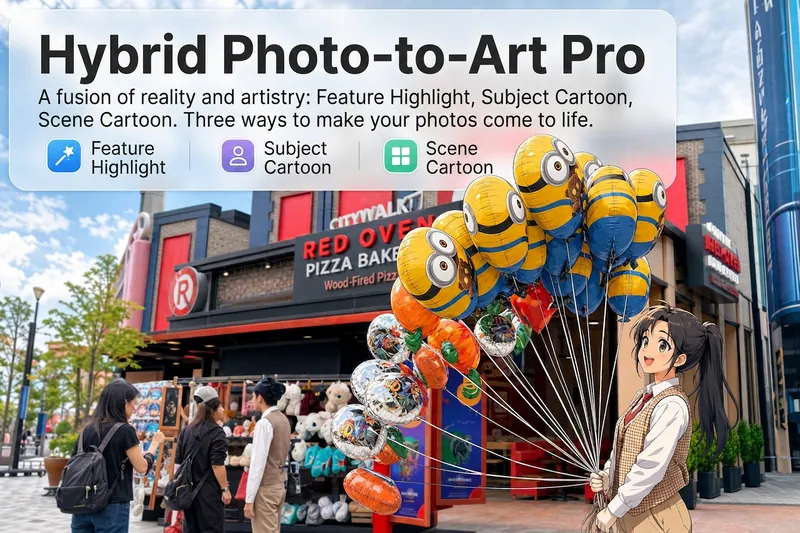
ImageReality Blend Artist Pro
Upload a photo, and AI first reads it like a visual analyst across five dimensions: what the subject is, how it is composed, its color palette, where the visual focus lies, and what emotion it conveys. It then tells you where a hand-drawn treatment would have the most impact and how to make it look best. Four real-and-drawn blend modes, four ways to play: 🔹 Local Accents — Keep the overall image realistic while AI selects 2–3 local areas to replace with a hand-drawn style. Patterns on a sign, the coffee cup in someone’s hand, or a few flowers peeking out from a flower bed—just enough to give the photo a sense of life. Choose from 4 hand-drawn styles: pencil sketch / watercolor wash / sticker doodle / clay relief. 🔹 Subject Anime — Turn a person, animal, or object into an anime-style subject while keeping the background’s realistic photographic texture. Choose from 5 anime styles: action manga / American superhero comics / Ghibli-style / Korean webtoon / Chinese ink wash. It feels like an anime character has stepped into the real world. 🔹 Environment Anime — Reverse the approach: keep the subject realistic while transforming the surrounding environment into an anime style. The contrast of being in a real world surrounded by a 2D universe is instantly amplified. 🔹 Selective Color Light Trails — Convert the image to black-and-white grayscale while keeping selected objects in their original, highly saturated colors. Clean white detail outlines surround the colored objects, extending into flowing, curling, psychedelic agate-like color trails that naturally follow the scene’s direction. Retro collage × surreal art turns a single photo into a movie poster in an instant. Each mode × 2 blending methods: Gradient Feathering (a natural transition between real and illustrated, like ink spreading through paper) / Hand-Drawn Border (a white outline, like a sticker placed on the image). No blind image generation—you're in control at every step. AI analyzes first → recommends an approach → you confirm → then it generates, helping avoid wasted results. For portrait photos, faces and facial features are automatically avoided and are not replaced with hand-drawn elements. The number of local areas is limited to 2–3, with professional constraints on their position and size—the result is a finishing touch, not a collage. 4 modes · 16 styles · 2 blending methods = 32 real-and-drawn combinations. The same photo can take on completely different moods.
Romantic Portrait Rendering
Description
Why we love this skill
Transforming portrait photos into a romantic scene under cherry blossom trees in a tranquil dusk, this skill is uniquely crafted. It intelligently merges multiple portrait photos and presents them in a 3D cartoon style, paired with cinematic backlit silhouettes and warm golden tones. Whether solo or group, you can instantly immerse yourself in a dreamlike cherry blossom wonderland.
Transform ordinary portrait photos into a romantic 3D cartoon style set beneath cherry blossom trees in a tranquil dusk. Supports single or multiple photos (multiple will merge all figures). Uses the Nano Banana 2 model to output 4K HD images, presenting a serene silhouette against backlight.
Related Skills
View allImageAmerican Comic Art Generator
Transform written ideas, portrait photos, or ordinary images into illustrations with a distinctive American comic-book style. Create profile images, character posters, scene concept art, and comic-inspired visuals. From superhero action and character portraits to atmospheric city scenes, the skill preserves the subject’s defining features and visual focus while adding the energy of American comics. Choose a classic, modern, or cartoon American comic style, or provide a favorite comic artist or work as a visual reference. If you have no specific preference, the system selects a suitable comic sub-style based on the subject, action, and mood. The composition can be adapted for profile images, character illustrations, banners, or posters, with visual elements such as bold black linework, halftone textures, dramatic lighting, motion lines, and a comic-panel feel. For portrait photos, the skill aims to preserve facial features, recognizability, and the subject’s overall appearance. For ordinary images or illustrations, it redraws the core content in an American comic style while keeping the main subject intact. After generation, it also considers subject consistency, stylistic expression, and compositional balance, and provides the finished comic-style image along with a brief explanation of the style and composition.
ImageJapanese Ukiyo-e Woodblock Art
Turn text descriptions or photos into images with the traditional character of Japanese ukiyo-e woodblock prints. Preserve a person’s core identity, posture, and relationship to the setting while translating poetry, stories, and the mood of nature into clear visual narratives. Whether you’re creating a portrait, landscape, seasonal scene, or vertical image for social media, the composition will use an appropriate aspect ratio and visual focus. The artwork emphasizes asymmetrical composition, layered foreground, middle ground, and background, generous negative space, diagonal visual guidance, and expressive moments of movement and emotion. Natural atmosphere—such as rain, snow, mist, wind and waves, moonlight, mountains and water, pine and bamboo, and cherry blossoms—is highlighted without meaninglessly piling on symbols like samurai, Mount Fuji, or shrines. Photo inputs receive a moderate simplification of realistic lighting while preserving recognizable facial features, age, body type, clothing, and posture. The final image features clear, flowing black outlines, flat color blocks, restrained traditional tones such as indigo and ochre, and the texture of paper fibers, woodblock impressions, and hand-printed registration. It avoids photorealism, modern anime, 3D rendering, cyberpunk, and heavy oil-paint effects. Unless explicitly requested, no text, titles, captions, or watermarks will be added.
ImageReality Blend Artist Pro
Upload a photo, and AI first reads it like a visual analyst across five dimensions: what the subject is, how it is composed, its color palette, where the visual focus lies, and what emotion it conveys. It then tells you where a hand-drawn treatment would have the most impact and how to make it look best. Four real-and-drawn blend modes, four ways to play: 🔹 Local Accents — Keep the overall image realistic while AI selects 2–3 local areas to replace with a hand-drawn style. Patterns on a sign, the coffee cup in someone’s hand, or a few flowers peeking out from a flower bed—just enough to give the photo a sense of life. Choose from 4 hand-drawn styles: pencil sketch / watercolor wash / sticker doodle / clay relief. 🔹 Subject Anime — Turn a person, animal, or object into an anime-style subject while keeping the background’s realistic photographic texture. Choose from 5 anime styles: action manga / American superhero comics / Ghibli-style / Korean webtoon / Chinese ink wash. It feels like an anime character has stepped into the real world. 🔹 Environment Anime — Reverse the approach: keep the subject realistic while transforming the surrounding environment into an anime style. The contrast of being in a real world surrounded by a 2D universe is instantly amplified. 🔹 Selective Color Light Trails — Convert the image to black-and-white grayscale while keeping selected objects in their original, highly saturated colors. Clean white detail outlines surround the colored objects, extending into flowing, curling, psychedelic agate-like color trails that naturally follow the scene’s direction. Retro collage × surreal art turns a single photo into a movie poster in an instant. Each mode × 2 blending methods: Gradient Feathering (a natural transition between real and illustrated, like ink spreading through paper) / Hand-Drawn Border (a white outline, like a sticker placed on the image). No blind image generation—you're in control at every step. AI analyzes first → recommends an approach → you confirm → then it generates, helping avoid wasted results. For portrait photos, faces and facial features are automatically avoided and are not replaced with hand-drawn elements. The number of local areas is limited to 2–3, with professional constraints on their position and size—the result is a finishing touch, not a collage. 4 modes · 16 styles · 2 blending methods = 32 real-and-drawn combinations. The same photo can take on completely different moods.
Find your next favorite skill
Explore more curated AI skills for research, creation, and everyday work.