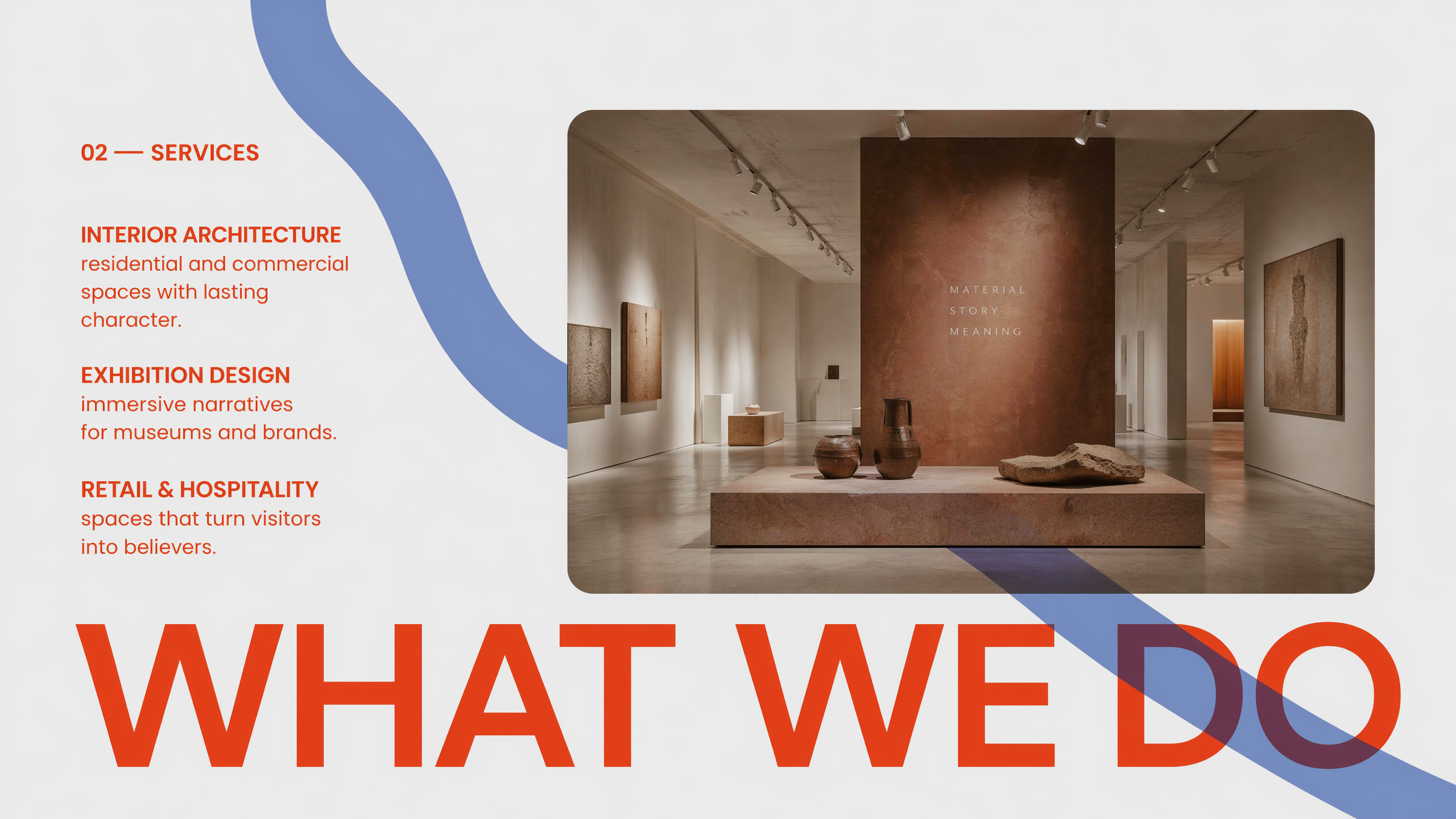
Create Nano Banana Pro slides from any idea
Bring a prompt, document, link, or image and choose a visual direction. Nano Banana Pro builds a polished deck you can keep refining.
Choose a visual direction
Optional — start freeform or lock in a style

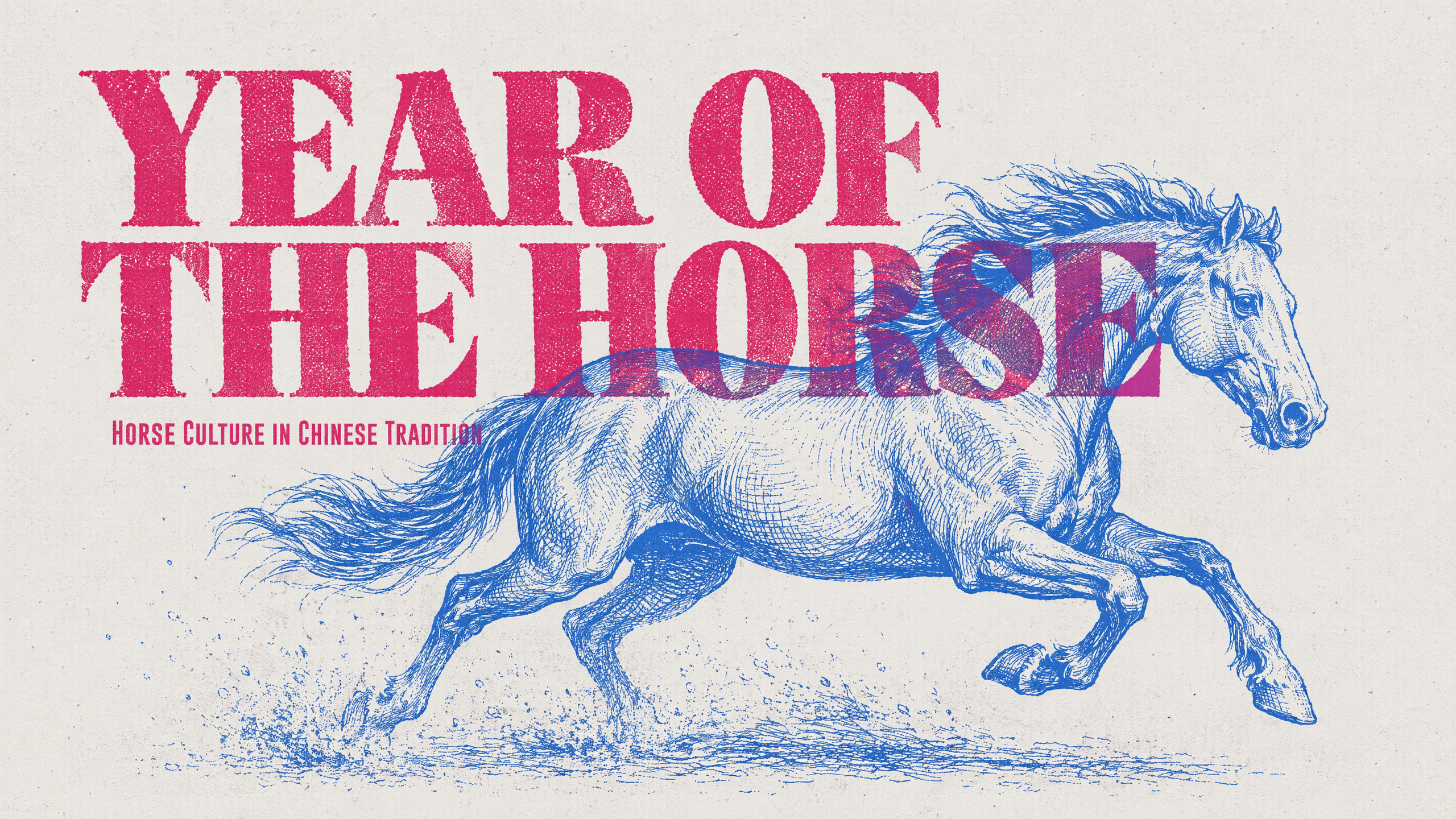
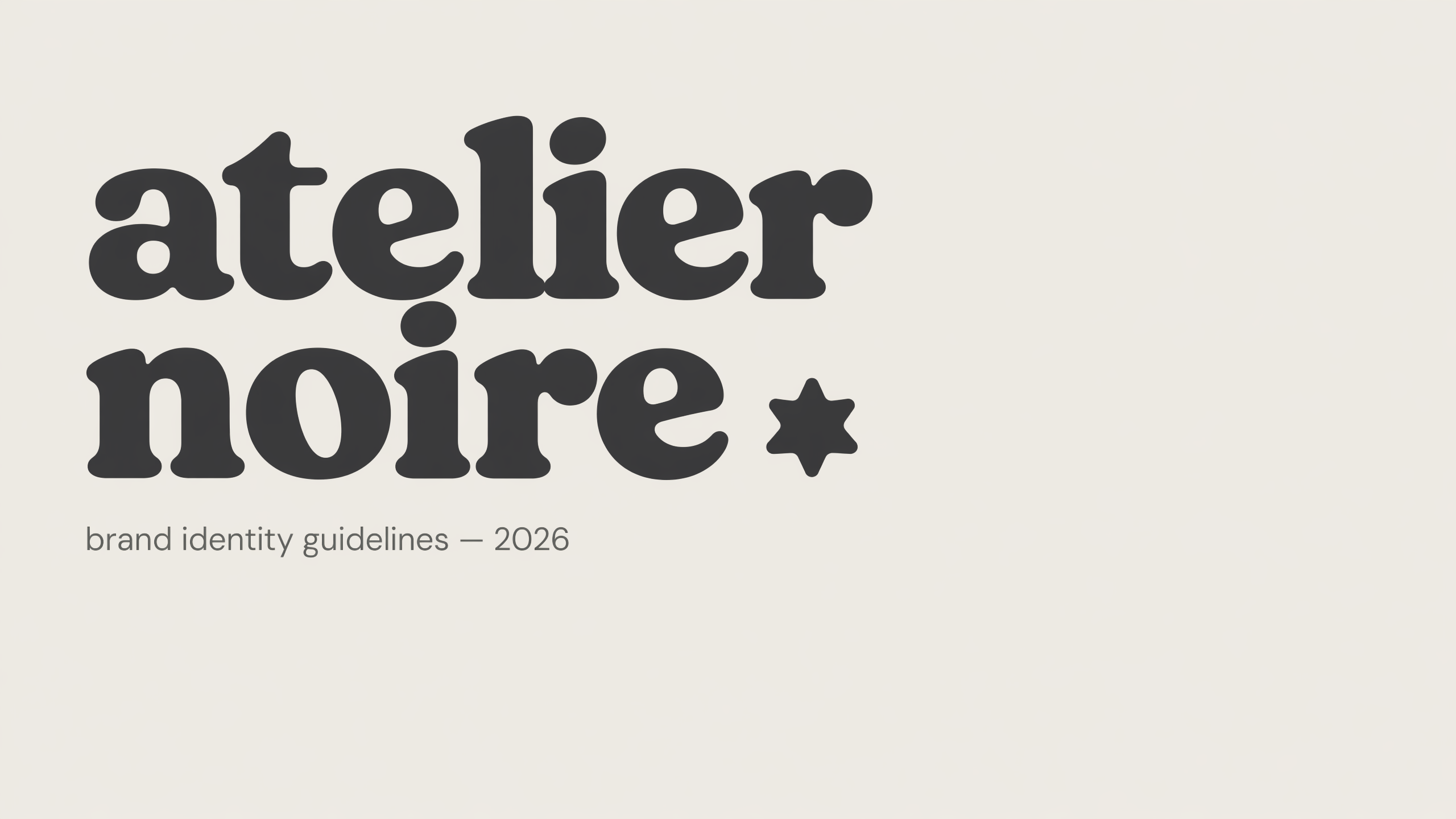
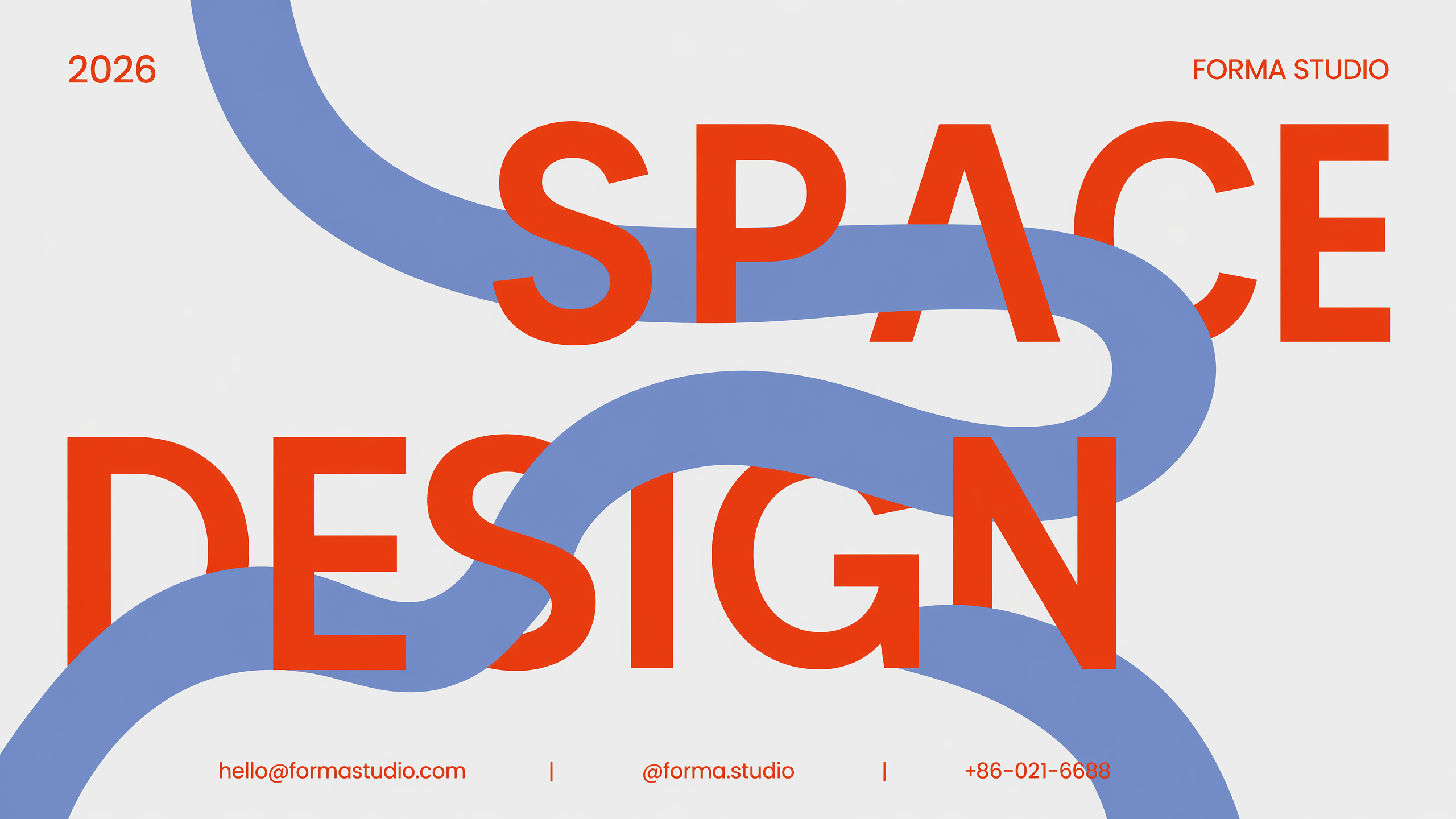
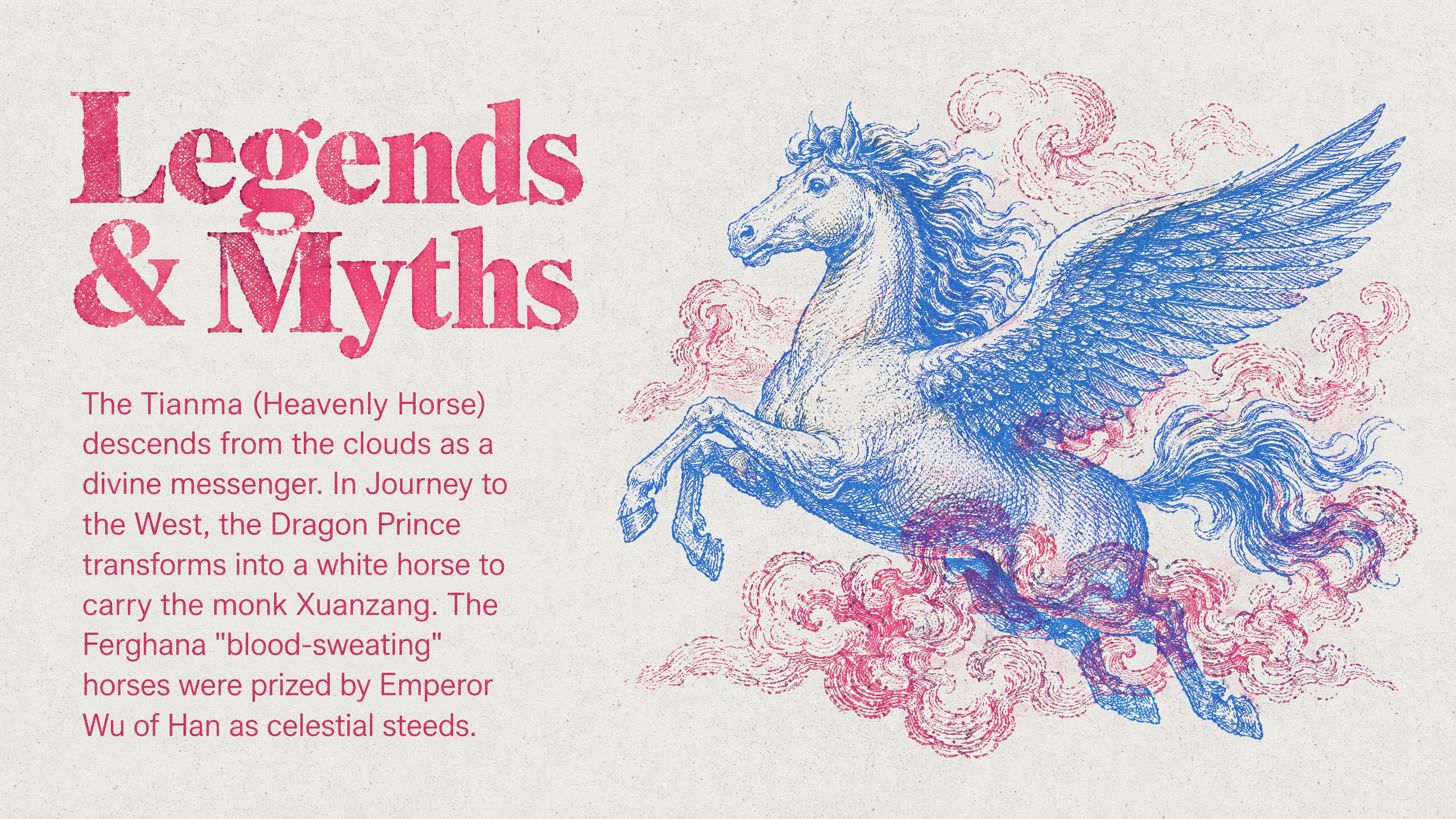
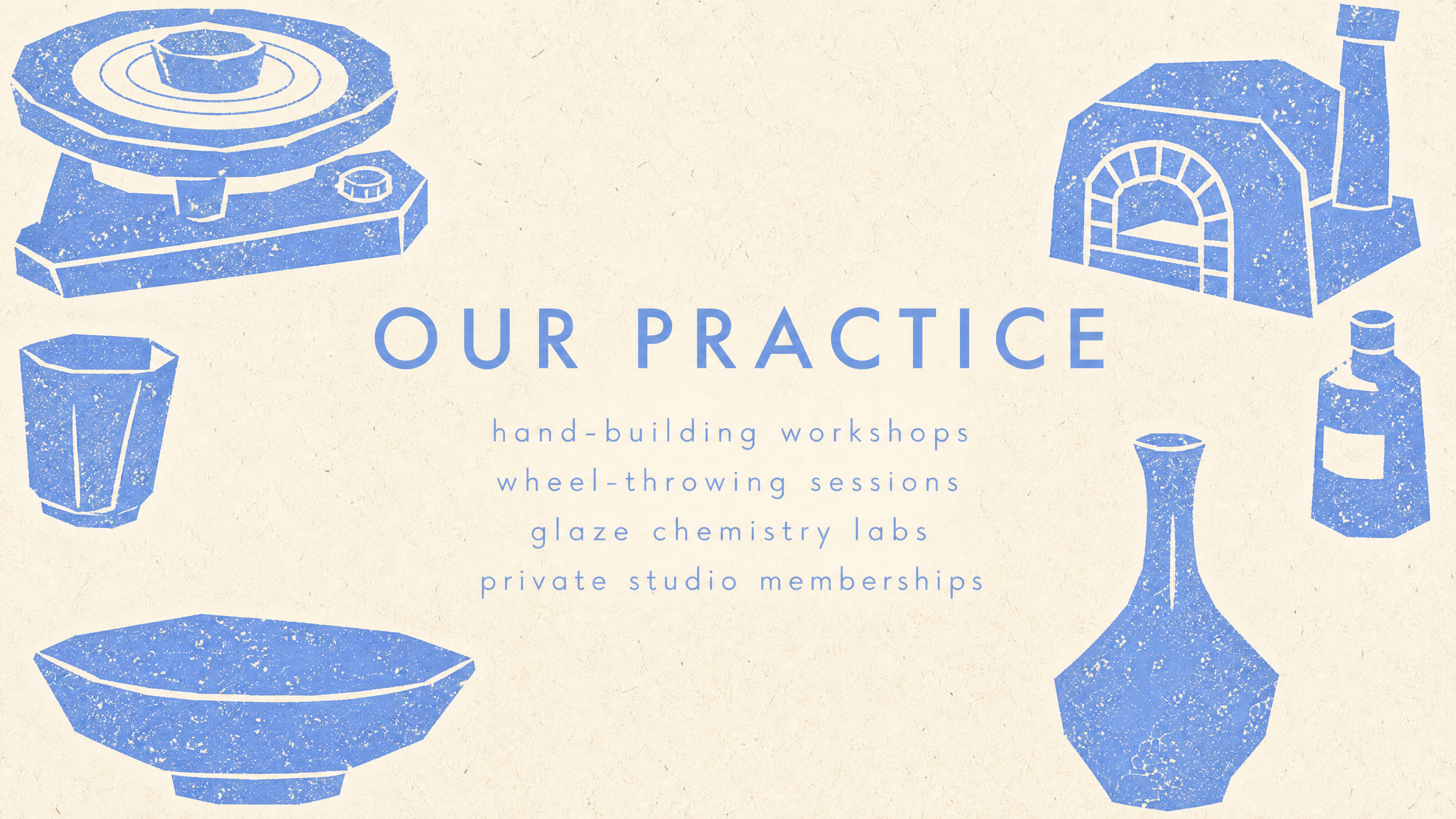
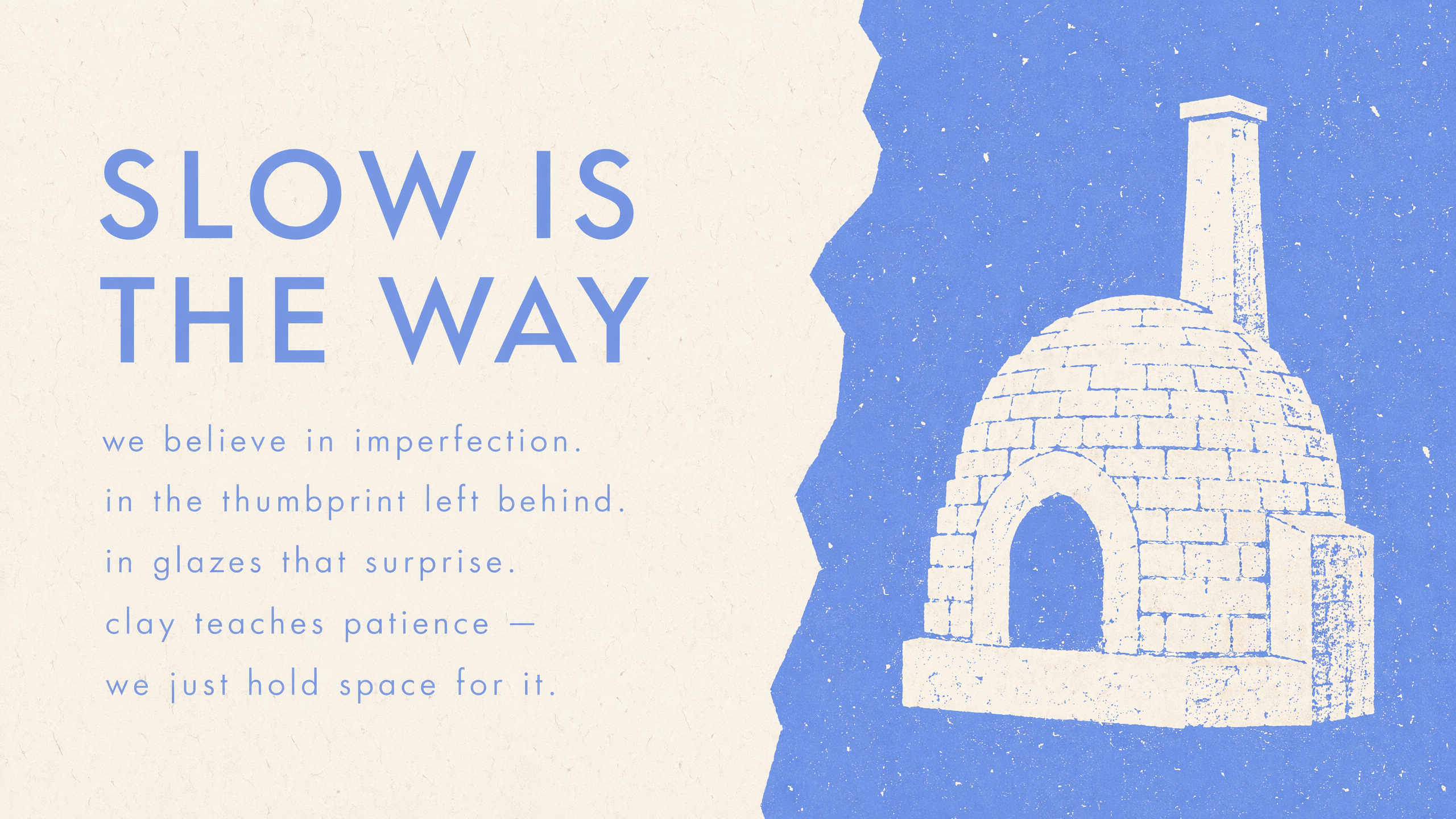
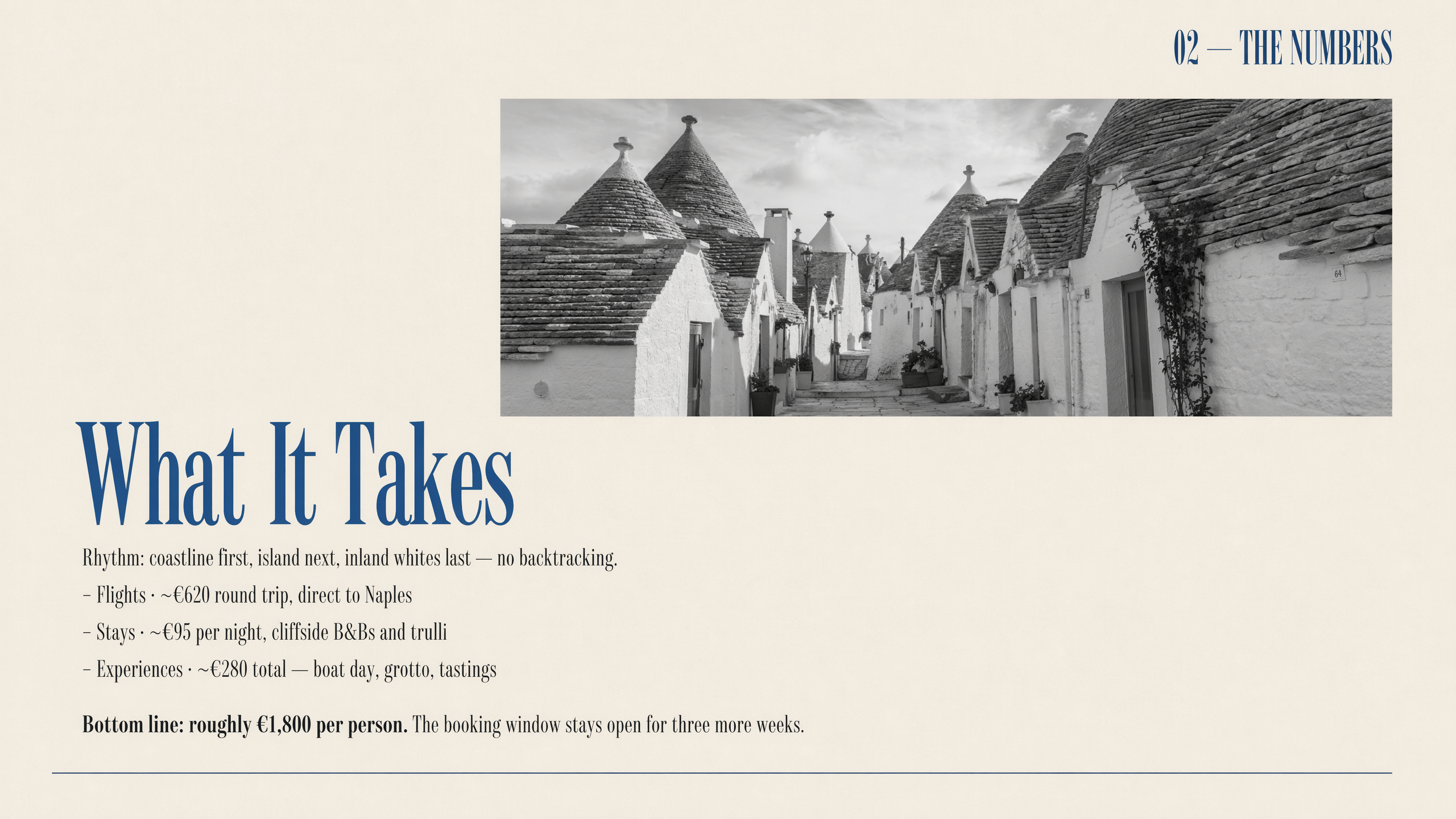
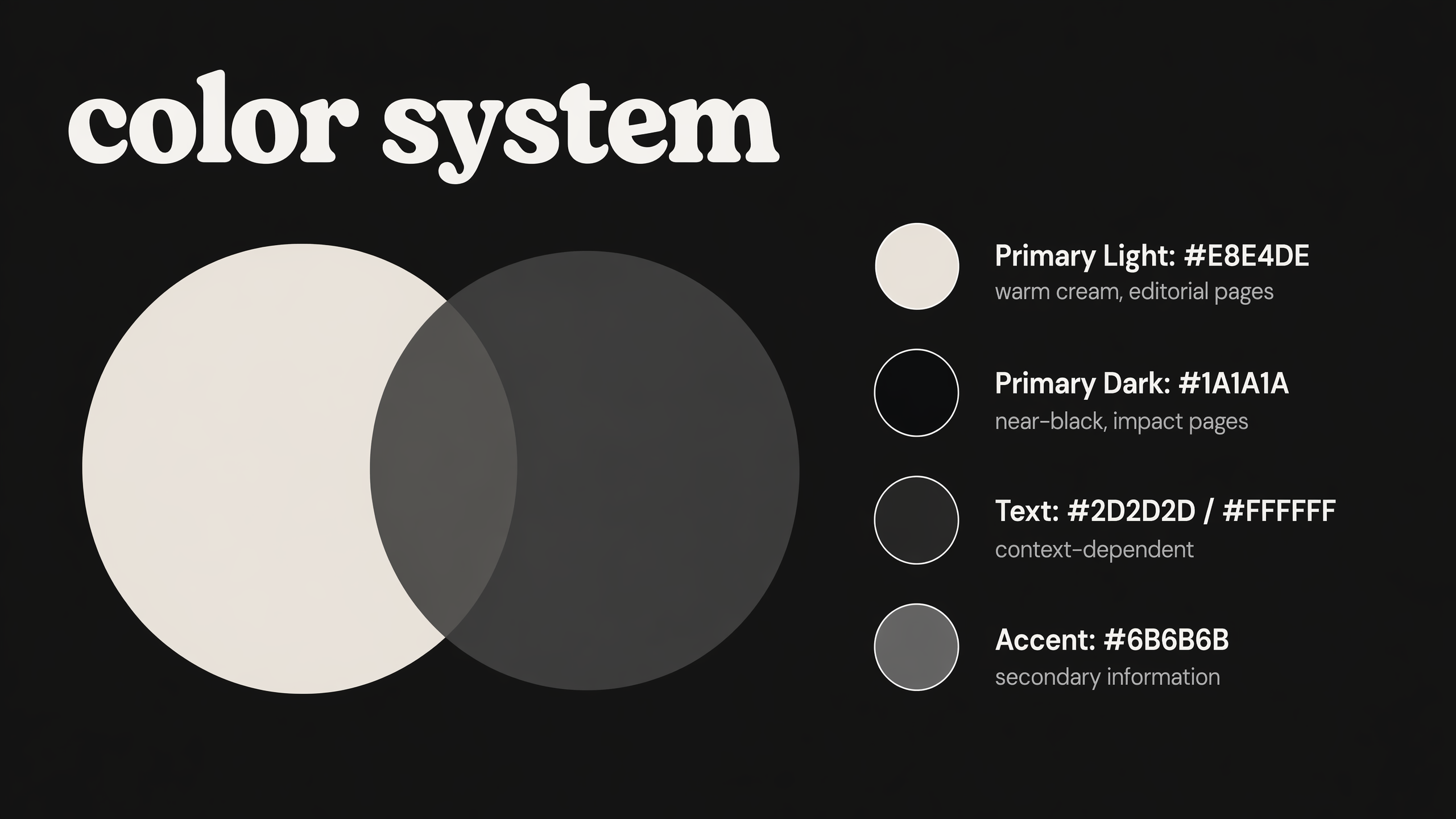
Actual pages from each template
A style for every story worth telling
Inside YouMind
See the complete Nano Banana Pro slide workflow
Turn prompts, documents, and links into Nano Banana Pro slides, refine every page in YouMind, and export the finished presentation without switching tools.
Turn source material into a complete deck
Give the YouMind agent a document and a slide preset. It plans the story and creates the full presentation in one task.


The 12-slide presentation deck has been created successfully with a consistent visual direction.
What Can You Write with AISlidesEdit every slide in the browser
Refine text, layout, color, and visual hierarchy directly in the YouMind slide editor while keeping the deck consistent.


5
6
7
8
9Export in the format your audience needs
Download the finished deck as PowerPoint, PDF, Image ZIP, or a narrated recording for the next step in your workflow.


Where the craft shows
More than a first draft
Four quiet details that separate a first-pass deck from a draft you still have to clean up.

One link, one article, one podcast — one full deck
Drop in a YouTube link, podcast, article, or PDF. YouMind distills the key points and renders the whole deck in parallel — grounded in your real sources.

Consistent style, cover to close
Every slide is generated in parallel and locks in one style in a single pass. Palette, typography, visual rhythm — consistent cover to close.

Beyond slides: one-click video in your own cloned voice
Smart Video turns the deck into a finished video — AI narration, captions, BGM, transitions — plus voice cloning so it actually sounds like you.
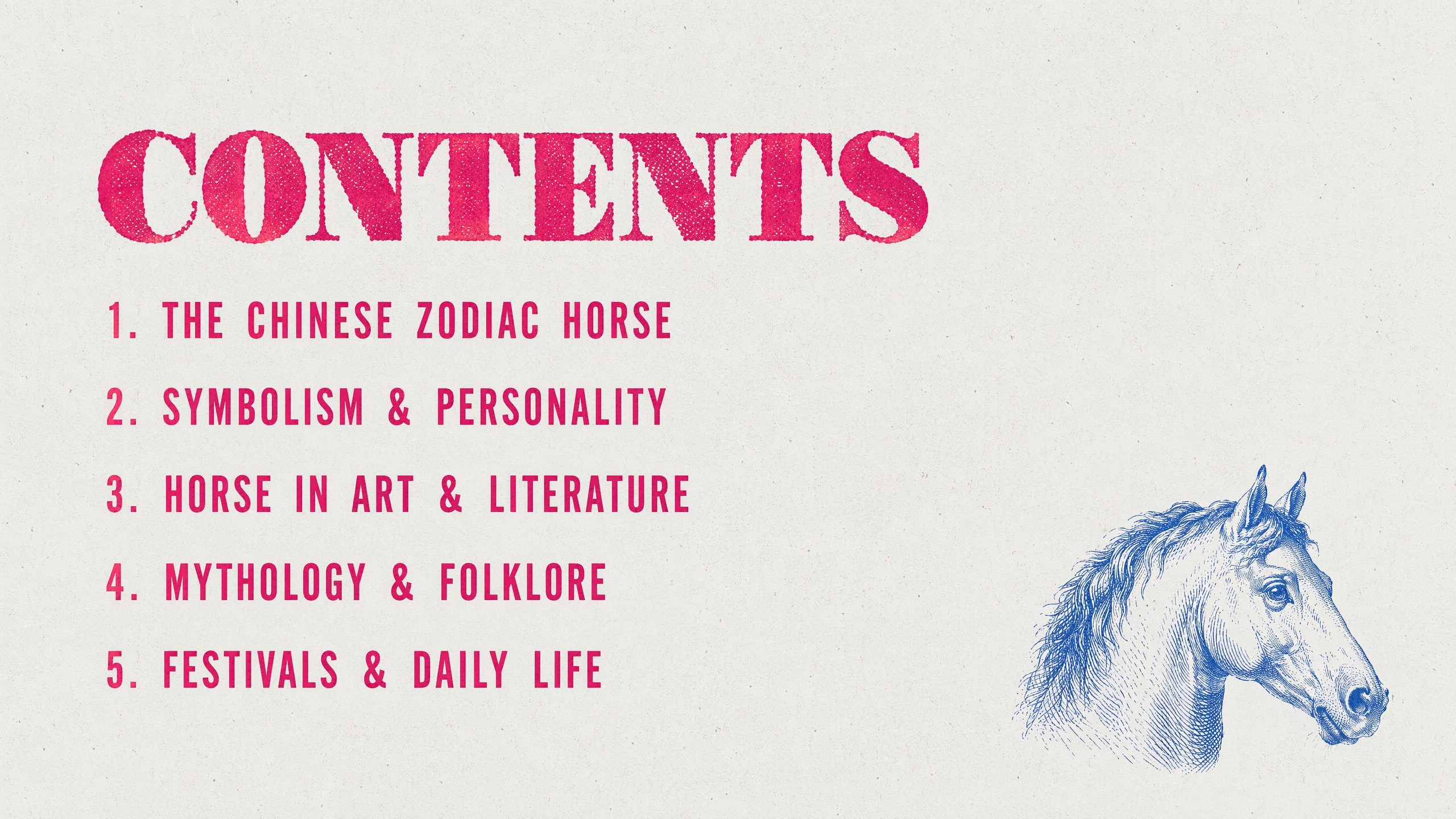
Why YouMind
Why create Nano Banana Pro presentations in YouMind
Use YouMind as a Nano Banana Pro presentation generator that connects source understanding, slide design, an editable canvas, and PowerPoint, PDF, image, or video export in one workflow.
One workspace for sources and output
Keep documents, links, instructions, generated slides, and revisions together so the presentation stays grounded in your material.
Editable slides instead of static images
Open the result in the slide editor and keep refining the content and design instead of starting over after generation.
Nano Banana Pro inside the workflow
Use Nano Banana Pro for legible presentation visuals while YouMind handles the wider task from source understanding to deck creation.
Multiple ways to publish and present
Share the result as PowerPoint, PDF, images, or a narrated recording without rebuilding the presentation elsewhere.