Rising stars
 Write
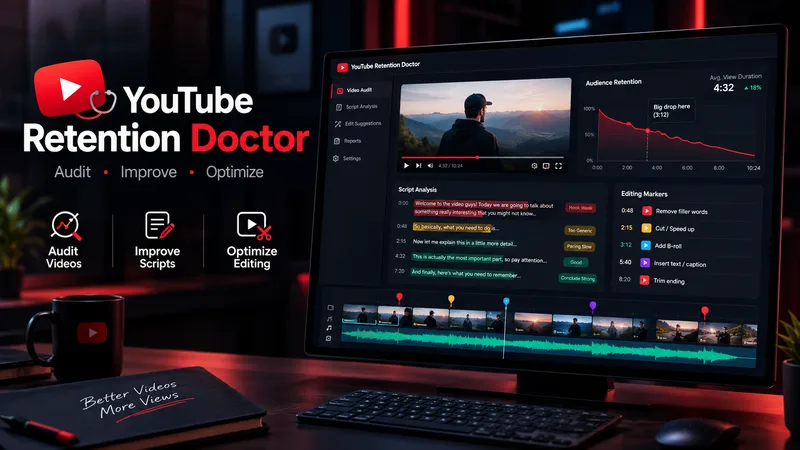
WriteYouTube Retention Doctor
YouTube Retention Doctor is an all-in-one video improvement assistant for YouTube creators. It audits scripts and transcripts, identifies weak hooks, repetitive sections, pacing issues, unclear explanations, and potential viewer-retention risks. It then creates a detailed audit report, rewrites weak sections while preserving the creator's voice, and provides practical editing instructions for cuts, B-roll, captions, zooms, sound effects, and visual changes. Designed for Shorts, long-form videos, faceless channels, educational content, documentaries, commentary, storytelling, and entertainment. Unlike a basic script generator, it follows a three-step workflow: diagnose the problem, repair the content, and guide the edit. It distinguishes evidence from assumptions and never claims to know actual audience retention without supporting analytics. Results depend on the quality of the supplied material.
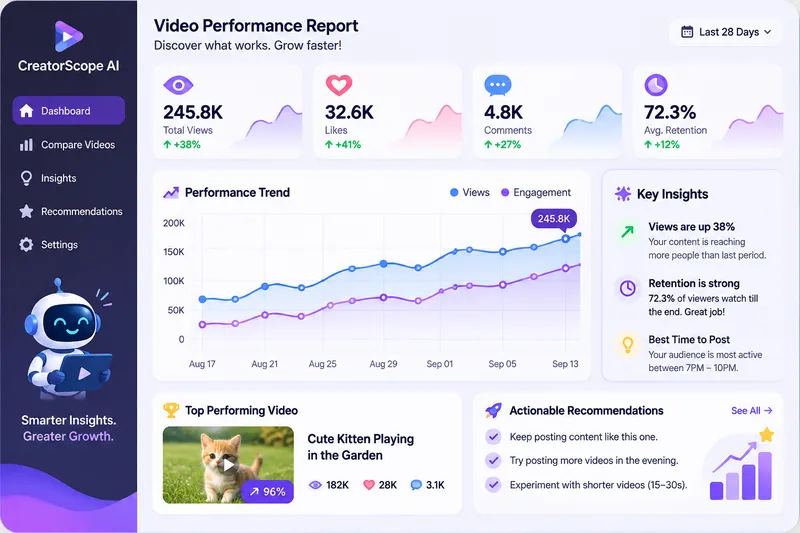
CreatorScope AI
CreatorScope AI helps content creators analyze video performance across Facebook, Instagram, TikTok, and YouTube Shorts. It examines available metrics, compares videos, identifies potential performance and monetization issues, and provides practical, data-driven recommendations to improve reach, audience retention, and revenue. Users can submit public video or channel URLs, analytics screenshots, or manually entered metrics. The skill distinguishes verified facts from hypotheses, never invents data, and clearly explains when additional information is needed. It only analyzes information it can actually access and does not claim access to private analytics through URLs alone.
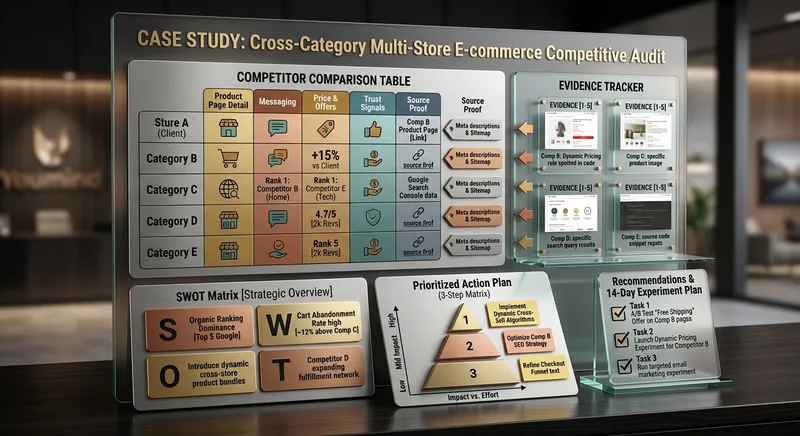
Competitor Store Opportunity Analyzer
Compare online stores using available evidence about product pages, messaging, offers, visible pricing, trust signals, and customer experience. Discover competitive strengths, identify improvement opportunities, and build a prioritized action plan. Ideal for e-commerce owners, online sellers, and digital marketing consultants.
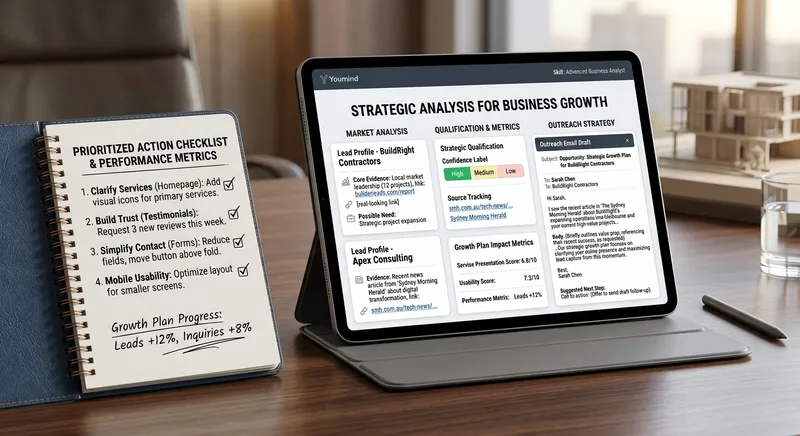
B2B Lead Research & Outreach Planner
Research potential B2B customers, identify relevant business opportunities from available evidence, qualify prospects, and create personalized outreach drafts. Includes source tracking, confidence labels, and professional follow-up suggestions. Designed for freelancers, consultants, sales teams, and small agencies.

Local Business Website Growth Auditor
Analyze local business websites and turn available evidence into a practical growth plan. Identify issues affecting clarity, trust, service presentation, usability, and customer inquiries. Get prioritized recommendations, an actionable improvement checklist, and suggested performance metrics. Designed for local service businesses, website owners, and small marketing agencies.
WP Theme & CSS Customizer
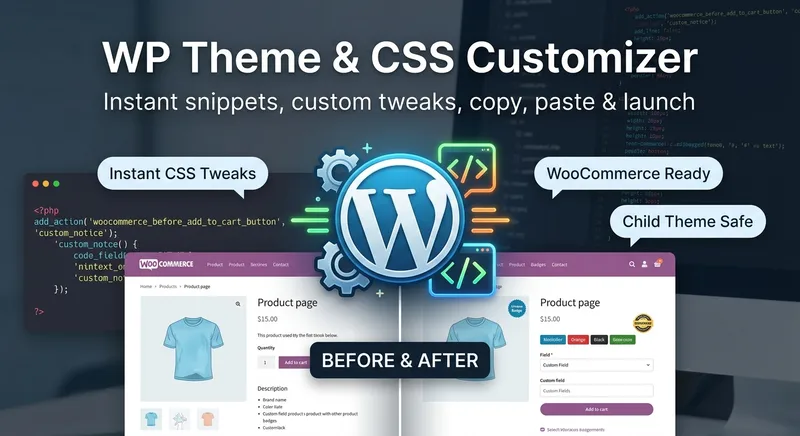
Get targeted WordPress theme customizations with practical, ready-to-use CSS, PHP, and JavaScript snippets. This skill helps you adjust theme styling, modify WooCommerce layouts and features, add custom fields or badges, control sidebars and page elements, and load scripts only where they are needed. Share your goal along with your theme or child theme, relevant plugins and page builders, the target page or area, and any constraints such as RTL support or avoiding functions.php. The guidance is tailored to setups including Astra, Storefront, custom themes, Elementor, and WooCommerce, so you can make focused changes without applying unnecessary site-wide edits. Each response explains the approach, provides clearly labeled code, and tells you where to add it. PHP changes that could potentially affect site stability come with an appropriate safety warning, making this useful for both small visual tweaks and more involved WordPress theme customization work.

Satisfying Macro Food Video Director
Give it a dish and get a ready-to-generate satisfying food video plan. You get a 6-shot storyboard, a copy-paste prompt for every shot (macro lens, slow motion, glossy textures, warm lighting), ASMR sound cues, and a short caption with hashtags for Reels, TikTok, and Shorts. Works for desserts, street food, cheese pulls, chocolate pours, and cutting or slicing scenes. Want ready-made storyboards? Get the Satisfying Food Video Prompt Kit: 8 complete storyboards, 48 shot prompts. [https://payhip.com/b/1M0uT]
Create cinematic portraits
Describe a person and a scene — who they are, what they are wearing, where they stand, and the light or mood — and this skill composes the prompt and generates a set of cinematic, photorealistic portrait images. Any missing detail is filled with a tasteful, coherent default so a usable result always comes back. Works for any subject, culture, wardrobe, or environment.
Islamic Thought Lab – Deep Reflections
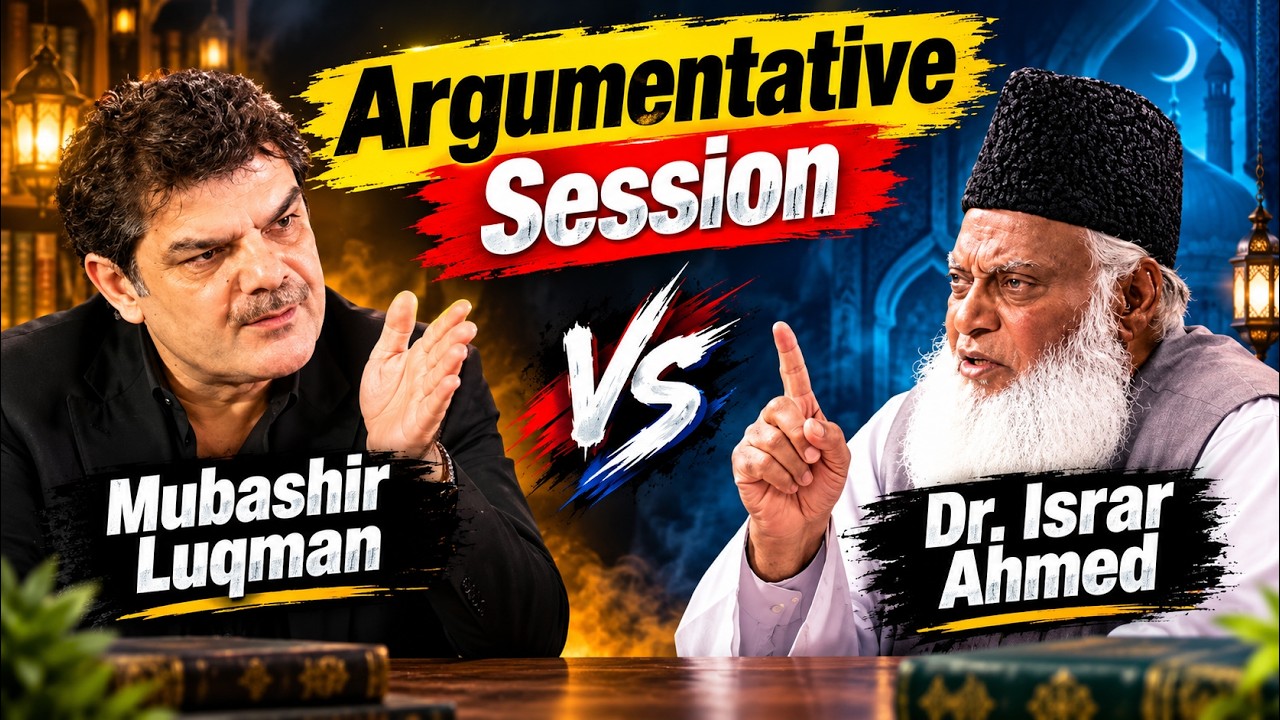
Turn an Islamic topic into a thoughtful, research-informed reflection for audiences exploring faith, doubt, meaning, and modern life. Islamic Thought Lab brings together Quranic insight with tafsir context, authentic Hadith, moments from the Seerah and early Islamic history, and relevant perspectives from modern psychology or contemporary life. Each reflection is written in calm, poetic English and shaped around a compelling question, deeper interpretation, historical perspective, and connections to experiences such as anxiety, social media, overthinking, and hustle culture. It also includes prompts for personal tadabbur and a practical dua or dhikr, helping readers move from contemplation toward sincere self-examination. The result is suited to Islamic education content, YouTube scripts, podcast discussions, study circles, and personal reflection—especially for English-speaking young adults seeking depth without judgment or simplistic answers. It offers reflective guidance rather than religious rulings, with citations where available and a clear reminder to consult a trusted scholar for personal fiqh matters.
YouTube & content creation
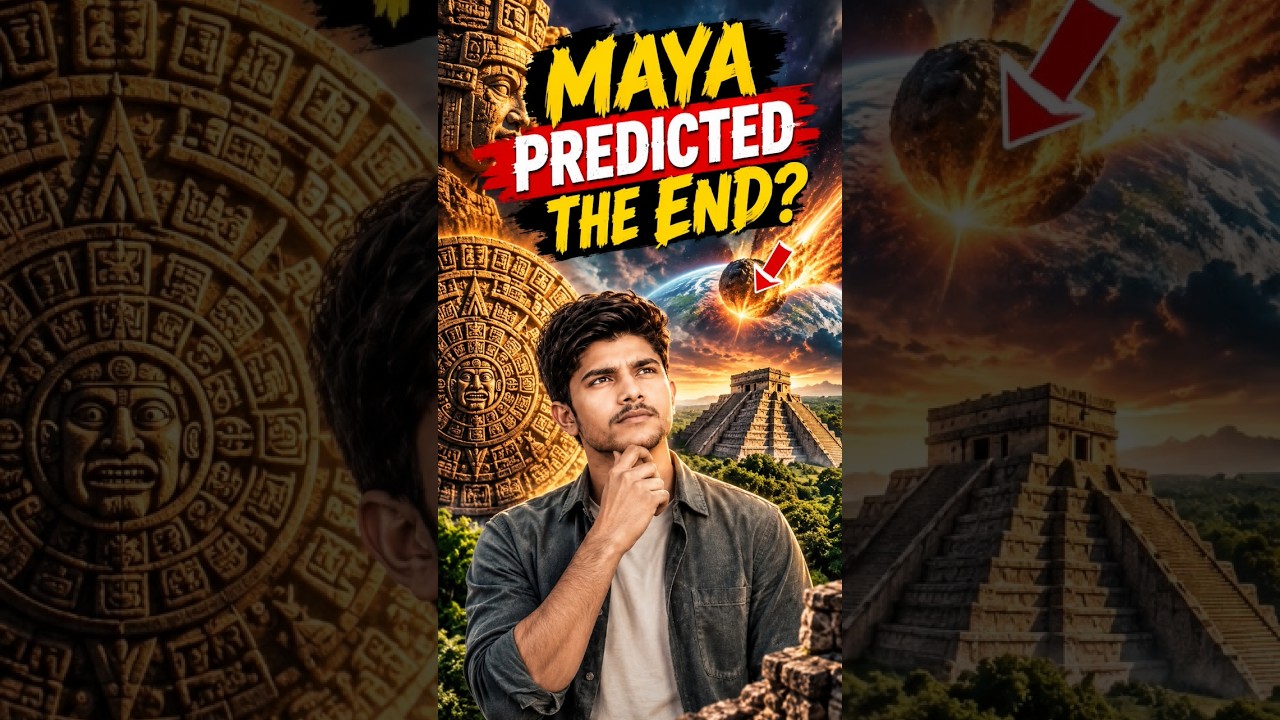
Turn a single topic into a complete day of YouTube content for faceless history, mystery, and education channels. You’ll receive an engaging long-form video script in an accessible Roman Urdu and English mix, with cinematic storytelling, factual context, hooks, talking points, and visual suggestions ready for production. The package also includes three short-form scripts built around different angles, plus a Roman Urdu community post and an audience poll to encourage engagement. This makes it easy to extend one research topic across your main video, YouTube Shorts, and community tab without starting from scratch. To support publishing, you’ll get five copy-ready AI image prompts for thumbnails and historically accurate video visuals, along with a complete SEO and thumbnail pack. Use the suggested thumbnail text, video titles, optimized description, tags, and hashtags to shape a consistent content release around topics such as Vikings, the Great Wall, Cleopatra, and other educational subjects. Enter one topic and receive reusable content assets for a full day of channel activity.


Mini Chibi Alter-Ego Poster
Upload a portrait photo to generate a hyper-realistic, cinematic commercial poster: the person interacts with a mini chibi 3D “alter ego” on their palm, while closely preserving their identity, hairstyle, accessories, and clothing. The skill automatically selects a varied combination from six poses and eight background color schemes, prioritizing contrast between the background and clothing. The result is a single vertical poster, defaulting to a 3:4 aspect ratio.
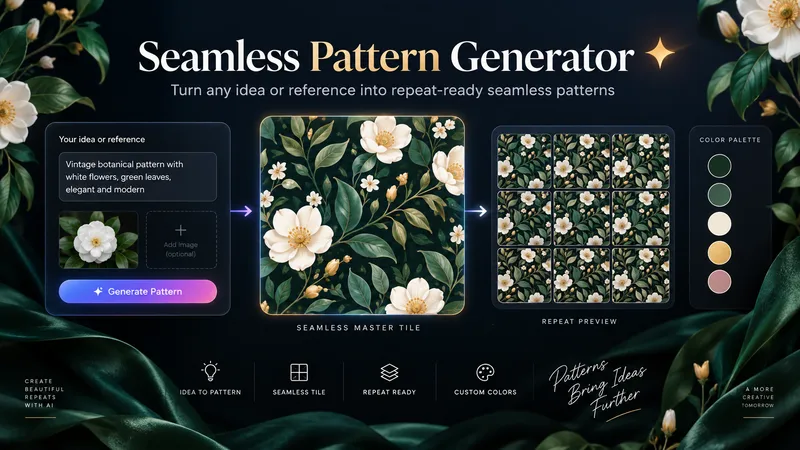
Seamless Pattern Generator
Turn any idea, motif, or reference image into a polished, repeat-ready seamless pattern. Seamless Pattern Generator works like an AI surface pattern designer. It transforms creative direction into visually balanced patterns for fabric, wallpaper, wrapping paper, packaging, stationery, home decor, digital paper, print-on-demand products, and more. No technical pattern-design knowledge is required. Describe what you want or upload a visual reference. The Skill plans motif hierarchy, scale, density, spacing, palette, orientation, repeat structure, visual rhythm, negative space, and edge-aware motif placement. It creates the master pattern tile and checks how the design behaves as a repeating surface, looking for visible seams, awkward edge cuts, empty channels, motif collisions, obvious grid effects, and repetitive clusters. When problems appear, it focuses on correcting the affected structure while preserving the creative direction. Start with a text idea, color palette, motifs, visual style, reference image, existing artwork, or intended application. The final result can include a clean master tile, repeat preview, and concise pattern specification. You can also create new colorways, change motif scale or density, adjust the background, or develop alternative versions while preserving the same visual identity. Example prompts: • “Create a dark botanical pattern with burgundy roses, antique-gold leaves, and a deep emerald background for premium wrapping paper.” • “Use this image as inspiration and create an original seamless pattern that preserves its color mood and botanical character.” • “Create a playful non-directional fabric pattern with foxes, mushrooms, leaves, and tiny stars.” • “Keep the same motifs, make the pattern less dense, enlarge the main flowers, and change the background to burgundy.” From creative idea to repeat-ready surface design — without the technical complexity.
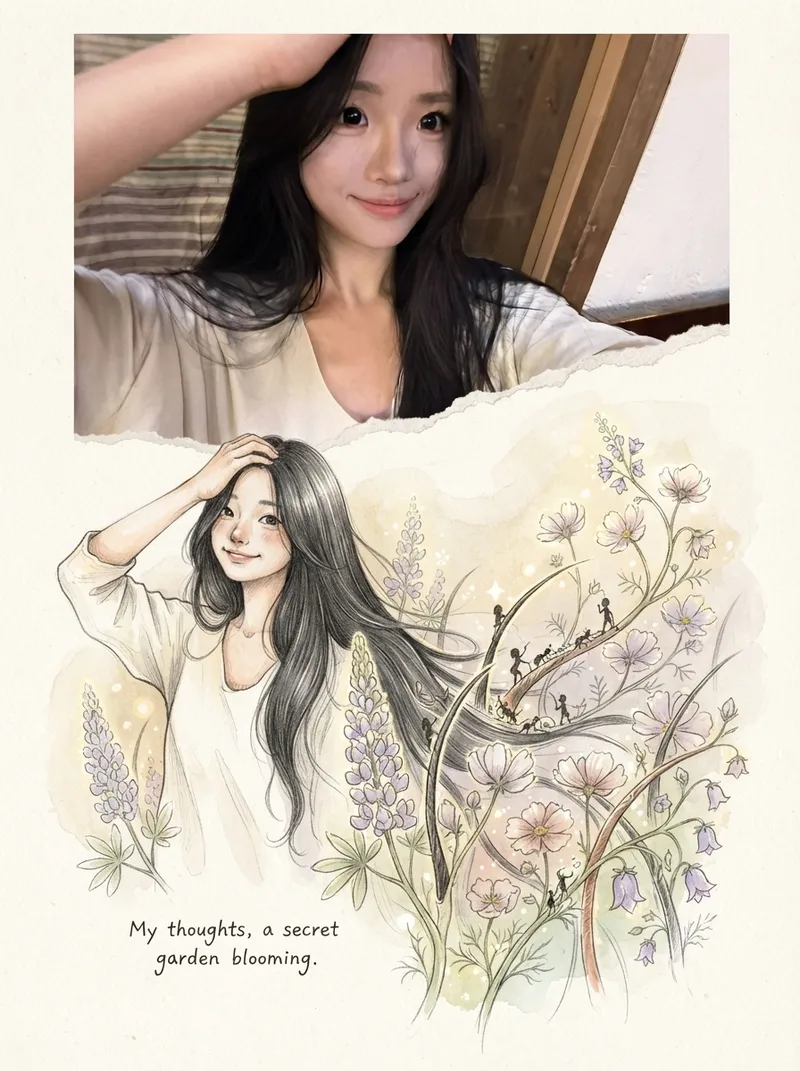
Photos into Storybooks
Using the uploaded photo as the sole reference, create a portrait-format (default 3:4) composite image with an editorial feel, combining the photo with a hand-drawn illustration: preserve the original photo in the upper half, naturally extend it into a hand-drawn storybook illustration in the lower half, and add a short handwritten-style caption in the blank space.

SwiftUI Expert Companion
An elite engineering companion for SwiftUI developers. It covers the full range of day-to-day SwiftUI work: analyzing and debugging issues, making architectural decisions, designing view composition and state management, building new features, reviewing and optimizing existing code, and applying modern SwiftUI best practices (Swift 6 concurrency, the Observation framework, NavigationStack), performance, accessibility, and Apple Human Interface Guidelines. It adapts its depth to the task: a concise fix for small problems, and a full engineering report (diagnosis, architectural rationale, code, trade-offs, self-check) for complex ones. It always aims to return compiling, up-to-date, production-ready SwiftUI code, and responds in the user's language.
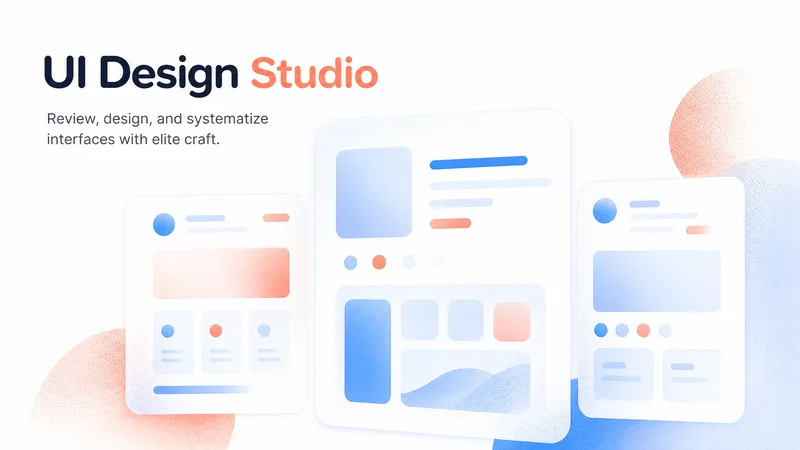
Elite UI Design Studio
An elite UI design specialist for web, mobile, and desktop. It reviews and improves existing interfaces, builds executable UI code, produces compact design systems and specs, and generates visual concept mockups, all at a high level of craft, usability, and accessibility. Every output is designed to be distinctive rather than generic, with strong hierarchy, a coherent visual system, responsive layouts, and full state coverage. It enforces a strict token-economy discipline: it delivers the artifact directly with no preamble, no restating, and no filler. Output language follows the user's language.

Cinematic Sunset Portraits
Upload a portrait to generate a hyper-realistic cinematic sunset portrait that closely preserves the subject’s facial features, hairstyle, and overall presence. Choose from multiple poses and color tones, or let them rotate automatically. The result is a vertical atmospheric portrait image, with the aspect ratio customizable.

Dalí-Style Surreal Art
Turn a theme into a precise, eerie, and recognizable Dalí-style surreal painting, giving familiar objects new meaning through impossible connections, proportions, and supports. The work draws on the hallucinatory oil-painting language of the 1930s, combining clear contours, sculptural light and shadow, deliberately warped forms, and selectively refined details to create a vast, silent, and unsettling space. Whether creating a wordless image from a brief concept, preserving specified objects from a detailed description, or transforming a photo into a surreal scene, the visual relationships can be chosen around soft-hard reversals, shape transformations, double images, or mismatched scale. When appropriate, recognizable Dalí motifs—such as soft watches, fragile supports, or slender animals carrying architecture—can be integrated into the composition and narrative rather than left as decoration. The identities of people in photos, product structures, architectural features, and explicitly requested elements are also respected. You will receive a finished image suited to the subject and aspect ratio, along with the creative prompt actually used. You can also request only a prompt, visual analysis, or a critique of the finished image. For posters, clear, readable text design that responds to the forms in the image can be added; by default, the artwork includes no title, signature, or caption.

-
Audience: Beginners familiar with submitting prompts; no technical background required.
-
Goal: Produce a stronger, fact-preserving draft using a shared rubric, separate AI reviews, targeted revisions, and a defensible human acceptance decision.
-
Narrative mode: Tutorial.
-
Slide count range: 15 slides proposed.
Suggested session: 35–45 minutes including practice; instructional estimate, not a verified five-minute method.
Running example: A fictional operations manager announcing a move into workflow consulting on LinkedIn.
Companion handout: Detailed tutorial and teaching guide. Full prompts, scoring anchors, checkpoints, and implementation checklist stay in the handout.
Source: My Simple But (WEIRD) Way of Getting Better ChatGPT Results, full available transcript, 0:00–8:38. Visuals were not independently inspected. All exercises and operational rubric definitions are course additions.
1) Improve the draft—not just its score
Turn one career-change announcement into a draft you can defend with evidence. Promise a repeatable review method, not guaranteed results or a perfect score. Introduce the presenter's “force prompting” as the source concept; teach explicit criteria and human oversight. Finish with a baseline, reviewed revision, and a brief acceptance rationale.
2) A confident self-rating can hide generic writing
-
Contrast the presenter's reported 9/10 self-rating with his objections to “safety net” and “tectonic shift.”
-
Ask what those phrases actually tell the reader about this person's decision.
-
Separate an enthusiastic rating from evidence that the brief was met.
-
Anchor to 1:05–2:35; frame the example as presenter-reported, not a model benchmark.
3) Follow the learning path from brief to decision
-
Define the audience and preserve a baseline.
-
Set standards and obtain separate, evidence-based reviews.
-
Revise, investigate disagreement, and compare versions.
-
Accept the draft only when a human can justify the result.
YouTube to Course Slides
Turn YouTube videos or transcripts into a detailed tutorial, an approved course outline, and course slides with a three-slide preview. Defaults to spacious blue (#0965FF), grayscale imagery, and editorial typography.