Focus Wallpaper Studio
Turn notes, workflows, formulas, checklists into wallpapers
Focus Wallpaper Studio
Turn notes, workflows, formulas, checklists into wallpapers
Showcase
Description
Focus Wallpaper Studio transforms important information into visually compelling mobile and desktop wallpapers designed for repeated daily viewing. Use it for study notes, formulas, schedules, checklists, workflows, decision frameworks, personal systems, and other information you want to keep constantly visible. The skill can work with text, tables, screenshots, diagrams, and visual references. It analyzes each input separately to understand whether it is a content source, design reference, layout reference, or structured information such as a schedule or table. Before writing prompts, it asks for any missing choices such as visual direction, content density, safe areas, and device preferences. If no design reference is provided, you can choose a visual direction or let the skill create the most suitable artistic concept. It then prepares separate mobile and desktop wallpaper strategies with two prompt options for each device. Prompts are shown first, and image generation only starts after you select which version you want. After generation, the skill checks both information accuracy and wallpaper quality, including text fidelity, missing content, readability, safe areas, visual balance, and overall design impact.
Recommended by
Dancang
Why we love this skill
Featured for turning workflows, formulas, schedules, and notes into genuinely usable daily wallpapers without sacrificing accuracy. Its device-aware process separates mobile and desktop composition, locks essential content, requires approval before generation, and checks both information fidelity and visual quality.
Related Skills
View all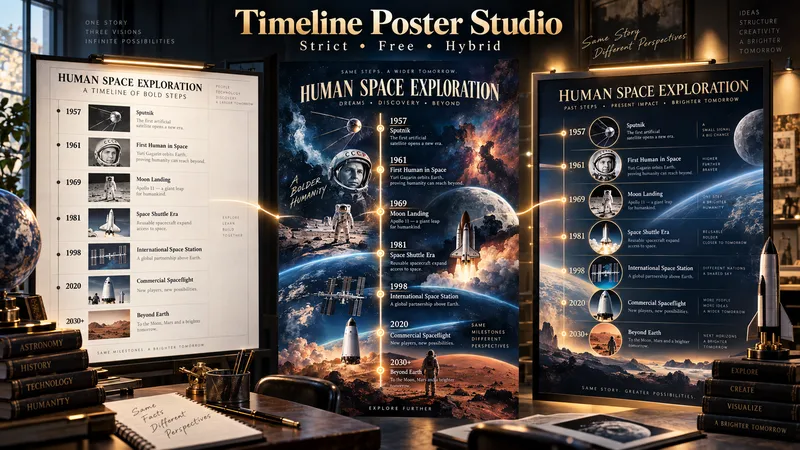 Image
ImageTimeline Poster Studio
Timeline Poster Studio transforms history, biography, technology, science, art, cultural change, product evolution, and other time-based subjects into informative and visually distinctive timeline posters. The skill first defines the topic, scope, audience, and time range, then performs focused research only to the level needed for the poster. It curates the most meaningful events, identifies turning points and natural eras, distinguishes exact, approximate, and duration-based events, and detects parallel storylines or geographic movement when relevant. It then builds an adaptive poster structure instead of forcing every topic into the same template or fixed aspect ratio. Depending on the content, the poster may use vertical, tall vertical, horizontal, or wide layouts. Visuals are selected according to their role: narrative scenes can blend naturally into the composition, while artworks, products, objects, documents, maps, and other reference visuals remain clearly organized and controlled. The design system protects chronology, readability, and factual structure while giving the visual AI creative freedom in color, typography, panel design, framing, decoration, background treatment, and overall art direction. For the same verified content, the skill produces three complete standalone poster prompts: Strict Hierarchical Design — optimized for educational clarity and structured reading. Free / Expressive Design — gives the visual AI greater freedom to create a bold and distinctive poster identity. Hybrid Design — balances clear information design with creative visual character. The prompts are designed to work across different image-generation tools, allowing the user to review, modify, or choose a design direction before generating the final poster.
 Image
ImageTattoo Flash Studio
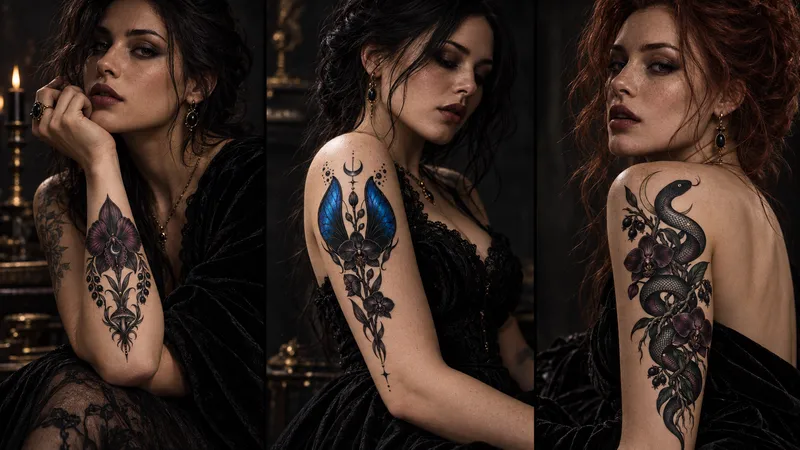
Tattoo Flash Studio helps you shape original, print-ready tattoo concepts through a guided creative process. It explains style and design choices in clear language, so both clients and tattoo artists can use it comfortably. Start with a subject, mood, placement or collection idea. The skill asks focused questions about visual direction, line density, scale, composition, colour, body placement and intended use. When a cultural tradition or established art movement is requested, it first researches the visual context and respectful boundaries before translating it into an original tattoo direction. You receive polished tattoo-flash prompts, optional variations, practical artist handoff notes, printable design guidance and vector-preparation notes. It can also create professional image-to-image mockup prompts that preserve the approved design accurately on skin. Images are never generated automatically. First, review the written design prompt. Then choose whether to create the flat flash design or a realistic placement mockup here or on another image platform.
 Image
ImageBefore/After Transformation Ad Studio
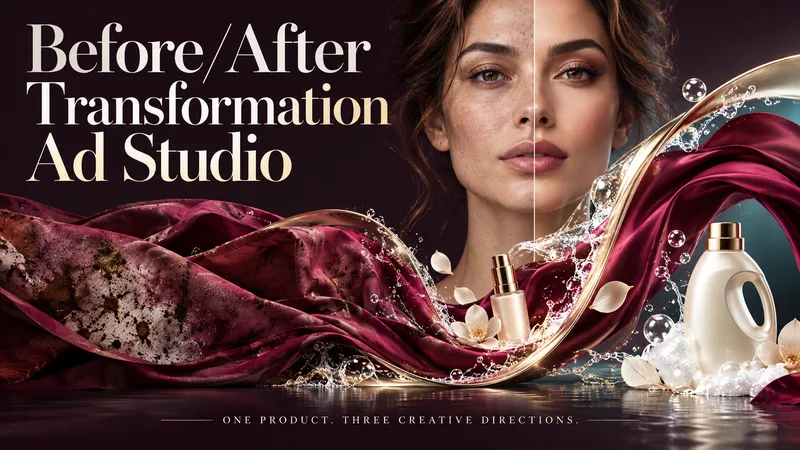
Make the transformation the hero. Turn a single product photo into bold before-and-after advertising visuals with expressive art direction, striking compositions, and a transformation that takes center stage. From cosmetics and personal care to cleaning and fitness, this skill explores your product’s uses and develops creative ways to visualize its relevant benefits. YOUR PRODUCT. YOUR CREATIVE DIRECTION. Start with a photo. The skill researches the product, then helps you choose the scene, materials, visual elements, format, and text style. Prefer a surprise? Let AI take the creative lead. THREE CONCEPTS. THREE DISTINCT VISUAL IDEAS. Explore three tailored concepts with complete image-generation prompts. Think flowing fabric reveals, sculptural environments, dramatic close-ups, glass transitions, or an unexpected world built around your product. Each concept offers a different visual story. BEFORE & AFTER, FRONT AND CENTER. Large, clearly readable transformation scenes lead the composition. Product placement, atmosphere, and typography work together to make the change stand out—even on a phone screen. YOU APPROVE. THEN IT CREATES. Review the prompts, request adjustments, and select one concept or all three. Image generation begins only after your approval, using the capabilities available in your workspace. BUILT AROUND YOUR PREFERENCES. Choose square, portrait, landscape, or custom dimensions. Add a bold headline, keep the copy minimal, or let the visuals speak. The workflow adapts to your language, while production prompts are written in English by default. Upload your product. Shape the scene. Bring the transformation into focus.
Information
- Version
- v7
- Last updated
- Runtime credits
- Usage-based
- Models
- Auto
