Tattoo Flash Studio
Tattoo flash prompts, mockups & artist-ready briefs
Tattoo Flash Studio
Tattoo flash prompts, mockups & artist-ready briefs
Showcase
Description
Tattoo Flash Studio helps you shape original, print-ready tattoo concepts through a guided creative process. It explains style and design choices in clear language, so both clients and tattoo artists can use it comfortably. Start with a subject, mood, placement or collection idea. The skill asks focused questions about visual direction, line density, scale, composition, colour, body placement and intended use. When a cultural tradition or established art movement is requested, it first researches the visual context and respectful boundaries before translating it into an original tattoo direction. You receive polished tattoo-flash prompts, optional variations, practical artist handoff notes, printable design guidance and vector-preparation notes. It can also create professional image-to-image mockup prompts that preserve the approved design accurately on skin. Images are never generated automatically. First, review the written design prompt. Then choose whether to create the flat flash design or a realistic placement mockup here or on another image platform.
Related Skills
View all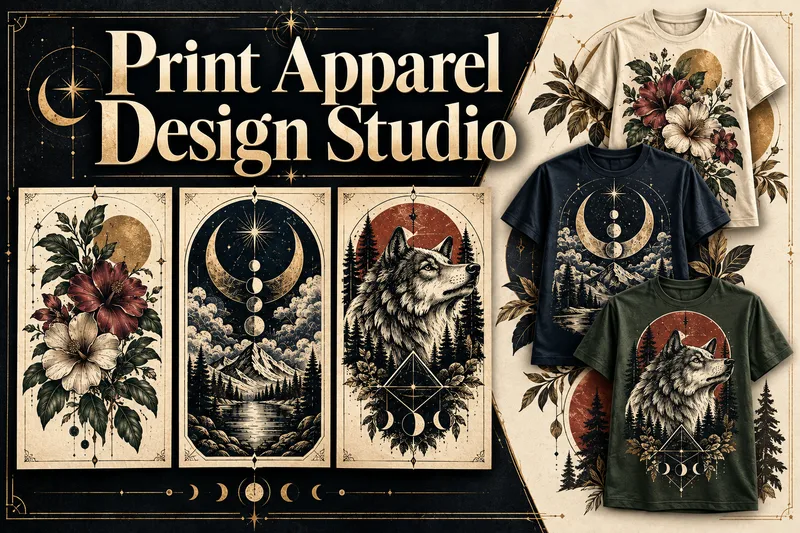 Image
ImagePrint Apparel Design Studio
Turn an apparel idea into an original, professionally art-directed product with a clear visual identity. Print Apparel Design Studio helps you develop single T-shirt graphics or coherent 3–5-piece collections through a structured creative process. Explore relevant art movements, historical artists, visual references, colour palettes, composition, typography, and print limitations before production prompts are written. Choose T-shirts, sweatshirts, hoodies, tote bags, and other surfaces. Define the niche, wearing context, graphic language, garment colour, print area, detail level, and production method. Then receive print-aware artwork prompts, platform adaptations, and practical production notes. Generate your artwork in ChatGPT, Midjourney, Ideogram, Firefly, or another platform. Bring the results back for structured review, revision planning, and approval. Create faithful product-validation and marketing mockup prompts—or upload mockups made elsewhere for quality control. Every visual stage follows a prompt-first approval workflow. Completed projects can include a Design Brief, Artist & Movement Reference Board, Visual DNA, approved prompts, print-preparation notes, mockup direction, artwork and mockup QA, plus an Apparel Production & Selling Guide with current sources, platform considerations, and launch steps.
 Image
ImageTactile Ephemera Studio
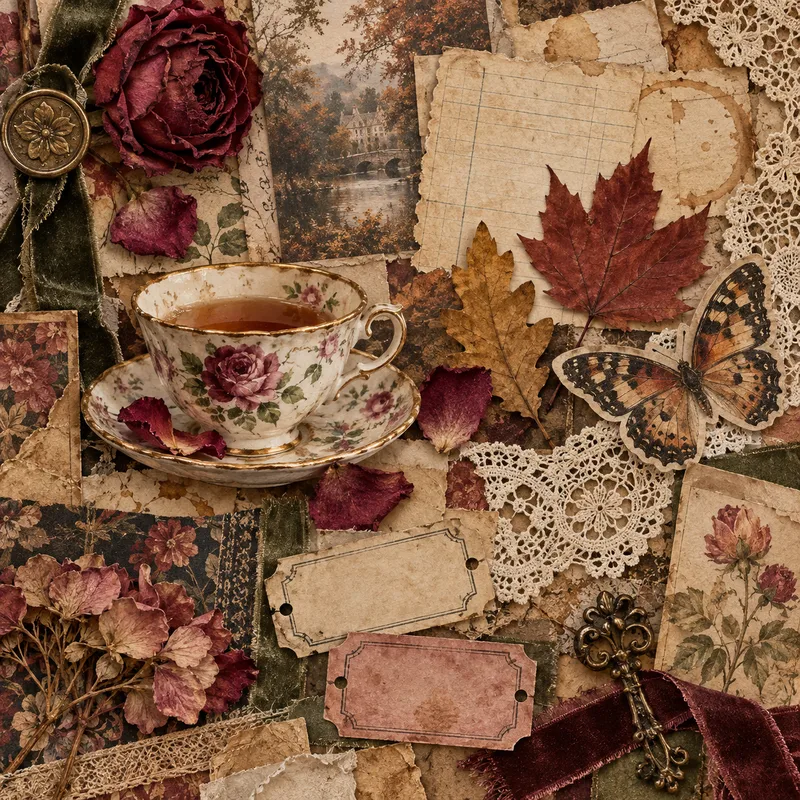
Transform a rough idea into a premium, art-directed mixed-media image concept. Tactile Ephemera Studio helps you shape a clear visual story before writing prompts. It asks only the questions that matter—your intended format, mood, density, key objects, and preferred image platform—then turns your answers into a cohesive 2.5D paper-and-material collage direction. Receive a complete prompt pack with: A concise creative direction and material plan One detailed, production-ready master prompt Prompt versions tailored for ChatGPT Images, Midjourney, Flux, Ideogram, or your chosen platform Purposeful “Quieter / Curated” and “Denser / Collectible” variations when useful Clear format, ratio, and usage notes Each result is built around tactile paper layers, deckled edges, vellum, ribbons, botanical fragments, antique details, and a controlled visual hierarchy—never generic clutter, glossy 3D, photorealistic tabletop scenes, or accidental AI text. Once you choose a direction, the skill can also create the final image for you.
 Image
ImageWearable Art Studio
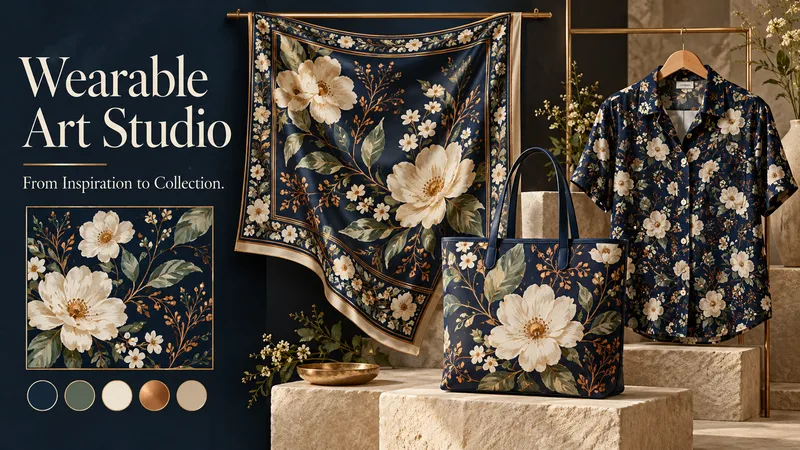
A midnight garden. A geometric rhythm. A watercolor dream. Turn your inspiration into art you can wear. Wearable Art Studio transforms a theme, pattern, or reference image into a coordinated collection for scarves, bags, and garments. ONE VISION. THREE CREATIVE DIRECTIONS. Explore three distinct collection presentations, each featuring artwork, a color palette, and applications on your selected products. Compare different artistic interpretations before developing your favorite. DESIGNED FOR EACH SURFACE A scarf can frame its artwork with expressive borders. A bag can showcase a striking focal motif. A garment can carry flowing patterns or carefully placed accents. Each application responds to the product’s shape while sharing the collection’s visual identity. START WITH WHAT INSPIRES YOU Bring a word, a mood, a palette, or an existing pattern. Explore botanical, geometric, abstract, painterly, or your own creative direction. Choose one product category, combine several, or build a complete collection. DEVELOP THE DESIGN YOU LOVE Select a concept to create separate flat artwork and individual product visuals. The chosen presentation guides the next stage, helping maintain its motifs, palette, and character. EXPLORE NEW COLORS Request additional colorways while keeping the approved artwork and product forms consistent—from quiet neutrals to expressive contrasts. A SIMPLE, GUIDED FLOW Share your inspiration → choose your products → explore three collections → select and develop → optionally add color variations. The conversation follows your language, with room for both clear direction and creative discovery. Created for concept exploration, surface-design inspiration, and collection presentations. Product visuals are mockups; manufacturing files and seamless-repeat verification require separate checks. Give your ideas a collection of their own.
Information
- Version
- v8
- Last updated
- Runtime credits
- Usage-based
- Models
- Auto
