
Enterprise 16:9 Infographics
Policies, plans & training to infographics
Enterprise 16:9 Infographics
Policies, plans & training to infographics
Showcase
Description
Transform management, safety, and training content into multi-page widescreen infographics for business presentations, internal training, and employee communications. The skill extracts core modules from the content structure and creates one 16:9 enterprise-style image for each module, making complex information easier to understand, present, and share. The final visuals follow a consistent, clean business design system. They use infographic elements such as card layouts, process arrows, matrices, circular diagrams, pyramids, data charts, and thematic icons to clearly present titles, key points, and relationships between modules. The primary palette features professional colors such as dark blue, light blue, and white, with restrained accents. Title bars, card styles, icon treatments, and layouts remain consistent across pages. Simply provide the article, policy, plan, or training content you want to explain, and receive a multi-page Chinese-language infographic generated in the order of the source material. Each page focuses on one core module, with concise text optimized for projection viewing. The visuals avoid information overload, chaotic colors, and unnecessary decoration, making them suitable for executive presentations, management policy communication, workplace safety training, contractor management, and employee education.
Why we love this skill
Breaks down policies, plans, and training content into clear multi-page infographics with consistent enterprise visuals, controlled Chinese typography, and strong readability for presentations and training.
Related Skills
View all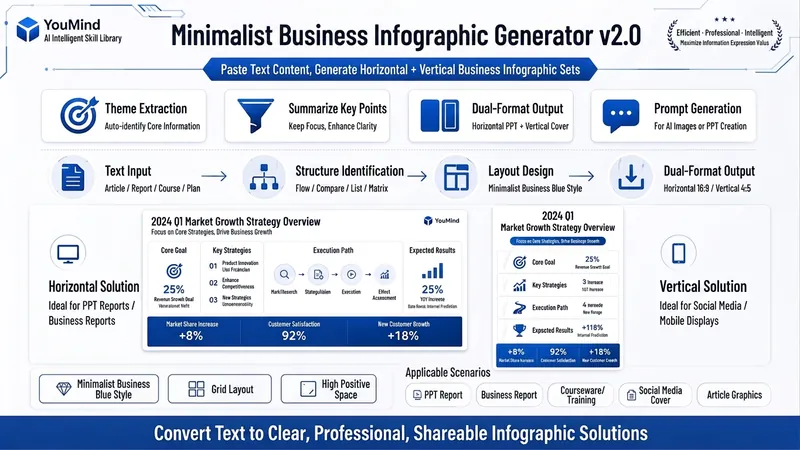 Image
ImageBiz Infographic Generator v2.0
Transforms complex text into clear, professional, presentation-ready business minimalist infographics. It can help you: 1. Automatically extract core information Extract topics, keywords, logical relationships, and key points from user-provided text, materials, course content, meeting minutes, or reports. 2. Automatically design infographic structure Match business expression formats such as flowcharts, comparison charts, hierarchical charts, matrix charts, checklist charts, and path charts based on content type. 3. Automatically generate dual-format solutions Output two sets of infographic designs: landscape and portrait. Landscape is suitable for PPT, presentations, and web display; portrait is suitable for Xiaohongshu, WeChat Moments, public account covers, and vertical screen display. 4. Automatically generate diagram prompts Output complete diagram prompts ready for use with AI drawing tools, designers, or PPT tools. Suitable for: Professionals, knowledge bloggers, trainers, course creators, consultants, operations staff, PPT designers, business report creators. How to use: Directly paste a piece of text, materials, course content, meeting minutes, or report summary. You don't need to organize the structure first; I will automatically extract the core content and generate both landscape and portrait business minimalist infographic solutions.
 Slides
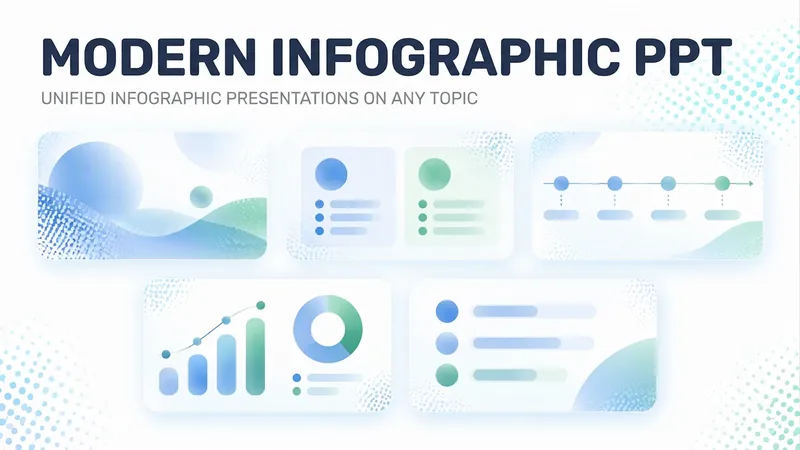
Modern Infographic PPT
For presentations that need a modern business infographic style, this Skill provides a complete visual system: a light blue gradient background, rounded frosted-glass cards, bold Chinese titles, wide-set uppercase English subtitles, blue/cyan icon chips, gold ring badges, and a one-line conclusion bar at the bottom. It then uses these guidelines to generate a cohesive 16:9 PPT. Just provide a topic and key points to get a professional, consistent infographic-style presentation.
Minimal Explainer Diagram
Turn selected text, articles, files, or project information into a clear, compact explainer diagram. It extracts key nodes and relationships to help you organize processes, hierarchies, comparisons, timelines, or connections between different approaches. It’s suited to project presentations, team communication, content summaries, and organizing ideas. You can specify the diagram type, focus, layout direction, or accent color. Or simply provide the material, and it will determine a suitable way to present the content. It supports flowcharts, structure diagrams, comparison diagrams, timelines, and solution relationship diagrams. Before drawing, it lets you confirm the diagram type, layout, and colors to help prevent misunderstandings about the information’s focus. The finished diagram uses a white background, generous whitespace, fine lines, and flat geometric shapes, with a single low-saturation accent color. Short node labels and clear connecting lines show the relationships. It doesn’t crowd the original text or add people and decorative illustrations, so readers can quickly understand the content structure without first reading lengthy explanations.
Information
- Version
- v6
- Last updated
- Runtime credits
- Usage-based
- Models
- GPT Image 2
