Email Reply Generator
Email Reply Generator
Showcase
Description
Helps users quickly understand English email content and generate professional, natural English replies. Suitable for customer service, business, collaboration, and other work scenarios.
Recommended by
nene@YouMind
Why we love this skill
This intelligent email assistant deeply analyzes English emails, identifies core intent and key information, and generates natural, professional replies. It provides precise strategies and copy for inquiries, complaints, and collaborations, helping you handle business communications efficiently and avoid 'Chinglish'.
Related Skills
View all
Email Writing V2.0
Email Writing Description: Professional business email writing skills covering 6 major scenarios: daily work emails, meeting invitations, project reports, client communication, job applications, apologies and complaints. Includes 5-part structure (subject, salutation, body, closing, signature), etiquette guidelines (China-US differences), 10 common email type templates, 20 subject line templates, salutation and closing etiquette library, attachment and CC rules, and tips to avoid pitfalls. Applicable for: (1) business workplace emails, (2) cross-cultural communication emails, (3) job application emails, (4) client communication emails. Trigger keywords: email, email, business email, cover letter, meeting invitation, client email, project report, apology, complaint, cc, CC, subject line, email etiquette.
 Write
WriteCustomer Follow-Up Emails
What should you email users when they sign up, start a trial, or have not returned for a while? Customer Follow-Up Emails designs welcome, nurture, onboarding, retention, billing, win-back, and promotional emails based on your product information, user stage, and goal. Each email includes a subject line, preview text, full body copy, primary action, and clear send, skip, and exit conditions. When users complete an action, skip irrelevant reminders. When they pay or restore payment, exit the relevant promotional or collection flow. Use only confirmed features, benefits, and policies; do not invent discounts, case studies, or data when they are unavailable. You can also rewrite individual emails, audit existing flows, and plan tests. For independent developers of products for international markets, small SaaS teams, and subscription content creators. Actual configuration and sending depend on your email platform and authorization; without an integration, this Skill delivers copy and a configuration table and does not promise conversion improvements. Published under the leowang brand, adapted from emails v2.1.4 under the MIT license with the copyright and license retained.
International Email Assistant
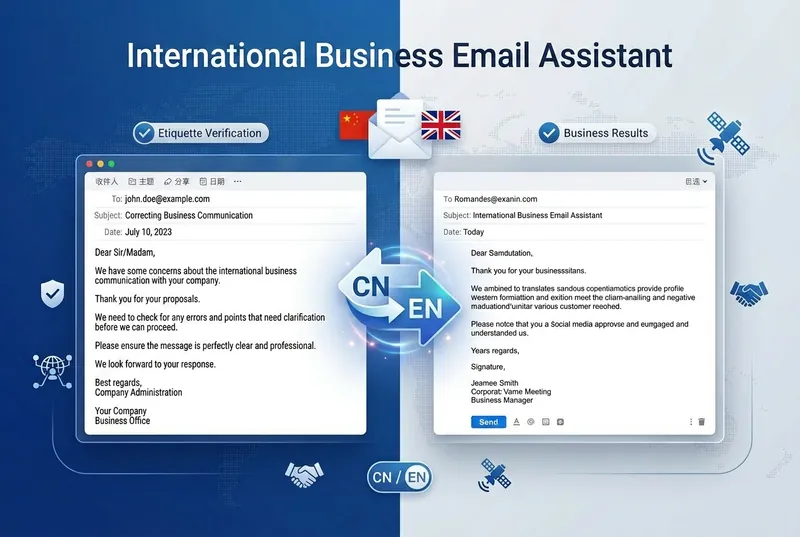
One-click generation of professional business emails with seamless switching between Chinese and English, making your collaboration proposals more professional! ✨ Core Features: • Supports bilingual output in Chinese and English • 10+ business scenarios: brand partnerships/media pitches/KOL invitations/sponsorship requests/meeting invitations • Automatically adjusts tone and format (formal/semi-formal/friendly) • Includes subject line optimization and follow-up scripts • Complies with international business etiquette norms 🎯 Target Audience: Content creators, entrepreneurs, marketing professionals, foreign trade personnel, international students 💡 Use Cases: Cross-border collaborations, overseas media submissions, international meeting invitations, global brand expansion Make every email professional and appropriate ✉️
Information
- Version
- v1
- Last updated
- Runtime credits
- Usage-based
- Models
- Auto
