Apple-Style PPT
Description
Recommended by
nene@YouMind
Why we love this skill
This skill transforms your article into an Apple keynote-level Bento Grid presentation. It uniquely combines minimalist design, refined typography, and futuristic colors, making each slide as concise and powerful as artwork. When you need high-end, visually impactful presentations, it ensures your message is direct and memorable.
Helps users create an Apple keynote-style PPT presentation web version based on their content.
Related Skills
View all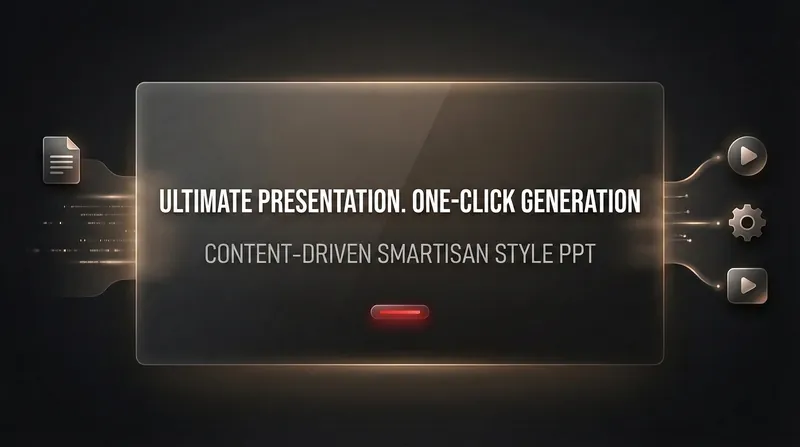 Webpage
Smartisan-style PPT
Helps users create presentations in the style of Smartisan's product launch events.
 Webpage
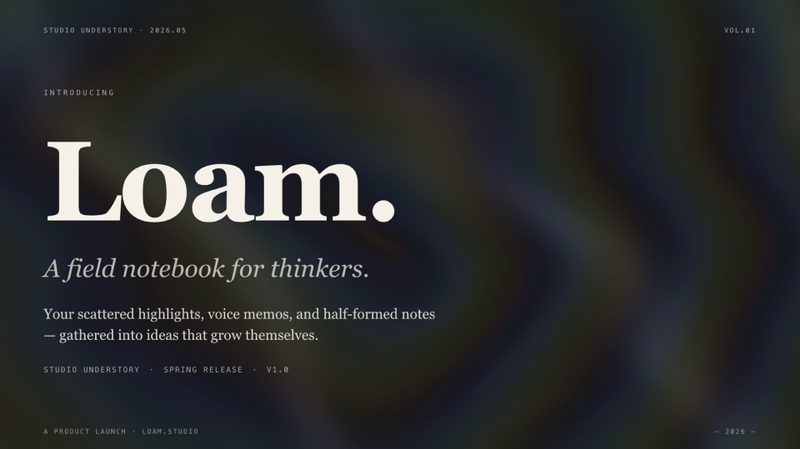
E-magazine Style Slides
Create a horizontal swipe web slides (single HTML file) in the style of 'e-magazine × e-ink', featuring WebGL fluid backgrounds, serif titles + sans-serif body text, chapter title slides, data large-print slides, image grids, and more. Use this skill when you need to make a shareable, speech, or launch-style web slides, or when you mention 'magazine-style slides', 'horizontal swipe deck', 'editorial magazine', or 'e-ink presentation'.
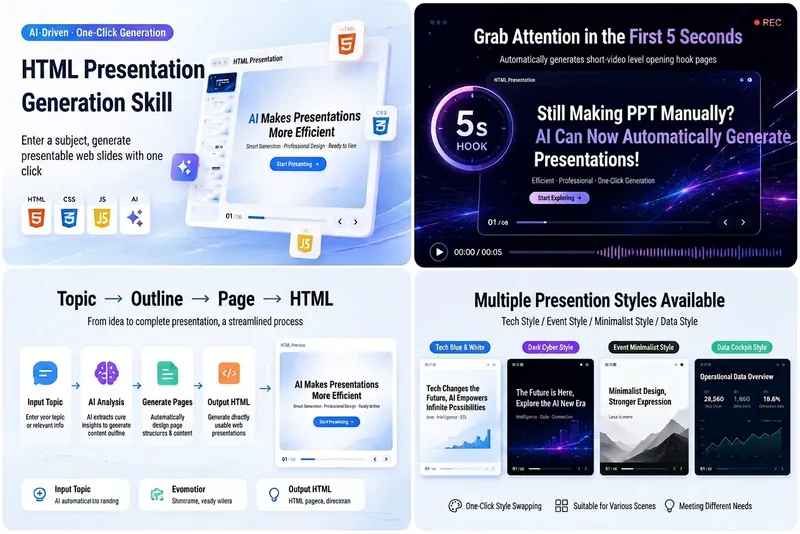
HTML Slides Generator
Easily turn your ideas, materials, or scripts into professional-grade HTML slides, designed for screen recording and pitch presentations. Whether you need AI tech sharing for platforms like Douyin, WeChat Video Channel, Xiaohongshu, or Bilibili, or product pitches, course demos, or business reports, this tool helps you quickly generate a visually refined, well-structured web slideshow. It automatically builds a complete slide structure, including an eye-catching opening hook in the first 5 seconds, titles and body text for each page, along with visual design suggestions. You'll get a standalone `index.html` file containing HTML, CSS, and JavaScript, supporting keyboard navigation, button navigation, progress bar, page numbers, and animations—perfectly optimized for 16:9 landscape screen recording. From AI tech blue-white to dark cyberpunk, to Apple keynote or Notion minimal style, you can choose or customize the visual theme to match your topic. Each slide is carefully designed to keep the content focused and easy to understand, with a reserved safe area in the lower right corner for video commentary, making your presentation more expressive and professional.
Apple-Style PPT
Description
Recommended by
nene@YouMind
Why we love this skill
This skill transforms your article into an Apple keynote-level Bento Grid presentation. It uniquely combines minimalist design, refined typography, and futuristic colors, making each slide as concise and powerful as artwork. When you need high-end, visually impactful presentations, it ensures your message is direct and memorable.
Helps users create an Apple keynote-style PPT presentation web version based on their content.
Related Skills
View allWebpageSmartisan-style PPT
Helps users create presentations in the style of Smartisan's product launch events.
WebpageE-magazine Style Slides
Create a horizontal swipe web slides (single HTML file) in the style of 'e-magazine × e-ink', featuring WebGL fluid backgrounds, serif titles + sans-serif body text, chapter title slides, data large-print slides, image grids, and more. Use this skill when you need to make a shareable, speech, or launch-style web slides, or when you mention 'magazine-style slides', 'horizontal swipe deck', 'editorial magazine', or 'e-ink presentation'.
HTML Slides Generator
Easily turn your ideas, materials, or scripts into professional-grade HTML slides, designed for screen recording and pitch presentations. Whether you need AI tech sharing for platforms like Douyin, WeChat Video Channel, Xiaohongshu, or Bilibili, or product pitches, course demos, or business reports, this tool helps you quickly generate a visually refined, well-structured web slideshow. It automatically builds a complete slide structure, including an eye-catching opening hook in the first 5 seconds, titles and body text for each page, along with visual design suggestions. You'll get a standalone `index.html` file containing HTML, CSS, and JavaScript, supporting keyboard navigation, button navigation, progress bar, page numbers, and animations—perfectly optimized for 16:9 landscape screen recording. From AI tech blue-white to dark cyberpunk, to Apple keynote or Notion minimal style, you can choose or customize the visual theme to match your topic. Each slide is carefully designed to keep the content focused and easy to understand, with a reserved safe area in the lower right corner for video commentary, making your presentation more expressive and professional.
Find your next favorite skill
Explore more curated AI skills for research, creation, and everyday work.