
Daily To-Do Manager
Daily reminders from your to-do list
Daily To-Do Manager
Daily reminders from your to-do list
Showcase
Description
A general-purpose daily reminder skill that reads your own “To-Do List” and creates daily reminders based on its categories. It marks priorities, tracks “prepare N days early” lead time and substeps, and rolls unfinished items forward. Reminders are archived in “Reminder Log,” while “Today’s Reminders” is refreshed each day—so you can see what needs to be done as soon as you open the project, without searching through task conversations. On first use, it guides you through creating a list, choosing categories, setting a daily reminder time, and automatically creating a scheduled task. You can also record new to-dos conversationally or scan your recent projects for potentially missed tasks, which are added only after you confirm them.
Best for
People who want to manage daily tasks in one place, plan preparation around due dates, and keep following up on unfinished items.
How to use this Skill
Provide your input
Provide your to-do list, or tell me a new task, reminder time, and due date. On first use, you can also specify categories and your daily reminder schedule.
Run the Skill
I’ll read and organize your list, then create today’s reminders by category, priority, due date, preparation period, and substeps. New items found by scanning are recorded only after you confirm them.
Review your result
Get a grouped set of reminders for the day, with history saved automatically. Unfinished items roll over, and checked reminders are written back to your list the next time it refreshes.
Related Skills
View all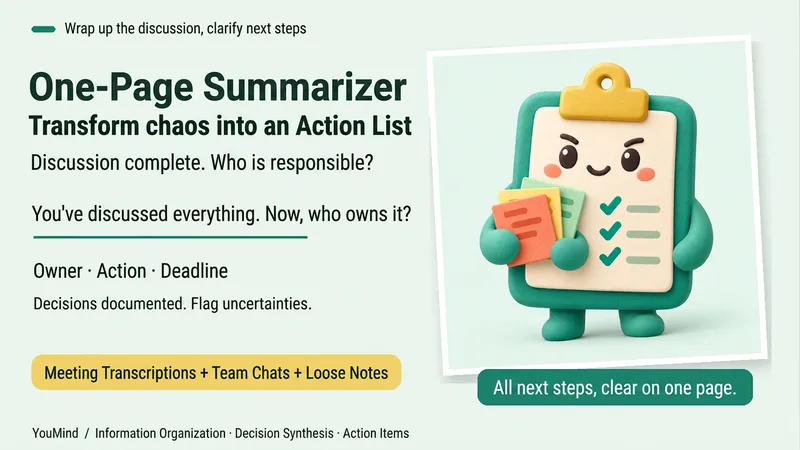 Research
One-Page Action Planner
The meeting is over, the chat has filled several screens, yet nothing is moving forward. Bring in meeting transcripts, chat logs, scattered notes, or multiple documents, and the One-Page Action Planner will organize them into one page: the current situation, decided items, blockers, and who will do what next—and when. Each action includes an owner, timing, status, and source. Agreed decisions are preserved, personal suggestions are marked separately, and conflicting information or missing owners and dates are labeled “To confirm.” It will not make decisions for the team just to fill in a table. Useful for post-meeting follow-up, project handoffs, organizing multiple sources, and personal planning. It ends by highlighting one question that most urgently needs confirmation, making the next step clearer. Supports text and attachments, screenshots, audio transcripts, and links that the current platform can read; when something cannot be read, it will say so clearly. “One page” refers to a compact reading structure; the actual length varies with the complexity of the materials.
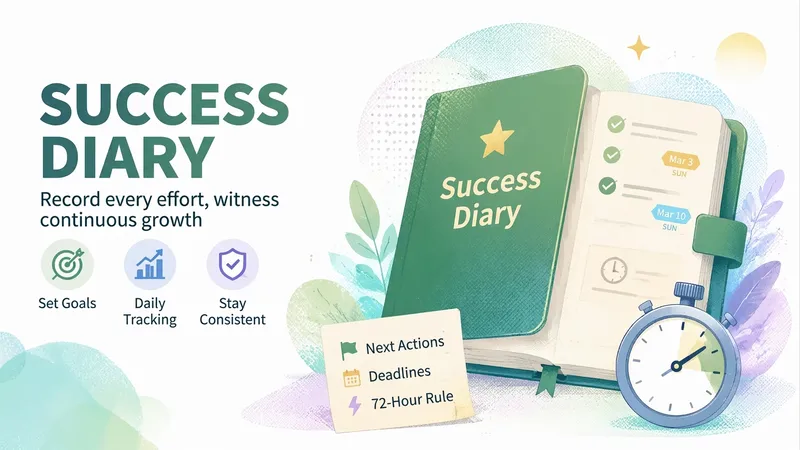
Success Journal
If you believe that for many important things in life—such as investing, staying healthy, or spending time with people who matter—slow is fast, and that the life you want is built through the accumulation of every action, try Success Journal. It records the effort you put toward your goals and your small wins each day, tags and organizes each entry in “Success Journal,” and archives major breakthroughs in “No Overtaking on Curves.” Each day, it guides you through a structured review at a set time. Every entry can include a next action with a deadline; once overdue, it switches to accountability mode and applies the 72-hour rule. If you miss a scheduled review, it proactively reminds you and includes your previous review.

Flomo Smart Review Organizer
Automatically reads Flomo notes, intelligently categorizes and organizes them into to-do lists, knowledge bases, and creative inspiration pools, and generates daily review documents. Supports status tracking, tag suggestions, smart deduplication, and other features.
Information
- Version
- v7
- Last updated
- Runtime credits
- Usage-based
- Models
- Auto
- What you get
- DocumentPlan
