Pamelaaaaa
 Image
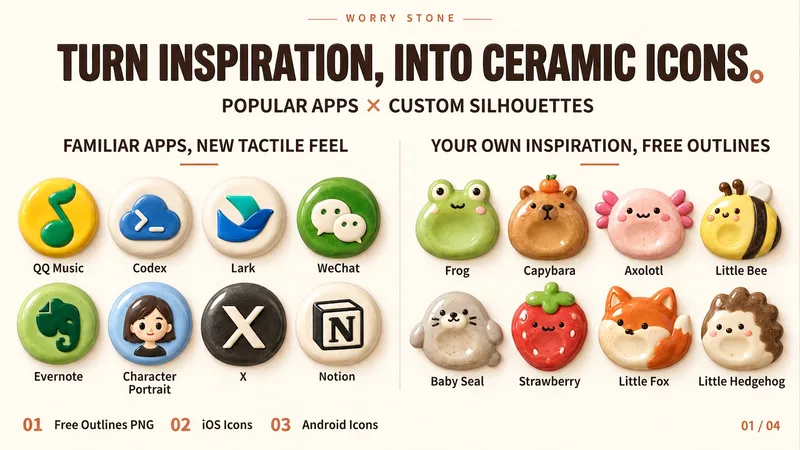
ImageWorry Stone App Icons
Turn any subject into a rounded, chubby Worry Stone ceramic icon with a hand-pinched, glazed texture. Ideal for indie developers, designers, and creators making Skills, Agents, avatars, or personal projects. Just provide a subject, and optionally specify a mode, color palette, or reference image. The Skill extracts the subject’s most recognizable features and expresses them through a compact ceramic form, natural raised details, and restrained facial features. Three output modes: 1. Freeform transparent PNG: An original visual asset that can take on round, egg-shaped, bean-shaped, or other forms. Cat ears, combs, mushroom caps, and short tails can naturally protrude while remaining fully preserved on a transparent canvas. 2. iOS App Icon: Adapts the same visual language into a full, square icon design, with the system’s rounded-corner effect shown in the preview. 3. Android Adaptive-style design: Keeps the subject full and the key identifying features centered, while accounting for different system masks. Mode 1 is the original visual asset; modes 2 and 3 are platform adaptations. Mode 1 can be orderly or have a distinctive irregular silhouette. All modes share a rounded, compact, chubby form with a handcrafted warmth.
 Image
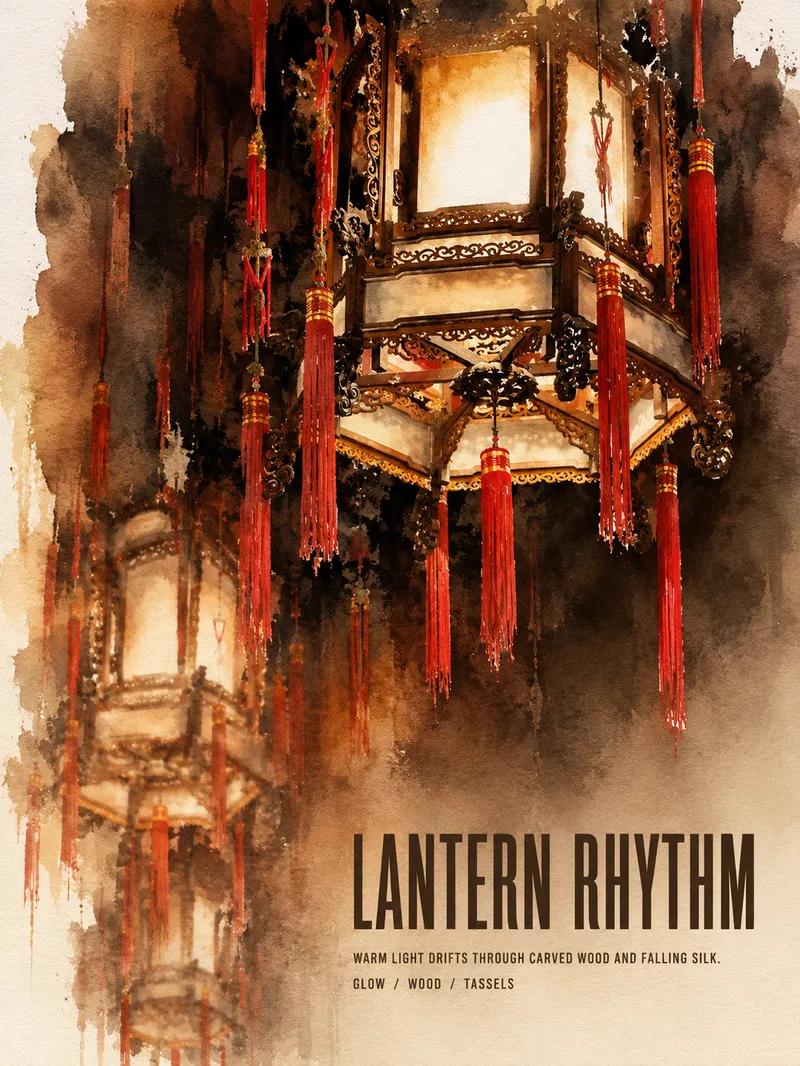
ImageTurn Photos into Art Posters
Upload a photo of a person, pet, building, travel scene, street view, vehicle, product, still life, or everyday moment. The Skill first identifies the details that matter most to preserve, then automatically selects an artistic approach—such as translucent watercolor, coarse screen printing, knife-mark rubbing, impasto, or conceptual collage—based on the composition, colors, lighting, and mood. It rearranges the subject’s scale, negative space, material field, and English headline so text and imagery weave together naturally, generating a 3:4 vertical art poster with a clear visual focal point and collectible appeal. You can also specify the artistic material, an English or Chinese title, aspect ratio, color direction, mood, intended use, or a text-free mode. If you don’t specify, the Skill will decide automatically and generate the poster directly.