
Wang Hong Handwritten PPT
Turn content into Wang Hong–style PPT
Description
Recommended by
nene@YouMind
Why we love this skill
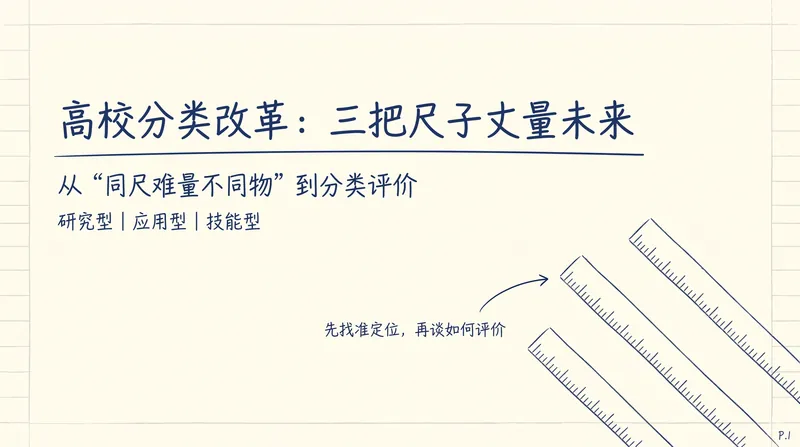
Transforms technical articles into calm, orderly academic handwritten presentations with clear progression, one question per slide, hand-drawn visuals, and both page-by-page and animated HTML and PNG deliverables.
Turn articles, scripts, or technical topics into 16:9 Notability-style handwritten HTML Slides with the academic presentation feel of Wang Hong. Export each page as a PNG, and by default also generate a timeline-based HTML version with animations that can be played item by item. Trigger words: Wang Hong PPT style, Wang Hong handwritten PPT, Notability academic handwritten Slides, handwritten web PPT, handwritten PPT, mathematician handwritten presentation style, handwritten PPT timeline version, handwritten presentation animation.
Related Skills
View all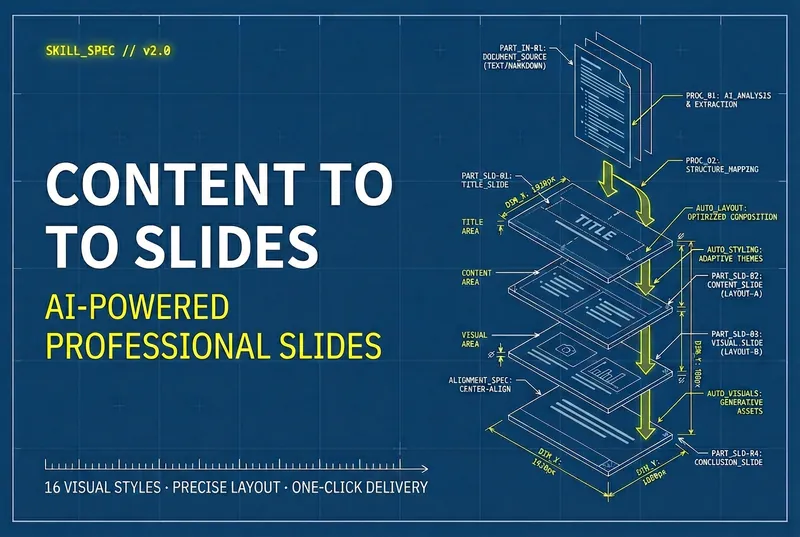 Slides
Content to Slides v3.0
Automatically turn articles into professional Slides with a consistent style and precise layout. Say goodbye to manual design and deliver high-quality presentations with one click.
 Slides
Hand-Drawn Whiteboard Slides
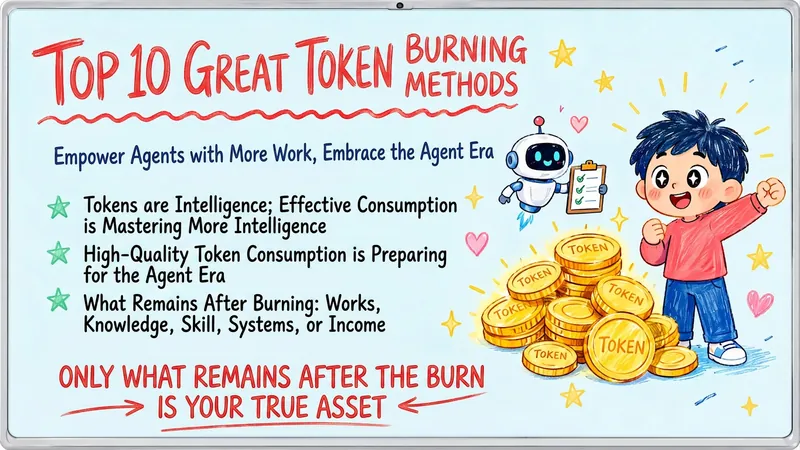
Transform your topic content, articles, knowledge points, or course copy into a set of creative and warm hand-drawn whiteboard style Slides. Whether you need to present key ideas, teaching content, or share personal insights, we can refine them and present them in a fresh, lively visual form. This skill excels at simplifying complex information. Each Slide revolves around a core topic, accompanied by vivid hand-drawn illustrations and clear, concise key points. We simulate the feel of a teacher writing on a digital whiteboard in class, using a light blue screen background, red and blue handwritten titles, and hand-drawn elements like stars and hearts to make learning and sharing more fun and engaging. Whether it's quote interpretation, method steps, science popularization, parent-child education, inspirational growth, or AI technology topics, this skill automatically matches the most suitable visual expression. The final Slides will be in 16:9 landscape format, with natural handwriting-style fonts, soft colors, and a unified overall style, making your content both professional and approachable, like warm and interesting knowledge cards.
 Webpage
E-magazine Style Slides
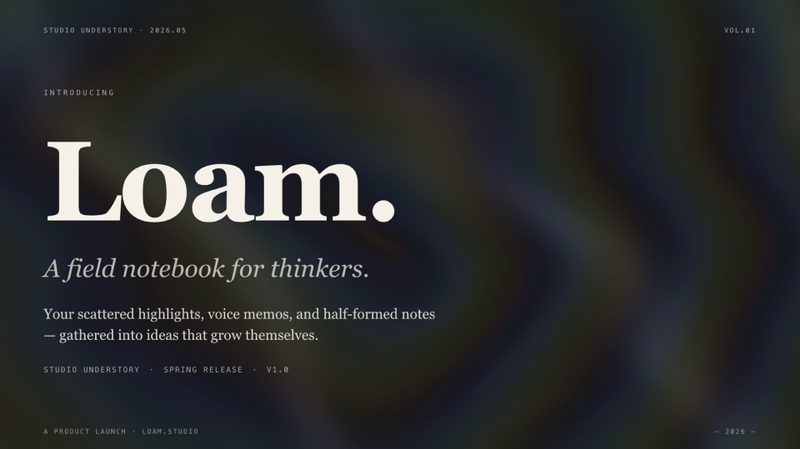
Create a horizontal swipe web slides (single HTML file) in the style of 'e-magazine × e-ink', featuring WebGL fluid backgrounds, serif titles + sans-serif body text, chapter title slides, data large-print slides, image grids, and more. Use this skill when you need to make a shareable, speech, or launch-style web slides, or when you mention 'magazine-style slides', 'horizontal swipe deck', 'editorial magazine', or 'e-ink presentation'.
Wang Hong Handwritten PPT
Turn content into Wang Hong–style PPT
Description
Recommended by
nene@YouMind
Why we love this skill
Transforms technical articles into calm, orderly academic handwritten presentations with clear progression, one question per slide, hand-drawn visuals, and both page-by-page and animated HTML and PNG deliverables.
Turn articles, scripts, or technical topics into 16:9 Notability-style handwritten HTML Slides with the academic presentation feel of Wang Hong. Export each page as a PNG, and by default also generate a timeline-based HTML version with animations that can be played item by item. Trigger words: Wang Hong PPT style, Wang Hong handwritten PPT, Notability academic handwritten Slides, handwritten web PPT, handwritten PPT, mathematician handwritten presentation style, handwritten PPT timeline version, handwritten presentation animation.
Related Skills
View allSlidesContent to Slides v3.0
Automatically turn articles into professional Slides with a consistent style and precise layout. Say goodbye to manual design and deliver high-quality presentations with one click.
SlidesHand-Drawn Whiteboard Slides
Transform your topic content, articles, knowledge points, or course copy into a set of creative and warm hand-drawn whiteboard style Slides. Whether you need to present key ideas, teaching content, or share personal insights, we can refine them and present them in a fresh, lively visual form. This skill excels at simplifying complex information. Each Slide revolves around a core topic, accompanied by vivid hand-drawn illustrations and clear, concise key points. We simulate the feel of a teacher writing on a digital whiteboard in class, using a light blue screen background, red and blue handwritten titles, and hand-drawn elements like stars and hearts to make learning and sharing more fun and engaging. Whether it's quote interpretation, method steps, science popularization, parent-child education, inspirational growth, or AI technology topics, this skill automatically matches the most suitable visual expression. The final Slides will be in 16:9 landscape format, with natural handwriting-style fonts, soft colors, and a unified overall style, making your content both professional and approachable, like warm and interesting knowledge cards.
WebpageE-magazine Style Slides
Create a horizontal swipe web slides (single HTML file) in the style of 'e-magazine × e-ink', featuring WebGL fluid backgrounds, serif titles + sans-serif body text, chapter title slides, data large-print slides, image grids, and more. Use this skill when you need to make a shareable, speech, or launch-style web slides, or when you mention 'magazine-style slides', 'horizontal swipe deck', 'editorial magazine', or 'e-ink presentation'.
Find your next favorite skill
Explore more curated AI skills for research, creation, and everyday work.