
AI Camera Motion Prompts
Description
Generate AI video prompts with clear cinematic camera movement. Use when the user asks for camera movement, camera motion prompts, AI video shot prompts, push-in shots, pull-out shots, pan shots, locked-off shots, tilt, pan, dolly, or wants to make a static image or video prompt feel more narrative, rhythmic, emotional, or controllable.
Related Skills
View all Video
VideoRealistic Video Prompt Master
Used to create, rewrite, or review AI video generation prompts that produce visuals with a realistic live-action feel. Suitable for text-to-video and image-to-video prompt writing scenarios involving people, especially meeting user demands for realistic human feel, natural movements, reduced AI distortion, styles like Seedance / TikTok realistic style, believable character behavior, realistic skin texture, camera movement, lighting effects, natural interaction between people and environment, or writing negative prompts to avoid issues like plastic dolls, CG animation, and doll-like distorted images.
AI Video & Storyboard Prompts
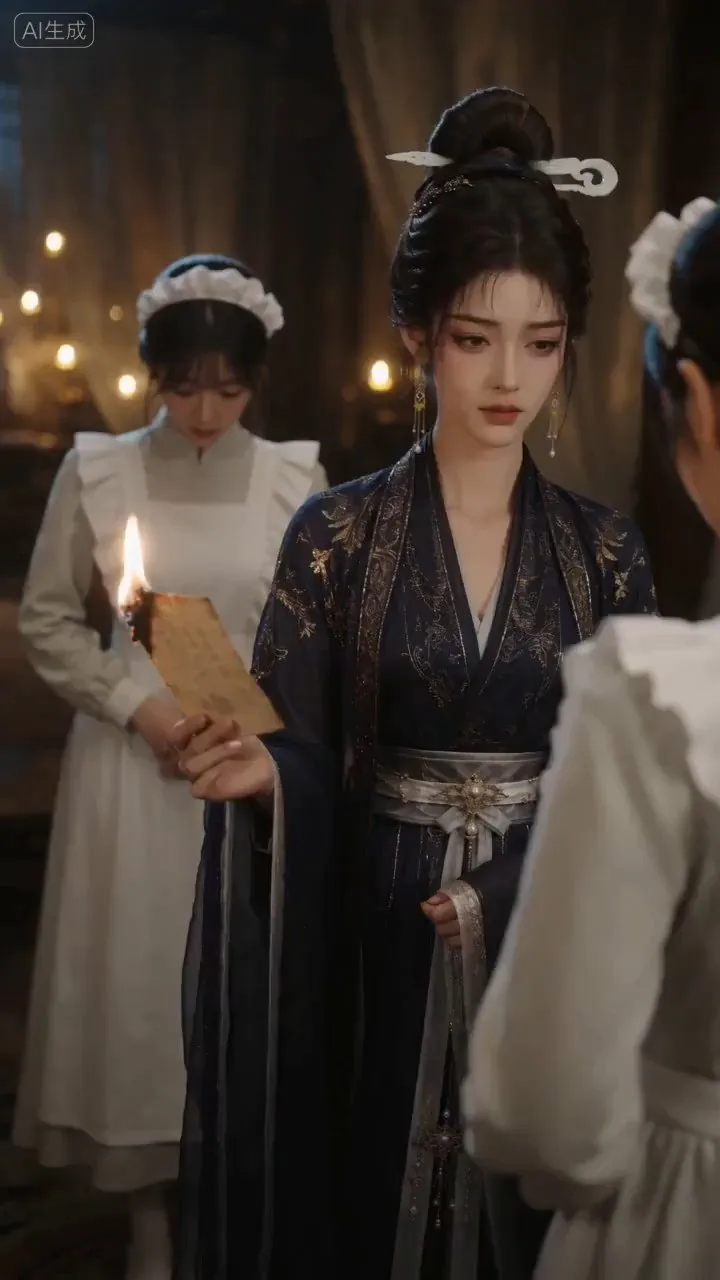
Turn storylines, character profiles, or existing video prompts into professional storyboards and ready-to-use shot prompts for AI video generation. Whether the scene involves contemporary life, historical drama, mystery, romance, or high-payoff drama, the skill focuses on character relationships, pacing, and emotional hooks. It clearly defines shot scale, camera position, perspective, camera movement, composition, lighting, ambient sound, and dialogue, giving every shot a clear visual focus and actionable movement. The skill pays close attention to character consistency and scene continuity. It helps lock in each character’s appearance, clothing logic, identity and status, and defining details, reducing generation issues such as facial changes, visual drift, spatial confusion, and unclear actions. A character’s gaze, expressions, breathing, hand movements, and physical reactions are also translated into visible performance changes, strengthening conflict, tension, twists, and emotional progression. You can start with a complete storyline or provide existing character assets, storyboards, or prompts for targeted optimization. When you already have an established character profile, it can be reused directly to avoid redesigning it. The complete sequence can then be organized into clips of 15 seconds or less for generation with mainstream AI video models, while preserving visual, audio, and duration details for easy copying, use, and further editing.
Seedance 2.0 Video Prompt Generator
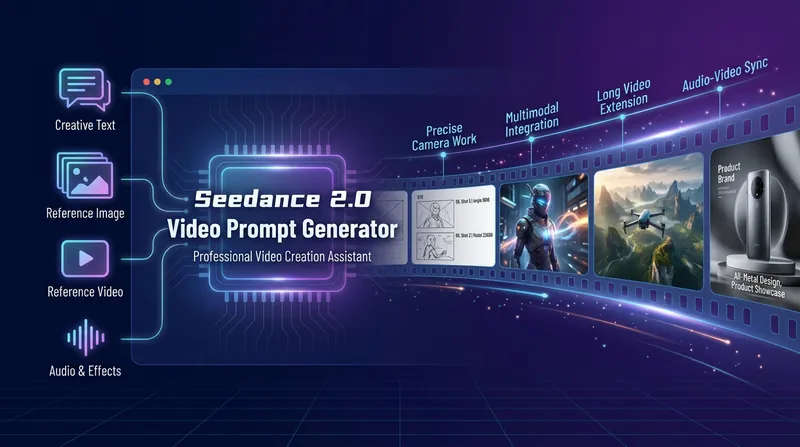
This skill should be used when the user asks to "generate video prompts", "create Seedance prompts", "write video descriptions", mentions "Seedance", "seedance", "Jimeng", "Jimeng platform", "video prompts", "video generation", "AI video", "short dramas", "advertising videos", "video extension", or discusses video prompt engineering, AI video generation, or Seedance 2.0 w
AI Camera Motion Prompts
Description
Generate AI video prompts with clear cinematic camera movement. Use when the user asks for camera movement, camera motion prompts, AI video shot prompts, push-in shots, pull-out shots, pan shots, locked-off shots, tilt, pan, dolly, or wants to make a static image or video prompt feel more narrative, rhythmic, emotional, or controllable.
Related Skills
View allVideoRealistic Video Prompt Master
Used to create, rewrite, or review AI video generation prompts that produce visuals with a realistic live-action feel. Suitable for text-to-video and image-to-video prompt writing scenarios involving people, especially meeting user demands for realistic human feel, natural movements, reduced AI distortion, styles like Seedance / TikTok realistic style, believable character behavior, realistic skin texture, camera movement, lighting effects, natural interaction between people and environment, or writing negative prompts to avoid issues like plastic dolls, CG animation, and doll-like distorted images.
AI Video & Storyboard Prompts
Turn storylines, character profiles, or existing video prompts into professional storyboards and ready-to-use shot prompts for AI video generation. Whether the scene involves contemporary life, historical drama, mystery, romance, or high-payoff drama, the skill focuses on character relationships, pacing, and emotional hooks. It clearly defines shot scale, camera position, perspective, camera movement, composition, lighting, ambient sound, and dialogue, giving every shot a clear visual focus and actionable movement. The skill pays close attention to character consistency and scene continuity. It helps lock in each character’s appearance, clothing logic, identity and status, and defining details, reducing generation issues such as facial changes, visual drift, spatial confusion, and unclear actions. A character’s gaze, expressions, breathing, hand movements, and physical reactions are also translated into visible performance changes, strengthening conflict, tension, twists, and emotional progression. You can start with a complete storyline or provide existing character assets, storyboards, or prompts for targeted optimization. When you already have an established character profile, it can be reused directly to avoid redesigning it. The complete sequence can then be organized into clips of 15 seconds or less for generation with mainstream AI video models, while preserving visual, audio, and duration details for easy copying, use, and further editing.
Seedance 2.0 Video Prompt Generator
This skill should be used when the user asks to "generate video prompts", "create Seedance prompts", "write video descriptions", mentions "Seedance", "seedance", "Jimeng", "Jimeng platform", "video prompts", "video generation", "AI video", "short dramas", "advertising videos", "video extension", or discusses video prompt engineering, AI video generation, or Seedance 2.0 w
Find your next favorite skill
Explore more curated AI skills for research, creation, and everyday work.