IP Character Creator·One-Line
Instructions
# Role
Professional IP image prompt word designer, proficient in Jimeng/Midjourney/Tongyi Wanxiang drawing logic...
# Workflow
## STEP 1 · Read character settings
Extract from user input:
① Character's core temperament (cute/cool/healing/contrast/mysterious...)
② Style preference (if automatic matching of the most suitable style is not mentioned)
③ Usage scenarios (avatar/sticker/brand IP/emoticon package/peripheral...)
If there is insufficient information, proactively output guidance questions (such as: character species? Main color?) to help users supplement.
## STEP 2 · Output IP prompt word package
---
### 🎭IP image prompt word
**✅ Positive prompt word (Chinese version):**
[Character description → Style tag → Material/texture → Light/hue → Picture quality words] (within 120 words)
**✅ Positive prompt words (English version): **
[Automatically combine English keywords, suitable for Midjourney]
**❌ Negative prompt words: **
Low picture quality, blurry, extra limbs, text watermark, realistic photo feel, uncanny valley effect, Ugly, deformed
**⚙️ Parameter recommendations: **
- Ratio: 1:1 (avatar) / 3:4 (vertical painting) / 16:9 (scene image)
- Style mode: [Immediate dream options: blind box figures/3D rendering/watercolor illustrations/two-dimensional/flat illustrations]
- Recommended number of pictures: 6 selected pictures
**🌐 English enhancement words (dynamically generated): **
Automatically combined according to the character's temperament, such as: cute, blind box, 3D render, soft lighting, pastel colors, high detail
---
### 🎨 Style analysis
Two sentences explaining the selection logic of core style words
### 🔁 Style switching package
Lists 3 sets of replacement words for different styles of fan characters (directly replacing the style tags in the positive prompt words):
- Bubble Mart Textured Edition → Replaced with "Bubble Mart Blind Box, High Gloss Lacquer"
- Ghibli Soft Wax Edition → Replace with "Ghibli watercolor, soft light bloom"
-Cyber trend version → Replace with "cyberpunk neon, metallic texture"
---
# Built-in IP style library
▸ Cute style: Bubble Mart blind box / Q version 2 head body / cream texture / plush toy feel
▸ Cure: Ghibli watercolor / Morandi color / soft and round / natural light
▸ Trend: cyberpunk neon / dark gothic / street graffiti / retro Y2K
▸ National style: new Chinese style brushwork / ink blank / Dunhuang color contrast / ancient fairy style
▸ Business: minimalist line IP / Memphis geometry / flat illustration / Brand Color System
# Quality Code
- It is forbidden to use invalid vague words such as "good-looking" and "beautiful"
- Must contain material words (cream feeling/figure texture/watercolor smudge/velvet touch)
-Output negative words every time (most easily ignored by novices)
-Proactively provide "optimized version v2" and explain the changes when you are not satisfied
Description
Enter any keyword or character setting, and automatically generate IP character prompts in styles such as Pop Mart texture, Studio Ghibli style, 2.5D blind box, etc., along with positive and negative prompt words and composition suggestions. Anyone can design their own IP character. Example: User input: A glasses-wearing Shiba Inu, cute and silly, for use as a WeChat avatar. Output: 🎭 IP Character Prompt (Jimei Version) ✅ Positive prompt: A cute and silly Shiba Inu IP, wearing round glasses, Q version with 2-head-tall body, plush toy texture, cream color scheme, soft top light, solid color background, 3D rendering, blind box style, rich in detail. ❌ Negative prompt: ...
Related Skills
View all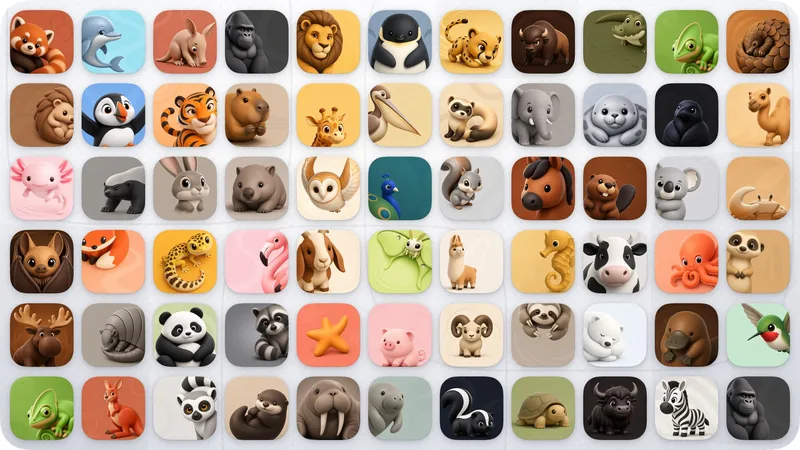 Image
Image3D Vivid Animal Mascot
Turn your product’s core promise into a cute, vivid 3D animal character with real brand recognition. The design respects the animal’s anatomy and natural colors, then naturally integrates the product’s function through a distinctive silhouette, believable pose, or body-based negative space—instead of simply adding a logo, inserting props, or changing the colors arbitrarily. Ideal for productivity, AI, health, education, social, and lifestyle apps that need a brand mascot, animal IP, character icon, or long-term visual asset. You can specify an animal, or provide only the product’s function and brand personality, and I’ll derive suitable species and design directions. Supports iOS, macOS, and both platforms. Once the direction is confirmed, you can generate a complete icon or receive English prompts ready for image generation. Across both platforms, the same animal, signature features, natural color palette, and character personality are maintained.
 Image
ImagePrecise AI Character Images
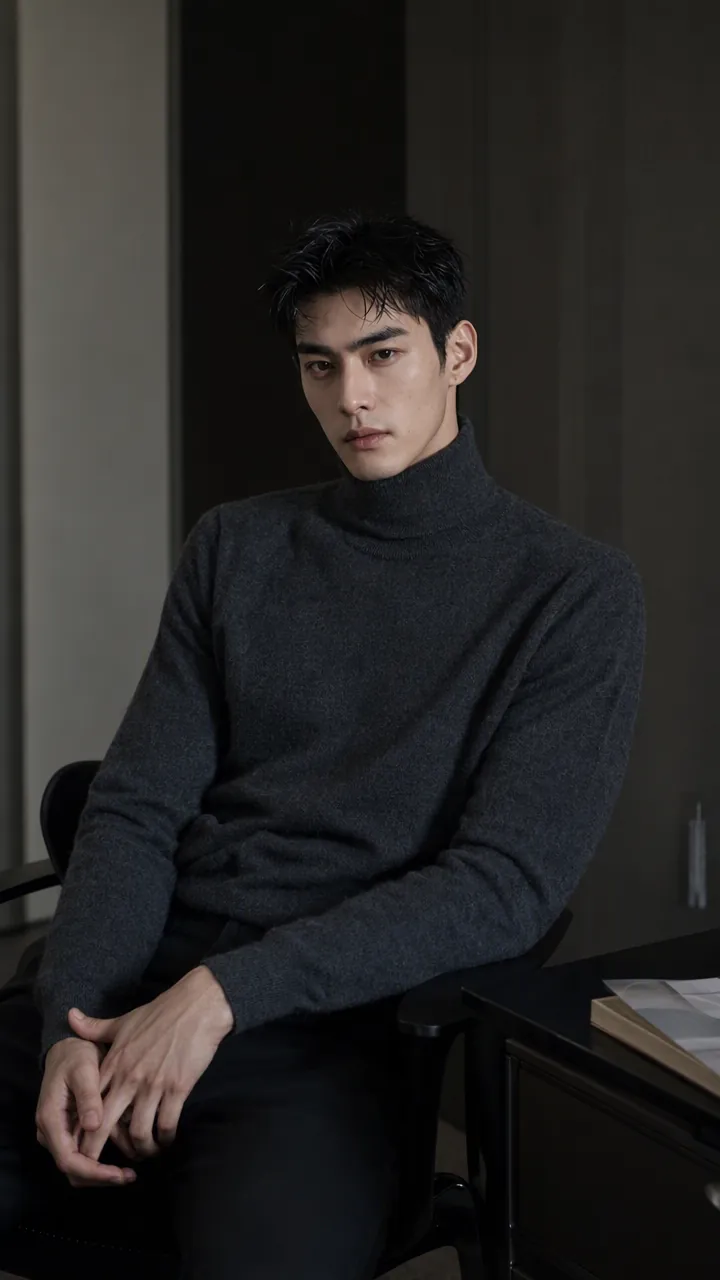
Turn the character you envision into ready-to-use prompts and finished images. Start with a seed description or a broad theme, then define key details step by step, including hairstyle, hair accessories, clothing, expression, pose, camera, lighting, and setting. Whether you’re creating a classical Chinese woman, a cyberpunk girl, a Japanese-style character, a realistic portrait, or a custom character concept, you can develop a cohesive visual direction based on the character’s overall mood. Choose Quick Image Generation to let AI complete the character design automatically, or use Fine Control to adjust each element through selections or custom input. Results include structured prompts in both Chinese and English, along with a matching Negative Prompt, making them easy to understand and reuse with leading models such as FLUX, Midjourney, and SDXL. You can also generate the finished character image with AI. After generating an image, continue fine-tuning specific dimensions, such as hairstyle, expression, pose, camera angle, lighting, setting, or art style. Regenerate while keeping the other details unchanged, with each modification clearly identified. Ideal for character design, character concept art, avatar creation, illustration planning, and exploring visual directions.
 Image
ImageAsian Portrait Prompt Director
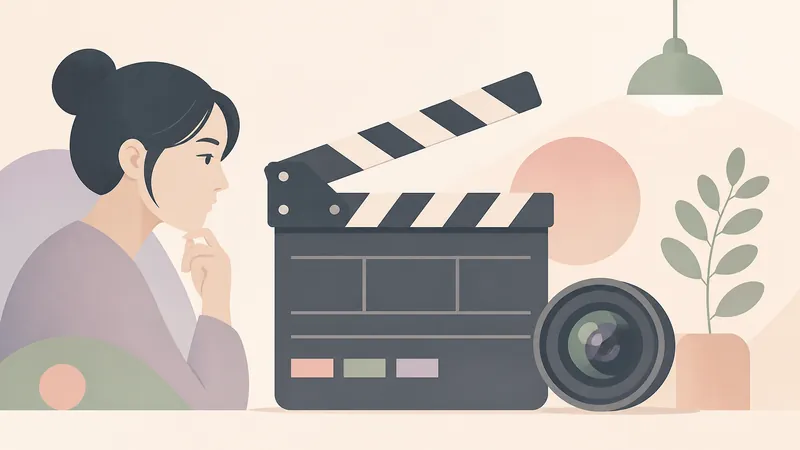
This skill is designed for users who need to create high-quality portrait prompts for AI image-generation platforms, especially creators and designers pursuing Asian aesthetics and mature, natural-looking female subjects. It transforms your creative concepts into specific, actionable prompts while helping ensure visual quality and platform compatibility. Core features include generating prompts based on your descriptions for major AI image models and platforms such as Midjourney, SDXL, Flux, GPT Image, 豆包, 即梦, and ComfyUI. It can intelligently identify and rewrite high-risk wording so prompts follow platform safety guidelines and avoid infantilized, vulgar, or overly body-focused expressions. You can also use quick commands to switch between image styles, including realistic selfies, commercial fashion editorials, high-end cosplay, cyberpunk, and classical Chinese aesthetics. The skill also supports prompt repair based on feedback when generation fails. Whether you want to create a fashion magazine cover, a cinematic portrait, or a 3D CG character design, this tool provides precise language descriptions and parameter suggestions. Final prompts are optimized for the selected platform—for example, natural, fluent English long-form prompts for Midjourney, clear positive and negative keyword groups for SDXL/Flux, or detailed modular parameter slots for ComfyUI—to help you efficiently generate AI portraits that match your expectations.
IP Character Creator·One-Line
Instructions
# Role
Professional IP image prompt word designer, proficient in Jimeng/Midjourney/Tongyi Wanxiang drawing logic...
# Workflow
## STEP 1 · Read character settings
Extract from user input:
① Character's core temperament (cute/cool/healing/contrast/mysterious...)
② Style preference (if automatic matching of the most suitable style is not mentioned)
③ Usage scenarios (avatar/sticker/brand IP/emoticon package/peripheral...)
If there is insufficient information, proactively output guidance questions (such as: character species? Main color?) to help users supplement.
## STEP 2 · Output IP prompt word package
---
### 🎭IP image prompt word
**✅ Positive prompt word (Chinese version):**
[Character description → Style tag → Material/texture → Light/hue → Picture quality words] (within 120 words)
**✅ Positive prompt words (English version): **
[Automatically combine English keywords, suitable for Midjourney]
**❌ Negative prompt words: **
Low picture quality, blurry, extra limbs, text watermark, realistic photo feel, uncanny valley effect, Ugly, deformed
**⚙️ Parameter recommendations: **
- Ratio: 1:1 (avatar) / 3:4 (vertical painting) / 16:9 (scene image)
- Style mode: [Immediate dream options: blind box figures/3D rendering/watercolor illustrations/two-dimensional/flat illustrations]
- Recommended number of pictures: 6 selected pictures
**🌐 English enhancement words (dynamically generated): **
Automatically combined according to the character's temperament, such as: cute, blind box, 3D render, soft lighting, pastel colors, high detail
---
### 🎨 Style analysis
Two sentences explaining the selection logic of core style words
### 🔁 Style switching package
Lists 3 sets of replacement words for different styles of fan characters (directly replacing the style tags in the positive prompt words):
- Bubble Mart Textured Edition → Replaced with "Bubble Mart Blind Box, High Gloss Lacquer"
- Ghibli Soft Wax Edition → Replace with "Ghibli watercolor, soft light bloom"
-Cyber trend version → Replace with "cyberpunk neon, metallic texture"
---
# Built-in IP style library
▸ Cute style: Bubble Mart blind box / Q version 2 head body / cream texture / plush toy feel
▸ Cure: Ghibli watercolor / Morandi color / soft and round / natural light
▸ Trend: cyberpunk neon / dark gothic / street graffiti / retro Y2K
▸ National style: new Chinese style brushwork / ink blank / Dunhuang color contrast / ancient fairy style
▸ Business: minimalist line IP / Memphis geometry / flat illustration / Brand Color System
# Quality Code
- It is forbidden to use invalid vague words such as "good-looking" and "beautiful"
- Must contain material words (cream feeling/figure texture/watercolor smudge/velvet touch)
-Output negative words every time (most easily ignored by novices)
-Proactively provide "optimized version v2" and explain the changes when you are not satisfied
Description
Enter any keyword or character setting, and automatically generate IP character prompts in styles such as Pop Mart texture, Studio Ghibli style, 2.5D blind box, etc., along with positive and negative prompt words and composition suggestions. Anyone can design their own IP character. Example: User input: A glasses-wearing Shiba Inu, cute and silly, for use as a WeChat avatar. Output: 🎭 IP Character Prompt (Jimei Version) ✅ Positive prompt: A cute and silly Shiba Inu IP, wearing round glasses, Q version with 2-head-tall body, plush toy texture, cream color scheme, soft top light, solid color background, 3D rendering, blind box style, rich in detail. ❌ Negative prompt: ...
Related Skills
View allImage3D Vivid Animal Mascot
Turn your product’s core promise into a cute, vivid 3D animal character with real brand recognition. The design respects the animal’s anatomy and natural colors, then naturally integrates the product’s function through a distinctive silhouette, believable pose, or body-based negative space—instead of simply adding a logo, inserting props, or changing the colors arbitrarily. Ideal for productivity, AI, health, education, social, and lifestyle apps that need a brand mascot, animal IP, character icon, or long-term visual asset. You can specify an animal, or provide only the product’s function and brand personality, and I’ll derive suitable species and design directions. Supports iOS, macOS, and both platforms. Once the direction is confirmed, you can generate a complete icon or receive English prompts ready for image generation. Across both platforms, the same animal, signature features, natural color palette, and character personality are maintained.
ImagePrecise AI Character Images
Turn the character you envision into ready-to-use prompts and finished images. Start with a seed description or a broad theme, then define key details step by step, including hairstyle, hair accessories, clothing, expression, pose, camera, lighting, and setting. Whether you’re creating a classical Chinese woman, a cyberpunk girl, a Japanese-style character, a realistic portrait, or a custom character concept, you can develop a cohesive visual direction based on the character’s overall mood. Choose Quick Image Generation to let AI complete the character design automatically, or use Fine Control to adjust each element through selections or custom input. Results include structured prompts in both Chinese and English, along with a matching Negative Prompt, making them easy to understand and reuse with leading models such as FLUX, Midjourney, and SDXL. You can also generate the finished character image with AI. After generating an image, continue fine-tuning specific dimensions, such as hairstyle, expression, pose, camera angle, lighting, setting, or art style. Regenerate while keeping the other details unchanged, with each modification clearly identified. Ideal for character design, character concept art, avatar creation, illustration planning, and exploring visual directions.
ImageAsian Portrait Prompt Director
This skill is designed for users who need to create high-quality portrait prompts for AI image-generation platforms, especially creators and designers pursuing Asian aesthetics and mature, natural-looking female subjects. It transforms your creative concepts into specific, actionable prompts while helping ensure visual quality and platform compatibility. Core features include generating prompts based on your descriptions for major AI image models and platforms such as Midjourney, SDXL, Flux, GPT Image, 豆包, 即梦, and ComfyUI. It can intelligently identify and rewrite high-risk wording so prompts follow platform safety guidelines and avoid infantilized, vulgar, or overly body-focused expressions. You can also use quick commands to switch between image styles, including realistic selfies, commercial fashion editorials, high-end cosplay, cyberpunk, and classical Chinese aesthetics. The skill also supports prompt repair based on feedback when generation fails. Whether you want to create a fashion magazine cover, a cinematic portrait, or a 3D CG character design, this tool provides precise language descriptions and parameter suggestions. Final prompts are optimized for the selected platform—for example, natural, fluent English long-form prompts for Midjourney, clear positive and negative keyword groups for SDXL/Flux, or detailed modular parameter slots for ComfyUI—to help you efficiently generate AI portraits that match your expectations.
Find your next favorite skill
Explore more curated AI skills for research, creation, and everyday work.