🦞OpenClaw Social Cover
Instructions
Following the style of the reference image, draw a cover image with a 5:2 aspect ratio, placing the lobster logo primarily in the right quarter of the image.
Keep the lobster logo as the main image, with the text occupying 3/4 of the screen.
If the user does not provide text, the title will be generated after the user provides a text title.
Description
Recommended by
nene@YouMind
Why we love this skill
Designed for OpenClaw topics, it generates precise 5:2 Twitter and WeChat cover images with the lobster logo on the right and ample space for clear, eye-catching text.
Created specifically for OpenClaw tutorials
Related Skills
View all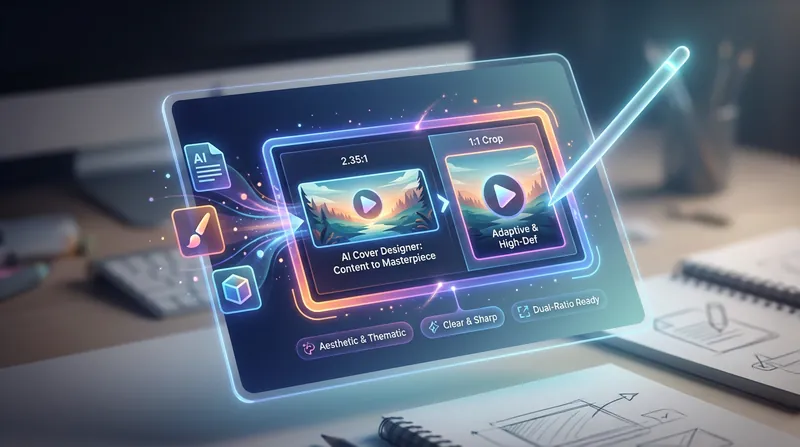
WeChat Cover - Credit Saver
Create WeChat Official Account covers like a professional designer. Precisely match your article topic with high-definition, multi-ratio cropping to easily capture readers' attention.
Doodle-Style WeChat Cover
This skill is designed to create a 21:9 ratio cover image for WeChat Official Account articles, especially suitable for creators who need to make professional and eye-catching covers for tutorial or industry analysis articles.
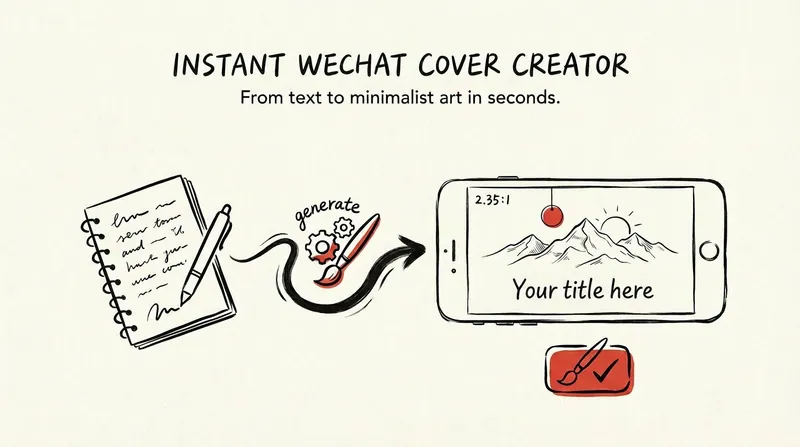
WeChat Cover | Envision Cover
Deeply understand the theme, mood, and imagery of the entire article, conceive two completely different minimalist visual scenes, integrate the article title into the image with striking visual typography, and generate two hand-drawn ink sketch style cover images for the official account for selection. Suitable for long-form article covers such as WeChat Official Account posts, newsletters, etc.
🦞OpenClaw Social Cover
Instructions
Following the style of the reference image, draw a cover image with a 5:2 aspect ratio, placing the lobster logo primarily in the right quarter of the image.
Keep the lobster logo as the main image, with the text occupying 3/4 of the screen.
If the user does not provide text, the title will be generated after the user provides a text title.
Description
Recommended by
nene@YouMind
Why we love this skill
Designed for OpenClaw topics, it generates precise 5:2 Twitter and WeChat cover images with the lobster logo on the right and ample space for clear, eye-catching text.
Created specifically for OpenClaw tutorials
Related Skills
View allWeChat Cover - Credit Saver
Create WeChat Official Account covers like a professional designer. Precisely match your article topic with high-definition, multi-ratio cropping to easily capture readers' attention.
Doodle-Style WeChat Cover
This skill is designed to create a 21:9 ratio cover image for WeChat Official Account articles, especially suitable for creators who need to make professional and eye-catching covers for tutorial or industry analysis articles.
WeChat Cover | Envision Cover
Deeply understand the theme, mood, and imagery of the entire article, conceive two completely different minimalist visual scenes, integrate the article title into the image with striking visual typography, and generate two hand-drawn ink sketch style cover images for the official account for selection. Suitable for long-form article covers such as WeChat Official Account posts, newsletters, etc.
Find your next favorite skill
Explore more curated AI skills for research, creation, and everyday work.