
WeChat Cover - Credit Saver
WeChat Cover - Credit Saver
Showcase
Description
Create WeChat Official Account covers like a professional designer. Precisely match your article topic with high-definition, multi-ratio cropping to easily capture readers' attention.
Related Skills
View all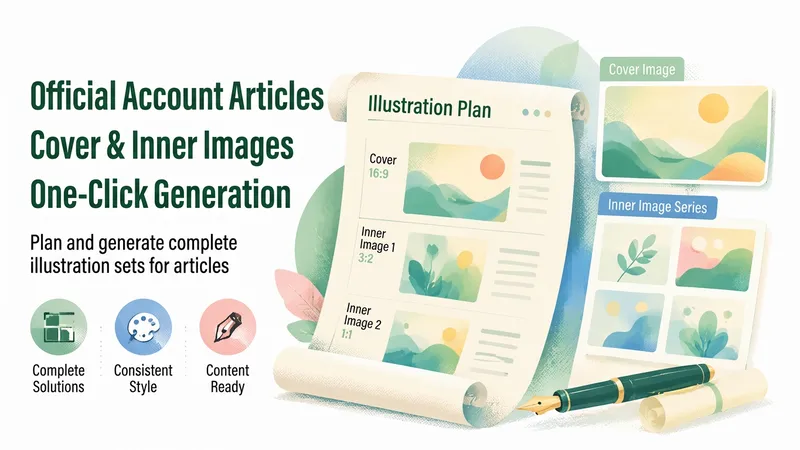
WeChat Article Visuals
Enter an article to automatically generate a complete visual plan for its WeChat Official Account cover and in-article images. Each image includes its aspect ratio and dimensions, visual description, and on-image copy, with consistent style anchors locked in for a cohesive set of visuals.
Auto-Style WeChat Cover Image✨
Based on the article content you provide, it automatically analyzes the core points, intelligently matches a visual style (8 options), and generates a professional WeChat cover image in one step. It calls image generation only once, maximizing credit savings. Supported styles: Business Minimal / Flat Illustration / Gradient Tech / Magazine Editorial / Natural Fresh / Dynamic Impact / Data Visualization / China-Chic Hand-drawn Tech/AI/Digitalization → Gradient Tech Hot topics/Urgent/Controversial → Dynamic Impact Large data/Trends → Data Visualization Traditional culture/Festivals → China-Chic Hand-drawn Policy/Industry/Professional reports → Business Minimal In-depth articles/People/Opinions → Magazine Editorial Methodology/Tutorials/Lifestyle → Flat Illustration Health/Environment/Slow living → Natural Fresh Use cases: WeChat official account operations, self-media creation, content illustration, brand promotion
 Image
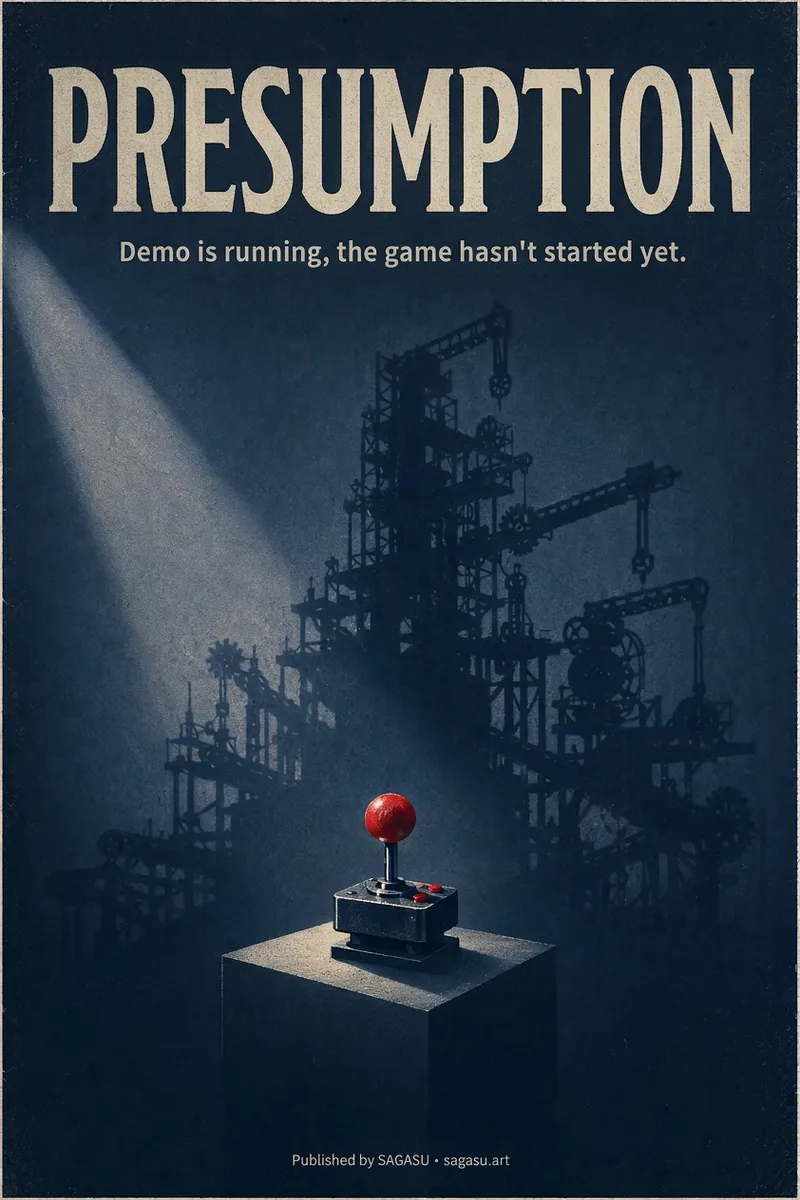
ImageCinematic Cover Studio v2.0
You wrote an article with a strong point, but can only pair it with a randomly chosen image? Cinematic Cover Studio turns your article’s central idea into a cinematic poster-style cover: the image catches attention in the feed at first glance, and viewers understand what it says at second glance—so they stop and click. Just paste in an article link or describe the topic in one or two sentences. It will understand the content, identify the most compelling tension in the article, turn it into a metaphorical scene with a single main subject, then match it with the right design style, composition, and colors to deliver a finished poster. You’ll get: - A ready-to-use cover with the title and subtitle already placed in the design. Chinese articles use Chinese titles with accurate, legible text. - Platform-ready aspect ratios: 2:3 portrait by default for movie posters; 3:4 for Xiaohongshu and Instagram; 9:16 for Stories; and 16:9 for WeChat Official Accounts, Bilibili, YouTube, and blog headers, with space reserved for the title. - Five design styles to choose from or match automatically: minimalist symbolism, illustrative storytelling, surreal metaphor, Eastern atmosphere, and commercial blockbuster. - No need to answer repeated questions: when there’s enough information, it generates the image directly. By default, it creates one image at a time so you don’t waste credits. - When you want to compare options, say “give me a few more versions” to see different directions, such as literal, metaphorical, and minimalist. If it feels too dark or too cool, or you want to change the style or colors, adjust the current image with a single sentence. Ideal for creators writing for WeChat Official Accounts, blogs, newsletters, Xiaohongshu, and X, as well as anyone who needs a key visual for opinion-based content, product introductions, or events.
Information
- Version
- v1
- Last updated
- Runtime credits
- Usage-based
- Models
- Nano Banana Pro
