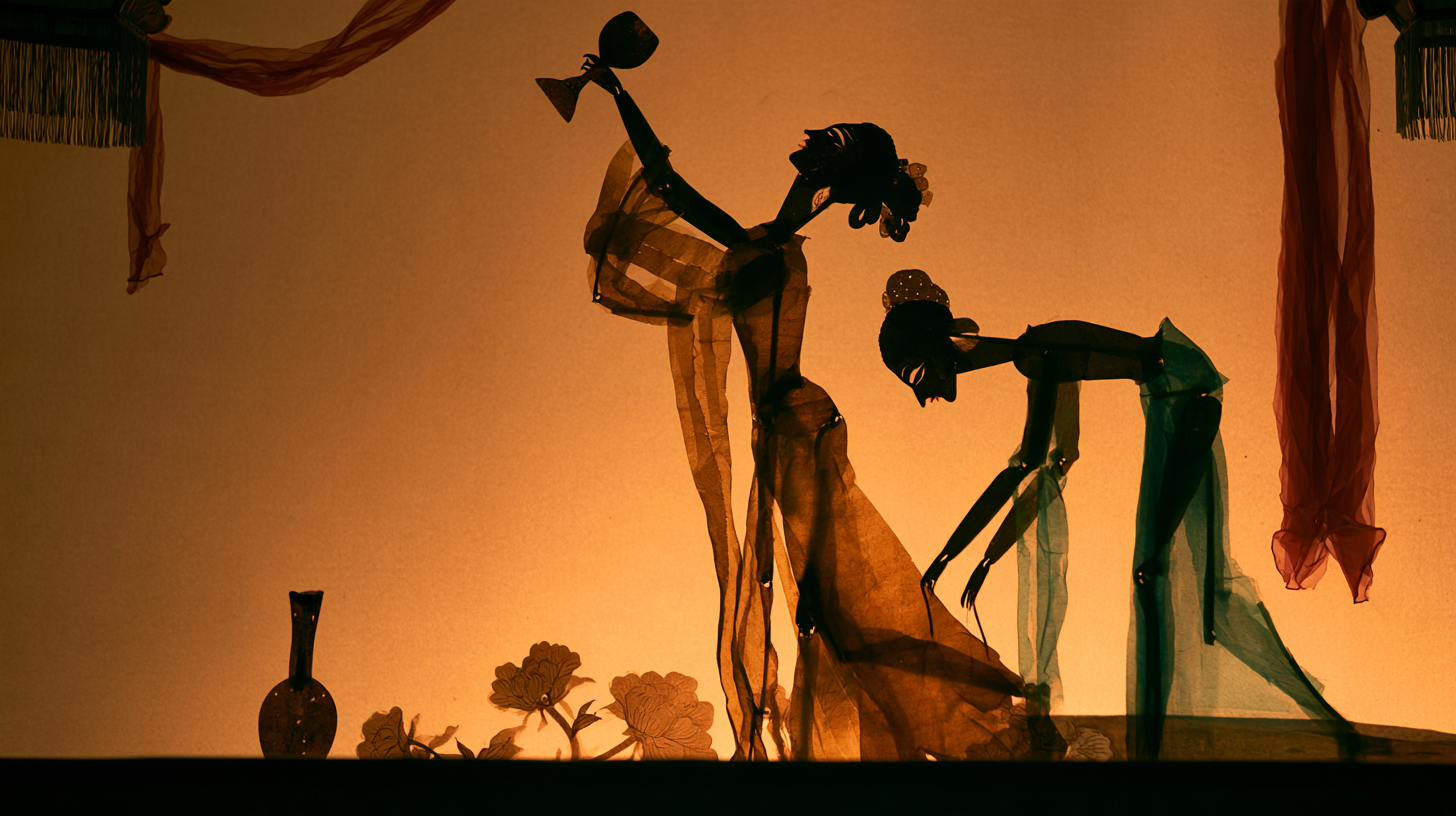
Traditional Shadow Puppetry
Turn ideas or images into scene prompts
Traditional Shadow Puppetry
Turn ideas or images into scene prompts
Showcase
Description
Turn a one-sentence idea or reference image into standalone visual rules for translucent-color, carved side-silhouette shadow puppetry, along with Chinese ImageGen and English Midjourney V8.2 prompts. Use it to create consistent scenes, characters, and environments with warm amber screen light and red-green translucent leather cutouts forming a theatrical color palette, as well as to correct consistency drift. Not intended for video, card layouts, or unauthorized automatic image generation.
Recommended by
Dancang
Why we love this skill
Transforms text or reference images into consistent shadow-puppet storyboards while preserving warm amber light, red-green leather pieces, side-profile silhouettes, and articulated cutouts.
Best for
For creators making single-image or series visual prompts in a traditional shadow-puppetry style.
How to use this Skill
Provide your input
Provide a scene description or reference image, and specify the subject, number of people, actions, proportions, and objects that must not change.
Run the Skill
Organize the input into scene compositions and visual prompts in a translucent-color, carved side-silhouette shadow-play style, keeping materials, lighting, colors, and spatial logic consistent across the series.
Review your result
Receive Chinese ImageGen prompts, English Midjourney V8.2 prompts, and composition notes. Images are not generated directly.
Related Skills
View all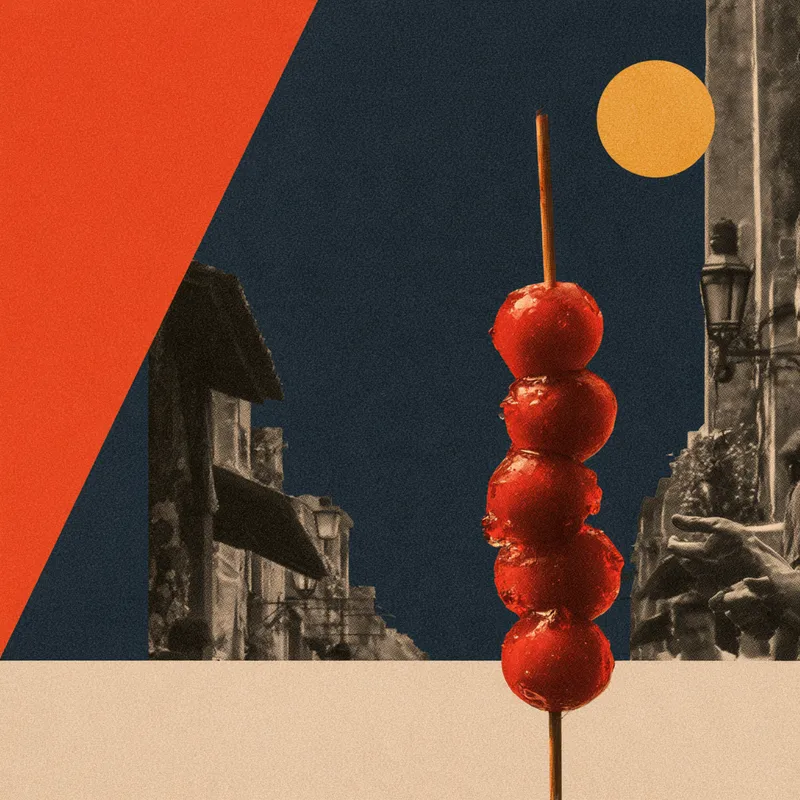 Image
ImageNew Chinese Paper Collage
Turn a sentence or reference image into an original visual system for contemporary Chinese collage, cutout photography, and contrasting color planes, along with ImageGen prompts in Chinese and Midjourney V8.2 prompts in English. Designed for collisions between deep blue, vivid orange, lemon-yellow color blocks and black-and-white photographic slices, plus same-style character and environment image sets and drift correction.
 Image
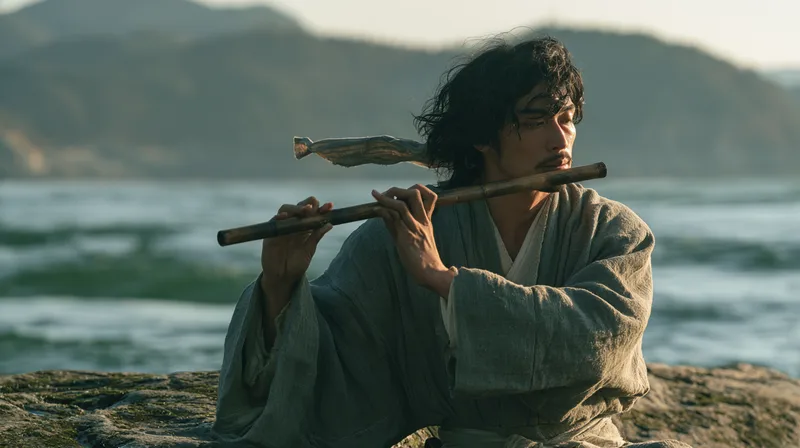
ImageHong Kong Retro Wuxia
Turn a scene idea or reference image into Hong Kong-style retro wuxia live-action film still prompts, outputting English prompts for Midjourney V8.2 and native Chinese prompts for ImageGen. Use it for jianghu drama styles, red-umbrella and bamboo-hat heroes, character close-ups, horseback chases, two-person duels, cool-and-warm lighting, and retro wuxia image series, as well as fixing generation drift. It is distinct from lonely landscapes with tiny figures, Shaw Brothers studio sets, xianxia effects, and modern period-costume portraits; introduce those directions only when requested. It is not for video camera movement or prompt-card layout; when image generation is not requested, write prompts only.
 Image
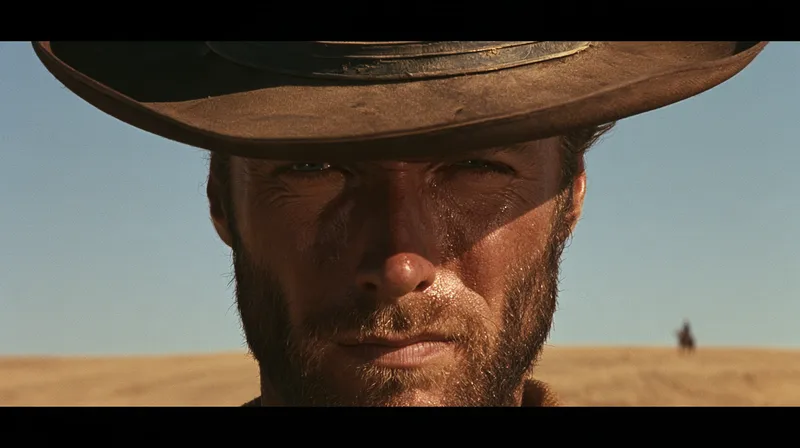
ImageSun-Baked Western Style
Turn a one-line scene description or reference image into Chinese and English still-image prompts with a Leone-style, sun-baked Western atmosphere. Preserve the original character relationships, spatial positions, and period setting while enhancing close-up pressure, distant scale references, and deep horizontal space. This works for stylized transfers of character close-ups, two-person interactions, wide environments, and scenes without people, and can also target specific corrections when the image drifts from the intended direction. The image centers on hard sunlight cut by hat brims or solid edges, using tobacco brown, ochre yellow, and restrained faded blue to create a hot, layered color relationship. It also incorporates weighty materials such as cotton cloth, worn leather, limewashed walls, and wooden rails. Characters are not simply stretched into distorted close-up faces; when no people are present, the same visual tension comes from placing a foreground subject against distant buildings or small objects. You will receive complete prompts for native Chinese ImageGen and English Midjourney. They can be used to generate separate images at a specified aspect ratio and quantity, or to plan fixed elements and variations for a series. This Skill focuses on writing still-image prompts: it does not automatically add gunfights, cigarettes, or violent props, and it does not mistake text prompts for actual image results.
Information
- Version
- v2
- Last updated
- Runtime credits
- Usage-based
- Models
- Auto
- Use cases
- Images & design
- What you get
- Prompt
