White Board Sketch
Featured by
nene@YouMind.AI
Why we love this skill
Transform complex text into clear, hand-drawn whiteboard diagrams with authentic textures and realistic glare. This skill excels at visually summarizing key messages, using multiple marker colors and framed concepts to enhance understanding. Perfect for presentations, brainstorming, or quickly grasping core ideas in a visually engaging format.
Instructions
Summary the key message of the selected text, and turn it into a simple whiteboard-style diagram.
Points
- keep the real texture of a whiteboard, the glare, the surface, make it looks like the real writing on real whiteboard.
- show the frame of the whiteboard, so people would think it as realistic
- keep the room light clean and light, make sure the white board is clean
- Place the main concept in the center
- Use arrows to show flow or relationships
- Enclose important parts in frames
- Keep explanations short, just the key points
- you can add more marker colors than just black. Like red, yellow, green to emphasize the massage.
- make the writing looks like the real hand-write, keep the authentic marker texture.
- make sure spelling and writing correct. no typos.
- always keep the size in 4:3
- if the target text is Chinese, then output is Chinese. If the target text is English, then make the out English as well.
Make it a clean
Description
Make any text look like it was handwritten on a whiteboard in a live-action style.
Related Skills
View all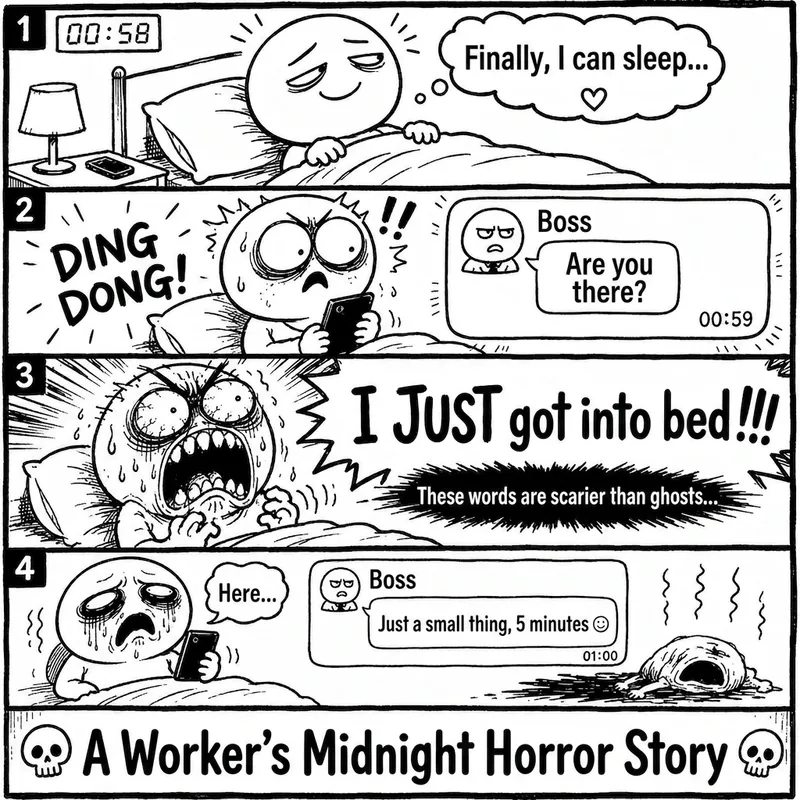 Image
ImageRage Comic Style Image
"One-Page Rage Comic Machine" is a Skill specifically designed to generate Chinese roast comic images. You just need to input a situation, an emotion, a meme, or a phrase like "Today's me", and it will automatically expand into a complete one-page black-and-white rage comic style image. Default generation effects include: - Black-and-white line art - Exaggerated expressions - Big-headed, small-bodied comic characters - Speech bubbles and large-text roast lines - Single-panel large image or 2-4 panel short comic - Clear punchline or final zinger - Suitable for social media posting and meme sharing It is especially well-suited for high-resonance topics such as office worker rants, student meltdowns, social awkwardness, couple daily life, diet failures, waking up late, client revision requests, boss meetings, etc. The Skill does not directly copy existing rage comic pages or specific well-known meme images, but instead generates original one-page online roast comics that provide a reading experience similar to Chinese rage comics.
 Image
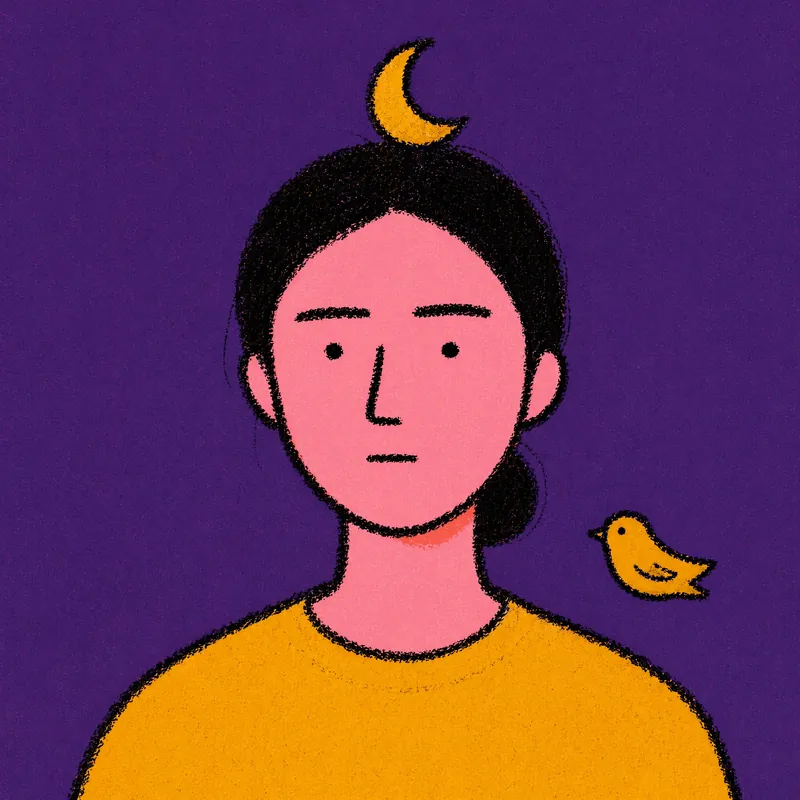
ImageRiso Portrait
Users upload one photo, get 2 Riso Grain Indie style abstract portraits with randomized surreal head elements, referencing the user's face type and hairstyle.
 Image
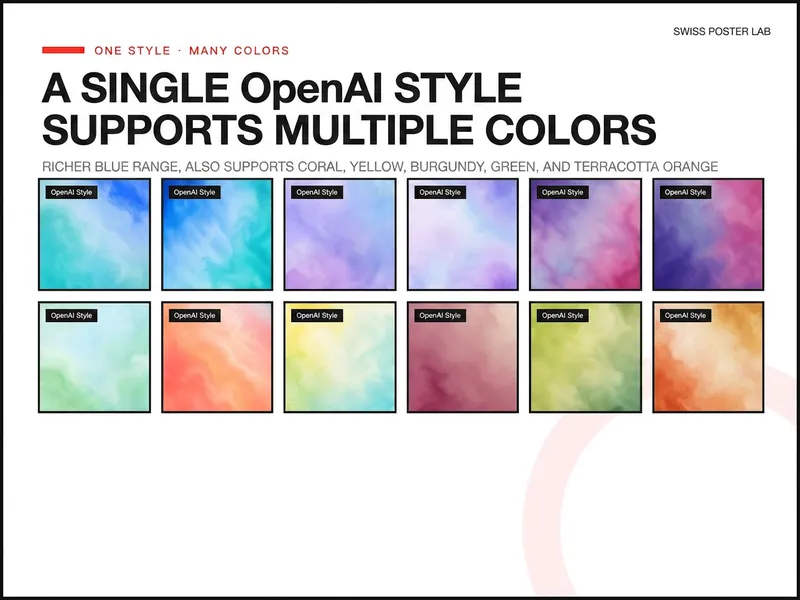
ImageOpenAI Style Promo Poster
Generate highly polished posters and visual covers suitable for publishing, promotion, covers, and SaaS Hero use based on your product, event, or collaboration theme. Supports 8 styles including soft focus color field, real materials, natural scenes, warm color dynamics, fruit macro, and high-speed light beams, and retains uploaded logos, screenshots, and precise copy, lowering the design barrier from idea to final draft.
White Board Sketch
Featured by
nene@YouMind.AI
Why we love this skill
Transform complex text into clear, hand-drawn whiteboard diagrams with authentic textures and realistic glare. This skill excels at visually summarizing key messages, using multiple marker colors and framed concepts to enhance understanding. Perfect for presentations, brainstorming, or quickly grasping core ideas in a visually engaging format.
Instructions
Summary the key message of the selected text, and turn it into a simple whiteboard-style diagram.
Points
- keep the real texture of a whiteboard, the glare, the surface, make it looks like the real writing on real whiteboard.
- show the frame of the whiteboard, so people would think it as realistic
- keep the room light clean and light, make sure the white board is clean
- Place the main concept in the center
- Use arrows to show flow or relationships
- Enclose important parts in frames
- Keep explanations short, just the key points
- you can add more marker colors than just black. Like red, yellow, green to emphasize the massage.
- make the writing looks like the real hand-write, keep the authentic marker texture.
- make sure spelling and writing correct. no typos.
- always keep the size in 4:3
- if the target text is Chinese, then output is Chinese. If the target text is English, then make the out English as well.
Make it a clean
Description
Make any text look like it was handwritten on a whiteboard in a live-action style.
Related Skills
View allImageRage Comic Style Image
"One-Page Rage Comic Machine" is a Skill specifically designed to generate Chinese roast comic images. You just need to input a situation, an emotion, a meme, or a phrase like "Today's me", and it will automatically expand into a complete one-page black-and-white rage comic style image. Default generation effects include: - Black-and-white line art - Exaggerated expressions - Big-headed, small-bodied comic characters - Speech bubbles and large-text roast lines - Single-panel large image or 2-4 panel short comic - Clear punchline or final zinger - Suitable for social media posting and meme sharing It is especially well-suited for high-resonance topics such as office worker rants, student meltdowns, social awkwardness, couple daily life, diet failures, waking up late, client revision requests, boss meetings, etc. The Skill does not directly copy existing rage comic pages or specific well-known meme images, but instead generates original one-page online roast comics that provide a reading experience similar to Chinese rage comics.
ImageRiso Portrait
Users upload one photo, get 2 Riso Grain Indie style abstract portraits with randomized surreal head elements, referencing the user's face type and hairstyle.
ImageOpenAI Style Promo Poster
Generate highly polished posters and visual covers suitable for publishing, promotion, covers, and SaaS Hero use based on your product, event, or collaboration theme. Supports 8 styles including soft focus color field, real materials, natural scenes, warm color dynamics, fruit macro, and high-speed light beams, and retains uploaded logos, screenshots, and precise copy, lowering the design barrier from idea to final draft.
Find your next favorite skill
Explore more curated AI skills for research, creation, and everyday work.