


Create high-quality slides in a few sentences
Create PPT decks with GPT Image 2, then export narrated videos with subtitles in one click


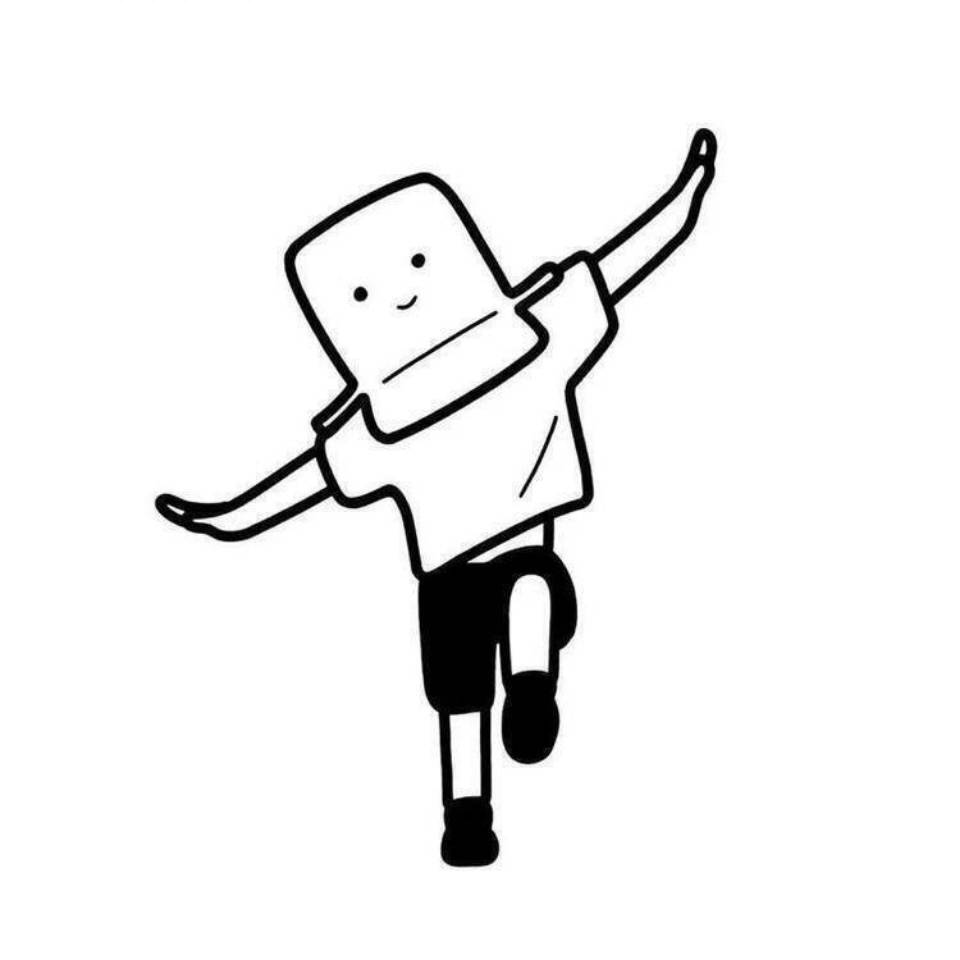
Virtual Avatar Style Guide
One of the hardest parts of creating a virtual avatar is this: the first image looks great, but the second looks like a different person, making it impossible to build a series. The 【Virtual Avatar Style Guide】 is designed to solve that problem. It first defines four "repeatable identifying features" (a hairstyle anchor, facial anchor, clothing anchor, and prop anchor), then creates a **fixed consistency description block**—with eleven elements written in a set order (perceived age, face shape, eyes, eyebrows, nose and mouth, skin texture, hairstyle and hair color, clothing, props, color tone, lighting and art style). Copy it exactly each time and change only the sentence describing the scene and action, so five images placed together look like the same person. It also provides five first-image concepts to test consistency, a color palette (60/30/10), and avatar usage guidelines (keep the anchors unchanged; only change the clothing and scene). Strict rules: the avatar must be completely original; it must not resemble any existing cartoon, anime, game, or film character, or any real person; no face swapping; reference images may be used only to extract color palette and overall feel; no minors; no revealing or sexualized designs; and no plans intended to impersonate a real person. Suitable for people who want to build a virtual IP, avoid showing their face, or create a series-based illustration account.


Common Questions
Ready to create with
GPT Image 2?
Experience GPT Image 2's Pixel-Perfect Text & Commercial-Ready Quality
LET YOUR IMAGINATION SOAR